
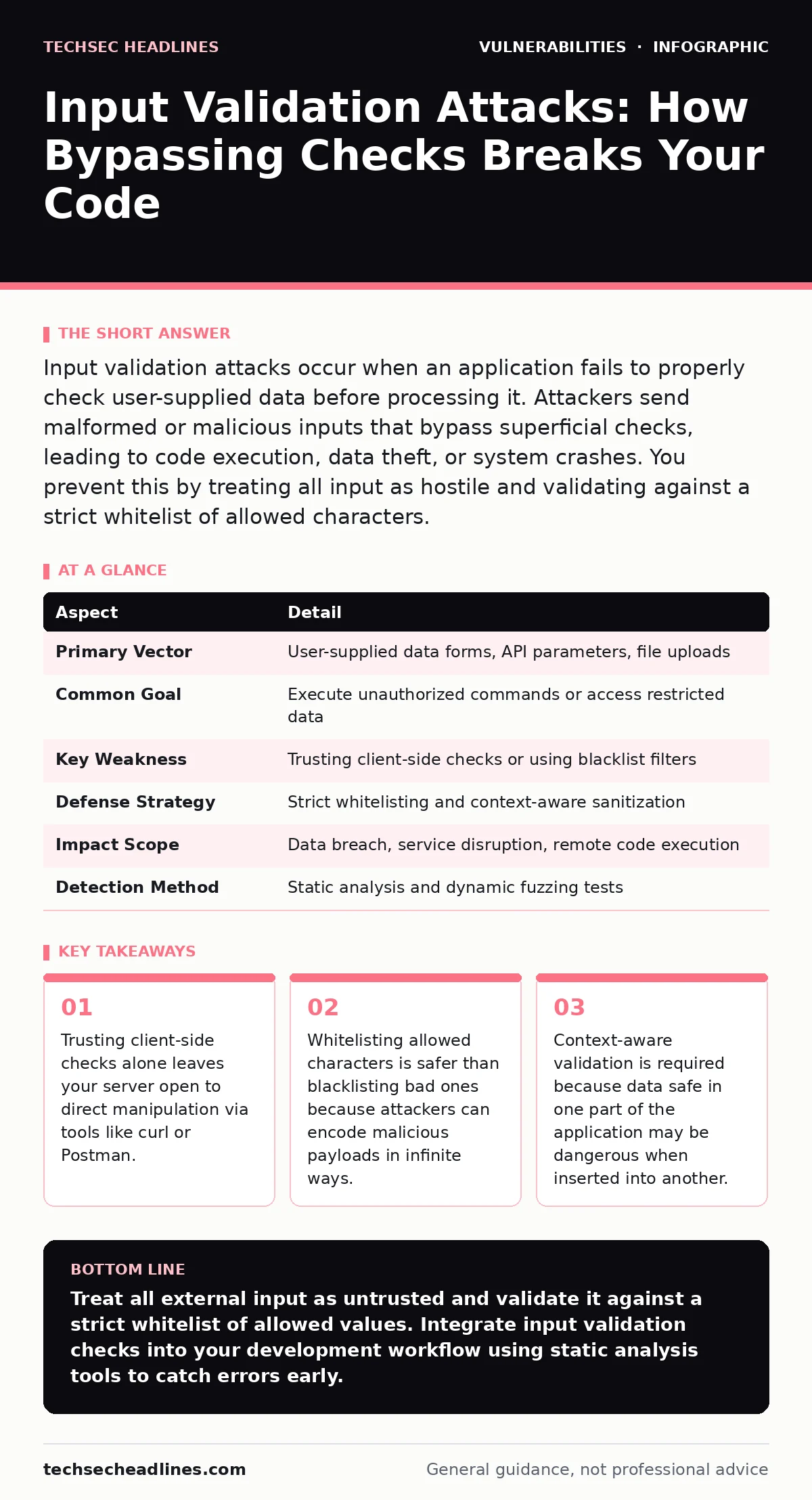
Input validation attacks occur when an application fails to properly check user-supplied data before processing it. Attackers send malformed or malicious inputs that bypass superficial checks, leading to code execution, data theft, or system crashes. You prevent this by treating all input as hostile and validating against a strict whitelist of allowed characters.
The Gatekeeper Analogy
Imagine a nightclub with a strict dress code. The bouncer at the door checks for suits and ties. That is client-side validation. It keeps out casual wear, but it does not stop someone from hiding a weapon inside their jacket. The bouncer sees the suit and lets them in. Once inside, the weapon causes chaos. The server is the room. The input is the guest. If you only check the appearance at the door, you miss the threat hidden inside.
Input validation is the process of ensuring that data entering your system matches expected formats, types, and ranges. It is the first line of defense against many common web vulnerabilities. When validation fails, attackers can inject commands, crash services, or steal sensitive information. This is the core mechanism behind input validation attacks.
What Are Input Validation Attacks?
Input validation attacks exploit the gap between what a user sees and what the server processes. Many developers assume that if a browser prevents a user from entering bad data, the server is safe. This assumption is false. Attackers use tools to send requests directly to your server, bypassing the browser entirely.
These attacks work by sending data that appears valid to simple filters but contains malicious instructions. For example, a field expecting a number might accept a string that looks like a number but executes code when the database processes it. The attack succeeds because the application trusts the input too much. It processes the data without verifying its intent or structure deeply enough.
| Aspect | Detail |
|---|---|
| Primary Vector | User-supplied data forms, API parameters, file uploads |
| Common Goal | Execute unauthorized commands or access restricted data |
| Key Weakness | Trusting client-side checks or using blacklist filters |
| Defense Strategy | Strict whitelisting and context-aware sanitization |
| Impact Scope | Data breach, service disruption, remote code execution |
| Detection Method | Static analysis and dynamic fuzzing tests |
How Bypassing Checks Works
Attackers do not need to break encryption to cause damage. They simply need to find a rule that is poorly defined. Suppose your application expects a username to be letters only. A naive filter removes special characters. An attacker sends a username with Unicode characters that look like letters but are interpreted as control codes by the backend. The filter sees letters and passes the data. The backend crashes or executes the hidden command.
This happens because many developers use blacklist filtering. They try to identify every possible bad character and remove it. This is impossible. There are thousands of encoding schemes. If your filter only checks for the literal slash, it misses the encoded version. The data passes through, and the attack succeeds.
Who Suffers From Poor Validation
Any application that accepts external data is vulnerable. This includes web forms, API endpoints, and file upload handlers. It affects startups using rapid development cycles just as much as large enterprises with legacy code. The severity depends on what the input controls.
If the input controls a database query, you face injection risks. If it controls a file path, you face directory traversal. If it controls a command line, you face remote code execution. The impact is not limited to direct users. Third-party integrations that send data to your API can also be weaponized. Your application becomes the entry point for attacks against your partners or customers.
What People Usually Get Wrong
Many teams believe that using a modern framework protects them from input validation attacks. Frameworks provide tools, but they do not enforce correct usage. If you mark a parameter as a string, the framework accepts any string. You must define what makes that string valid.
Another common mistake is validating only at the entry point. Data often moves through multiple layers. It might be validated when it enters the API, but then passed to a database without re-checking. If the database expects a different format, the data can be misinterpreted. This is where context matters. Data safe in one context may be dangerous in another.
See also: Website Defacement: Why It Happens and How to Stop It · Detect TOCTOU Bugs: Logs, Tools, and Hidden Blind Spots
Implementing Strict Whitelisting
The most effective defense is whitelisting. Instead of asking "what should I block?", ask "what should I allow?". If a field expects a US state code, only allow the 50 valid two-letter codes. If it expects a number, only allow digits. This approach is exhaustive. If the input does not match the allowed list, it is rejected immediately.
This method eliminates the possibility of encoded bypasses. There is no way to encode "CA" into something else that still looks like a valid state code. The check is simple and deterministic. It also reduces the attack surface. By limiting the possible inputs, you reduce the number of scenarios an attacker can exploit.
Whitelisting requires careful design. You must define the exact format, length, and character set for every input field. This adds upfront effort but prevents costly breaches later. It is better to reject a valid user with a typo than to accept an attacker with a payload.
Integrating Validation Into Your Workflow
Input validation is not a one-time task. It must be part of your development lifecycle. Start with threat modeling to identify where external data enters your system. Map each entry point to its expected data type and format. Then, implement validation at those points.
Use static application security testing (SAST) tools to find missing validations in your code. These tools scan your source code for patterns that indicate weak input handling. They can flag places where you accept user input without checking it. This helps you catch errors before they reach production.
Regularly review your validation rules. As your application grows, new features may introduce new input vectors. Each new feature requires new validation rules. Failing to update these rules creates security technical debt. This debt accumulates and makes your system more fragile over time.
Beyond Basic Validation
Validation is necessary but not sufficient. You must also sanitize data before storing or displaying it. Sanitization removes or escapes characters that could be interpreted as code. This is different from validation. Validation checks if the data is correct. Sanitization makes the data safe to use.
For example, a username might be validated to contain only letters and numbers. Before storing it, you must sanitize it to ensure it does not contain sequences that could break your database. Even with strict validation, edge cases exist. Unicode normalization can turn two characters into one, potentially bypassing length checks. Always normalize data before validating it.
Consider the interaction between different components. If you use LDAP for authentication, be aware of LDAP injection risks. If you use a CMS like WordPress, understand WordPress plugin vulnerabilities that arise from poor input handling in third-party code. Each component has its own rules and risks.
Final Thoughts on Defense
Input validation is a foundational security practice. It requires discipline and attention to detail. You cannot automate it away. You must understand your data and your application's context. By implementing strict whitelisting and integrating validation into your workflow, you significantly reduce your risk.
Remember that no single measure provides complete protection. Input validation works best when combined with other security controls. Use parameterized queries for database access. Use output encoding for display. Monitor your logs for unusual input patterns. Security is a layered process. Each layer adds resilience against sophisticated attacks.
Key takeaways
- Trusting client-side checks alone leaves your server open to direct manipulation via tools like curl or Postman.
- Whitelisting allowed characters is safer than blacklisting bad ones because attackers can encode malicious payloads in infinite ways.
- Context-aware validation is required because data safe in one part of the application may be dangerous when inserted into another.
Treat all external input as untrusted and validate it against a strict whitelist of allowed values. Integrate input validation checks into your development workflow using static analysis tools to catch errors early.
Frequently asked questions
Does client-side validation protect against input validation attacks?
No, client-side validation can be bypassed by sending requests directly to the server. Always validate input on the server side as well.
Is blacklisting bad characters a valid strategy?
Blacklisting is risky because attackers can use encoding tricks to bypass filters. Whitelisting allowed characters is much safer and more reliable.
How do I handle file uploads securely?
Validate the file extension, content type, and size. Rename the file upon storage to avoid executing malicious scripts. Store files outside the web root.
Can I rely on my web framework to handle validation?
Frameworks provide tools, but you must configure them correctly. Default settings may not be secure for your specific application needs.
How this guide was produced: written by the TechSec Headlines editorial team with AI assistance, checked against the public references listed below, and reviewed when the facts change. See our editorial policy or report an error.