
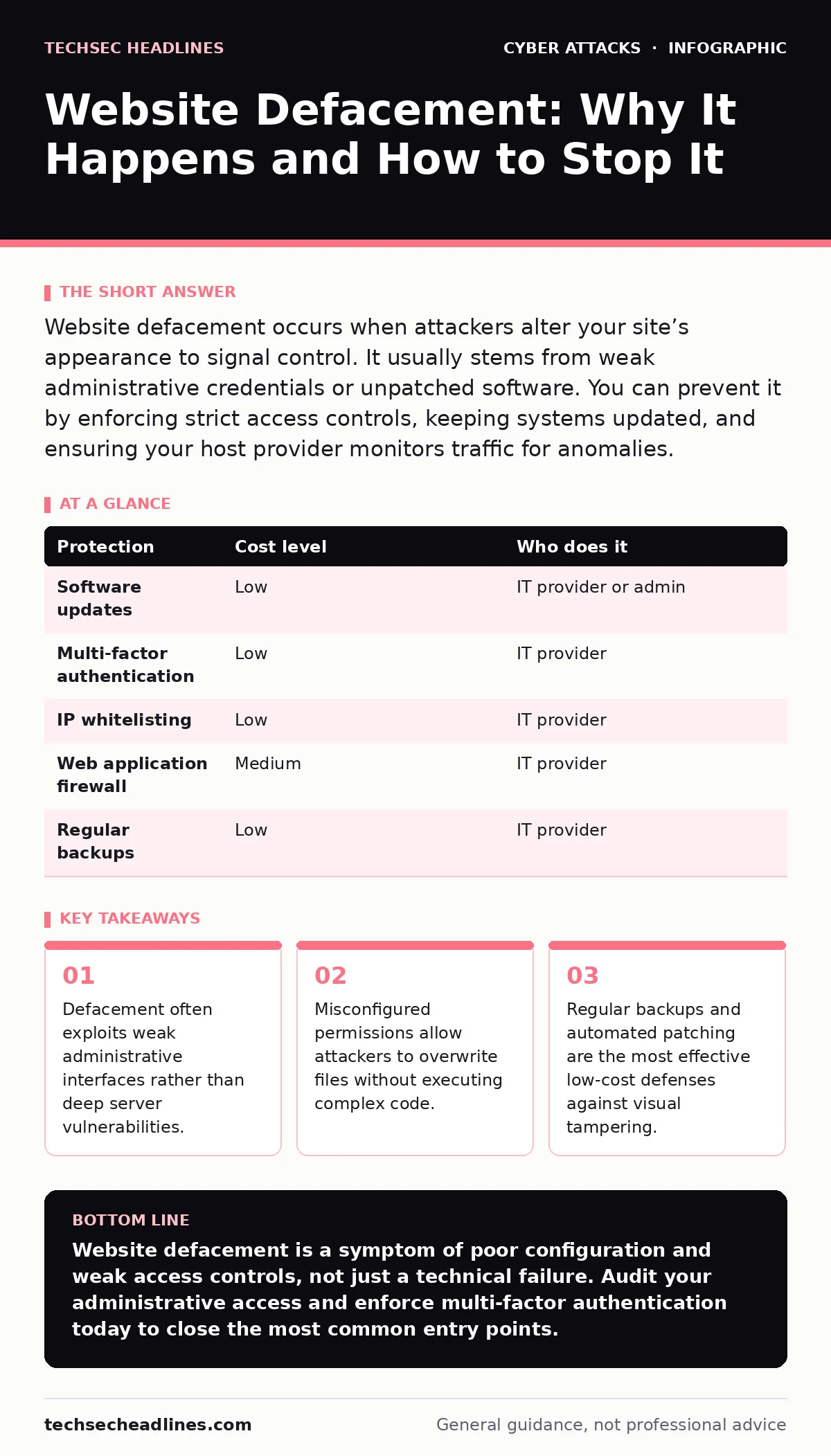
Website defacement occurs when attackers alter your site’s appearance to signal control. It usually stems from weak administrative credentials or unpatched software. You can prevent it by enforcing strict access controls, keeping systems updated, and ensuring your host provider monitors traffic for anomalies.
The Visible Cost of Invisible Mistakes
Website defacement is not just a cosmetic issue. It signals to customers and partners that your organization lacks basic security hygiene. When a visitor sees a defaced page, trust evaporates immediately. This loss of credibility can take years to rebuild, far longer than the time it took the attacker to change the HTML.
For small organizations, the damage is often disproportionate to their size. You may not have the budget for a dedicated security operations center. You rely on the perception of stability to win contracts. A defaced homepage undermines that perception instantly. It suggests that if you cannot protect your front door, you cannot protect customer data.
Attackers rarely deface sites for financial gain directly. They do it for notoriity or to demonstrate capability. This means the attack is often automated or low-effort. They scan for known weak points. If your site has a known vulnerability, scripts will try to exploit it. The goal is to find the path of least resistance.
Why Small Organizations Are Exposed
Small businesses often assume they are too small to be targeted. This assumption is dangerous. Automated tools scan the entire internet for vulnerable systems. They do not care about your revenue or employee count. They care about whether your software is outdated or your configuration is open.
One common exposure is the use of default credentials. Many web applications come with standard usernames and passwords. If you do not change these, an attacker can log in immediately. This is not a sophisticated hack. It is a failure to complete basic setup steps. Another exposure is leaving administrative interfaces accessible to the public internet. If your login page is open to any IP address, it becomes a target for brute-force attempts.
Misconfigured file permissions are another hidden risk. Web servers need specific permissions to serve files. If permissions are too loose, an attacker who uploads a file can overwrite critical system files. This allows them to change the content of your site without needing to execute code on the server. It is a simple error with a visible consequence.
The Mechanics of a Defacement Attack
Defacement typically involves two steps: gaining access and modifying content. The access method varies. It might be a stolen password, a vulnerability in a plugin, or a misconfigured server. The modification method is usually simpler. Attackers look for writable directories.
Once inside, they replace index files or header files. The index file is the default page that loads when someone visits your domain. Header files control the look and feel of every page. Changing these allows an attacker to alter the entire site’s appearance with a single file upload. This is why defacement spreads so quickly across a site.
Some attackers use cross-site scripting to inject malicious code that alters the view for specific users. This is less common for full defacement but still disruptive. It requires the attacker to trick a user into executing script. This is why input validation is critical. If your site accepts user input without checking it, you open the door to injection attacks.
Low-Cost Protections That Actually Work
You do not need expensive hardware to prevent defacement. Many protections are configuration changes. The first step is to keep your software updated. This includes your operating system, web server software, and any content management system plugins. Updates often contain patches for known vulnerabilities.
Second, enforce strong authentication. Require complex passwords and enable multi-factor authentication for all administrative accounts. This adds a layer of security even if a password is stolen. For more on how attackers try to bypass this, see our guide on MFA fatigue attacks. Understanding how they pressure users helps you set up better alerts.
Third, restrict access to administrative panels. Use IP whitelisting to allow only your office or trusted IPs to access the login page. This blocks the majority of automated scans. If you must allow public access, use a web application firewall. This tool filters out common attack patterns before they reach your server.
| Protection | Cost level | Who does it |
|---|---|---|
| Software updates | Low | IT provider or admin |
| Multi-factor authentication | Low | IT provider |
| IP whitelisting | Low | IT provider |
| Web application firewall | Medium | IT provider |
| Regular backups | Low | IT provider |
What to Ask Your IT Provider
Your IT provider should be proactive, not reactive. Do not wait for a breach to ask about security. Ask specific questions about their processes. Do not accept vague answers like “we keep things secure.” Demand details.
- How do you monitor for unauthorized changes to website files?
- What is the process for applying security patches to web servers?
- Do you perform regular integrity checks on critical files?
- How do you restrict access to administrative interfaces?
- What is the recovery time objective for restoring a defaced site?
These questions reveal whether they have automated monitoring or rely on manual checks. Automated monitoring is faster and more reliable. It alerts you to changes in real-time. Manual checks might miss a defacement that happened overnight.
See also: Removing business data from people search sites to stop attacks · Security Technical Debt: How Small Teams Avoid Collapse
The Hidden Cost of Recovery
Recovering from defacement is more than just restoring files. You must investigate how the attacker got in. If you simply restore the backup and go back to business, the attacker will return. They likely left a backdoor. This is a hidden script or user account that allows them to regain access.
You need to audit logs to find the entry point. Then you must close that gap. This might mean changing passwords, updating software, or reconfiguring permissions. This process takes time and expertise. Downtime during this process costs money. Every minute your site is offline or compromised, you lose potential customers.
For small businesses, this downtime can be devastating. You may not have a secondary site to redirect traffic. You rely on your primary domain. This is why prevention is cheaper than cure. Spending a little on configuration now saves hours of work and lost revenue later.
Beyond the Front Page
Defacement is often the tip of the iceberg. If an attacker can change your homepage, they might be able to steal data. They could inject malware into your pages. This malware could infect your visitors. This turns your website into a weapon.
This is why security is not just about appearance. It is about integrity. You need to ensure that the content you serve is exactly what you intended. This requires ongoing monitoring and maintenance. It is not a one-time fix. Security is a continuous process.
Consider the broader ecosystem of your digital presence. Your email systems, your supply chain, and your remote workers are all connected. A weakness in one area can expose another. For instance, a compromised email account can lead to a compromised website. See our guide on secure email gateways for ways to protect that entry point.
Building a Culture of Security
Technology alone is not enough. You need people who understand the risks. Training your staff to recognize phishing attempts and follow security protocols is vital. See our guide on security awareness training for strategies that work.
Even a small team can make a big difference. If everyone understands that default passwords are dangerous, you reduce the risk. If everyone reports strange behavior, you catch issues early. Security is a shared responsibility.
Do not ignore the small details. A misconfigured permission, an unpatched plugin, a weak password. These small things add up. They create an easy path for attackers. By addressing them proactively, you protect your reputation and your business.
Key takeaways
- Defacement often exploits weak administrative interfaces rather than deep server vulnerabilities.
- Misconfigured permissions allow attackers to overwrite files without executing complex code.
- Regular backups and automated patching are the most effective low-cost defenses against visual tampering.
Website defacement is a symptom of poor configuration and weak access controls, not just a technical failure. Audit your administrative access and enforce multi-factor authentication today to close the most common entry points.
Frequently asked questions
Does website defacement always mean my data was stolen?
Not necessarily. Defacement is often a visibility stunt. However, if an attacker can modify your site, they likely have access that could be used to steal data. You should assume the worst and audit your logs.
How long does it take to recover from a defacement?
Recovery time depends on your backup strategy and investigation speed. With automated backups and clear logs, it can take hours. Without them, it can take days or weeks to fully secure the system.
Can I prevent defacement if I use a managed hosting provider?
Managed hosting helps, but it is not a silver bullet. The provider manages the server, but you often manage the application. You must still keep your software updated and use strong passwords.
What is the difference between defacement and a DDoS attack?
Defacement changes the content of your site. A DDoS attack overwhelms your server with traffic to make it unavailable. Both disrupt service, but defacement alters what users see, while DDoS prevents users from seeing anything.
How this guide was produced: written by the TechSec Headlines editorial team with AI assistance, checked against the public references listed below, and reviewed when the facts change. See our editorial policy or report an error.