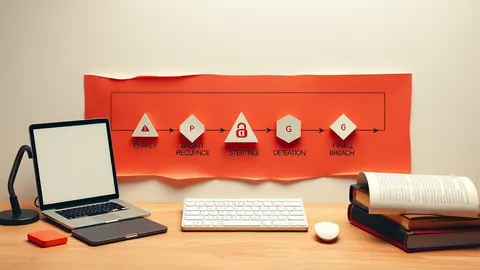
Threat modeling is the practice of identifying how a system might be attacked before you write code. You draw a map of data flow, find weak points, and add controls. This prevents expensive fixes later and clarifies what security means for your specific project.
The House Blueprint Analogy
Imagine you are designing a house. You would not build the walls, install the windows, and paint the rooms before deciding where the doors go. You would draw a blueprint first. You would ask where the front door sits and who can enter through it. You would consider if the basement has a window that leads to the street. This planning process is threat modeling. It is not about predicting the future with perfect accuracy. It is about asking the right questions before you commit resources.
In software, the blueprint is your architecture. The doors are your APIs and network interfaces. The windows are your configuration settings. If you skip this step, you might build a secure front door but leave the basement window open. An attacker does not need to break the front door. They just need to find the open window.
Defining the Boundaries
Every system has a boundary that separates trusted code from untrusted input. In our house analogy, this is the property line. You must define what is inside your home and what is outside. Inside, you control the environment. Outside, you assume anyone can try to enter or damage the structure.
Many beginners make the mistake of assuming the network is safe. It is not. You must treat every connection point as a potential entry for an attacker. This includes connections between your own microservices. Just because two servers are in the same data center does not mean they are trusted. This concept is central to cloud migration security, where boundaries become fluid and less obvious.
| Term | Plain meaning |
|---|---|
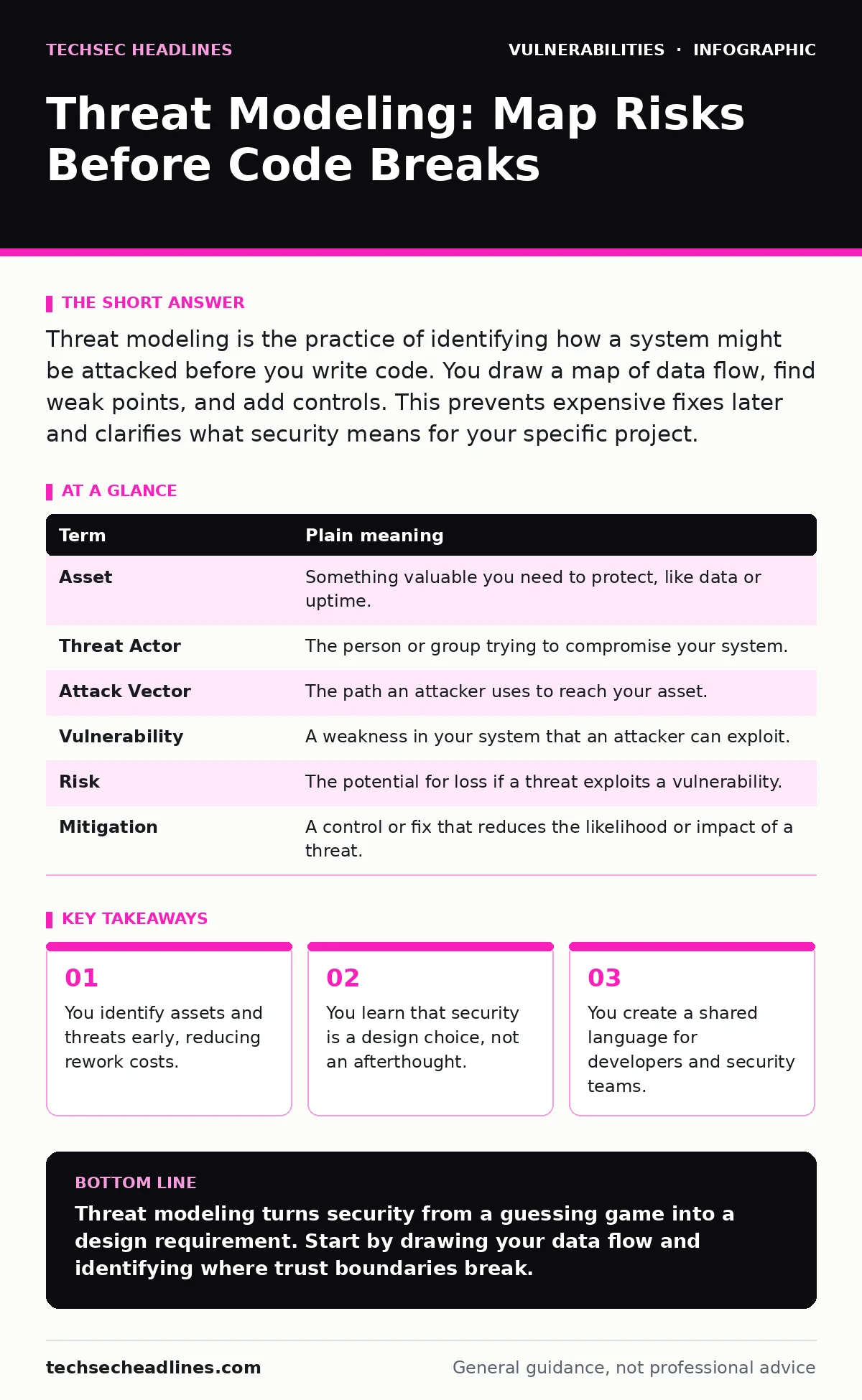
| Asset | Something valuable you need to protect, like data or uptime. |
| Threat Actor | The person or group trying to compromise your system. |
| Attack Vector | The path an attacker uses to reach your asset. |
| Vulnerability | A weakness in your system that an attacker can exploit. |
| Risk | The potential for loss if a threat exploits a vulnerability. |
| Mitigation | A control or fix that reduces the likelihood or impact of a threat. |
Mapping the Data Flow
You cannot protect what you cannot see. The first practical step is to draw a diagram of how data moves through your system. Start with the user. Where does their input go? Does it touch a database? Does it pass through a third-party service? Draw arrows for every movement of data.
This map reveals hidden dependencies. You might discover that your application sends sensitive data to a logging service you do not control. You might see that a public-facing API connects directly to your core database. These are your attack vectors. By visualizing the flow, you spot where data leaves your trusted boundary. This is similar to how you would trace pipes in a house to find where leaks might occur.
Identifying the Threats
Once you have the map, you list the threats. Do not guess. Use established frameworks like STRIDE or PASTA to ensure you cover common categories. Ask specific questions for each component. Can an attacker impersonate a user? Can they modify data in transit? Can they deny service to others?
Imagine your house has a smart lock. A threat is not just "someone breaks in." Specific threats include "someone copies the key code" or "someone jams the motor so the door cannot close." This specificity helps you choose the right mitigation. Vague threats lead to vague solutions. Specific threats lead to concrete controls like rate limiting or input validation. This process helps you understand the vulnerability lifecycle and where early detection saves time.
Choosing Your Defenses
Not all threats require the same response. You must weigh the cost of a fix against the risk it mitigates. Adding a complex encryption layer to a public blog post is wasteful. Adding it to a payment processor is necessary. This trade-off is the core of security engineering.
You should also consider that some controls have hidden costs. Strong authentication might reduce access for legitimate users. Complex firewalls might slow down performance. You must balance security with usability. This is where static application security testing (SAST) tools help, but they only find code issues, not design flaws. Threat modeling finds the design flaws that SAST cannot see.
See also: Implement Security Awareness Training Without the Burnout
Integrating with Development
Threat modeling does not replace testing. It complements it. You use the model to guide your testing strategy. If your model shows that file uploads are a high-risk area, you prioritize testing those endpoints. You do not waste time testing low-risk areas with the same intensity.
This approach makes automatic software updates more effective. When you update a library, you know which parts of your system rely on it. You can assess if the update introduces new risks. Without a model, you update blindly. With a model, you update with context. This reduces the chance of introducing firmware vulnerabilities or other low-level issues through poorly vetted dependencies.
Try This Now
- Draw a simple box-and-arrow diagram of your application. Include the user, the app, the database, and any external services.
- Identify one piece of sensitive data. Trace its path from creation to deletion.
- List three ways an attacker could intercept or alter that data during its journey.
Beyond the Basics
As you gain experience, you will find that threat modeling reveals architectural weaknesses. You might realize that your system relies on weak password policies because you did not design for multi-factor authentication. You might see that your use of WebSockets creates risks like cross-site WebSocket hijacking. These are not coding errors. They are design decisions.
You will also see how malware droppers and loaders exploit trust boundaries. If your model assumes all internal traffic is safe, you miss these threats. By challenging your assumptions, you build a more resilient system. This is the true value of threat modeling. It forces you to think like an attacker before they do.
Key takeaways
- You identify assets and threats early, reducing rework costs.
- You learn that security is a design choice, not an afterthought.
- You create a shared language for developers and security teams.
Threat modeling turns security from a guessing game into a design requirement. Start by drawing your data flow and identifying where trust boundaries break.
Frequently asked questions
Do I need a security expert to do threat modeling?
No. Developers can and should do it. Security experts provide guidance, but the developers know the system best.
How often should I update my threat model?
Update it whenever the architecture changes significantly. Major feature additions or infrastructure shifts require a review.
Is threat modeling different from risk assessment?
Threat modeling focuses on technical threats to a specific system. Risk assessment looks at business impact and likelihood across the organization.
Can I use threat modeling for legacy systems?
Yes. It helps you understand the current state and prioritize remediation efforts based on actual risk.
How this guide was produced: written by the TechSec Headlines editorial team with AI assistance, checked against the public references listed below, and reviewed when the facts change. See our editorial policy or report an error.