
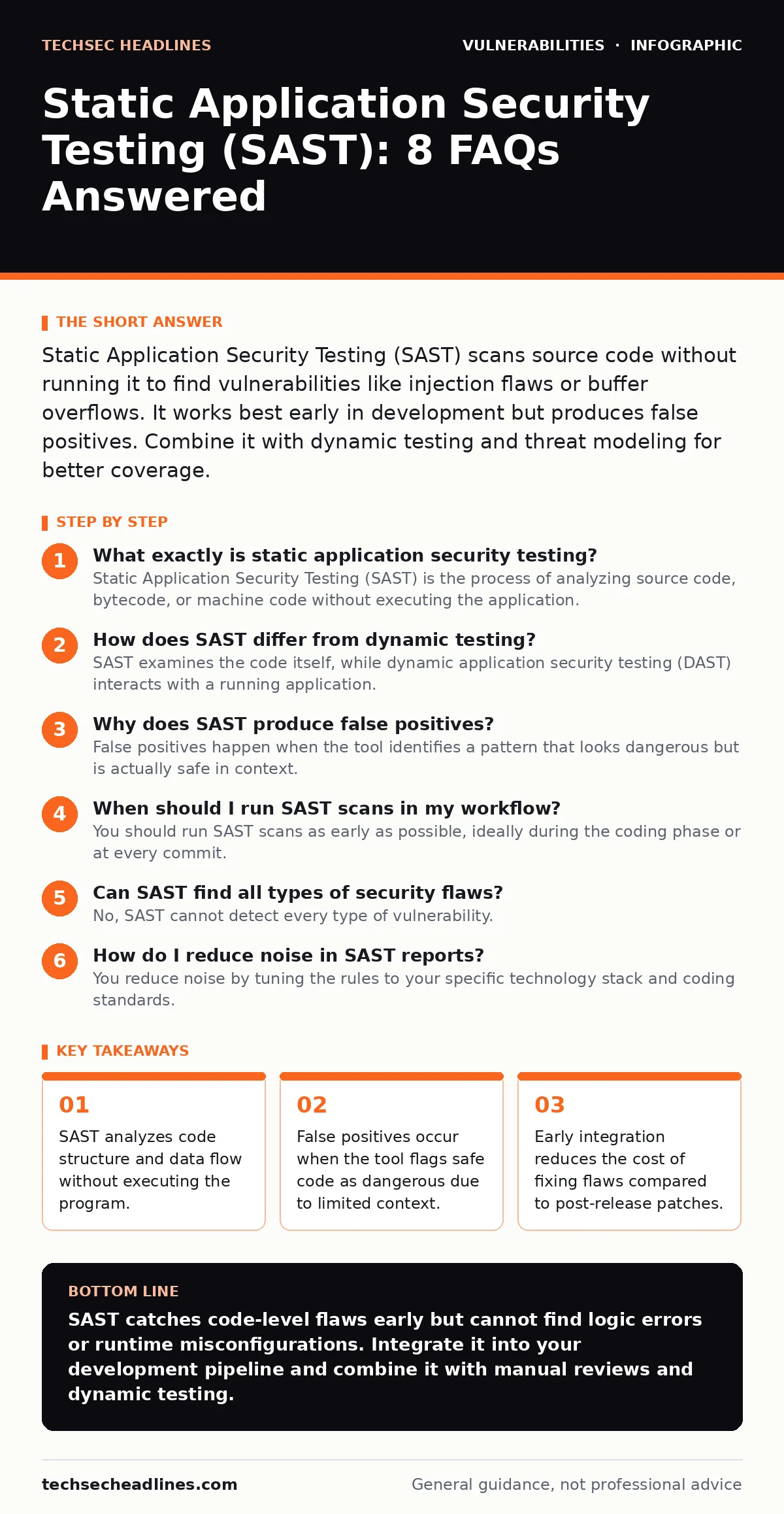
Static Application Security Testing (SAST) scans source code without running it to find vulnerabilities like injection flaws or buffer overflows. It works best early in development but produces false positives. Combine it with dynamic testing and threat modeling for better coverage.
What exactly is static application security testing?
Static Application Security Testing (SAST) is the process of analyzing source code, bytecode, or machine code without executing the application. The tool parses the code to map out how data moves through functions and variables. It looks for patterns that match known vulnerability signatures, such as unsanitized input handling. This method allows you to find defects before the software ever runs on a server.
How does SAST differ from dynamic testing?
SAST examines the code itself, while dynamic application security testing (DAST) interacts with a running application. SAST sees the internal logic, variable assignments, and control flow structures. DAST only sees the external behavior, like HTTP responses and network traffic. SAST finds issues in unused code paths, whereas DAST finds issues in the actual runtime environment.
Why does SAST produce false positives?
False positives happen when the tool identifies a pattern that looks dangerous but is actually safe in context. The analyzer often lacks full knowledge of how variables are sanitized or validated elsewhere in the codebase. It may flag a string concatenation as a potential injection risk even if a strict filter runs immediately before. These alerts require manual review to confirm whether they are genuine threats.
When should I run SAST scans in my workflow?
You should run SAST scans as early as possible, ideally during the coding phase or at every commit. Early detection allows developers to fix issues while the context is still fresh in their minds. Waiting until the end of a development cycle means accumulating dozens of alerts that are harder to trace. Integrating SAST into the continuous integration pipeline ensures no vulnerable code reaches the staging environment.
Can SAST find all types of security flaws?
No, SAST cannot detect every type of vulnerability. It struggles with business logic errors, such as a workflow that allows a user to bypass a payment step. It also misses issues dependent on external factors, like misconfigured server settings or weak password policies. Logic flaws require understanding intent, which static parsers cannot infer from syntax alone. You must combine SAST with other testing methods for broader coverage.
How do I reduce noise in SAST reports?
You reduce noise by tuning the rules to your specific technology stack and coding standards. Disable rules that flag acceptable practices for your organization, such as specific logging patterns. Use suppression lists to ignore known false positives that recur in stable parts of the codebase. Focus on high-severity findings first to avoid alert fatigue among your engineering team.
Does SAST work with legacy or compiled code?
SAST can analyze compiled binaries if the tool supports decompilation or binary analysis. However, the results are less accurate than source code analysis because variable names and comments are lost. Legacy systems often lack documentation, making it harder to interpret the data flow. You may need to reconstruct parts of the logic manually to verify the tool’s findings.
How does SAST handle third-party libraries?
SAST tools often include software composition analysis (SCA) features to scan dependencies. These features check known databases for vulnerabilities in libraries you import. This helps you identify risks in your AI supply chain risks before they reach production. However, SAST alone cannot detect custom vulnerabilities in third-party code unless the source is available. You must still review the licenses and maintenance status of your dependencies.
| Feature | SAST | DAST | IAST |
|---|---|---|---|
| Execution State | Code is not running | Application is running | Agent runs inside app |
| Visibility | Internal code structure | External inputs/outputs | Both internal and external |
| Best For | Early development | Pre-production testing | Runtime validation |
| False Positives | High | Moderate | Low |
What are the limitations of automated scanning?
Automated tools lack human intuition and cannot understand complex business requirements. They may miss subtle race conditions or timing attacks that depend on specific server loads. They also cannot assess whether a feature, while technically secure, violates privacy norms or compliance rules. Human review remains necessary to interpret the severity and exploitability of findings.
How do I prioritize which findings to fix?
Prioritize findings based on exploitability and impact on critical data. A vulnerability in a public-facing login page is more urgent than one in an internal admin tool. Use the vulnerability lifecycle to track issues from discovery to remediation. Focus on flaws that allow remote code execution or data exfiltration first. Lower-severity issues can be scheduled for routine maintenance cycles.
Can SAST replace manual code review?
SAST cannot replace manual code review because it lacks contextual understanding. Manual reviewers can spot architectural weaknesses and design flaws that tools miss. They can also identify insecure patterns that do not match known signatures. Use SAST to handle repetitive pattern matching, freeing humans to focus on complex logic and design decisions. This combination provides deeper security than either method alone.
Key takeaways
- SAST analyzes code structure and data flow without executing the program.
- False positives occur when the tool flags safe code as dangerous due to limited context.
- Early integration reduces the cost of fixing flaws compared to post-release patches.
SAST catches code-level flaws early but cannot find logic errors or runtime misconfigurations. Integrate it into your development pipeline and combine it with manual reviews and dynamic testing.
Frequently asked questions
Is SAST enough to secure my application?
No, SAST only checks code structure. You also need dynamic testing, infrastructure checks, and manual reviews to cover all attack surfaces.
How often should I run SAST?
Run it on every code commit or pull request to catch issues early. Full repository scans should happen regularly to catch regressions.
Does SAST work for all programming languages?
Most tools support common languages like Java, Python, and C++. Support for niche or legacy languages may be limited or require custom rules.
Can SAST detect cross-site WebSocket hijacking?
SAST can find missing authentication checks in WebSocket code, but it cannot verify if the runtime environment properly enforces origin checks.
How this guide was produced: written by the TechSec Headlines editorial team with AI assistance, checked against the public references listed below, and reviewed when the facts change. See our editorial policy or report an error.