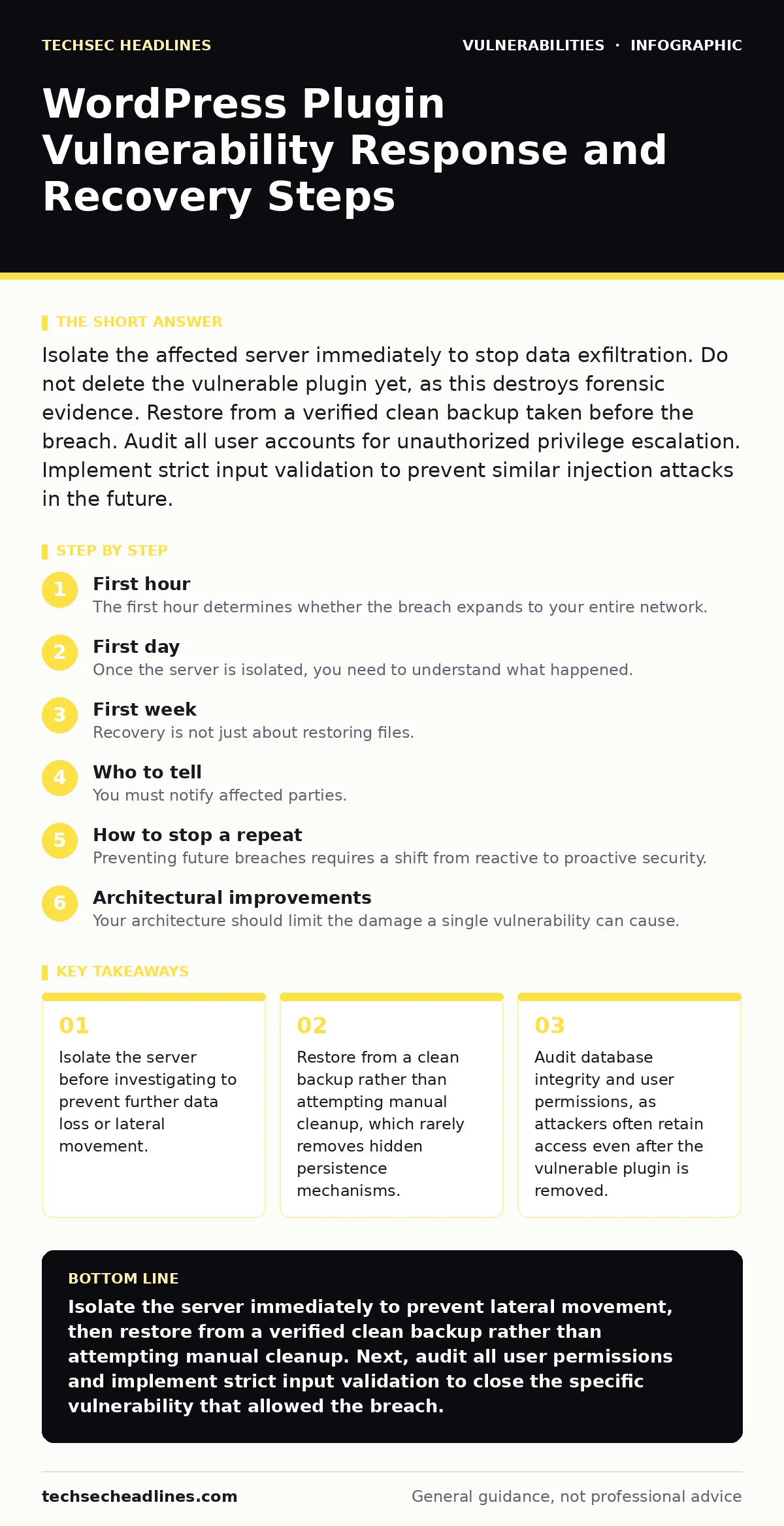
Isolate the affected server immediately to stop data exfiltration. Do not delete the vulnerable plugin yet, as this destroys forensic evidence. Restore from a verified clean backup taken before the breach. Audit all user accounts for unauthorized privilege escalation. Implement strict input validation to prevent similar injection attacks in the future.
First hour
Immediate containment steps
The first hour determines whether the breach expands to your entire network. You must stop the bleeding before you understand the wound. Attackers often use a compromised plugin as a foothold to move laterally to other servers or databases. Your primary goal is containment, not remediation.
- Disconnect the affected server from the network.
- Preserve current logs and file states for forensic analysis.
- Verify the integrity of your most recent backups.
- Check for unauthorized administrative accounts in the database.
Disconnecting the server is not the same as shutting it down. Keep the server running if possible to preserve memory contents, which may contain encryption keys or active session tokens. A cold boot wipe destroys volatile memory evidence. If you must shut it down, document the exact time and reason. This preserves the chain of custody for any internal or external investigation.
Check your backups immediately. A backup taken while the system was compromised is not a clean backup. You need a backup from before the vulnerability was exploited. Verify that the backup files are not corrupted or replaced by malware. Many attackers infect backup directories to ensure they can return even after a restore.
First day
Forensic triage and scope assessment
Once the server is isolated, you need to understand what happened. Do not guess. Assume the attacker has full administrative access until proven otherwise. WordPress plugins often have direct database access, meaning an attacker could have modified any table, not just those related to the plugin.
Start by reviewing the web server access logs. Look for unusual POST requests to the plugin’s AJAX handlers or admin endpoints. Compare the timestamps with file modification times on the server. This helps you pinpoint the exact moment of exploitation. Do not rely solely on the plugin’s update history, as attackers can modify timestamps to hide their activity.
Examine the database for anomalies. Look for new user accounts with administrator capabilities. Check for posts or pages that contain hidden JavaScript or iframes. These are common signs of a drive-by download attack. Also inspect the options table for modified settings that redirect traffic or inject code into the site header or footer.
First week
Recovery and hardening
Recovery is not just about restoring files. It is about restoring trust and ensuring the vulnerability cannot be exploited again. If you restored from a clean backup, you must update all components. This includes the WordPress core, all plugins, and the PHP version. Running outdated software creates security technical debt that attackers will exploit.
Update the vulnerable plugin to the latest version. If no updated version exists, remove the plugin entirely and find an alternative. Do not keep a known vulnerable plugin on your site, even if you believe you have mitigated the risk. The effort to maintain a patched version of a broken plugin is rarely worth the risk.
Review all user accounts. Reset passwords for all users, especially administrators. Force a password change upon next login. Check for any two-factor authentication settings that may have been disabled. Attackers often disable 2FA to maintain persistent access. Ensure that only necessary plugins are active. Each active plugin is a potential attack surface.
Who to tell
Notification and reporting
You must notify affected parties. This includes your hosting provider, your insurance company if you have cyber coverage, and potentially your users. The hosting provider needs to know to check for similar compromises on other servers on the same infrastructure. They may also have logs that help with your investigation.
If personal data was accessed, you may have legal obligations to notify users and regulatory bodies. Do not delay this. Early notification can mitigate legal liability and maintain trust. Be transparent about what happened, what data was affected, and what steps you are taking to prevent recurrence. Do not minimize the severity of the breach.
How to stop a repeat
Long-term prevention
Preventing future breaches requires a shift from reactive to proactive security. You cannot rely on plugins to be secure. You must assume they will be compromised. Implement strict input validation on all user-facing forms. This prevents SQL injection and cross-site scripting attacks, which are common in plugin vulnerabilities.
Consider the concept of end-of-life software. Plugins that are no longer maintained are a significant risk. They will not receive security patches for new vulnerabilities. Remove them immediately. If you cannot find a maintained alternative, consider building a custom solution with rigorous security testing.
See also: Cyber Kill Chain vs MITRE ATT&CK: The Structural Difference
Architectural improvements
Reducing attack surface
Your architecture should limit the damage a single vulnerability can cause. Use a web application firewall to filter malicious traffic before it reaches your server. Configure the firewall to block known attack patterns and suspicious IP addresses. This adds a layer of defense that is independent of your application code.
Implement least privilege principles. The WordPress database user should have only the permissions it needs. Do not grant superuser or root access. This limits the impact of a SQL injection attack. If an attacker exploits a database vulnerability, they should not be able to modify system files or access other databases.
Consider separating your frontend and backend. Use a headless WordPress setup where the frontend is served by a static site generator or a JavaScript framework. This reduces the attack surface by exposing fewer dynamic endpoints. The backend only handles content updates, which are less frequent and can be more strictly controlled.
Monitoring and detection
Continuous vigilance
You cannot prevent all attacks. You must detect them quickly. Implement file integrity monitoring to detect unauthorized changes to core files and plugins. Alert on any new files created in the upload directory. Attackers often upload web shells to this directory.
Monitor your error logs for unusual patterns. A sudden spike in 404 errors or failed login attempts may indicate a brute force attack or a vulnerability scan. Set up alerts for these events. Investigate them immediately. Early detection limits the damage and reduces the time an attacker has access to your system.
Regularly review your security posture. Conduct penetration tests to identify weaknesses. Use threat modeling to anticipate how attackers might exploit your specific configuration. This helps you prioritize your security efforts and allocate resources effectively. Do not assume that because you have not been hacked, you are secure. You may simply be unlucky.
Key takeaways
- Isolate the server before investigating to prevent further data loss or lateral movement.
- Restore from a clean backup rather than attempting manual cleanup, which rarely removes hidden persistence mechanisms.
- Audit database integrity and user permissions, as attackers often retain access even after the vulnerable plugin is removed.
Isolate the server immediately to prevent lateral movement, then restore from a verified clean backup rather than attempting manual cleanup. Next, audit all user permissions and implement strict input validation to close the specific vulnerability that allowed the breach.
Frequently asked questions
Should I delete the vulnerable plugin immediately after discovering the breach?
No, delete it only after you have preserved forensic evidence and confirmed your backups are clean. Deleting it too early can destroy logs and trigger anti-forensics scripts.
How do I know if my backup is clean?
Verify the backup timestamp is before the breach and scan the files for malware. Check the database within the backup for unauthorized user accounts or modified settings.
Can I just patch the plugin instead of restoring from backup?
Patching does not remove persistent backdoors or modified database entries. Restoring from a clean backup is the only reliable way to ensure the attacker is completely removed.
Do I need to notify my users if no personal data was stolen?
It depends on your local laws and privacy policy. Even if no data was stolen, a breach of system integrity may require notification to maintain trust and comply with regulations.
How this guide was produced: written by the TechSec Headlines editorial team with AI assistance, checked against the public references listed below, and reviewed when the facts change. See our editorial policy or report an error.