
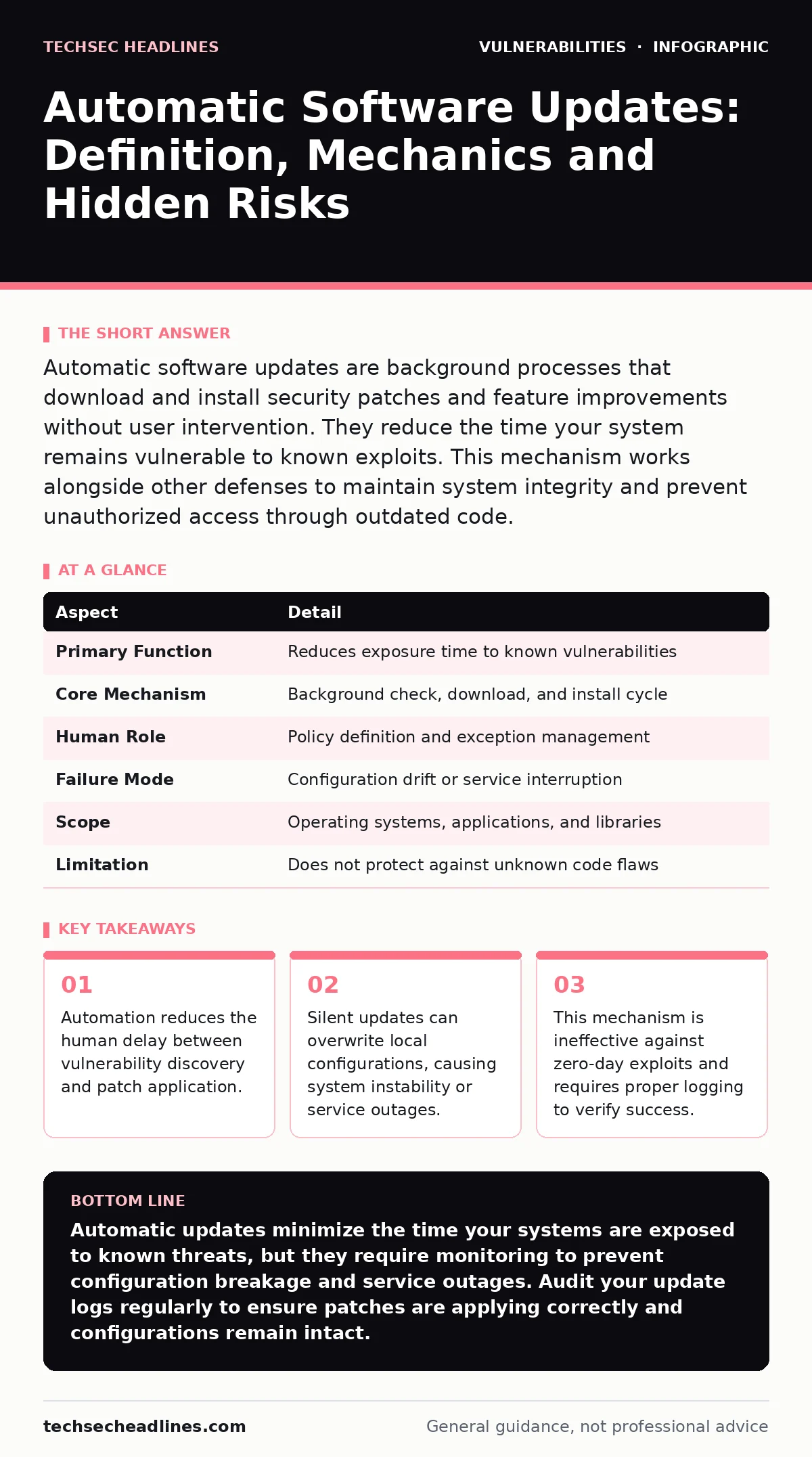
Automatic software updates are background processes that download and install security patches and feature improvements without user intervention. They reduce the time your system remains vulnerable to known exploits. This mechanism works alongside other defenses to maintain system integrity and prevent unauthorized access through outdated code.
The Patch Window Problem
Imagine leaving your front door unlocked for three days while you wait for a locksmith to install a new lock. Every minute that door remains open, anyone can walk in. In cybersecurity, that open door is a known vulnerability. The time between when a flaw becomes public and when you fix it is called the patch window.
Attackers scan the internet for systems running outdated software. They look for this window. If you rely on manual updates, that window can stay open for weeks or months. Human beings are busy. We forget. We prioritize other tasks. We assume the software vendor will handle it. None of these assumptions hold true in a hostile environment.
Automatic software updates close this window. The system checks for new versions in the background. It downloads the changes. It installs them. This happens without you clicking a button or rebooting your machine at a specific time. The goal is to shrink the exposure time to near zero.
| Aspect | Detail |
|---|---|
| Primary Function | Reduces exposure time to known vulnerabilities |
| Core Mechanism | Background check, download, and install cycle |
| Human Role | Policy definition and exception management |
| Failure Mode | Configuration drift or service interruption |
| Scope | Operating systems, applications, and libraries |
| Limitation | Does not protect against unknown code flaws |
How the Mechanism Works
The process relies on a trusted channel between your device and the software publisher. Your system holds a cryptographic signature of the current software version. The publisher signs every new update with a private key. Your device verifies this signature before applying the change. This ensures the update comes from the legitimate source and has not been tampered with in transit.
If the signature fails, the update is rejected. This prevents an attacker from pushing malicious code under the guise of a legitimate patch. The system then compares the installed version against the latest available version. If a newer version exists, the download begins.
Installation varies by component. Some updates require a system reboot to replace files currently in use. Others apply seamlessly in the background. The update agent tracks the status of each package. It records whether the installation succeeded, failed, or was skipped. This log is critical for auditing.
The Hidden Cost of Convenience
You might assume that setting updates to "install automatically" is the best security posture. This is a common misconception. Automatic installation assumes that every new version is compatible with your specific environment. It is not.
Suppose you run a specialized research tool that depends on a specific library version. An automatic update upgrades that library to a newer version that changes how data is formatted. Your research tool crashes. It cannot read its own files. You have gained security at the cost of availability. This is a trade-off you must manage.
Automatic updates can also overwrite local configurations. Many administrators tweak system files to optimize performance or comply with internal policies. A blunt update may reset these files to their default state. You lose your custom settings. The system reverts to a less secure or less efficient state. You need a process to back up configurations before they are overwritten.
Integration with Other Defenses
Automatic updates are not a standalone shield. They are part of a layered defense strategy. They address the vulnerability lifecycle by speeding up the remediation phase. However, they do not prevent the initial introduction of flaws.
You still need to write secure code. You should use static application security testing (SAST) to find bugs before they reach production. This catches logic errors that a patch cannot fix retroactively. Updates handle the flaws that slip through during development.
Updates also interact with network controls. If an update fails to apply, your system remains exposed. You need to detect this failure. This is where threat modeling helps. You map out what happens when an update fails. Do you have a fallback? Can you isolate the affected system?
Consider firmware vulnerabilities. These reside in the low-level code of hardware components. Automatic updates for firmware are often more aggressive and risky than application updates. A failed firmware update can brick a device. You must treat firmware updates with higher scrutiny than standard software patches.
What People Get Wrong
Many users believe that automatic updates protect them from all attacks. They do not. They only protect against known vulnerabilities for which a patch exists. A zero-day exploit targets a flaw that the vendor does not yet know about. There is no patch to download. Your automatic update system will sit idle while the attacker exploits the hole.
Another error is ignoring the update channel itself. If an attacker compromises the update server, they can push malicious updates to all connected clients. This is why signature verification is non-negotiable. You must trust the chain of custody.
Some organizations disable automatic updates to avoid downtime. They schedule updates for maintenance windows. This creates a predictable pattern. Attackers learn when patches are applied. They attack during the long gaps between windows. Predictability is a security weakness.
Managing the Trade-offs
You must balance security with stability. The goal is to patch quickly without breaking your environment. Start by classifying your systems. Critical servers need rapid patching. Non-critical test machines can absorb more risk.
Use a staging environment. Push updates to a small group of devices first. Monitor them for errors. If they remain stable, roll out to the rest. This is called canary deployment. It limits the blast radius of a bad update.
Configure logging to alert you when an update fails. Do not rely on the system to tell you everything is fine. Silence often means failure. You need to know when a patch did not apply.
Review your update policies regularly. Ensure they align with your risk tolerance. If a new vulnerability emerges, you may need to override the automatic schedule and apply a patch immediately. Your policy should allow for this emergency response.
Beyond the Patch
Automatic updates handle the software layer. They do not fix weak password policies. They do not stop eavesdropping attacks if your traffic is unencrypted. They do not prevent cross-site WebSocket hijacking if your application code is flawed.
You must address these other vectors separately. Updates keep your base secure. They do not secure your behavior or your architecture. Treat updates as a maintenance task, not a silver bullet.
Monitor the health of your update infrastructure. Ensure your devices can reach the update servers. If network issues block updates, your security posture degrades silently. You need visibility into the update status of every device in your network.
Key takeaways
- Automation reduces the human delay between vulnerability discovery and patch application.
- Silent updates can overwrite local configurations, causing system instability or service outages.
- This mechanism is ineffective against zero-day exploits and requires proper logging to verify success.
Automatic updates minimize the time your systems are exposed to known threats, but they require monitoring to prevent configuration breakage and service outages. Audit your update logs regularly to ensure patches are applying correctly and configurations remain intact.
Frequently asked questions
Do automatic updates protect against ransomware?
They reduce the risk of ransomware entering through known software flaws, but they do not stop malicious files sent via email or downloaded from the web. You still need endpoint detection and user training.
Can I disable automatic updates for specific software?
Yes, you can exclude specific applications from automatic patching, but you must then manage those updates manually. This increases the risk of human error and delayed patching for those components.
How do I know if an update was successful?
Check the system logs and the update agent status. Most operating systems provide a history of installed updates. If the latest version number matches the vendor release, the update likely succeeded.
What is the difference between automatic and silent updates?
Automatic updates run without user initiation. Silent updates run without user notification. Both can occur together. Silent updates are useful for maintaining consistency but require careful testing to avoid unexpected changes.
How this guide was produced: written by the TechSec Headlines editorial team with AI assistance, checked against the public references listed below, and reviewed when the facts change. See our editorial policy or report an error.