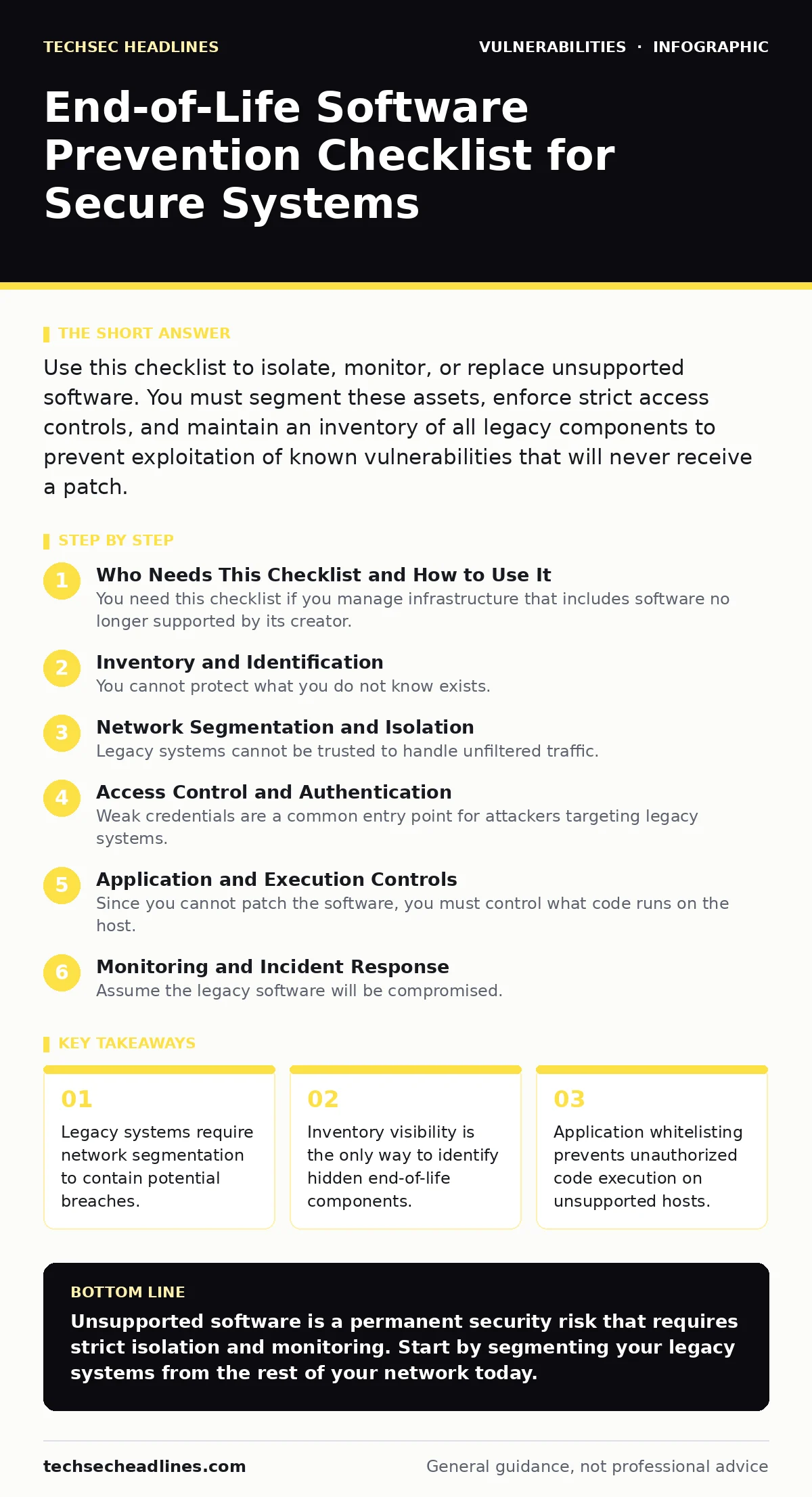
Use this checklist to isolate, monitor, or replace unsupported software. You must segment these assets, enforce strict access controls, and maintain an inventory of all legacy components to prevent exploitation of known vulnerabilities that will never receive a patch.
Who Needs This Checklist and How to Use It
You need this checklist if you manage infrastructure that includes software no longer supported by its creator. End-of-life software lacks security patches, meaning known vulnerabilities remain open forever. Use this list to verify your defenses before a breach occurs. Each item represents a specific control you must implement. Do not treat this as a one-time task. Review these controls regularly as your environment changes. The goal is to reduce the attack surface of unsupported assets until you can replace them entirely.
Inventory and Identification
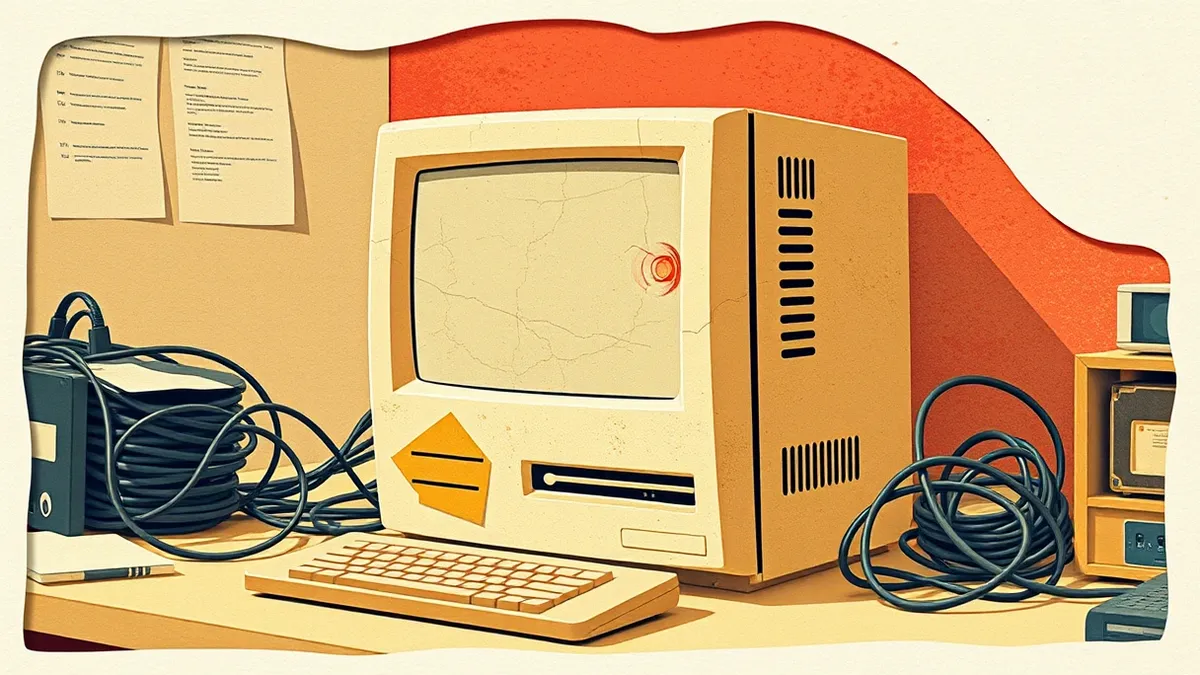
You cannot protect what you do not know exists. Many organizations miss legacy software running in virtual machines or containers. Start by identifying every piece of unsupported software in your environment.
- Maintain a current asset inventory: You must know exactly which systems run end-of-life software to manage the risk.
- Tag unsupported assets clearly: Labeling helps teams avoid accidental configuration changes that might break fragile legacy systems.
- Map dependencies to critical services: Understanding what relies on the old software helps you plan a safe replacement strategy.
- Verify vendor support status regularly: Support windows change, and new vulnerabilities are disclosed constantly for older versions.
Network Segmentation and Isolation
Legacy systems cannot be trusted to handle unfiltered traffic. They lack the code updates needed to repel modern attacks. You must isolate them from the rest of your network. This prevents an attacker from using a vulnerable old system as a stepping stone to critical data. Segmentation limits the blast radius of a compromise. It does not fix the software, but it contains the damage.
- Place unsupported systems in isolated VLANs: Network separation stops lateral movement from compromised legacy hosts to modern servers.
- Implement strict firewall rules: Block all inbound traffic except what is explicitly required for the application to function.
- Disable unnecessary network services: Shutting down unused ports reduces the number of entry points an attacker can exploit.
- Monitor traffic logs for anomalies: Baseline normal behavior so you can detect when an attacker is probing the isolated segment.
Access Control and Authentication
Weak credentials are a common entry point for attackers targeting legacy systems. These systems often lack modern authentication standards. You must enforce strict access controls to limit who can interact with the software. Imagine an attacker gains access to a single legacy database. If credentials are weak, they own the data. Strong authentication adds a layer of defense that the software itself cannot provide.
- Enforce multi-factor authentication for admin access: Requiring a second factor prevents attackers from using stolen passwords to gain control.
- Remove default accounts immediately: Default credentials are public knowledge and the first thing attackers try on unsupported systems.
- Apply principle of least privilege: Users should only have the minimum access needed to perform their job, reducing risk.
- Audit access logs regularly: Checking who accessed the system and when helps you detect unauthorized activity early.
Application and Execution Controls
Since you cannot patch the software, you must control what code runs on the host. Application whitelisting ensures that only approved programs can execute. This stops malware from running even if an attacker finds a vulnerability. It is a critical defense for systems that cannot be updated. This approach requires maintenance, as you must update the whitelist when legitimate software changes.
- Implement application whitelisting: Only allow known, trusted applications to run, blocking any unauthorized code execution.
- Disable script engines where possible: Scripts like JavaScript or PowerShell are common vectors for exploiting legacy vulnerabilities.
- Use read-only file systems for critical data: Preventing writes to the disk stops attackers from altering system files or exfiltrating data.
- Regularly verify whitelist integrity: Ensure that no unauthorized applications have been added to the allowed list over time.
Monitoring and Incident Response
Assume the legacy software will be compromised. You need to detect it quickly. Standard monitoring tools may not recognize attacks on older protocols. You must tailor your detection rules to the specific software. This includes looking for unusual process behavior or network connections. A fast response limits the damage. You should also review guides on security technical debt to understand the long-term costs of keeping these systems.
- Configure specific IDS/IPS rules: Tailor intrusion detection signatures to the protocols and ports used by the legacy software.
- Enable verbose logging: Capture detailed event logs to aid in forensic analysis if a breach occurs.
- Test incident response plans: Regularly simulate attacks on legacy systems to ensure your team knows how to respond.
- Review static application security testing (SAST) results: Even if you cannot patch, understanding the code flaws helps you prioritize monitoring.
Replacement and Decommissioning
The only true fix for end-of-life software is removal. Keep a plan to replace it with supported alternatives. This process takes time, so start early. Evaluate modern solutions that meet the same business needs. Consider the cost of maintaining legacy systems versus the risk of a breach. You can learn more about avoiding firmware vulnerabilities by ensuring your new hardware also receives regular updates.
- Define a replacement timeline: Set clear deadlines for migrating off unsupported software to avoid indefinite risk.
- Validate new solutions against requirements: Ensure the replacement software meets all functional and security needs before deployment.
- Plan data migration carefully: Moving data from old to new systems can introduce errors if not tested thoroughly.
- Decommission old hardware securely: Wipe all data from the legacy system to prevent information leakage after removal.
Key takeaways
- Legacy systems require network segmentation to contain potential breaches.
- Inventory visibility is the only way to identify hidden end-of-life components.
- Application whitelisting prevents unauthorized code execution on unsupported hosts.
Unsupported software is a permanent security risk that requires strict isolation and monitoring. Start by segmenting your legacy systems from the rest of your network today.
Frequently asked questions
Can I just put a firewall in front of end-of-life software?
A firewall helps, but it is not enough. Attackers can bypass firewalls, and internal threats remain a risk. You need segmentation and access controls too.
How do I handle legacy software in a cloud environment?
Use virtual private clouds and security groups to isolate the instances. Apply the same strict access and monitoring rules as on-premises systems.
What if the vendor offers paid extended support?
Paid support can extend the patch window, but it is expensive. Evaluate the cost against the risk and plan for eventual replacement.
Does end-of-life software affect my compliance?
Yes. Most compliance frameworks require you to maintain supported software. Using end-of-life products can lead to audit failures and penalties.
How this guide was produced: written by the TechSec Headlines editorial team with AI assistance, checked against the public references listed below, and reviewed when the facts change. See our editorial policy or report an error.