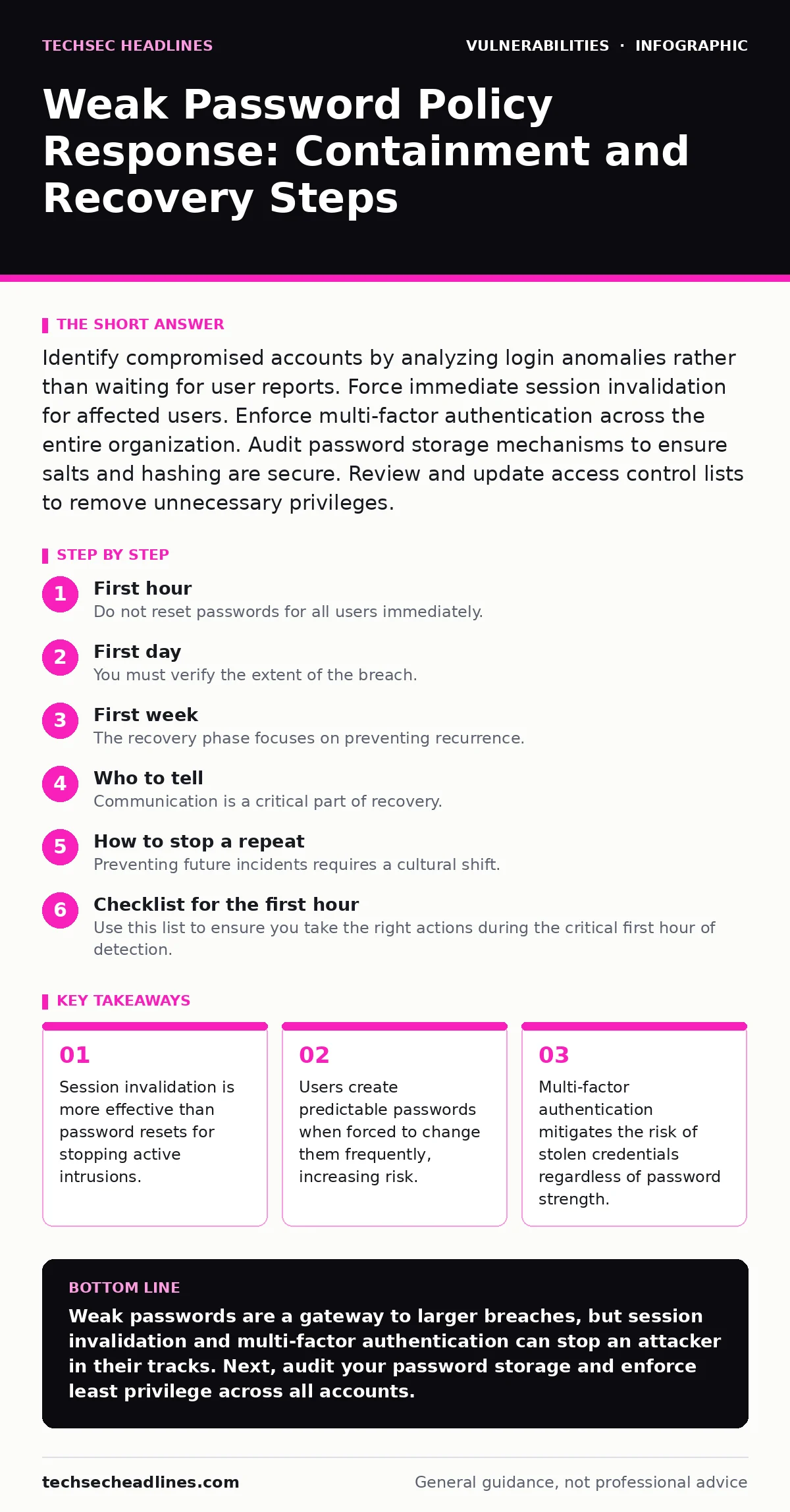
Identify compromised accounts by analyzing login anomalies rather than waiting for user reports. Force immediate session invalidation for affected users. Enforce multi-factor authentication across the entire organization. Audit password storage mechanisms to ensure salts and hashing are secure. Review and update access control lists to remove unnecessary privileges.
First hour
The immediate goal is containment, not correction. You must stop the attacker from using stolen credentials to move laterally. Begin by identifying which accounts show signs of compromise. Look for logins from unusual geographies, impossible travel scenarios, or logins at odd hours. These anomalies often indicate that an attacker is using a list of stolen credentials to test access.
Once you identify the affected accounts, force a session invalidation. This means terminating all active login tokens for those specific users. A password change does not always kill an active session if the application relies on session cookies or tokens that remain valid after a credential update. By killing the session, you ensure the attacker loses access immediately, even if they have not yet logged out.
- Identify accounts with anomalous login patterns.
- Force session invalidation for all compromised accounts.
- Disable password-based login for these accounts temporarily.
- Notify the security operations center of the containment action.
First day
You must verify the extent of the breach. Attackers often use weak passwords to gain initial access and then harvest credentials from local caches or browser storage. Check if the compromised accounts had access to sensitive data or administrative privileges. Review audit logs to see what files were accessed or modified during the window of compromise.
Implement multi-factor authentication for all users, not just the compromised ones. Weak password policies often correlate with poor security hygiene across the organization. Multi-factor authentication requires a second form of verification, such as a hardware token or a push notification, which an attacker cannot replicate with a stolen password. This adds a layer of defense that remains effective even if passwords are weak.
Consider the human factor. Users often create passwords that are easy to remember but easy to guess. They might use a base word and append simple numbers or symbols. If you force a password change without education, users will simply create a new weak password. Provide clear guidance on creating memorable but complex passphrases. Avoid rules that require frequent changes, as this leads to predictable patterns like "Password1", "Password2", and so on.
First week
The recovery phase focuses on preventing recurrence. You must address the root cause: the policy itself. Review your password storage mechanisms. Ensure that passwords are hashed using a strong algorithm with a unique salt for each user. Salting prevents attackers from using rainbow tables, which are precomputed tables for reversing cryptographic hash functions. If your system stores passwords in plain text or uses weak hashing, you must migrate to a secure storage solution immediately.
Audit your access control lists. Many organizations grant excessive privileges by default. Apply the principle of least privilege, which means users only have the access necessary to perform their jobs. If an attacker compromises a low-privilege account, they should not be able to access critical systems. This limits the blast radius of any single breach.
You should also review your detection capabilities. Ensure that your intrusion detection systems are configured to alert on credential stuffing attacks. These attacks involve automated bots trying thousands of username-password combinations. Without proper detection, you may not notice the breach until significant damage has occurred. Integrate these alerts into your incident response workflow.
Who to tell
Communication is a critical part of recovery. You must inform internal stakeholders about the incident and the steps being taken. Provide clear instructions to users on what they need to do, such as enabling multi-factor authentication. Avoid technical jargon that might confuse them. Transparency builds trust and ensures cooperation.
If the breach involves personal data, you may have legal obligations to notify regulators and affected individuals. Check your local laws and privacy policies to determine the requirements. Failure to notify authorities within the required timeframe can result in significant penalties. Be honest about what happened and what you are doing to fix it.
Coordinate with your legal and public relations teams. They can help craft messages that protect the organization’s reputation while complying with legal requirements. Do not attempt to hide the breach. Cover-ups often lead to more severe consequences than the breach itself.
How to stop a repeat
Preventing future incidents requires a cultural shift. Security is not just a technical problem; it is a human one. Educate your users on the risks of weak passwords and the importance of multi-factor authentication. Regular training can help reinforce good habits and keep security top of mind.
Review your password policies regularly. Policies that were secure five years ago may be weak today. Attackers’ tools become more powerful, and they learn new techniques. Keep your policies aligned with current best practices and industry standards. Consider implementing password managers to help users generate and store complex passwords.
Integrate security into your development lifecycle. Use static application security testing (SAST) to identify vulnerabilities in your code early. This includes checking for insecure password storage or weak validation logic. Secure by design principles help prevent vulnerabilities from being introduced in the first place.
See also: Cyber Kill Chain vs MITRE ATT&CK: The Structural Difference
Checklist for the first hour
Use this list to ensure you take the right actions during the critical first hour of detection.
- Confirm the compromise by analyzing login logs.
- Isolate affected accounts by disabling them.
- Invalidate all active sessions for those accounts.
- Escalate the incident to the security team lead.
- Begin documenting the timeline of events.
- Preserve logs for forensic analysis.
Long-term security posture
Weak password policies are a symptom of broader security gaps. You must adopt a holistic approach to security. This includes regular vulnerability assessments, penetration testing, and employee training. Address firmware vulnerabilities and ensure automatic software updates are enabled to patch known weaknesses.
Secure your external-facing services with HTTPS to protect data in transit. This prevents attackers from intercepting credentials as they travel between the user’s browser and your server. Additionally, consider the risks of cross-site WebSocket hijacking if you use real-time communication features.
As you integrate new technologies, such as securing AI agents, ensure that authentication mechanisms are robust. AI systems can be targets for credential stuffing if they are not properly secured. A comprehensive security strategy addresses all potential entry points, not just passwords.
Key takeaways
- Session invalidation is more effective than password resets for stopping active intrusions.
- Users create predictable passwords when forced to change them frequently, increasing risk.
- Multi-factor authentication mitigates the risk of stolen credentials regardless of password strength.
Weak passwords are a gateway to larger breaches, but session invalidation and multi-factor authentication can stop an attacker in their tracks. Next, audit your password storage and enforce least privilege across all accounts.
Frequently asked questions
Should I force a password reset for all employees?
No, only reset passwords for confirmed compromised accounts. Forcing a reset for everyone can cause operational disruption and may alert the attacker.
What is credential stuffing?
It is an automated attack where bots try username-password pairs stolen from other breaches to gain access to your systems.
How this guide was produced: written by the TechSec Headlines editorial team with AI assistance, checked against the public references listed below, and reviewed when the facts change. See our editorial policy or report an error.