
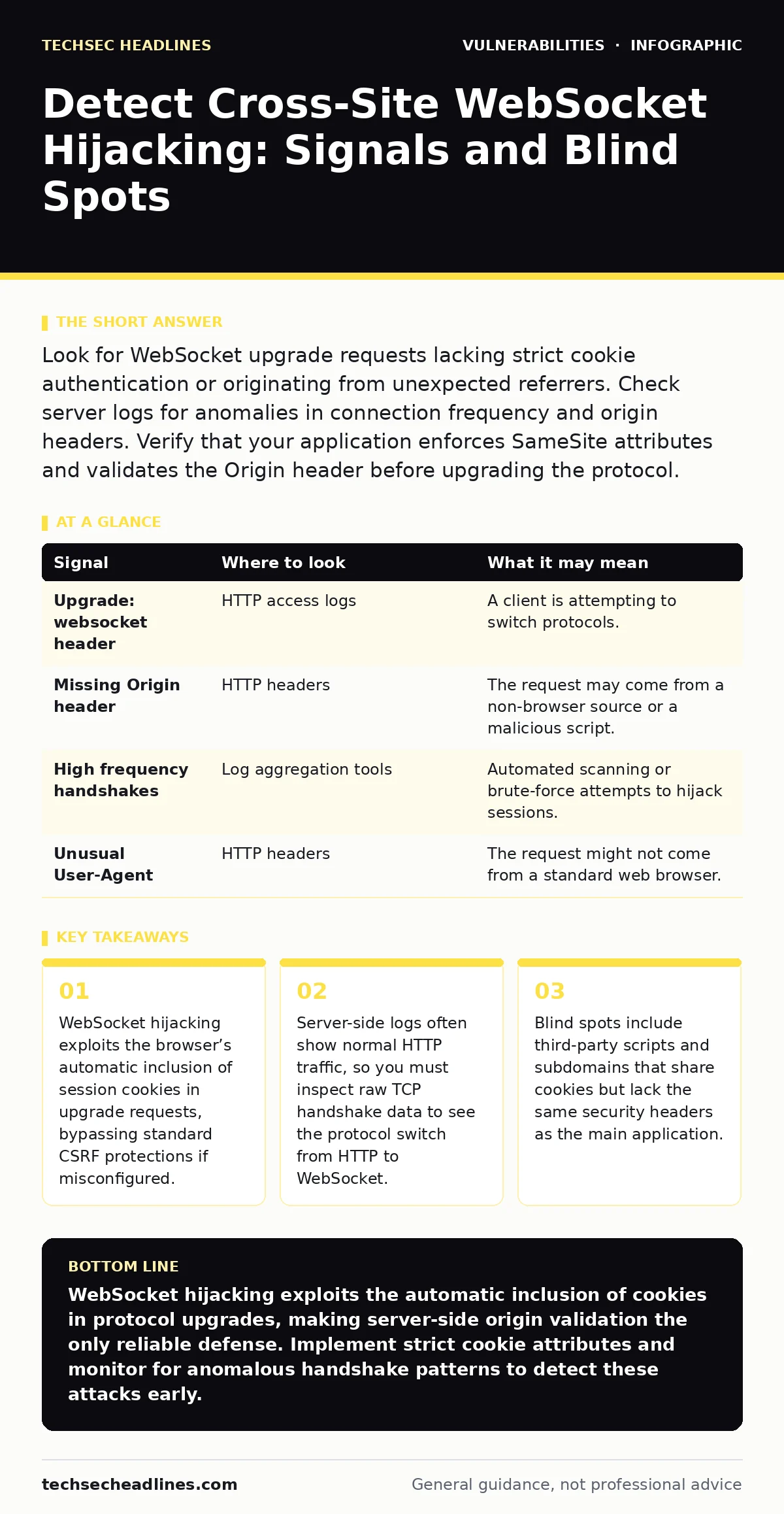
Look for WebSocket upgrade requests lacking strict cookie authentication or originating from unexpected referrers. Check server logs for anomalies in connection frequency and origin headers. Verify that your application enforces SameSite attributes and validates the Origin header before upgrading the protocol.
The Protocol Upgrade Trap
WebSocket connections begin as standard HTTP requests. The browser sends an upgrade header to switch the protocol from HTTP to a persistent, bidirectional WebSocket. This initial handshake looks like any other web request. If your application relies on session cookies for authentication, the browser sends those cookies automatically.
This automatic behavior is the vulnerability. An attacker creates a malicious page that opens a WebSocket connection to your server. If your server does not verify the origin of that connection, it accepts the handshake. The attacker now controls the session associated with that cookie.
This differs from standard cross-site request forgery because the connection remains open. The attacker can send commands and receive real-time responses. They do not need to know what the user is doing; they just need to inject their own commands into the active session.
Signs in Server Access Logs
Your primary evidence starts in the web server logs. You are looking for the specific HTTP method used to initiate the connection. Most modern servers log the upgrade request separately from standard GET or POST requests.
Look for the Upgrade: websocket header in the request line. Check the Sec-WebSocket-Key value, which is unique to each handshake. If you see multiple handshake attempts from a single IP address in a short period, this may indicate automated probing.
| Signal | Where to look | What it may mean |
|---|---|---|
Upgrade: websocket header | HTTP access logs | A client is attempting to switch protocols. |
Missing Origin header | HTTP headers | The request may come from a non-browser source or a malicious script. |
| High frequency handshakes | Log aggregation tools | Automated scanning or brute-force attempts to hijack sessions. |
Unusual User-Agent | HTTP headers | The request might not come from a standard web browser. |
Analyzing Network Traffic Patterns
Logs tell you that a connection happened. Network traffic analysis tells you how it behaved. WebSocket traffic runs over a single TCP connection, usually port 80 or 443. Once upgraded, the traffic looks like a continuous stream of data frames.
You cannot inspect the payload if the connection uses TLS. However, you can analyze the metadata. Look for connections that stay open for unusually long periods without significant data exchange. This might indicate an attacker keeping a hijacked session alive while waiting for an opportunity to inject commands.
Compare the traffic volume against baseline user behavior. If a single session generates a burst of small frames that differ from typical user interactions, this is a red flag. The attacker is likely sending lightweight commands to test the hijack.
The Origin Header Validation Gap
Many developers assume that the Origin header is sufficient protection. It is not. The Origin header is sent by browsers to indicate the source of the request. An attacker can control the Origin header if they can host a page on a domain that shares a cookie scope with your application.
This often happens with subdomains. If your main application is app.example.com and a blog is blog.example.com, they may share the same session cookie. If the blog lacks strict security headers, an attacker can use it to launch the hijack.
You must validate the Origin header server-side. Reject any upgrade request where the Origin does not match your expected domains. Do not rely on the browser to filter these requests. The server is the final line of defense.
Third-Party Script Risks
Third-party scripts often run in the same context as your application. If a third-party script opens a WebSocket connection to your server, it inherits the user’s session cookies. This creates a supply chain risk.
If you update a third-party library and it introduces a WebSocket connection, you may inadvertently create a hijacking vector. This is why static application security testing (SAST) is valuable. It can identify code patterns that initiate WebSocket connections without proper validation.
Review the dependencies in your application. Check if any external scripts make network requests to your domain. Ensure that these scripts are served with strict Content Security Policy headers that restrict where they can send data.
Common Blind Spots in Detection
Most detection efforts focus on the application layer. They miss the infrastructure layer. Load balancers and reverse proxies often terminate TLS and forward the request to the backend. If the proxy does not preserve the Origin header, the backend server cannot validate it.
Another blind spot is the use of shared cookies across different applications. If your organization runs multiple services on the same domain, a vulnerability in one service can compromise the others. This is a classic case where threat modeling reveals risks that code reviews miss.
Configuring Effective Defenses
Defense requires a combination of configuration and code changes. Set cookies with the SameSite=Lax or SameSite=Strict attribute. This prevents the browser from sending the cookie with cross-site requests, including WebSocket handshakes.
Implement strict Origin header validation on the server. Maintain a whitelist of allowed origins. Reject any request that does not match this list. This blocks attacks from external domains.
Regularly review your vulnerability lifecycle processes. Ensure that new WebSocket endpoints are tested for hijacking before deployment. Include this check in your pre-release testing phase.
Monitoring and Response
Detection is an ongoing process. Set up alerts for unusual WebSocket activity. Monitor for spikes in connection counts or unusual data patterns.
When you detect a potential hijack, revoke the session immediately. Force the user to re-authenticate. Investigate the source of the attack. Check if the Origin header was spoofed or if a third-party script was the vector.
Update your security policies based on the findings. If the attack came from a subdomain, tighten the security headers on that subdomain. If it came from a third-party script, remove or update the script.
Key takeaways
- WebSocket hijacking exploits the browser’s automatic inclusion of session cookies in upgrade requests, bypassing standard CSRF protections if misconfigured.
- Server-side logs often show normal HTTP traffic, so you must inspect raw TCP handshake data to see the protocol switch from HTTP to WebSocket.
- Blind spots include third-party scripts and subdomains that share cookies but lack the same security headers as the main application.
WebSocket hijacking exploits the automatic inclusion of cookies in protocol upgrades, making server-side origin validation the only reliable defense. Implement strict cookie attributes and monitor for anomalous handshake patterns to detect these attacks early.
Frequently asked questions
Can a firewall stop cross-site WebSocket hijacking?
No, because the traffic looks like legitimate web traffic. Firewalls inspect packets, not session context. You need application-level validation to stop this.
Does HTTPS prevent WebSocket hijacking?
HTTPS encrypts the data, but it does not prevent the browser from sending cookies. The hijacker sees the encrypted data, but they control the session. You still need origin validation.
How do I know if my cookies are vulnerable?
Check if your cookies lack the `SameSite` attribute. If they are set to `None` or missing, the browser will send them with cross-site requests, enabling hijacking.
Is this attack common?
It is less common than SQL injection but often more damaging because it bypasses standard CSRF protections. It is frequently overlooked in security audits.
How this guide was produced: written by the TechSec Headlines editorial team with AI assistance, checked against the public references listed below, and reviewed when the facts change. See our editorial policy or report an error.