
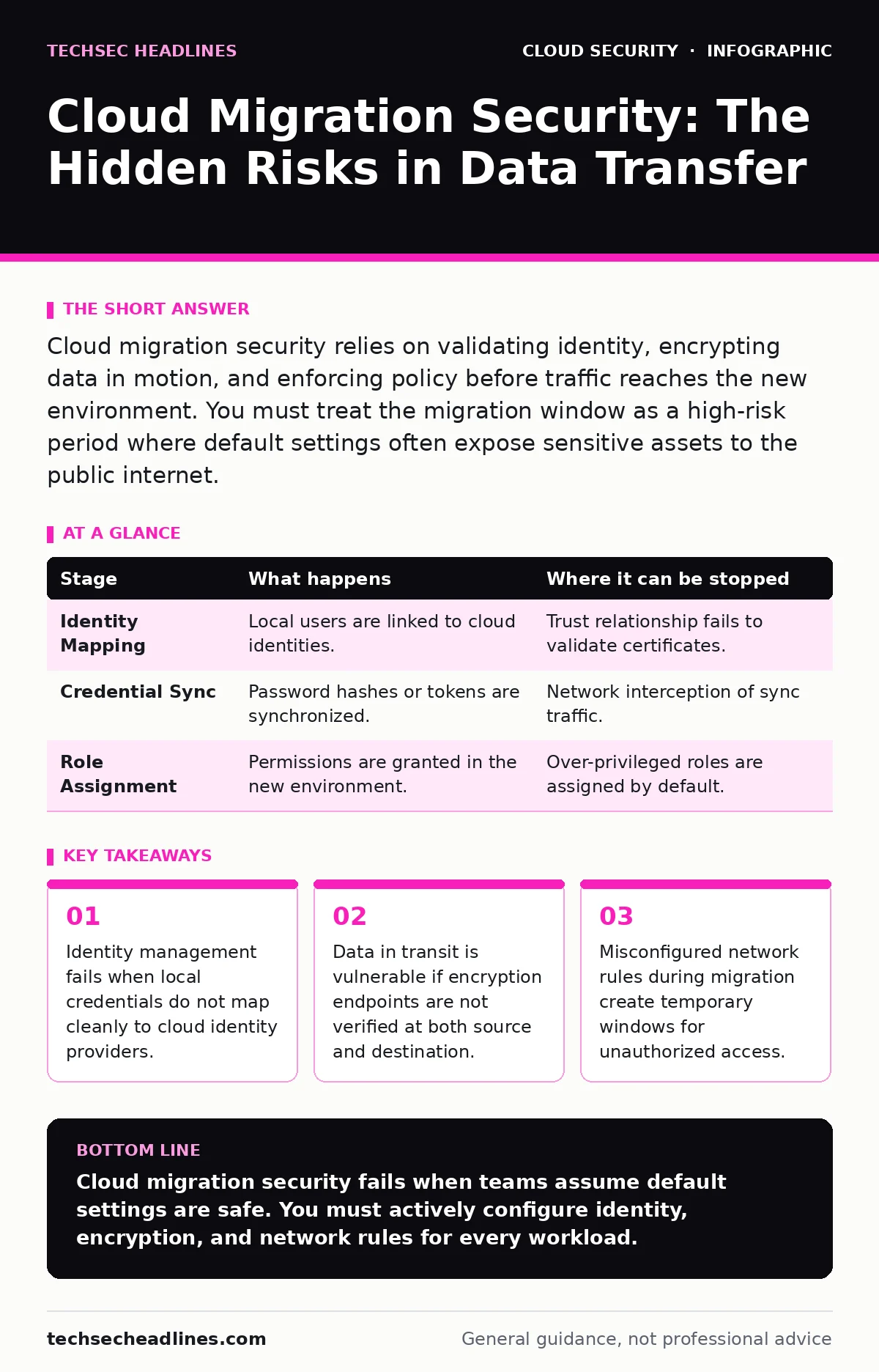
Cloud migration security relies on validating identity, encrypting data in motion, and enforcing policy before traffic reaches the new environment. You must treat the migration window as a high-risk period where default settings often expose sensitive assets to the public internet.
The Identity Handoff
Moving workloads to the cloud begins with identity. You cannot secure what you cannot identify. In on-premises environments, you likely rely on a local directory service. The cloud uses a different identity provider. The gap between these two systems is where most migrations fail.
You must establish a trust relationship before moving any data. This usually involves federating your local identity provider with the cloud’s identity service. If you skip this step, you create local user accounts in the cloud. These accounts become orphaned when the original employee leaves. They remain active, granting access to resources they should not touch.
Imagine a developer who leaves the company. Their laptop is wiped, but their cloud account remains active because it was created manually during migration. That account still has permissions to read production databases. This is not a hypothetical risk. It is a common consequence of poor identity mapping.
| Stage | What happens | Where it can be stopped |
|---|---|---|
| Identity Mapping | Local users are linked to cloud identities. | Trust relationship fails to validate certificates. |
| Credential Sync | Password hashes or tokens are synchronized. | Network interception of sync traffic. |
| Role Assignment | Permissions are granted in the new environment. | Over-privileged roles are assigned by default. |
Data in Motion
Once identity is established, you move data. This is the most dangerous phase. Data sitting on a disk is relatively safe if the disk is encrypted. Data moving across a network is exposed to interception. You must encrypt data in transit. This means using protocols that verify the identity of the receiver, not just encrypting the payload.
Standard encryption tools often assume the network is trusted. The cloud network is not trusted. You are sending data over the public internet. Even if you use a virtual private network, the endpoints matter. If the source server does not verify the cloud endpoint’s certificate, an attacker can sit in the middle. They can read the data as it is encrypted and decrypted.
This is known as a man-in-the-middle attack. It happens when the client accepts any certificate. You must configure your migration tools to pin certificates or verify specific endpoints. This adds complexity. It also adds security. The trade-off is worth it. Without this check, encryption provides a false sense of security.
Consider a database migration. You export the data, compress it, and send it. If the compression tool does not scrub metadata, you might send internal IP addresses or user notes. These details help attackers map your network. They do not need to break encryption to find valuable information.
Network Boundary Configuration
The cloud network is different from your local network. It is flat by default. In your office, a firewall sits between departments. In the cloud, every resource is potentially reachable from the internet unless you explicitly block it. This is the single biggest mistake teams make. They migrate servers and forget to configure the cloud’s firewall rules.
These rules are often called security groups. They control traffic at the instance level. If you leave them open, your new servers are visible. Attackers scan the internet for open ports. They find your migrated servers within minutes. They do not need to hack the cloud provider. They only need to find a server that answers.
You must define the least privilege access for each workload. A web server needs port 80 and 443. A database needs access only from the web server. Nothing else. This requires planning. You cannot guess these rules. You must document them before migration.
Refer to the guide on open security groups for detailed steps on restricting inbound traffic. Leaving default rules in place is equivalent to leaving your office door unlocked. It is not a matter of if someone enters, but when.
Policy Enforcement at Scale
You cannot manually check every setting. The cloud environment changes every minute. Someone creates a storage bucket. Someone changes a permission. Someone opens a port. You need automated controls to catch these changes. These controls are called guardrails. They enforce your security policy automatically.
Guardrails check resources against a defined standard. If a resource violates the standard, the guardrail can alert you or block the change. Blocking is better. It prevents the risk from existing. Alerting is reactive. It assumes someone will fix the problem. They often do not.
You must define what "secure" means for your organization. Is encryption required for all storage? Are public IPs allowed? These decisions must be made before migration. If you wait until after, you have thousands of resources to fix. It is easier to prevent the misconfiguration than to remediate it.
See the guide on cloud guardrails for methods to implement these automated checks. Without them, your security posture degrades rapidly. The cloud environment is dynamic. Your security controls must be dynamic too.
Access Key Management
Humans use passwords. Machines use access keys. These keys are long strings of characters that grant programmatic access. They are more powerful than passwords. They often have broader permissions. They are also easier to leak. Developers copy them into code repositories. They paste them into chat logs. They forget to rotate them.
You must treat access keys as highly sensitive. Never store them in code. Use a secrets manager. This service stores the keys and injects them into applications at runtime. The application never sees the key on disk. It receives it in memory. When the memory is cleared, the key is gone.
Rotate keys regularly. This limits the damage if a key is stolen. If an attacker steals a key, they can use it until you rotate it. The shorter the window, the less damage they can do. Automation is required here. Manual rotation is impossible at scale.
Read about access key rotation to understand the technical steps for implementing this. Failing to rotate keys is a silent risk. You do not know a key is compromised until it is used maliciously.
See also: How Data Center Attacks Work and What They Mean for You
Monitoring and Response
Security is not a one-time task. It is continuous. You must monitor your cloud environment for anomalies. Look for unusual login times. Look for large data transfers. Look for new administrative accounts. These are signs of compromise.
You need logging enabled for all actions. This includes who did what, when, and from where. Store these logs in a secure, immutable location. An attacker will try to delete logs to cover their tracks. If the logs are stored in the same environment, they can be deleted. If they are stored elsewhere, they survive.
Set up alerts for critical events. Do not alert on everything. You will get alert fatigue. Focus on high-risk actions. Creating a new administrator. Changing firewall rules. Accessing sensitive data. These events require immediate attention.
The Limits of Migration Security
No migration is perfectly secure. There is always a window of risk. You must understand the limits of your controls. Encryption protects data, but it does not protect the keys. Identity management protects access, but it does not protect against insider threats.
You cannot prevent all attacks. You can only reduce the likelihood and impact. Focus on reducing the attack surface. Remove unnecessary services. Close unnecessary ports. Revoke unnecessary permissions. The less you have, the less you can lose.
Migration is a project. Security is a process. Do not treat them as the same. The project ends. The process continues. Plan for ongoing maintenance. Budget for it. Assign ownership. Without this, your security improvements will erode.
See the guide on SaaS account takeover for insights on protecting identities in software services. Many cloud services are SaaS. They have their own security risks. These risks are often overlooked during infrastructure migration.
Key takeaways
- Identity management fails when local credentials do not map cleanly to cloud identity providers.
- Data in transit is vulnerable if encryption endpoints are not verified at both source and destination.
- Misconfigured network rules during migration create temporary windows for unauthorized access.
Cloud migration security fails when teams assume default settings are safe. You must actively configure identity, encryption, and network rules for every workload.
Frequently asked questions
Can I migrate without downtime?
Yes, using active-active replication, but this increases the attack surface by requiring two live environments to be synchronized and secure simultaneously.
Do I need to change my encryption keys?
You should generate new keys for the cloud environment. Reusing on-premises keys increases the risk if either environment is compromised.
What if I don’t have a security team?
You must use cloud-native security tools and guardrails. These automate enforcement, reducing the need for manual monitoring and expertise.
How do I verify the migration was secure?
Run automated scans for misconfigurations and review access logs for anomalies. Compare the final state against your security baseline.
How this guide was produced: written by the TechSec Headlines editorial team with AI assistance, checked against the public references listed below, and reviewed when the facts change. See our editorial policy or report an error.