
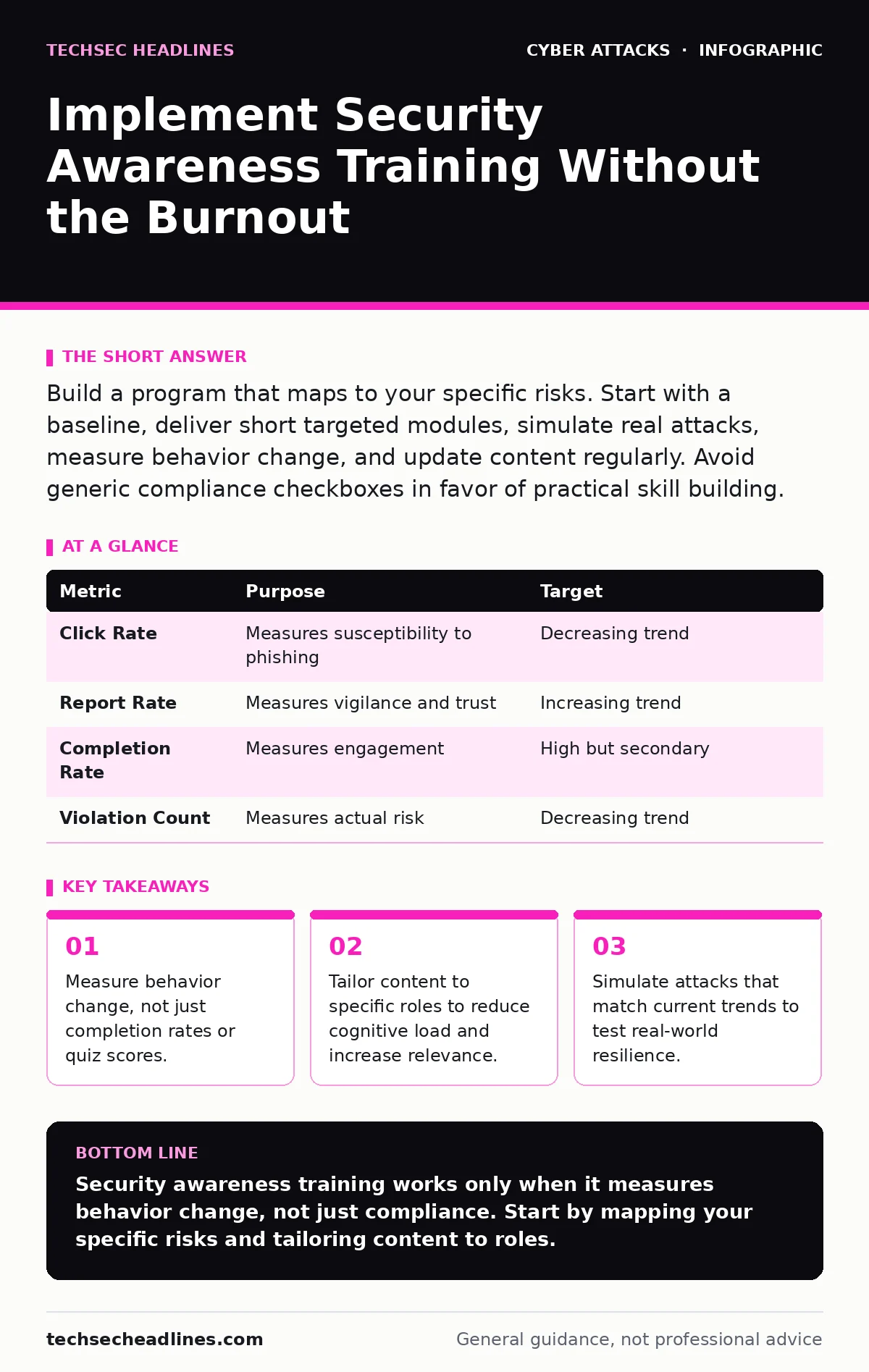
Build a program that maps to your specific risks. Start with a baseline, deliver short targeted modules, simulate real attacks, measure behavior change, and update content regularly. Avoid generic compliance checkboxes in favor of practical skill building.
Map Your Actual Risks Before You Start
You cannot teach what you do not understand. Before writing a single lesson, you must identify how your organization is likely to be attacked. This process is called risk assessment. It involves looking at your data, your people, and your technology to find weak points.
If you sell software, your developers are the target for supply chain attacks. If you handle customer billing, your finance team faces email filtering evasion attempts. Generic training ignores these differences. It treats a junior developer the same as a CEO. This wastes time and leaves specific gaps open.
Look at your past incidents. Did a phishing email get through? Did an insider accidentally delete data? Use this history to shape your curriculum. This ensures every minute of training addresses a real problem your employees face.
Step 1: Establish a Baseline
You need to know where you stand before you can move. A baseline is a snapshot of your current security posture. It tells you what your employees know and how they behave today.
Send a survey or run a simulated attack before any training begins. This gives you a control group. It shows you which departments are vulnerable and which topics need focus. Without this data, you are guessing. You might spend months teaching about USB drops when your biggest risk is MFA fatigue attacks.
To verify this step, you must have a documented record of initial scores or click rates. This document becomes your benchmark for future progress. If you cannot measure the starting point, you cannot prove improvement.
Step 2: Deliver Bite-Sized, Role-Specific Modules
Long annual seminars do not work. Attention spans are short, and retention drops quickly. Use microlearning. This means short lessons that take five to ten minutes. They focus on one specific topic, like identifying urgent language in emails.
Tailor the content to the user’s role. A receptionist needs different skills than a network administrator. The receptionist should learn to verify visitor identities. The administrator should learn to spot unusual login attempts. This relevance keeps people engaged. It makes the training feel useful, not like a chore.
Check if this worked by tracking completion rates and feedback. If people skip modules or complain about irrelevance, your segmentation is wrong. Adjust the content to match their daily tasks.
Step 3: Simulate Real-World Attacks
Theory is not enough. You must test what people do when pressure is on. Simulations mimic actual attacks in a safe environment. They show you how employees react to urgency, fear, or curiosity.
Start with easy scenarios. Send an email that looks like a password reset request. See who clicks the link. Then increase the difficulty. Use more convincing designs or add social pressure. This gradual increase builds confidence without overwhelming users.
You verify success by tracking click rates. A declining click rate over time shows improvement. If rates stay high, your training is not effective. You need to reinforce the concepts with more practice, not more lectures.
Step 4: Reinforce With Positive Feedback
Punishment creates fear, not competence. If you shame users for clicking a simulation, they will hide their mistakes. This makes your security posture worse. You want them to report suspicious emails, not delete them silently.
Use positive reinforcement. When a user reports a simulation, praise them. Explain why the email was dangerous. Give them a small reward if possible. This builds a culture where security is a team effort. It encourages vigilance rather than anxiety.
To check this, monitor reporting rates. You want more reports, even if some are false positives. A high reporting rate means people are paying attention. It means they trust the process enough to flag issues.
See also: Difference Between Spear Phishing and Smishing: Channel and Context · What Is Smishing Scam: Mechanics, Traps, and Defense
Step 5: Measure Behavior Change, Not Completion
Completion certificates are vanity metrics. They tell you someone clicked "finish," not that they learned anything. You must measure actual behavior change. This is the only metric that matters.
Look at how many phishing emails get reported. Look at how many policy violations occur. Look at the time it takes to respond to an incident. These are leading indicators of security health. They show you if your training is sticking.
Verify this by comparing these metrics to your baseline. If reporting goes up and violations go down, you are winning. If completion is high but violations remain steady, your training is failing. You need to change the approach, not just the content.
Step 6: Update Content Regularly
Threats evolve. Your training must evolve with them. A static curriculum becomes obsolete quickly. You must review and update your materials every few months.
Watch for new trends. If AI-generated text becomes common, teach users to spot subtle errors. If voice phishing increases, add modules on verifying callers. Keep the content fresh and relevant. This shows employees that security is a living process, not a yearly checkbox.
Check this by reviewing your simulation results. If a new type of attack starts succeeding, update your training immediately. Do not wait for the next annual cycle. Agility is your best defense against new tactics.
Maintain Momentum With Regular Reviews
Consistency beats intensity. Short, frequent interactions work better than long, rare ones. Integrate security into your daily routine. Send weekly tips. Share recent news about eavesdropping attacks or securing AI agents.
This keeps security top-of-mind. It prevents complacency. It reminds users that threats are real and present. It builds a habit of caution that lasts beyond the training session.
To verify upkeep, schedule regular reviews of your program. Check your metrics. Talk to employees. Ask what is working and what is not. Use their feedback to refine your approach. This ensures your program stays relevant and effective over time.
| Metric | Purpose | Target |
|---|---|---|
| Click Rate | Measures susceptibility to phishing | Decreasing trend |
| Report Rate | Measures vigilance and trust | Increasing trend |
| Completion Rate | Measures engagement | High but secondary |
| Violation Count | Measures actual risk | Decreasing trend |
Key takeaways
- Measure behavior change, not just completion rates or quiz scores.
- Tailor content to specific roles to reduce cognitive load and increase relevance.
- Simulate attacks that match current trends to test real-world resilience.
Security awareness training works only when it measures behavior change, not just compliance. Start by mapping your specific risks and tailoring content to roles.
Frequently asked questions
How often should I send phishing simulations?
Start with monthly simulations and adjust based on results. If click rates drop, you can reduce frequency. If they stay high, increase it. The goal is consistent practice, not punishment.
What if my employees find the training annoying?
Make it relevant and short. Use microlearning and tie it to their specific roles. If it feels useful, they will not find it annoying. Avoid generic, lengthy modules that ignore their daily work.
Can I use automated tools for this?
Yes, automation helps with delivery and tracking. But you still need human oversight to interpret results and adjust content. Tools handle the logistics; you handle the strategy and culture.
How do I handle remote workers in training?
Treat them the same as on-site staff. Use digital modules and simulations that work from anywhere. Ensure they have the same access to resources and support. Remote work does not change security fundamentals.
How this guide was produced: written by the TechSec Headlines editorial team with AI assistance, checked against the public references listed below, and reviewed when the facts change. See our editorial policy or report an error.