Dependency scanning works by parsing your project’s manifest files to extract a list of third-party components. It compares these component names and versions against a public database of known vulnerabilities. The tool flags any match that indicates a security risk, allowing you to update or replace the affected library before deployment.
The Source of Truth: Manifest Files
Dependency scanning begins with a simple file read. The scanner looks for specific manifest files in your project root. These files declare which external libraries your application requires. Common examples include package.json for JavaScript projects or requirements.txt for Python applications. The scanner parses these structured files to build a complete list of direct dependencies.
Direct dependencies are the libraries your code explicitly imports. However, this list is incomplete. Every direct dependency often relies on other libraries, known as transitive dependencies. These nested layers create a deep tree of components that your application uses without you explicitly declaring them. The scanner must resolve this entire tree to provide accurate coverage.
Stage 1: Tree Resolution and Bill of Materials
The first technical stage involves resolving the full dependency tree. The scanner queries a package registry to determine which sub-dependencies are required by each direct dependency. It builds a flat list called a Software Bill of Materials. This list contains every component present in your build, including those buried five levels deep.
This resolution step is computationally expensive. Large projects with thousands of dependencies can take significant time to map completely. The scanner must handle version ranges and platform-specific constraints. If a library has different dependencies for Windows versus Linux, the scanner must track these variants. Failure to resolve the tree correctly results in blind spots where vulnerable transitive dependencies remain undetected.
Stage 2: Signature Matching Against Databases
Once the Bill of Materials is complete, the scanner performs signature matching. It compares the name and version of each component against a vulnerability database. These databases contain records of publicly disclosed flaws. Each record links a specific software package to a Common Vulnerabilities and Exposures identifier. This identifier provides a standard reference for the flaw.
The matching process is strict. The scanner checks if the installed version falls within the range of affected versions. If your library version is 2.4.1 and the vulnerability affects 2.4.0 through 2.4.5, the scanner flags it. This method is fast and reliable for known issues. It does not analyze the code itself. It relies entirely on the accuracy of the version data provided by the maintainers of the package.
Stage 3: Risk Assessment and Filtering
Not every flagged vulnerability requires immediate action. The third stage involves assessing the risk. The scanner evaluates the severity of the vulnerability using a standard scoring system. It also checks if the vulnerable code path is actually reachable in your application. This is called reachability analysis. If your application never calls the function containing the flaw, the risk is lower.
This filtering reduces noise. Without it, developers face hundreds of false alarms. The scanner may also check for patches. If a fix is available, it prioritizes that finding. If no fix exists, it may suggest mitigation strategies. This stage transforms raw data into actionable intelligence. It helps teams focus on the most critical issues first.
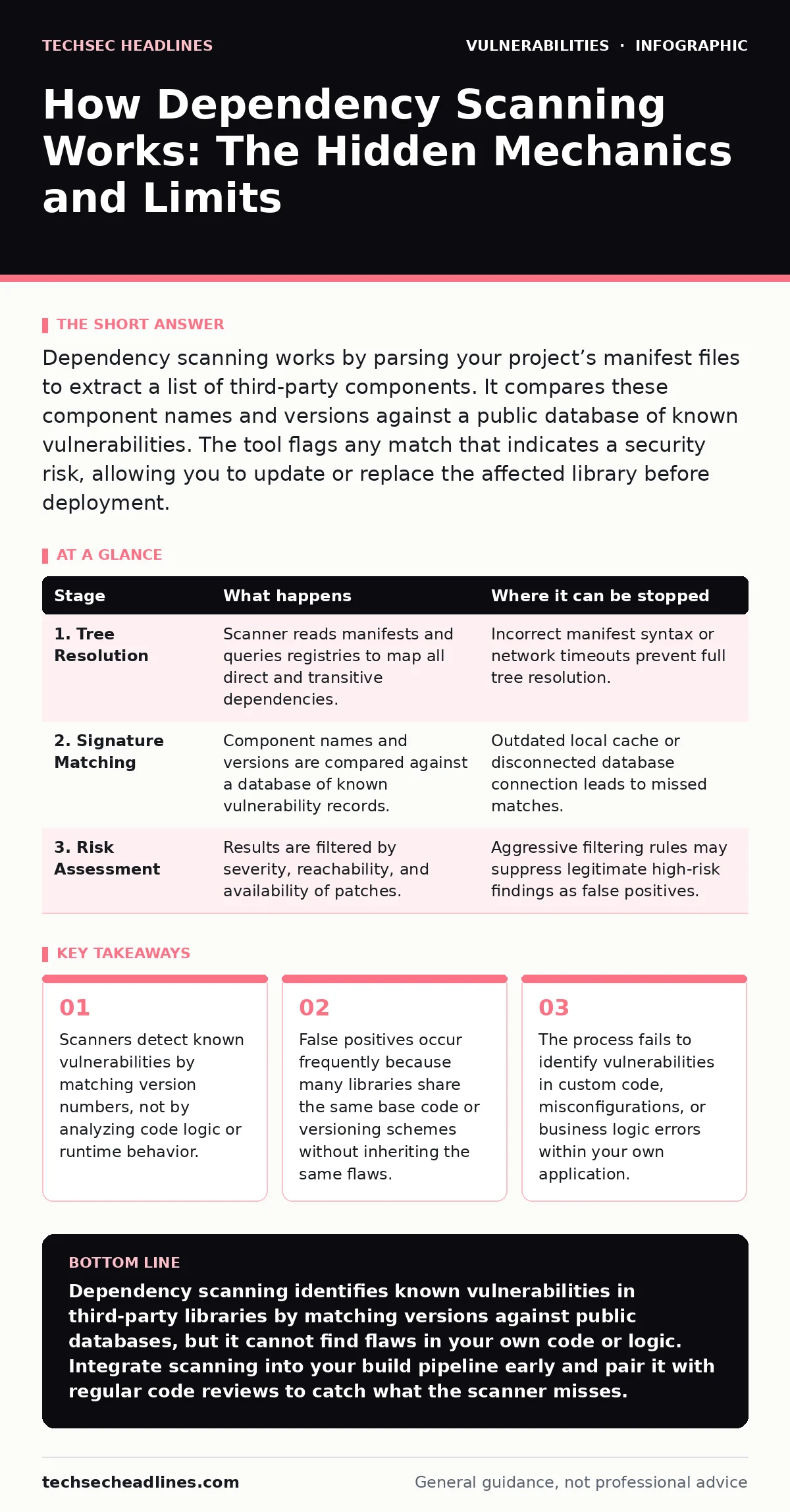
| Stage | What happens | Where it can be stopped |
|---|---|---|
| 1. Tree Resolution | Scanner reads manifests and queries registries to map all direct and transitive dependencies. | Incorrect manifest syntax or network timeouts prevent full tree resolution. |
| 2. Signature Matching | Component names and versions are compared against a database of known vulnerability records. | Outdated local cache or disconnected database connection leads to missed matches. |
| 3. Risk Assessment | Results are filtered by severity, reachability, and availability of patches. | Aggressive filtering rules may suppress legitimate high-risk findings as false positives. |
The Hidden Cost: Maintenance Overhead
Dependency scanning introduces a hidden cost. Every time you add a new library, you inherit its security history. This creates security technical debt. You must monitor these components indefinitely. When a new vulnerability is disclosed, you must assess if it affects your version. This assessment requires time and expertise.
Imagine a project that uses 500 libraries. A single day might see vulnerabilities disclosed in three of them. Your team must verify if these affect your code. If they do, you must test updates to ensure they do not break functionality. This cycle repeats constantly. The cost is not just fixing the bug, but maintaining the trust in your supply chain.
Limits of Static Analysis
Dependency scanning has hard limits. It cannot detect vulnerabilities in your own code. It only checks third-party components. It also misses configuration errors. If you misconfigure a secure library, the scanner will not flag it. The library is safe, but your usage of it is not.
It also fails to identify logic flaws. Suppose your application allows users to delete accounts via a specific API endpoint. If the logic fails to check permissions correctly, this is a broken object level authorization (BOLA) issue. Dependency scanning will not find this. It looks for known bugs in libraries, not flawed business logic in your application. You need different tools for these issues.
Integration Into the Workflow
To be effective, scanning must happen early. Integrating it into your continuous integration pipeline ensures every change is checked. This prevents vulnerable code from reaching production. Developers receive feedback immediately after committing changes. This shifts security left in the development lifecycle.
You must also handle false positives efficiently. If the scanner flags a vulnerability that does not affect your code, you should suppress it. Documenting why it is safe prevents future confusion. Regularly reviewing suppressed items ensures they remain safe as the library evolves. This process requires discipline. Without it, the scanner becomes a noise generator that teams ignore.
Beyond the Scanner
Dependency scanning is one layer of defense. It addresses the supply chain. You must also secure your own code. Input validation prevents attacks like SQL injection. Proper access controls prevent unauthorized data access. These practices complement scanning.
Consider threat modeling to identify how attackers might abuse your dependencies. This helps you prioritize which libraries to monitor closely. For example, libraries that handle user input pose higher risk. Combining scanning with these practices creates a stronger security posture. It reduces the overall risk surface.
Key takeaways
- Scanners detect known vulnerabilities by matching version numbers, not by analyzing code logic or runtime behavior.
- False positives occur frequently because many libraries share the same base code or versioning schemes without inheriting the same flaws.
- The process fails to identify vulnerabilities in custom code, misconfigurations, or business logic errors within your own application.
Dependency scanning identifies known vulnerabilities in third-party libraries by matching versions against public databases, but it cannot find flaws in your own code or logic. Integrate scanning into your build pipeline early and pair it with regular code reviews to catch what the scanner misses.
Frequently asked questions
Does dependency scanning find vulnerabilities in my own source code?
No. Dependency scanning only checks third-party libraries listed in your manifest files. It does not analyze your custom code for logic flaws or implementation errors.
How often should I run dependency scans?
Run scans on every code commit and pull request. This ensures new vulnerabilities are caught before they merge into your main branch. Weekly scans are insufficient for fast-moving projects.
What is a false positive in dependency scanning?
A false positive occurs when the scanner flags a library as vulnerable, but your application does not use the affected code path. This happens because scanners check versions, not actual usage.
Can dependency scanning prevent all supply chain attacks?
No. It only detects known vulnerabilities. It cannot stop attacks where a maintainer intentionally inserts malicious code into a trusted library, nor can it detect zero-day flaws.
How this guide was produced: written by the TechSec Headlines editorial team with AI assistance, checked against the public references listed below, and reviewed when the facts change. See our editorial policy or report an error.