Key points
- Socket for Origin scans dependency changes in pull requests and flags security risks based on team policies.
- The tool integrates with Cursor’s Origin platform, which hosts code for developers and AI agents at scale.
- Scans run automatically when pull requests are opened or commits are pushed, providing verdicts without leaving the interface.
The short version
- Socket for Origin is now listed in the Origin App Marketplace for automatic dependency scanning.
- The integration helps teams catch malicious packages or compromised updates before merging code.
- It joins over twenty developer tools already available in the marketplace for CI and deployment workflows.
The details
Socket announced that its dependency scanning tool for Origin is now available in the Cursor App Marketplace. The integration allows teams to scan dependency changes within pull requests and flag security risks according to their specific organizational policies. This addition brings automated security checks directly into the code review process hosted on Origin, which was built by SpaceXSI to support large-scale collaboration for developers and AI agents.
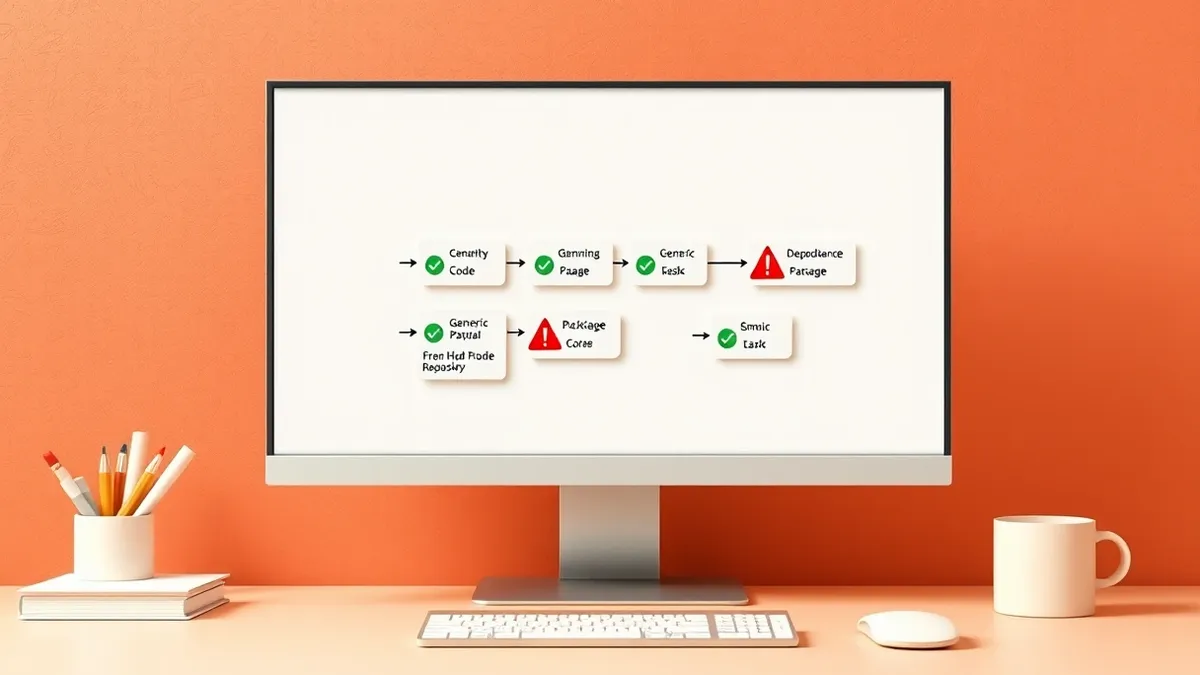
The tool operates by scanning supported manifests and lockfiles whenever a pull request is opened or new commits are pushed. This includes evaluating dependency changes in monorepo workspaces. Socket compares the target branch with the proposed merge result to determine what new dependencies the pull request would introduce. This process helps identify malicious packages or compromised updates that might otherwise go unnoticed during manual code reviews.
Reviewers receive findings directly on the pull request interface. The Socket Security check displays scan progress and reports a verdict based on the organization’s configured policies. It also provides links to full reports. Developers can rerun the check directly within Origin if needed. This keeps the security assessment visible and actionable without requiring reviewers to switch contexts or leave the development environment.
The context
Origin integrates repository hosting, pull requests, and coding agents into Cursor’s development workflow. As developers or agents add packages to implement features, those dependencies become part of the application’s software supply chain. A small change to a manifest or lockfile can introduce significant risk if the package is malicious or compromised. Reviewing application code alone does not reveal whether the external dependencies it pulls in are safe.
Socket analyzes open-source packages for malicious behavior and other supply chain risks. By placing these findings on the pull request, the tool gives reviewers more context before they approve merges. This approach addresses the gap between code review and supply chain security, ensuring that dependency safety is evaluated alongside functional changes. The integration allows teams to use Socket alongside their existing continuous integration and deployment tools.
What to watch
- Monitor how AI agents select dependencies in Origin-hosted repositories, as automated choices may bypass traditional review gates.
- Observe the volume of false positives or negatives in dependency scans as policies are tuned for specific project needs.
- Track updates to the Socket for Origin integration, as new features or policy options may become available in the marketplace.
- Watch for changes in how Origin handles monorepo workspace dependencies, as scanning logic may evolve to support complex structures.
What it means for organisations
Teams usually need to align their security policies with the specific capabilities of the scanning tool before deployment. Check whether your current risk thresholds match the verdicts generated by the integration. Ensure that reviewers understand how to interpret dependency scores and severity labels within the pull request interface. Inform your development leads about the new automated checks so they can adjust their workflow expectations. Coordinate with your security operations team to verify that the findings feed into your existing incident response processes.
Background: Supply chain attacks
A supply chain attack targets the software or hardware you use before it reaches you. By compromising a trusted vendor, attackers insert malicious code that installs automatically on your systems when you update or deploy the product. This bypasses perimeter defenses because the malicious payload arrives with a valid digital signature.
Read the full guide: Supply Chain Attacks: How Trust Becomes Your Biggest Security Risk
What to do and how to stay safe: Socket
- Review your organization’s dependency security policies to ensure they align with the scanning capabilities of the new integration.
- Train developers and reviewers on how to interpret the security findings and verdicts displayed directly in pull requests.
- Verify that your manifest and lockfile configurations are compatible with the automatic scanning process for accurate results.
- Monitor the initial scans to identify any false positives or gaps in coverage that require policy adjustments or manual review.
Step-by-step guide: Secure Home Routers for Small Business Networks
General security guidance from the TechSec Headlines newsroom. It is not confirmed advice from the organisations named in this story.
Frequently asked questions
What does Socket for Origin do?
It scans dependency changes in pull requests and flags security risks based on your team’s policies before code is merged.
Where can I install Socket for Origin?
It is available in the Origin App Marketplace, which is part of Cursor’s development ecosystem.
Does it scan monorepo workspaces?
Yes, it scans supported manifests and lockfiles when pull requests are opened or commits are pushed, including changes in monorepo workspaces.