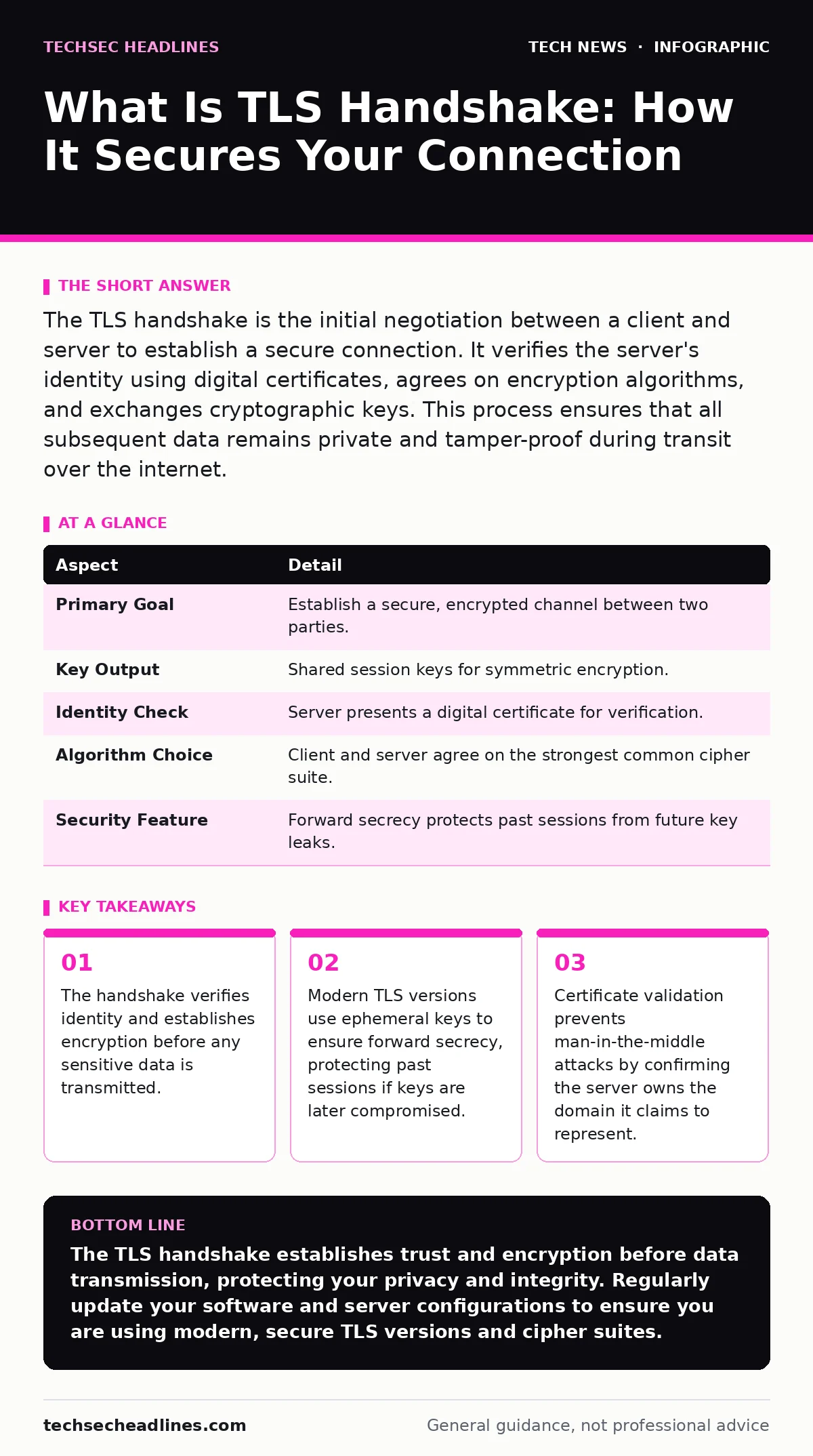
The TLS handshake is the initial negotiation between a client and server to establish a secure connection. It verifies the server's identity using digital certificates, agrees on encryption algorithms, and exchanges cryptographic keys. This process ensures that all subsequent data remains private and tamper-proof during transit over the internet.
Everyday Analogy: The Secure Mailbox
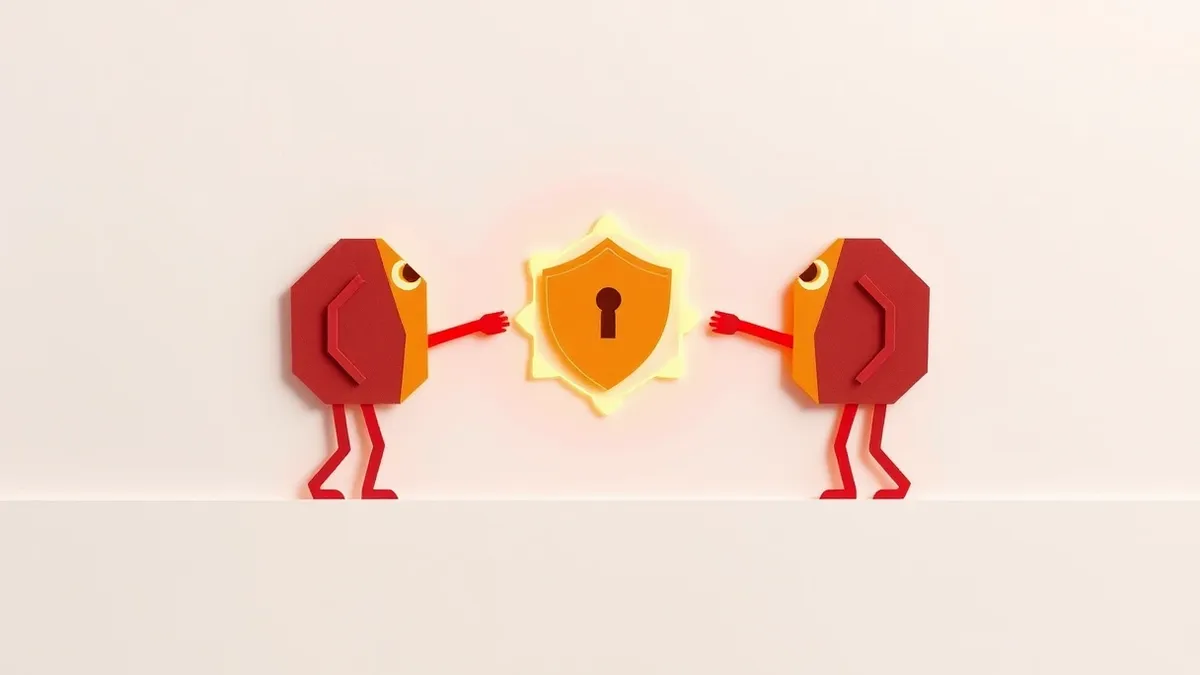
Imagine sending a locked diary to a friend. You do not mail the diary open. Instead, you first send a sealed envelope containing a unique combination lock and a copy of the key. Your friend receives the envelope, verifies it came from you using a trusted signature, and then sends back a confirmation sealed with their own lock. Only after this exchange do you send the actual diary, locked with the agreed-upon mechanism. This initial exchange of locks and verification is the TLS handshake. It establishes trust and security before the valuable payload arrives.
At a Glance: TLS Handshake Mechanics
| Aspect | Detail |
|---|---|
| Primary Goal | Establish a secure, encrypted channel between two parties. |
| Key Output | Shared session keys for symmetric encryption. |
| Identity Check | Server presents a digital certificate for verification. |
| Algorithm Choice | Client and server agree on the strongest common cipher suite. |
| Security Feature | Forward secrecy protects past sessions from future key leaks. |
What Is TLS Handshake: The Core Process
What is TLS handshake? It is the series of messages exchanged between a client, such as your web browser, and a server to agree on how to communicate securely. The process begins when the client sends a "Client Hello" message. This message contains the highest TLS version the client supports, a list of preferred cipher suites, and a random number generated by the client. The server responds with a "Server Hello" message, selecting the TLS version and cipher suite from the client's list. If the server has a supported option, it also sends its digital certificate and another random number.
The client then verifies the server's certificate. It checks if the certificate is issued by a trusted Certificate Authority, if it has not expired, and if the domain name matches the site you are visiting. If verification fails, the connection terminates immediately. If verification succeeds, the client generates a pre-master secret. This secret is encrypted with the server's public key from the certificate and sent to the server. Only the server can decrypt this using its private key. Both sides then use the pre-master secret and the two random numbers to derive the same symmetric session keys. These keys encrypt all subsequent data.
Who It Affects: Clients and Servers
The TLS handshake affects every device that communicates over the internet using secure protocols. For you as a user, it happens automatically in your browser, email client, or mobile app. You see the result as a padlock icon or "https" in the address bar. If the handshake fails, you see a warning page. You do not configure the handshake parameters manually. Your device handles the complexity.
For server administrators, the handshake is a critical configuration point. They must install valid certificates, choose strong cipher suites, and disable outdated TLS versions. A misconfigured server can reject valid clients or accept weak connections. Administrators must also manage certificate renewal. An expired certificate causes handshake failure, taking the service offline. Proper configuration balances security with performance, as complex cryptographic operations consume CPU resources.
What People Usually Get Wrong
Many users believe the padlock icon means the website is safe or trustworthy. It only means the connection is encrypted. The site could still be a phishing page that stole your credentials. The handshake does not verify the content of the site, only the identity of the server. Another common mistake is assuming TLS protects data at rest. TLS only encrypts data in transit. Once the data reaches the server, it is decrypted. Server-side security, such as disk encryption, is required to protect stored data.
Some believe that disabling older TLS versions improves security without cost. While true for security, it can break compatibility with legacy systems. Organizations must audit their user base before disabling support for older protocols. Another misconception is that the handshake is instantaneous. It adds latency to the connection. High-latency networks suffer more from the round trips required in the handshake. This is why connection reuse mechanisms exist.
See also: End-to-End Encryption Messenger Deleted Messages: What Actually Happens · What Is Encryption: Meaning, Definition, and How It Works
The Hidden Cost: Forward Secrecy and Performance
Forward secrecy is a feature where each session uses a unique key that is discarded after the connection ends. If an attacker records encrypted traffic and later steals the server's long-term private key, they cannot decrypt the past sessions. This is a non-obvious benefit. Without forward secrecy, a single key compromise exposes all historical traffic. Modern TLS implementations use Elliptic Curve Diffie-Hellman key exchange to achieve this.
However, forward secrecy has a computational cost. Generating ephemeral keys requires more CPU power than using static keys. For high-traffic servers, this can increase hardware costs. Administrators must balance the security benefit of forward secrecy against the performance impact. They often choose stronger algorithms that are computationally efficient. Understanding this trade-off helps in selecting the right cipher suites for your infrastructure. It is not just about choosing the "strongest" algorithm, but the most efficient one that meets security requirements.
What To Do About It: Configuration and Monitoring
You should ensure your devices and browsers are updated. Older clients may not support modern TLS versions or strong cipher suites. Updated software includes the latest security patches and protocol improvements. For server administrators, regular audits of TLS configurations are necessary. Use tools to test for weak ciphers, expired certificates, and misconfigurations. Enable TLS 1.2 or higher and disable TLS 1.0 and 1.1. These older versions have known vulnerabilities.
Monitor your certificates for expiration. Automated renewal processes prevent service outages. Consider using HTTP Strict Transport Security to force browsers to use HTTPS. This prevents downgrade attacks where an attacker forces the use of unencrypted HTTP. Regularly review logs for handshake failures. A spike in failures can indicate a misconfiguration or an attack. Proper configuration ensures that the TLS handshake works as intended, providing a secure foundation for internet communications.
Related Security Considerations
The TLS handshake is part of a broader security ecosystem. It works in conjunction with HTTPS to secure web traffic. Understanding how HTTPS relies on the handshake helps in troubleshooting connection issues. It also relates to Domain Name System security. If an attacker can manipulate DNS records, they can redirect you to a malicious server with a valid certificate for a different domain. DNSSEC helps prevent this redirection.
Wi-Fi security also plays a role. If your Wi-Fi network is unencrypted, attackers on the same network can see your traffic before it is encrypted by TLS. However, TLS protects the content even if the Wi-Fi is insecure. Home router security settings should be reviewed to ensure the router itself is not compromised. End-of-life hardware may not support modern TLS versions, forcing the use of weaker protocols. Upgrading hardware ensures compatibility with current security standards.
Key takeaways
- The handshake verifies identity and establishes encryption before any sensitive data is transmitted.
- Modern TLS versions use ephemeral keys to ensure forward secrecy, protecting past sessions if keys are later compromised.
- Certificate validation prevents man-in-the-middle attacks by confirming the server owns the domain it claims to represent.
The TLS handshake establishes trust and encryption before data transmission, protecting your privacy and integrity. Regularly update your software and server configurations to ensure you are using modern, secure TLS versions and cipher suites.
Frequently asked questions
Does the TLS handshake encrypt the data I send?
The handshake itself does not encrypt your application data. It establishes the encryption keys. Once the handshake is complete, all subsequent data is encrypted using the agreed-upon symmetric keys.
Why do I sometimes see a "Secure Connection Failed" error?
This error occurs when the TLS handshake fails. Common causes include an expired server certificate, a mismatched domain name, or your browser not supporting the server's TLS version or cipher suite.
Can the TLS handshake be bypassed?
The handshake cannot be bypassed if the client and server require TLS. However, attackers can attempt downgrade attacks to force older, weaker protocols. Configuring servers to only accept modern TLS versions mitigates this risk.
How often should I update my TLS certificates?
Certificates should be renewed before they expire. Many Certificate Authorities offer automated renewal. Regular checks ensure that your certificates remain valid and trusted by clients.
How this guide was produced: written by the TechSec Headlines editorial team with AI assistance, checked against the public references listed below, and reviewed when the facts change. See our editorial policy or report an error.