Wi-Fi security prevents neighbors from stealing your internet and stops casual eavesdropping on public networks. It does not protect you from malware, phishing, or compromised websites. You must combine strong wireless protocols with endpoint security to achieve real safety.
The Illusion of Wireless Safety
Many people treat Wi-Fi security as a blanket shield for their digital life. This view is incorrect. Wi-Fi security protocols, such as WPA3, encrypt the conversation between your device and the router. They do not inspect the content of that conversation. If you send a password over an unencrypted website, the Wi-Fi encryption hides the packet from the neighbor next door. It does not stop the website itself from stealing your credentials.
You must understand the boundary of protection. The wireless link is a pipe. Security measures ensure no one taps the pipe. They do not ensure the water inside is clean. This distinction matters when you assess risk. You might feel safe because your router has a strong password. That password only keeps unauthorized devices off your local network. It does nothing to stop a virus you downloaded while connected.
Concrete Benefits of Encryption
The primary benefit of Wi-Fi security is data confidentiality in transit. Without encryption, every device within range can read your traffic. Modern protocols use strong cryptographic keys to scramble this data. Only devices with the correct key can decrypt it. This prevents casual snooping and makes large-scale data harvesting difficult for attackers without significant resources.
Another benefit is network access control. A strong passphrase ensures that only people you know can join your local network. This limits the number of devices that can interact with your smart home gadgets or shared printers. It also prevents bandwidth theft. If a neighbor connects to your network, they slow down your connection. Proper authentication stops this resource sharing.
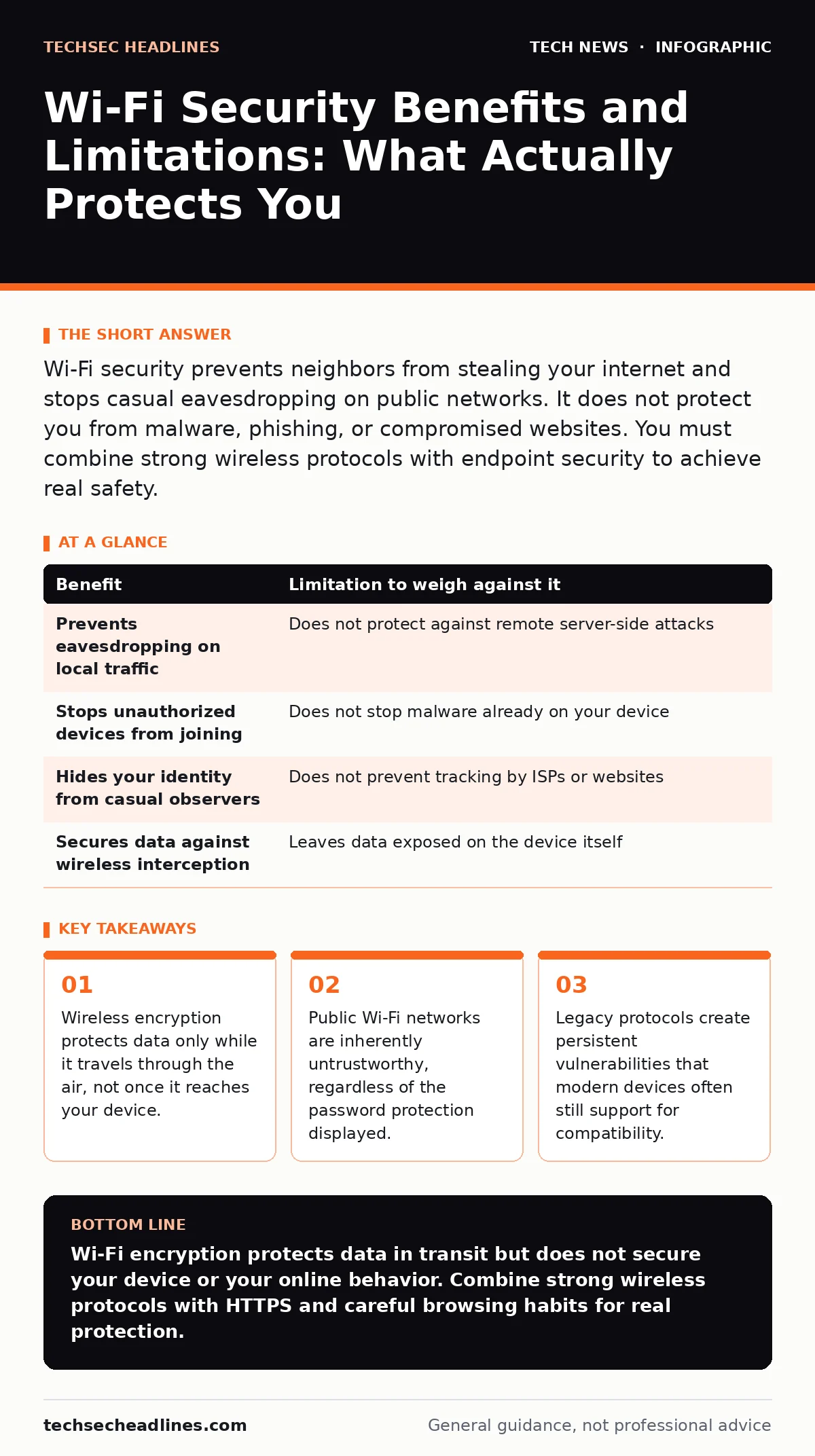
| Benefit | Limitation to weigh against it |
|---|---|
| Prevents eavesdropping on local traffic | Does not protect against remote server-side attacks |
| Stops unauthorized devices from joining | Does not stop malware already on your device |
| Hides your identity from casual observers | Does not prevent tracking by ISPs or websites |
| Secures data against wireless interception | Leaves data exposed on the device itself |
Hidden Costs and Limitations
Wi-Fi security introduces latency. Encryption and decryption require processing power. On older devices, this can slow down connection speeds. More importantly, it creates a false sense of security. Users often relax their guard on "secure" networks. They might log into bank accounts or share sensitive files because the Wi-Fi icon shows a lock. This behavior increases risk, not decreases it.
Compatibility is another hidden cost. To connect to older devices, many routers default to mixed modes that support weaker standards. This weakens the entire network. If one device connects using an outdated protocol, an attacker can target that specific session. The security of your network is only as strong as the weakest connected device. You cannot force all devices to use the highest standard if the hardware does not support it.
When It Is Worth It
You should invest effort in Wi-Fi security when handling sensitive data at home or in the office. Change the default admin password on your router. Update the firmware regularly. Use WPA3 if your hardware supports it. This protects your private files from local threats. It ensures that a thief who steals your laptop cannot easily access your network from outside.
It is also worth it for privacy. Even if you have nothing secret to hide, you likely do not want your search history or browsing habits visible to everyone in your apartment building. Encryption ensures that your digital footprint remains private while in transit. This is particularly relevant in dense urban environments where many networks overlap.
When It Is Not Worth It
Do not rely on Wi-Fi security for sensitive transactions on public networks. Coffee shops and airports often have open or poorly secured networks. Even if they require a password, that password is often shared publicly. Assume that anyone on the same network can see your traffic. Do not log into banking sites or email accounts on these networks.
It is not worth it to assume that a secure Wi-Fi connection protects you from phishing. If you click a malicious link, the Wi-Fi encryption does not matter. The attack happens on your device, not on the wireless link. You must focus on email security practices and verifying URLs before trusting any network connection.
The Role of Other Defenses
Wi-Fi security is just one layer. You need HTTPS to encrypt the connection between your browser and the website. This protects your data even if the Wi-Fi is compromised. Always look for the padlock icon in your browser address bar. This ensures that the website itself is secure, independent of the network you are using.
Your device security matters more than your Wi-Fi security. Keep your operating system updated. Use firewalls. Be careful with USB security when connecting new devices. A compromised device can bypass all wireless protections. It can send stolen data directly to an attacker, regardless of how strong your Wi-Fi encryption is.
Practical Steps for Better Security
Start by auditing your current setup. Check your router for outdated firmware. Update it immediately. Disable remote management features. These allow attackers to change your settings from outside your home. Use a strong, unique passphrase for your Wi-Fi. Avoid common words or personal information.
Consider using a virtual private network for sensitive activities. This adds another layer of encryption on top of your Wi-Fi. It hides your traffic from your internet service provider and local network users. This is especially useful when traveling. It ensures that your data remains private even on untrusted networks.
Final Considerations
Wi-Fi security is a necessary baseline, not a complete solution. It protects the wireless channel. It does not protect your identity, your data at rest, or your behavior online. You must combine it with other security measures. Think of it as locking your front door. It stops casual burglars, but it does not stop someone who already has a key.
Review your security posture regularly. Technology changes. New vulnerabilities appear. Old devices become end-of-life hardware and no longer receive updates. Replace them when possible. Stay informed about best practices. Security is an ongoing process, not a one-time setup.
Key takeaways
- Wireless encryption protects data only while it travels through the air, not once it reaches your device.
- Public Wi-Fi networks are inherently untrustworthy, regardless of the password protection displayed.
- Legacy protocols create persistent vulnerabilities that modern devices often still support for compatibility.
Wi-Fi encryption protects data in transit but does not secure your device or your online behavior. Combine strong wireless protocols with HTTPS and careful browsing habits for real protection.
Frequently asked questions
Is WPA3 better than WPA2 for home use?
WPA3 offers stronger encryption and better protection against brute-force attacks. If your devices support it, use WPA3. Otherwise, WPA2 with a strong password is still secure.
Can hackers steal data from my Wi-Fi if it is password-protected?
They can if they guess or crack your password. Weak passwords are vulnerable to dictionary attacks. Use a long, complex passphrase to make this difficult.
Do I need a firewall if my Wi-Fi is secure?
Yes. A firewall controls incoming and outgoing traffic on your device. Wi-Fi security only protects the wireless connection. The firewall protects your computer from network-based attacks.
Is public Wi-Fi ever safe?
It is never fully safe. You can reduce risk by using HTTPS and avoiding sensitive transactions. Treat public Wi-Fi as a shared, untrusted environment.
How this guide was produced: written by the TechSec Headlines editorial team with AI assistance, checked against the public references listed below, and reviewed when the facts change. See our editorial policy or report an error.