
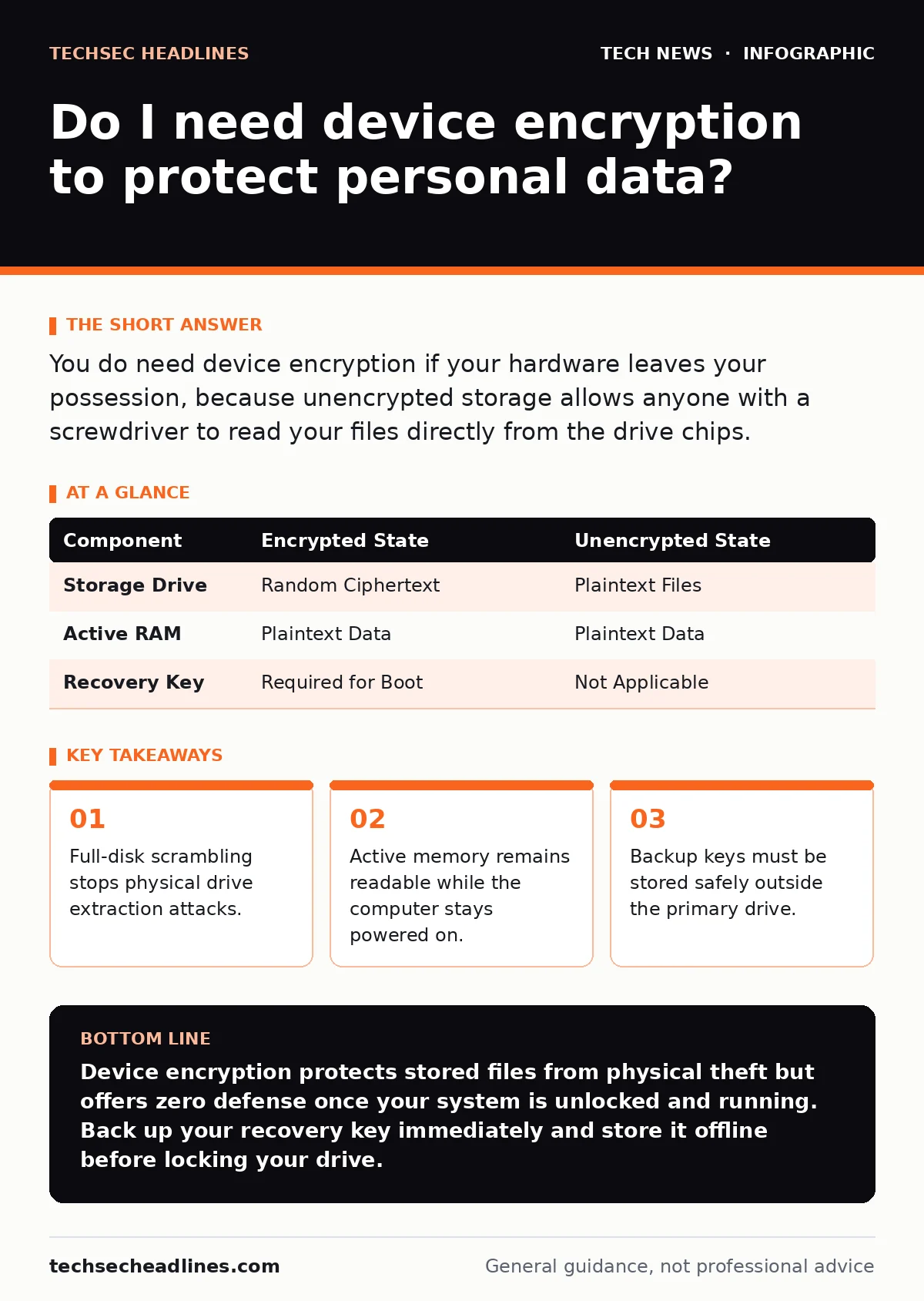
You do need device encryption if your hardware leaves your possession, because unencrypted storage allows anyone with a screwdriver to read your files directly from the drive chips.
Do I Need Device Encryption on a Modern Computer?
Device encryption is a baseline security control that transforms your stored data into ciphertext using mathematical algorithms. Operating systems apply this transformation automatically on mobile devices, but laptop and desktop owners often must enable the feature manually. Leaving your storage unencrypted invites total compromise the moment your hardware is misplaced or stolen.
Mathematical keys govern access to your scrambled data blocks. Without the correct key, your files appear as randomized junk data to anyone reading the physical storage media. Enterprise environments mandate this control across all endpoints to satisfy regulatory mandates and internal risk policies. Personal users benefit equally from the same underlying mechanics when traveling or working in public spaces.
Protecting local storage does not hide your machine's internal internet protocol address from routers performing network address translation. Understanding this boundary prevents false assumptions about what storage scrambling can achieve. Security requires layered defenses where each tool addresses a specific threat vector.
What Happens When You Turn On Full-Disk Scrambling?
Full-disk scrambling encodes every sector of your storage media so that physical removal yields only random noise. When you power down your computer, the decryption key vanishes from active memory, leaving the storage volume locked tight. Booting the machine requires you to supply a valid authentication factor to reconstruct the key.
Hardware controllers handle the heavy lifting of encoding and decoding data blocks on the fly. Special cryptographic chips integrated into modern motherboards store your master keys securely away from the main operating system. This separation prevents malicious software running inside the operating system from easily extracting your secrets.
Imagine an attacker pulling the storage drive from your lost laptop and plugging it into another machine. Without your specific hardware platform and authentication passphrase, the data remains utterly unreadable. Physical theft suddenly yields useless electronic components instead of sensitive personal files.
Can Anyone Read My Files While the Operating System Runs?
Active memory remains unencrypted during normal operation, allowing local processes to access plaintext data despite storage protections. Once you unlock your computer, authorized applications load decrypted files into random-access memory to execute tasks quickly. Malicious software with administrative privileges can harvest these unencrypted secrets directly from memory chips.
Running virtual machines on an encrypted host requires careful key allocation to prevent guest operating systems from exposing sensitive memory regions. Memory forensics tools can extract cryptographic keys from active RAM modules if an attacker gains brief physical access to a running machine. Storage security provides zero defense against threats targeting an active, unlocked session.
How Does Cryptographic Key Management Work Behind the Scenes?
Cryptographic key management relies on a master key derived from your passphrase to lock and unlock the storage volume. Password verifications often use SHA-256 hashes to check your passphrase without storing the actual characters on disk. The system combines your input with a randomized salt value to thwart brute-force guessing attacks.
Generation of these keys depends on hardware random number generators built into modern silicon processors. Weak randomness compromises the entire cryptographic chain, allowing attackers to predict key generation patterns. Operating systems shield these internal key derivation functions from ordinary user applications to maintain isolation.
Key backup mechanisms create recovery files for administrative use when passphrases are forgotten. Storing these recovery codes carelessly on the same physical drive defeats the entire purpose of encrypting your data. You must keep backup keys on entirely separate physical media stored in a secure location.
Does Turning on Storage Protection Slow Down Everyday Tasks?
Storage protection introduces a minor processing overhead that modern processors handle transparently through dedicated hardware instructions. Older machines without specialized cryptographic extensions might experience noticeable lag during intensive file operations or large software installations. Manufacturers build instruction sets directly into central processing units to accelerate these mathematical transformations.
Performance penalties vary depending on the specific cipher suites and block sizes selected by your operating system configuration. Solid-state drives process encrypted data blocks so rapidly that human perception cannot detect the delay. Synthetic benchmarks show tiny drops in throughput, but daily office tasks remain completely unaffected.
Balancing performance against security historically forced difficult compromises on early computing hardware. Modern engineering eliminated most of those trade-offs by shifting cryptographic workloads to specialized coprocessors. You gain substantial safety without sacrificing the snappy responsiveness expected from contemporary computers.
See also: What Is TLS Handshake: How It Secures Your Connection · What Is Encryption: Meaning, Definition, and How It Works
What Are the Hidden Risks of Losing Your Recovery Passphrase?
Losing your recovery passphrase means your data becomes permanently inaccessible, mimicking the exact outcome of a destructive cyber attack. Mathematical security makes no allowances for forgotten credentials, and no backdoor exists for manufacturers to bypass the cipher. Hardware failures that corrupt the key storage area demand a complete wipe and restoration from backup archives.
| Component | Encrypted State | Unencrypted State |
|---|---|---|
| Storage Drive | Random Ciphertext | Plaintext Files |
| Active RAM | Plaintext Data | Plaintext Data |
| Recovery Key | Required for Boot | Not Applicable |
Users frequently ignore recovery key prompts during setup, assuming they will always remember their primary login phrase. Hardware upgrades or operating system reinstalls frequently trigger unexpected recovery mode locks. Failing to record your recovery code in a safe offline repository guarantees eventual data loss.
How Does Disk Scrambling Relate to Network Security Controls?
Disk scrambling protects data at rest, whereas protocols like HTTPS secure information in transit across the public internet. Local protection keeps stored files safe from prying eyes when hardware is stationary or moving. Network protocols ensure that eavesdroppers cannot intercept your communications while browsing or sending messages.
Failing to secure your network traffic while keeping your hard drive locked leaves your information exposed during transmission. Security practitioners combine both controls to establish comprehensive defense-in-depth architectures across all operational environments. Neither control replaces the other, because data faces distinct threats while stored versus while moving.
Relying solely on storage encryption while ignoring network hygiene leaves half your digital life completely unprotected. Understanding the distinct boundaries of each security layer helps you prioritize where to apply defensive configurations. Every layer closes a specific gap that would otherwise invite compromise.
Key takeaways
- Full-disk scrambling stops physical drive extraction attacks.
- Active memory remains readable while the computer stays powered on.
- Backup keys must be stored safely outside the primary drive.
Device encryption protects stored files from physical theft but offers zero defense once your system is unlocked and running. Back up your recovery key immediately and store it offline before locking your drive.
Frequently asked questions
Can law enforcement bypass device encryption if they seize my phone?
Law enforcement agencies often rely on specialized hardware exploits or software vulnerabilities to extract data from unlocked or unpatched devices.
Does encryption protect against viruses and malware?
Encryption scrambles data to prevent unauthorized reading, but malicious software running in your active session can still modify or delete your files.
What happens to my encrypted files if my motherboard breaks?
Motherboard failure requires moving the storage drive to compatible hardware, which still demands your correct passphrase or recovery key to unlock the data.
Is there any reason not to encrypt a secondary data drive?
Secondary drives require independent configuration and a separate key management strategy, but leaving them unencrypted defeats the security of the primary system.
How this guide was produced: written by the TechSec Headlines editorial team with AI assistance, checked against the public references listed below, and reviewed when the facts change. See our editorial policy or report an error.