
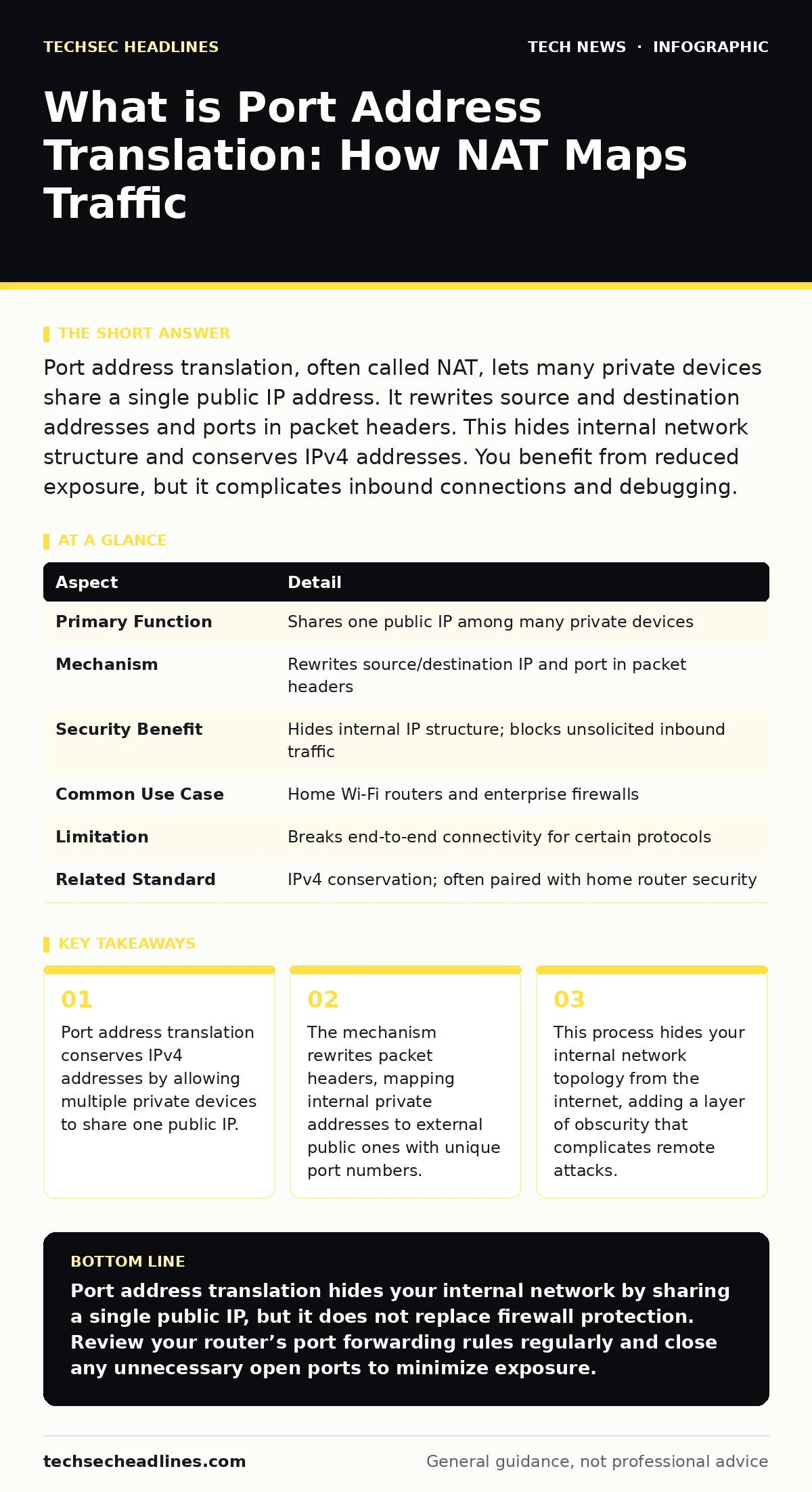
Port address translation, often called NAT, lets many private devices share a single public IP address. It rewrites source and destination addresses and ports in packet headers. This hides internal network structure and conserves IPv4 addresses. You benefit from reduced exposure, but it complicates inbound connections and debugging.
What is Port Address Translation
Imagine a busy office building with only one telephone line. Every employee needs to make calls, but the outside world sees only one number. Port address translation acts like the switchboard operator. When an employee calls out, the operator notes their extension, connects the line, and tells the outside caller that the call comes from the main number. When the reply comes in, the operator routes it back to the correct extension.
This mechanism is what is port address translation. It allows multiple devices on a local network to share a single public IP address. The router tracks each active connection by assigning a unique temporary port number to each outbound session. This solves the shortage of IPv4 addresses and provides a basic barrier against unsolicited inbound traffic.
| Aspect | Detail |
|---|---|
| Primary Function | Shares one public IP among many private devices |
| Mechanism | Rewrites source/destination IP and port in packet headers |
| Security Benefit | Hides internal IP structure; blocks unsolicited inbound traffic |
| Common Use Case | Home Wi-Fi routers and enterprise firewalls |
| Limitation | Breaks end-to-end connectivity for certain protocols |
| Related Standard | IPv4 conservation; often paired with home router security |
How the Mapping Works
The process begins when a device on your local network sends a request to the internet. Your router intercepts this packet. It replaces the private source IP address with the router’s public IP address. It also replaces the source port number with a unique, unused port from its pool. The router records this mapping in a translation table.
When the response returns from the internet, it arrives at the router’s public IP and the specific temporary port. The router checks its table. It finds the original private IP and port associated with that temporary port. It rewrites the packet headers again, restoring the original private addresses, and forwards the data to the correct device. This happens in milliseconds, invisible to the user.
This stateful tracking is key. The router only allows inbound traffic if it matches an existing entry in the translation table. If an external server tries to send data to a port that has no active outbound session, the router drops the packet. This is why you cannot simply host a web server on your laptop without additional configuration.
Who This Affects
You interact with this technology every time you connect to Wi-Fi. It affects home users, corporate employees, and cloud infrastructure operators. For home users, it means all your phones, laptops, and smart devices share the single IP address provided by your internet service provider. This conserves the limited supply of IPv4 addresses.
For developers, it creates friction. Applications that rely on knowing the client’s IP address struggle. Debugging connection issues becomes harder because the public IP seen by a server is the router’s, not the individual device’s. This breaks the assumption of end-to-end visibility. Security teams must understand this to properly monitor traffic. If you rely on Wi-Fi security measures, remember that NAT sits behind that layer. It does not encrypt traffic; it only translates addresses.
What People Usually Get Wrong
Many believe that port address translation provides strong security. It does not. It provides obscurity. An attacker cannot scan your internal IP addresses easily because they are hidden behind the router. However, if an attacker finds an open port or exploits a vulnerability in a service you are already using, they can bypass this obscurity. It is not a firewall. It does not inspect packet content for malware.
Another common error is assuming that all outbound traffic is allowed. While outbound connections generally work seamlessly, inbound connections fail by default. People often blame their antivirus or ISP when they cannot receive incoming connections. The issue is usually the translation table. The router has no record of who should receive that traffic, so it discards it.
Some users think that because they have a public IP, they are directly exposed. If your router performs port address translation, your internal devices are not directly reachable. However, misconfigured routers can leak information. Always review your home router security settings to ensure default administrative ports are not exposed to the internet.
Handling Inbound Connections
If you need to run a server, game host, or remote desktop service, you must configure port forwarding. This creates a static rule in the router’s translation table. You tell the router: "Send any traffic arriving at public port 80 to internal IP 192.168.1.50 on port 80." This bypasses the stateful check for inbound initiation.
This opens a hole in your network’s default protection. You are explicitly inviting traffic to a specific internal device. You must secure that device rigorously. Use strong authentication and keep software updated. Consider using HTTPS for web services to encrypt the data passing through this open port. The TLS handshake ensures that even if traffic passes through NAT, the content remains confidential between the client and server.
For complex applications that use multiple dynamic ports, port forwarding is insufficient. You may need to configure DMZ (Demilitarized Zone) settings or use UPnP (Universal Plug and Play) with caution. UPnP allows applications to automatically open ports on your router. This is convenient but risky, as malware can also use UPnP to open ports without your permission.
Advanced Scenarios and Trade-offs
Port address translation adds latency. Every packet must be inspected, rewritten, and checked against the translation table. For most users, this delay is negligible. For high-frequency trading or real-time gaming, it can matter. The router’s CPU handles this processing. Cheap routers may struggle under heavy load, causing packet loss or increased jitter.
Some protocols embed IP addresses inside their payload, not just in the header. Standard NAT cannot see these embedded addresses. This breaks applications like VoIP or some file-sharing protocols. You need Application Layer Gateway (ALG) features in your router to inspect and rewrite the payload. Not all routers support ALG for every protocol. This is a hidden cost of using NAT: compatibility issues with less common applications.
IPv6 eliminates the need for NAT. IPv6 provides enough addresses for every device to have a unique public IP. This restores end-to-end connectivity. However, IPv6 adoption is still growing. Most networks today use dual-stack, supporting both IPv4 and IPv6. Your router may perform NAT for IPv4 traffic while passing IPv6 traffic directly. Understanding this distinction helps when troubleshooting connectivity.
What to Do About It
You do not need to configure port address translation manually. Your router does it automatically. Your job is to manage the exceptions. Only open ports when necessary. Close them when you are done. Regularly review your router’s port forwarding rules. Remove any rules for services you no longer use.
Monitor your network traffic if possible. Some routers provide logs of inbound connection attempts. These logs can reveal scanning activity or brute-force attacks against open ports. While NAT hides your internal structure, it does not hide the fact that your router is being targeted.
Keep your router firmware updated. Manufacturers patch vulnerabilities in the NAT implementation and the web interface. An outdated router can leak DNS queries or allow unauthorized access to the translation table. Combine this with robust Wi-Fi security to protect the local network. If you manage a larger network, consider how DNS security interacts with NAT. Internal DNS queries should not leak to public resolvers, revealing your internal IP scheme.
Key takeaways
- Port address translation conserves IPv4 addresses by allowing multiple private devices to share one public IP.
- The mechanism rewrites packet headers, mapping internal private addresses to external public ones with unique port numbers.
- This process hides your internal network topology from the internet, adding a layer of obscurity that complicates remote attacks.
- Inbound connections require explicit configuration because external devices cannot initiate traffic to private addresses without mapping rules.
Port address translation hides your internal network by sharing a single public IP, but it does not replace firewall protection. Review your router’s port forwarding rules regularly and close any unnecessary open ports to minimize exposure.
Frequently asked questions
Does NAT encrypt my data?
No, port address translation only changes IP addresses and port numbers. It does not encrypt the content of your data. Use HTTPS or a VPN for encryption.
Can I see my real IP address?
From inside your network, you see your private IP. From the outside, websites see your router’s public IP. You can check your public IP by visiting a web service that displays IP addresses.
Is NAT slower than direct connection?
Yes, NAT adds slight latency due to packet rewriting and table lookups. For most users, this difference is unnoticeable, but it can impact high-performance applications.
Why can’t I host a server easily?
NAT blocks unsolicited inbound traffic by default. You must configure port forwarding to allow external devices to initiate connections to your internal server.
How this guide was produced: written by the TechSec Headlines editorial team with AI assistance, checked against the public references listed below, and reviewed when the facts change. See our editorial policy or report an error.