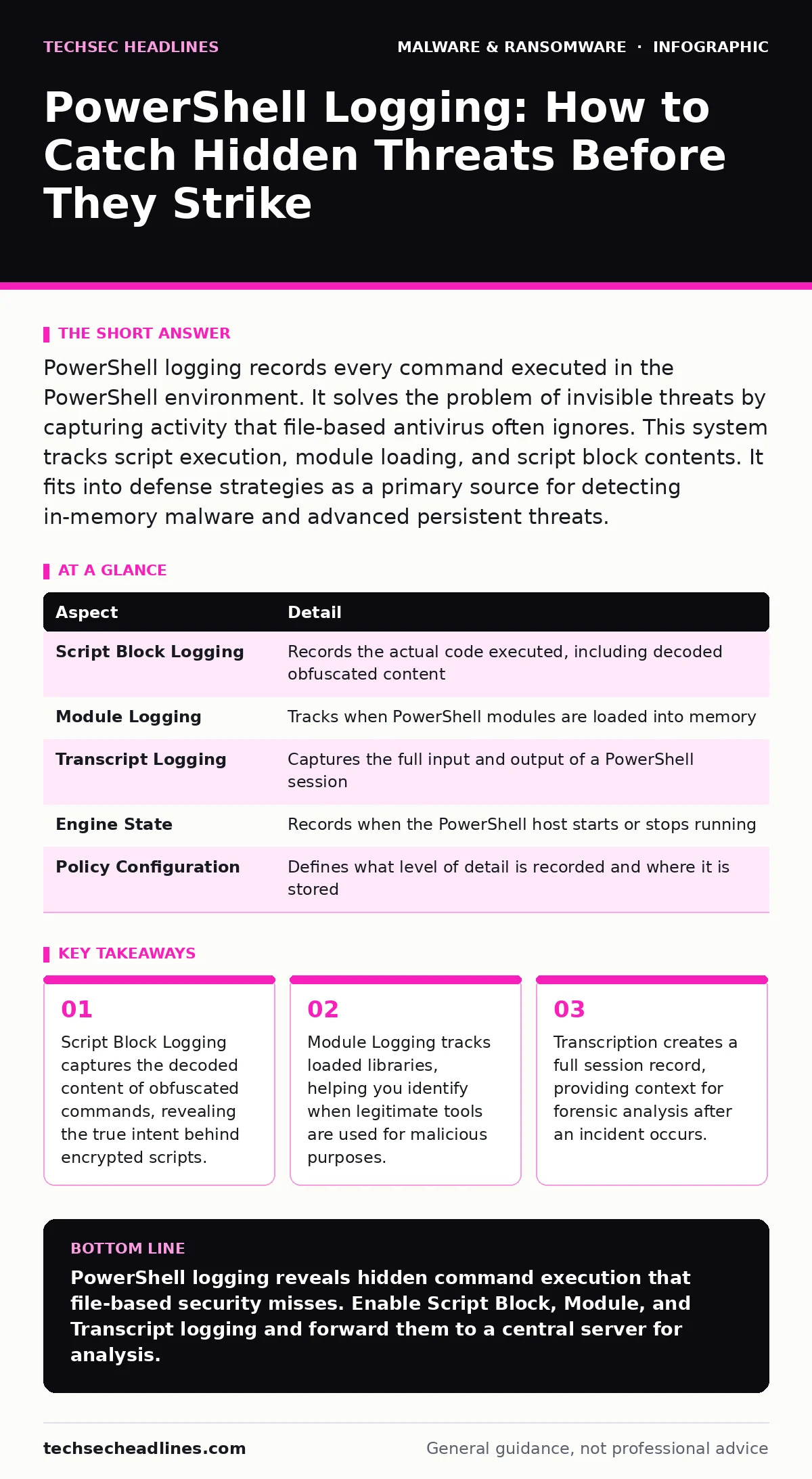
PowerShell logging records every command executed in the PowerShell environment. It solves the problem of invisible threats by capturing activity that file-based antivirus often ignores. This system tracks script execution, module loading, and script block contents. It fits into defense strategies as a primary source for detecting in-memory malware and advanced persistent threats.
The Invisible Script Engine Analogy
Imagine a restaurant kitchen where the chef follows a recipe. Traditional security tools watch the ingredients arriving at the door and the dishes leaving the window. They do not see what happens inside. PowerShell is that kitchen. It allows administrators to automate complex tasks using scripts. Attackers love it because it is already installed on every Windows system. They use it to run commands without creating suspicious files. Logging turns on the lights inside that kitchen, letting you see every step the chef takes, even if no new ingredients were delivered.
At a Glance: PowerShell Logging Components
| Aspect | Detail |
|---|---|
| Script Block Logging | Records the actual code executed, including decoded obfuscated content |
| Module Logging | Tracks when PowerShell modules are loaded into memory |
| Transcript Logging | Captures the full input and output of a PowerShell session |
| Engine State | Records when the PowerShell host starts or stops running |
| Policy Configuration | Defines what level of detail is recorded and where it is stored |
The Problem of In-Memory Execution
Traditional security relies heavily on file system monitoring. It looks for known bad files or suspicious changes to disk. This approach fails against modern threats. Many attackers use techniques described in the ransomware attack chain to avoid writing files to disk. They execute code directly in memory. This is called fileless execution.
If no file is created, file-based scanners see nothing. PowerShell enables this by interpreting scripts on the fly. Without specific logging, the system appears idle. The attacker moves laterally, steals data, and encrypts drives while the security team sees only normal system processes. Logging bridges this gap by recording the commands themselves, not just the files they might create.
Core Logging Mechanisms Explained
PowerShell logging consists of three main pillars. Each serves a different purpose in detection. You must enable all three for full visibility.
- Script Block Logging: This is the most powerful feature. It records the text of every script block executed. If an attacker uses obfuscation to hide their code, this logger decodes it before recording. You see the original, readable command. This reveals the intent behind the attack.
- Module Logging: This records when PowerShell loads modules. Modules are libraries of functions. Attackers often load legitimate modules to perform malicious tasks. This technique is known as living off the land. Logging these loads helps you spot unusual combinations of tools being used together.
- Transcript Logging: This creates a text file of the entire session. It includes what you type and what the system replies. It is less granular than script block logging but provides valuable context. It shows the sequence of actions taken by a user or process.
Integration with Other Defenses
PowerShell logging does not work in isolation. It feeds into broader security strategies. The data generated is valuable for next-generation antivirus solutions that use behavioral analysis. These tools can correlate PowerShell activity with other system events. They look for patterns that indicate malicious behavior. For instance, if PowerShell loads a network module and then attempts to connect to an unknown IP address, that pattern triggers an alert.
Logging also helps detect malware persistence mechanisms. Attackers often use PowerShell to modify startup items or create scheduled tasks. Logging captures these changes, allowing you to revert them. It complements offline backups by ensuring that if ransomware strikes, you have a record of how the infection started, helping you prevent recurrence.
See also: Offline Backups Explained: How to Keep Data Safe From Ransomware · Should I Scan for Rootkits: When and How to Detect Hidden Code
Common Misconfigurations and Blind Spots
Many organizations enable logging but configure it incorrectly. A common mistake is disabling Script Block Logging due to performance concerns. This creates a massive blind spot. Without it, you miss the content of obfuscated scripts. Another error is storing logs locally on the endpoint. Attackers often disable local logging or delete log files after gaining access. You must forward logs to a central server or security information and event management system. This ensures the data survives an attack. Also, many teams ignore Module Logging. They focus only on script content. This misses attacks that use legitimate modules for malicious purposes. You need to monitor both content and context.
The Hidden Cost of Obfuscation
Attackers know that logging exists. They adapt by using advanced obfuscation techniques. They split commands into small pieces, encode them, and reconstruct them in memory. This makes the logged data look like noise. While Script Block Logging decodes much of this, it is not perfect. Some techniques bypass decoding. This is why you must combine logging with other methods.
Look for anomalies in process creation. If a Word document spawns PowerShell, that is suspicious. Correlate this with computer worms behavior, which often spreads via document macros. Also, watch for malware droppers and loaders that use PowerShell to fetch the final payload. The logging shows the fetch command, even if the payload itself remains hidden.
What People Usually Get Wrong
Many believe that PowerShell logging stops attacks. It does not. It detects them. Detection is only the first step. You need a response plan. Another misconception is that only IT administrators use PowerShell. Attackers do too. They often use standard user accounts to run commands. Logging must capture activity from all users. Some teams disable logging for service accounts to improve performance. This is dangerous. Attackers often compromise service accounts. You must log their activity too. Finally, many forget that PowerShell is not just for Windows. It is available on Linux and macOS. Attackers use it there too. Ensure your logging strategy covers all platforms where PowerShell runs.
Building a Resilient Logging Strategy
Start by enabling all three logging types. Forward logs to a secure, remote location. Set up alerts for high-risk commands, such as those that disable security tools or access sensitive directories. Regularly review logs for anomalies. Train your team to recognize suspicious patterns. Integrate this data with your other security tools. Use it to improve your detection rules. Remember, logging is a tool, not a solution. It requires active management. By understanding how PowerShell works and how it is abused, you can turn a potential weakness into a powerful defensive asset. This approach helps you stay ahead of threats that rely on invisibility.
Key takeaways
- Script Block Logging captures the decoded content of obfuscated commands, revealing the true intent behind encrypted scripts.
- Module Logging tracks loaded libraries, helping you identify when legitimate tools are used for malicious purposes.
- Transcription creates a full session record, providing context for forensic analysis after an incident occurs.
PowerShell logging reveals hidden command execution that file-based security misses. Enable Script Block, Module, and Transcript logging and forward them to a central server for analysis.
Frequently asked questions
Does PowerShell logging slow down the system?
Yes, it adds overhead. Script Block Logging has the highest impact. Test performance before full deployment. Ensure your infrastructure can handle the increased log volume.
Can attackers disable PowerShell logging?
Yes, if they have administrative privileges. They can change registry settings or group policies. Centralized logging and integrity monitoring help detect these changes quickly.
How long should I keep PowerShell logs?
Keep them as long as your compliance requirements allow. Longer retention helps with forensic analysis of slow-moving threats. Balance this with storage costs.
Is PowerShell logging enough to stop ransomware?
No. It helps detect early stages. You need multiple layers of defense, including backups and endpoint protection, to stop ransomware effectively.
How this guide was produced: written by the TechSec Headlines editorial team with AI assistance, checked against the public references listed below, and reviewed when the facts change. See our editorial policy or report an error.