
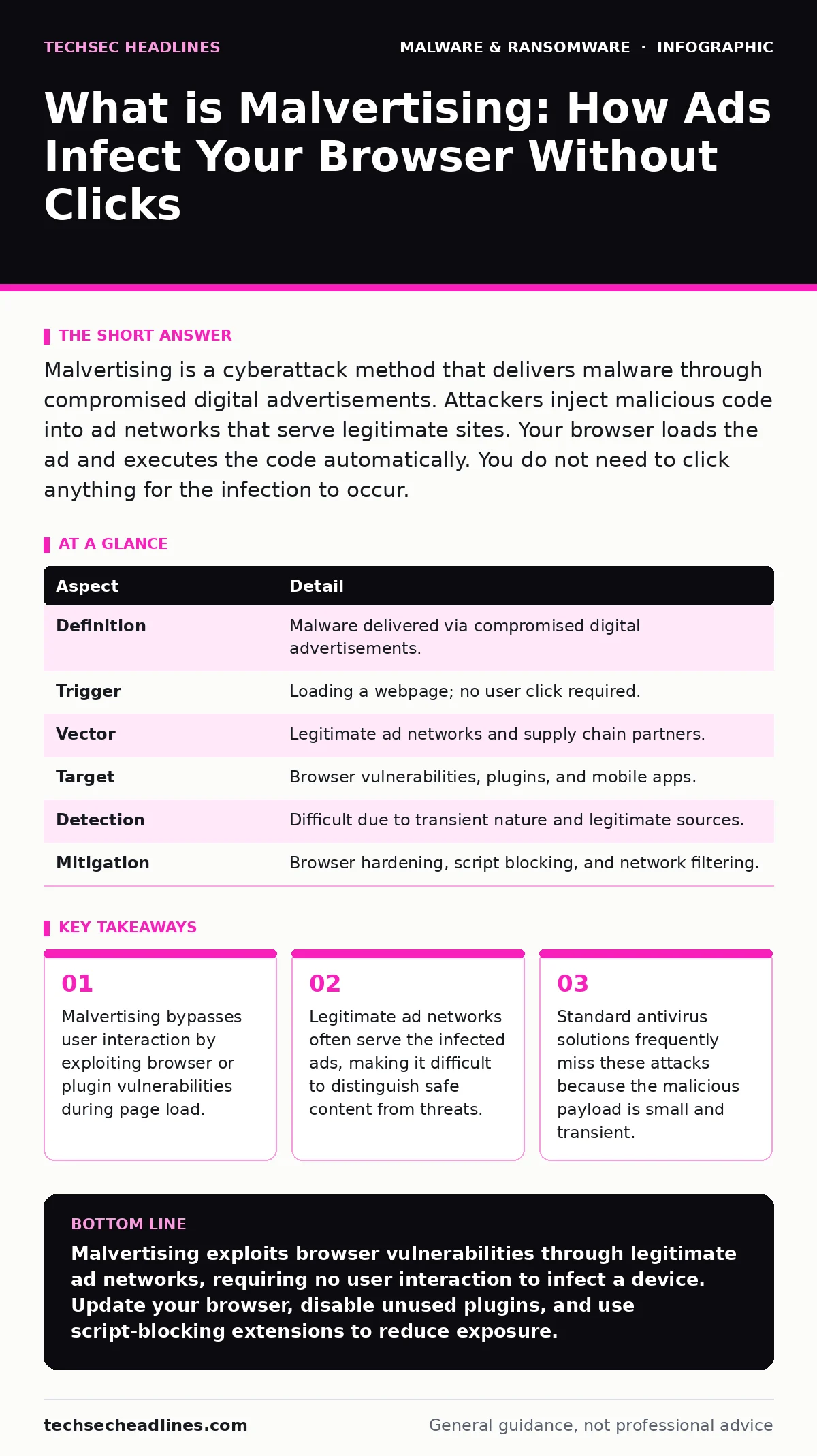
Malvertising is a cyberattack method that delivers malware through compromised digital advertisements. Attackers inject malicious code into ad networks that serve legitimate sites. Your browser loads the ad and executes the code automatically. You do not need to click anything for the infection to occur.
The Delivery Mechanism of Digital Poison
Imagine buying a newspaper where the printer secretly swaps one page with a dangerous document. You read the paper, trusting the source, but the hidden page exposes you to risk. Malvertising operates on this same principle of trust abuse. It places malicious code within the supply chain of digital advertising.
The term combines "malware" and "advertising." It refers to the use of online ads to deliver malicious software to users. Unlike phishing, which requires you to click a link, this method relies on the browser’s automatic behavior. When you visit a website, the browser requests content from multiple servers, including ad providers.
| Aspect | Detail |
|---|---|
| Definition | Malware delivered via compromised digital advertisements. |
| Trigger | Loading a webpage; no user click required. |
| Vector | Legitimate ad networks and supply chain partners. |
| Target | Browser vulnerabilities, plugins, and mobile apps. |
| Detection | Difficult due to transient nature and legitimate sources. |
| Mitigation | Browser hardening, script blocking, and network filtering. |
How the Infection Chain Unfolds
The attack begins with the compromise of an ad network or a publisher’s inventory. Attackers bid for ad space using legitimate-looking campaigns. Once their ad is approved, they replace the creative content with a redirector. This redirector points to a malicious domain or a payload.
When you load a webpage, your browser fetches the ad. The ad executes JavaScript or Flash code. This code checks your system for known vulnerabilities. If it finds a weakness, it downloads and installs the malware. If not, it may redirect you to a phishing page or simply do nothing.
The speed of this process is measured in milliseconds. You see the page load normally. The malicious transaction happens in the background. This is why users rarely notice the attack until the malware has already established itself. The infection often targets specific versions of browsers or plugins that have known security flaws.
Why Traditional Defenses Fail
Standard security tools often struggle to detect this threat. Antivirus software typically scans files that land on your disk. Malvertising often keeps the payload in memory or uses fileless techniques. The malicious code executes and then disappears, leaving little trace for scanners to find.
This limitation highlights the need for understanding malware persistence mechanisms. Attackers design their payloads to survive reboots and updates. They may modify registry keys or create scheduled tasks. If your security solution only looks for known file signatures, it will miss these dynamic behaviors.
The transient nature of the ads also complicates analysis. The malicious domain may exist for only minutes. By the time researchers identify the threat, the attack infrastructure has moved. This race between attackers and defenders makes real-time protection difficult.
What People Usually Get Wrong
Many users believe they are safe if they do not click on ads. This is a dangerous misconception. The attack vector is the loading of the ad, not the interaction with it. Your browser trusts the ad server because it is embedded in the page.
Another common error is assuming that reputable websites are immune. Attackers target high-traffic sites to maximize exposure. A breach in the ad supply chain can affect thousands of publishers simultaneously. You can be on a trusted site and still receive a malicious ad.
Users also underestimate the role of browser plugins. Outdated plugins are frequent targets. They often have higher privileges than the browser itself. A vulnerability in a plugin can allow code to escape the browser sandbox and access the operating system.
The Role of Supply Chain Trust
The root of the problem lies in the complexity of the advertising ecosystem. There are many intermediaries between the advertiser and the publisher. Ad exchanges, demand-side platforms, and supply-side platforms all handle the ad data. Each link in this chain is a potential entry point for attackers.
Attackers exploit this complexity by compromising one weak link. They may hack a smaller publisher and use their credentials to bid on ad space. The larger networks accept the ad because it comes from a verified partner. This trust relationship is what allows the malicious code to reach your screen.
This dynamic mirrors issues seen in the ransomware attack chain. Attackers often exploit legitimate business processes to gain initial access. In malvertising, the legitimate process is the delivery of digital advertisements. The trust placed in the network is the vulnerability.
See also: PowerShell Logging: How to Catch Hidden Threats Before They Strike
Hardening Your Browser Environment
You can reduce your risk by limiting what your browser can execute. Disable unnecessary plugins and extensions. Each plugin increases your attack surface. If you do not need a specific media player or document viewer in the browser, remove it.
Keep your browser and operating system updated. Patches fix the vulnerabilities that malvertising exploits. Delaying updates leaves you exposed to known flaws. This is a basic but often neglected step in personal security hygiene.
Consider using browser extensions that block scripts. These tools can prevent unauthorized code from running. They add a layer of defense between the ad content and your system. While not perfect, they significantly reduce the likelihood of successful exploitation.
Beyond the Browser: Network Defenses
Individual actions are not enough. Organizational defenses must also adapt. Network-level filtering can block known malicious domains. However, this requires up-to-date threat intelligence. The domains used in malvertising change frequently.
Some security frameworks recommend implementing next-generation antivirus solutions. These tools use machine learning to detect suspicious behavior. They look for patterns rather than specific file signatures. This approach is more effective against evolving threats like malvertising.
For advanced users, enabling PowerShell logging can help detect post-exploitation activity. If the malware attempts to run commands on your system, these logs will record them. This data is critical for incident response and forensic analysis.
The Human Element of Security
Understanding how these attacks work changes how you view online content. You learn to question the source of every element on a page. This mindset extends beyond ads. It applies to any third-party content embedded in websites.
You also recognize the importance of least privilege. Your browser should not have access to your entire system. Sandboxing and user account control help enforce this boundary. Even if code executes, its impact is limited.
This perspective is vital for anyone entering the security field. You must look beyond the obvious. The threat is not just in the click. It is in the trust. Breaking that trust is the attacker’s goal. Maintaining it is your responsibility.
Final Thoughts on Digital Hygiene
Malvertising demonstrates the fragility of the modern web. It exploits the very mechanisms that make the internet functional. You cannot eliminate the risk entirely. You can only reduce it through layered defenses.
Combine browser hardening with network monitoring. Update your systems regularly. Educate yourself on the latest tactics. Security is not a product. It is a process. Stay informed and stay skeptical.
Key takeaways
- Malvertising bypasses user interaction by exploiting browser or plugin vulnerabilities during page load.
- Legitimate ad networks often serve the infected ads, making it difficult to distinguish safe content from threats.
- Standard antivirus solutions frequently miss these attacks because the malicious payload is small and transient.
Malvertising exploits browser vulnerabilities through legitimate ad networks, requiring no user interaction to infect a device. Update your browser, disable unused plugins, and use script-blocking extensions to reduce exposure.
Frequently asked questions
Can mobile apps be infected through malvertising?
Yes, mobile apps can load ads that contain malicious code. These ads may exploit vulnerabilities in the app or the mobile operating system. The infection process is similar to that on desktop browsers.
Does using a VPN protect against malvertising?
A VPN encrypts your traffic but does not filter malicious content. It hides your location but not the code being executed. You still need browser-level protections to stop the malware from running.
How do I know if I have been infected?
Look for unusual system behavior, such as slow performance or unexpected pop-ups. Check for new processes in your task manager. Use security tools to scan for known threats and review browser extensions for unknown items.
Is it safe to disable JavaScript entirely?
Disabling JavaScript breaks many modern websites. It is a trade-off between security and functionality. Instead, use selective blocking tools that allow scripts from trusted sites and block them elsewhere.
How this guide was produced: written by the TechSec Headlines editorial team with AI assistance, checked against the public references listed below, and reviewed when the facts change. See our editorial policy or report an error.