Malware persistence ensures a threat survives system restarts by modifying startup configurations, creating scheduled tasks, or altering system libraries. Detecting these mechanisms requires analyzing boot processes and service registries rather than just scanning for known file signatures.
The Unwanted Tenant Analogy
Imagine your computer is an apartment building. The operating system is the landlord, and legitimate applications are the tenants with signed leases. When you install software, you grant it permission to stay. Malware is like a squatter who slips into an empty unit while the landlord is distracted.
If you simply kick the squatter out of the room, they will return the next time the building locks its doors at night. Persistence is the method the squatter uses to ensure they have a key to the front door or a duplicate of the landlord’s master key. This guarantees they can re-enter the apartment immediately after you leave or restart the system.
Defining Persistence Mechanisms
Persistence refers to the techniques malware uses to maintain access to a system across user sessions or system reboots. Without persistence, a threat is temporary. A reboot clears the memory, and the malicious code vanishes. With persistence, the malware writes instructions into the system that tell the computer to launch it automatically every time it starts up.
This is distinct from the initial infection vector. The method used to get in, such as a malicious document, is separate from the method used to stay. Understanding this distinction is vital for defense. You cannot stop persistence by only blocking the entry point. You must also look for the keys the squatter left behind.
Common Points of Confusion
Many users assume that deleting a suspicious file removes the threat. This is a critical error. If the malware has already installed a persistence mechanism, deleting the file does nothing. The system will attempt to launch the missing file, fail, and the malware may trigger a backup copy or simply wait.
Another confusion involves the term "rootkit." A rootkit is a specific type of malware designed to hide its existence, often by modifying kernel-level functions. While all rootkits provide persistence, not all persistent malware are rootkits. Persistence is a goal; rootkits are a tool to achieve stealth while maintaining that goal.
Registry Keys and Startup Folders
On Windows systems, the registry is a hierarchical database that stores low-level settings for the operating system. Malware often adds entries to specific registry keys that control program execution at startup. These keys are read by the system before the user interface loads.
Attackers also use startup folders. These are designated directories where the operating system looks for programs to launch automatically. Placing a malicious executable here is simple but detectable. More sophisticated threats modify the registry to point to these files, making the connection less obvious to casual inspection.
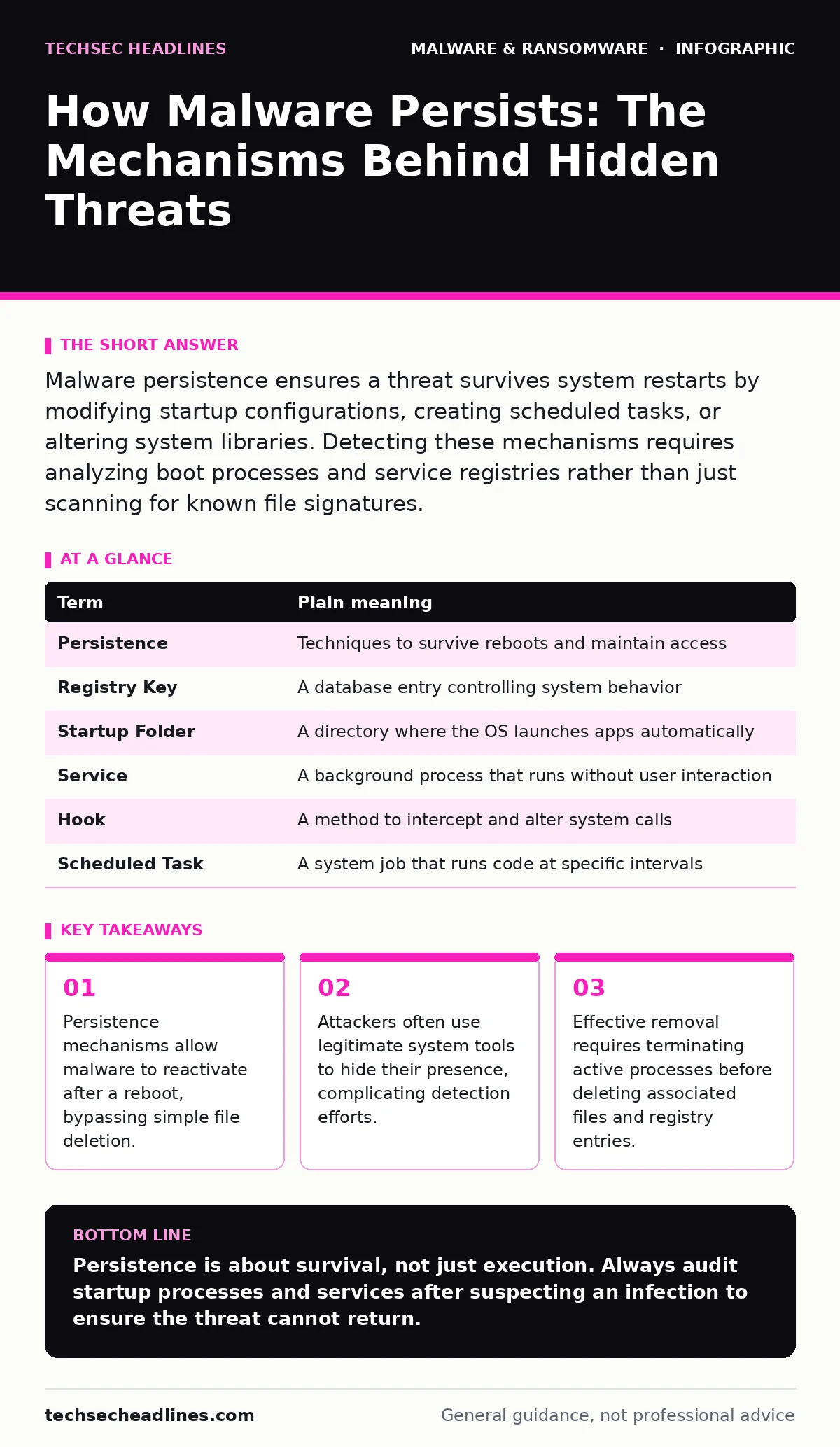
| Term | Plain meaning |
|---|---|
| Persistence | Techniques to survive reboots and maintain access |
| Registry Key | A database entry controlling system behavior |
| Startup Folder | A directory where the OS launches apps automatically |
| Service | A background process that runs without user interaction |
| Hook | A method to intercept and alter system calls |
| Scheduled Task | A system job that runs code at specific intervals |
Scheduled Tasks and Services
Services are background programs that run independently of user logins. Malware can register itself as a service, giving it the appearance of a legitimate system component. Because services start early in the boot process, the malware gains control before security software may fully initialize.
Scheduled tasks allow code to execute at specific times or intervals. An attacker might create a task that runs every hour to check for commands from a remote server. This is harder to detect than a startup entry because the task appears dormant until its trigger time arrives. The system logs may show the task running, but without context, it looks like routine maintenance.
See also: What is Malvertising: How Ads Infect Your Browser Without Clicks · Offline Backups Explained: How to Keep Data Safe From Ransomware
Library Injection and Hooks
Some malware does not add new entries but modifies existing ones. This is known as DLL injection or hooking. Dynamic Link Libraries are files containing code that multiple programs can use simultaneously. Malware can inject its code into a legitimate library file.
When a trusted application loads that library, the malicious code executes alongside it. This is extremely difficult to detect because the file hash of the library may still match the expected value if the malware uses specific evasion techniques. The threat hides in plain sight, riding on the reputation of the legitimate software.
Try This Now: Checking for Persistence
You can inspect your system for common persistence mechanisms using built-in tools. These steps help you understand what is running without installing additional software.
- Open Task Manager and click on the "Startup" tab. Review the list for any programs you do not recognize or that have high impact. Right-click to disable any suspicious entries.
- Open the Registry Editor and navigate to the run keys. Look for entries that point to unusual file paths or executable names. Do not delete entries unless you are certain of their origin.
- Check the Task Scheduler for tasks with hidden triggers or scripts that run at system startup. Compare the task names and actions against known legitimate system processes.
The Hidden Cost of Persistence
The most unexpected consequence of persistence is resource exhaustion. Even if the malware is not actively stealing data, the constant checking for commands or maintaining hidden connections consumes CPU and memory. This slows down your system and reduces battery life on portable devices.
Furthermore, persistence mechanisms often require elevated privileges. Once malware has admin rights, it can modify security settings, disable logging, or install additional threats. This is why removing malware from a Windows PC is rarely a simple file deletion. It requires a thorough audit of all startup vectors.
Key takeaways
- Persistence mechanisms allow malware to reactivate after a reboot, bypassing simple file deletion.
- Attackers often use legitimate system tools to hide their presence, complicating detection efforts.
- Effective removal requires terminating active processes before deleting associated files and registry entries.
Persistence is about survival, not just execution. Always audit startup processes and services after suspecting an infection to ensure the threat cannot return.
Frequently asked questions
Does a full system reboot remove all malware?
No. Rebooting clears memory but does not remove files or registry entries. If persistence mechanisms are in place, the malware will reload automatically.
Can legitimate software use persistence mechanisms?
Yes. Many legitimate applications add themselves to startup folders or register services to run in the background. This is normal behavior for software that needs to update or monitor the system.
How do I know if a service is malicious?
Check the service description and the path to the executable. Legitimate services usually reside in system directories. If a service runs from a temporary folder or has a vague name, it may be suspicious.
Is disabling startup items safe?
It is generally safe to disable items you recognize as unnecessary. However, disabling critical system services can prevent your computer from booting or functioning correctly. Research any item before disabling it.
How this guide was produced: written by the TechSec Headlines editorial team with AI assistance, checked against the public references listed below, and reviewed when the facts change. See our editorial policy or report an error.