
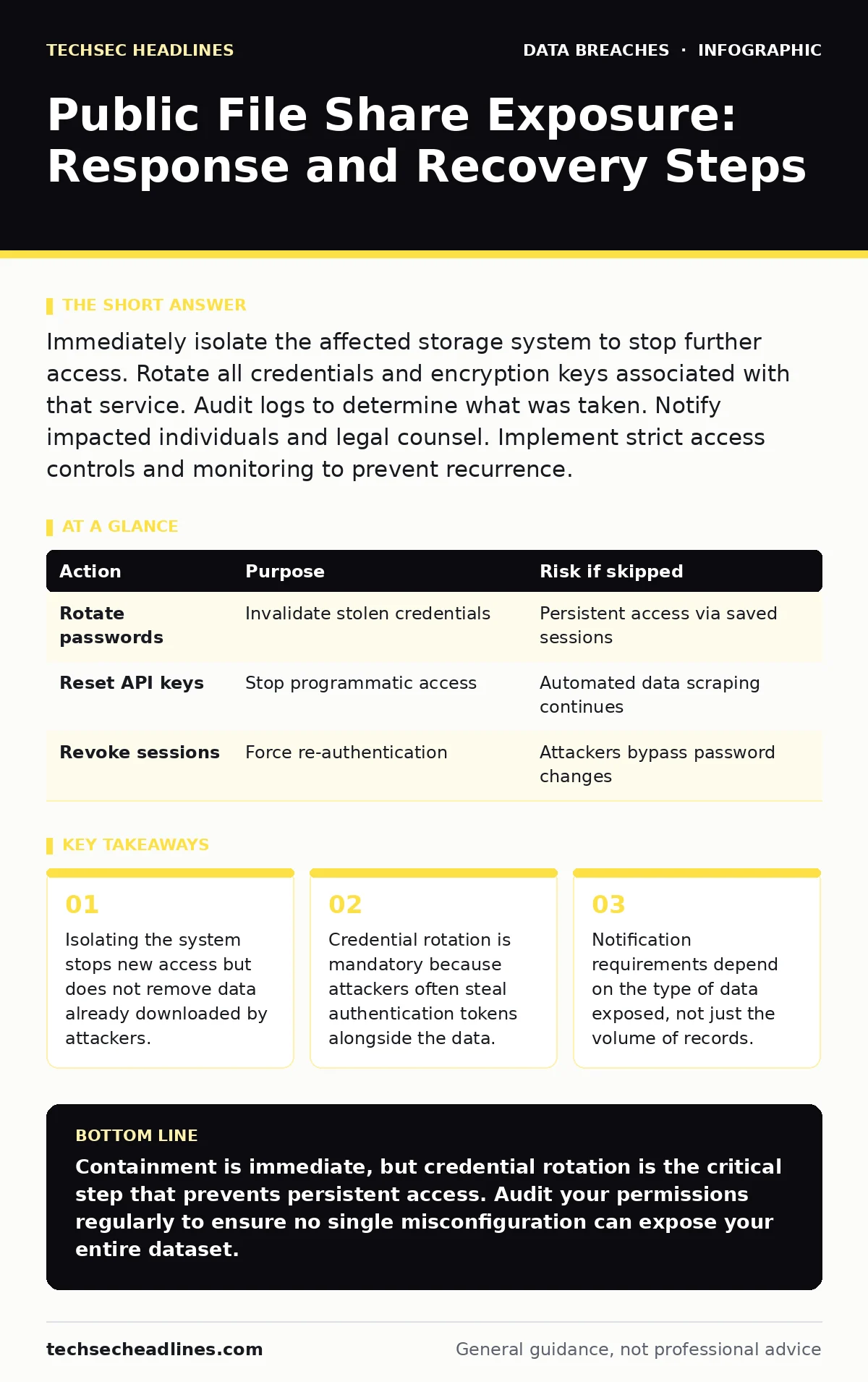
Immediately isolate the affected storage system to stop further access. Rotate all credentials and encryption keys associated with that service. Audit logs to determine what was taken. Notify impacted individuals and legal counsel. Implement strict access controls and monitoring to prevent recurrence.
First hour
The moment you realize a file share is public, your priority shifts from curiosity to containment. You must assume an attacker has already accessed the data. Speed matters more than perfection in this window.
- Disconnect the shared storage from the network or revoke all access permissions immediately.
- Identify the exact scope of the exposure by checking which files were visible.
- Preserve logs before they are overwritten or deleted.
First day
Once the bleeding stops, you need to understand the extent of the damage. This phase is about forensic clarity. You are looking for signs that the attacker did more than just read files.
Check the access logs for unusual patterns. Look for downloads occurring at odd hours or from unfamiliar geographic locations. Determine if the attacker created new user accounts or modified permissions. This information dictates how severe the incident is.
You must also rotate credentials. If the file share required a password, that password is now compromised. If it used single sign-on, reset the relevant tokens. Attackers often harvest authentication cookies or tokens to bypass password resets. Changing the password is not enough if the session remains active.
| Action | Purpose | Risk if skipped |
|---|---|---|
| Rotate passwords | Invalidate stolen credentials | Persistent access via saved sessions |
| Reset API keys | Stop programmatic access | Automated data scraping continues |
| Revoke sessions | Force re-authentication | Attackers bypass password changes |
First week
Now you move to recovery and notification. This is where legal and reputational risks become concrete. You need to determine who was affected and what data was exposed.
Classify the data. Was it personal identifiable information? Financial records? Intellectual property? Each category triggers different obligations. If you exposed health records or financial data, the requirements for notification are stricter and faster.
You must notify the affected individuals. Be honest about what happened and what you are doing to fix it. Do not minimize the risk. People react poorly to vague language. Tell them what data was exposed and what steps they should take to protect themselves.
Who to tell
Notification is not just about the victims. You must inform internal stakeholders and external partners. The order matters.
Start with your leadership team. They need to know the business impact. Then inform your IT security team so they can look for lateral movement. Attackers often use file share access as a foothold to move deeper into your network.
If you use third-party services for storage or security, notify them. They may have additional logs or insights. If you have cyber insurance, notify your insurer early. Delaying notification can void coverage.
How to stop a repeat
Prevention requires changing how you manage access. The default setting for most cloud storage is private, but misconfigurations are common. You need a process to catch these errors before they become public.
Implement the principle of least privilege. Users should only have access to the files they need to do their job. No one should have broad read-write access to entire directories. Use role-based access control to automate this.
Regular audits are necessary. Check permissions quarterly. Look for stale accounts and unused groups. Remove access that is no longer needed. This reduces the attack surface.
Also, consider using DNS over HTTPS. This protocol encrypts DNS queries, making it harder for attackers to monitor your traffic and identify your infrastructure. It adds a layer of obscurity that complicates their reconnaissance.
See also: Data Extortion Explained: How Attackers Steal and Sell Your Secrets
Hidden costs
The financial cost is obvious. Fines and legal fees add up quickly. But the hidden costs are harder to quantify.
Trust is eroded. Customers and partners may leave because they fear their data is not safe. Rebuilding that trust takes years. Your brand reputation suffers. It is not just about the data; it is about the perception of competence.
There is also the operational cost. Your team spends weeks responding to the incident instead of working on new projects. This distraction slows down innovation and growth.
Related risks
This incident may not be isolated. If attackers accessed your file share, they may have other avenues of entry.
Check for weak password policies. If users reuse passwords across services, the attacker may have access to other systems. Enforce strong, unique passwords and multi-factor authentication.
Look for signs of synthetic identity fraud. Attackers often use stolen data to create fake identities. If your data included personal details, this risk increases.
Be aware of AI supply chain risks. If you use third-party AI tools, ensure they are secure. A breach in their system could expose your data indirectly.
Final checks
Before you declare the incident closed, perform a final review. Ensure all temporary fixes are replaced with permanent solutions. Document the entire process. This documentation is vital for future audits and insurance claims.
Train your staff on security awareness. Many breaches start with human error. Regular training helps catch mistakes early.
Review your incident response plan. Did it work? What failed? Update the plan based on what you learned. Security is not a one-time fix; it is a continuous process.
Key takeaways
- Isolating the system stops new access but does not remove data already downloaded by attackers.
- Credential rotation is mandatory because attackers often steal authentication tokens alongside the data.
- Notification requirements depend on the type of data exposed, not just the volume of records.
Containment is immediate, but credential rotation is the critical step that prevents persistent access. Audit your permissions regularly to ensure no single misconfiguration can expose your entire dataset.
Frequently asked questions
How do I know if my file share is public?
Use external vulnerability scanners or manual checks from outside your network. Look for open directories in cloud storage configurations.
Should I hire a forensic investigator?
Yes, if the data is sensitive or the breach is large. They can provide an unbiased analysis and preserve evidence for legal proceedings.
What if I can't find the source of the breach?
Assume the worst-case scenario. Rotate all credentials and monitor for unusual activity. The source may be a misconfiguration rather than a hack.
Do I need to notify regulators?
It depends on the type of data and your location. Personal data breaches usually require notification within a specific timeframe. Consult legal counsel.
How this guide was produced: written by the TechSec Headlines editorial team with AI assistance, checked against the public references listed below, and reviewed when the facts change. See our editorial policy or report an error.