
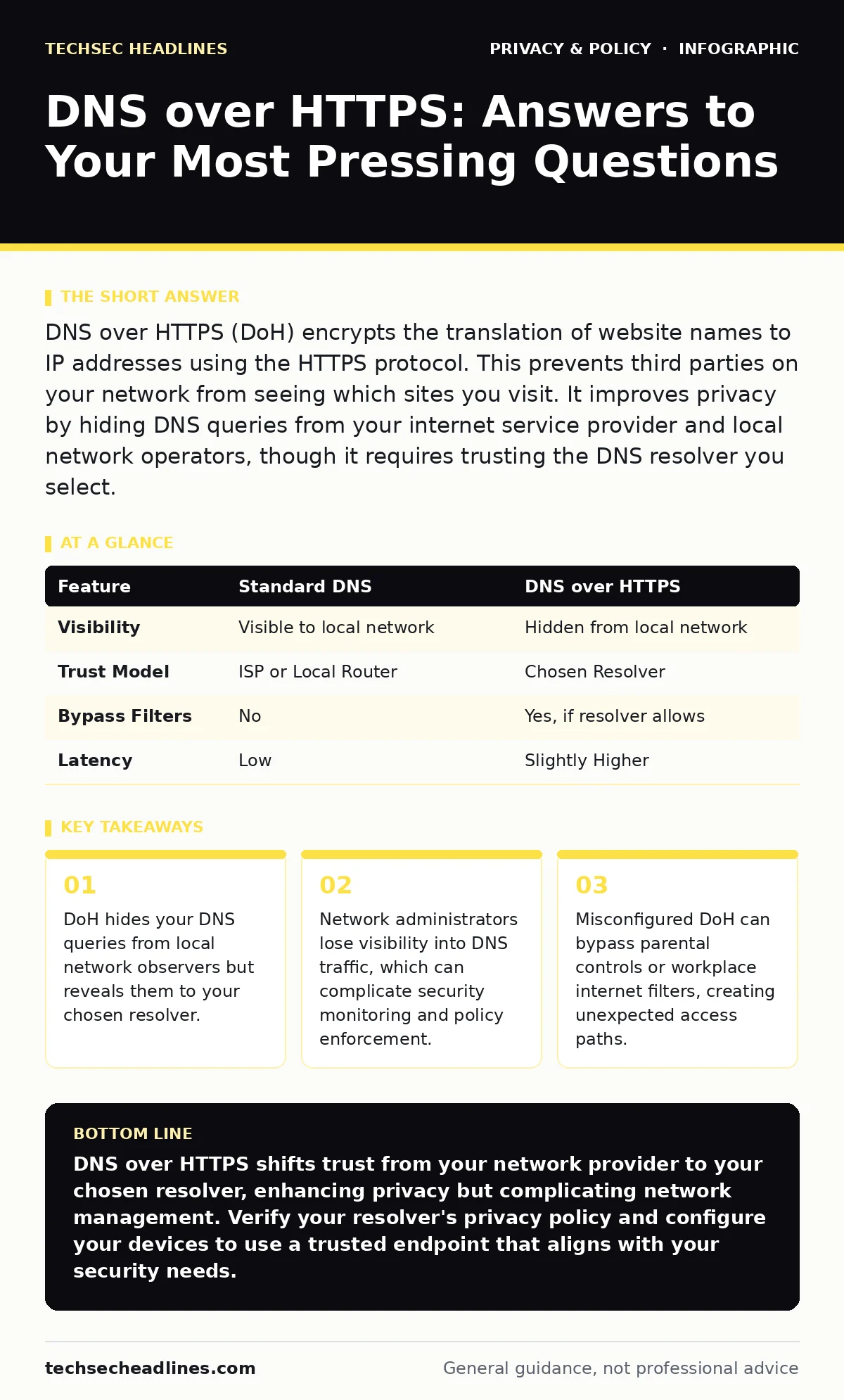
DNS over HTTPS (DoH) encrypts the translation of website names to IP addresses using the HTTPS protocol. This prevents third parties on your network from seeing which sites you visit. It improves privacy by hiding DNS queries from your internet service provider and local network operators, though it requires trusting the DNS resolver you select.
What is DNS over HTTPS?
DNS over HTTPS is a protocol that encrypts Domain Name System queries using the same encryption as standard web traffic. Traditional DNS sends your lookups in plain text, allowing anyone on your network to see which domains you resolve. DoH wraps these queries in HTTPS, making them indistinguishable from regular web browsing to outside observers. You send the domain name to a resolver, and it returns the IP address without exposing the request to intermediate routers.
Why should I use DNS over HTTPS?
You use DoH to prevent local network operators from tracking your browsing habits via DNS logs. Your internet service provider or public Wi-Fi operator can normally see every domain you visit, even if the website itself uses HTTPS. Encrypting the DNS layer removes this visibility, adding a layer of privacy that standard HTTPS does not provide. This is particularly useful when connecting to untrusted networks where you cannot control the local infrastructure.
Does DNS over HTTPS slow down my internet?
DoH adds a small amount of overhead due to the encryption handshake, but modern processors handle this efficiently. The difference in latency is often negligible for most users, especially when compared to the variable delays caused by network congestion. Some resolvers are optimized for speed and may even respond faster than your local DNS server. You might notice a slight delay on the first connection to a new site, but subsequent lookups are cached and fast.
Who sees my DNS queries when I use DoH?
Your chosen DNS resolver sees your queries, but your local network operator does not. When you enable DoH, you are effectively choosing a new provider for your domain lookups. This shifts trust from your internet service provider to the resolver, such as a public service or a privacy-focused organization. The resolver can still log your activity, so your privacy depends on the resolver's data retention policies. You are not hiding from the resolver; you are hiding from the network between you and the resolver.
Can my employer or school block DoH?
Network administrators can block DoH by restricting traffic to known resolver endpoints or by blocking HTTPS traffic to non-whitelisted domains. Some organizations use deep packet inspection to identify and block DoH traffic patterns. If your network blocks DoH, your devices may fall back to standard DNS or fail to resolve domains entirely. This blockage is often intentional to maintain visibility for security monitoring or content filtering.
See also: Removing business data from people search sites to stop attacks · Shared AI chat links in search results and how to spot them
How does DoH affect parental controls?
DoH can bypass parental controls that rely on DNS filtering to block inappropriate content. If a device uses a DoH resolver that does not enforce filtering, the device can access blocked sites without the parent's knowledge. This creates a blind spot in home network security, as the router's DNS blacklist becomes ineffective for devices using DoH. To maintain control, you must configure DoH to use a resolver that supports family-safe filtering or disable DoH on managed devices.
| Feature | Standard DNS | DNS over HTTPS |
|---|---|---|
| Visibility | Visible to local network | Hidden from local network |
| Trust Model | ISP or Local Router | Chosen Resolver |
| Bypass Filters | No | Yes, if resolver allows |
| Latency | Low | Slightly Higher |
What happens if my DoH resolver goes down?
If your DoH resolver is unavailable, your device may fail to resolve domain names until it switches back to standard DNS or another resolver. Some operating systems and browsers have fallback mechanisms, but these can be slow or unreliable. You might experience temporary internet outages or delayed page loads during this transition. It is wise to choose a resolver with high uptime and consider configuring multiple resolvers if your software supports it.
Is DoH secure against all attacks?
DoH protects against eavesdropping and man-in-the-middle attacks on the DNS query path, but it does not protect against all threats. If your device is infected with malware, the malware can still manipulate DNS settings or intercept traffic before encryption. DoH also does not hide your traffic from the resolver itself, which could be compelled to hand over logs. Additionally, if you connect to a malicious website, DoH does not prevent the site from serving harmful content.
How do I know which resolver I am using?
You can check your browser or operating system settings to see which DoH resolver is configured. Some browsers display the resolver name in their privacy settings. You can also use online tools that detect your active DNS provider by analyzing your traffic. If you are unsure, you may be using your internet service provider's default resolver, which may not offer the privacy benefits you expect.
Key takeaways
- DoH hides your DNS queries from local network observers but reveals them to your chosen resolver.
- Network administrators lose visibility into DNS traffic, which can complicate security monitoring and policy enforcement.
- Misconfigured DoH can bypass parental controls or workplace internet filters, creating unexpected access paths.
DNS over HTTPS shifts trust from your network provider to your chosen resolver, enhancing privacy but complicating network management. Verify your resolver's privacy policy and configure your devices to use a trusted endpoint that aligns with your security needs.
Frequently asked questions
Does DoH hide my IP address?
No, DoH encrypts your DNS queries but does not hide your IP address. The resolver and the websites you visit can still see your IP address. For IP anonymity, you need additional tools like a VPN.
Can I use DoH on my router?
Yes, some modern routers support DoH configuration. This applies the encryption to all devices on your network, but it also means your router becomes the trusted endpoint for DNS resolution.
Does DoH work with IPv6?
Yes, DoH works with both IPv4 and IPv6. The encryption protocol is independent of the IP version, so you get the same privacy benefits regardless of your network's IP configuration.
Is DoH the same as DNS over TLS?
No, DoH uses the HTTPS protocol, while DNS over TLS uses a dedicated TLS port. Both provide encryption, but DoH is often easier to implement because it uses standard web ports, which are less likely to be blocked by firewalls.
How this guide was produced: written by the TechSec Headlines editorial team with AI assistance, checked against the public references listed below, and reviewed when the facts change. See our editorial policy or report an error.