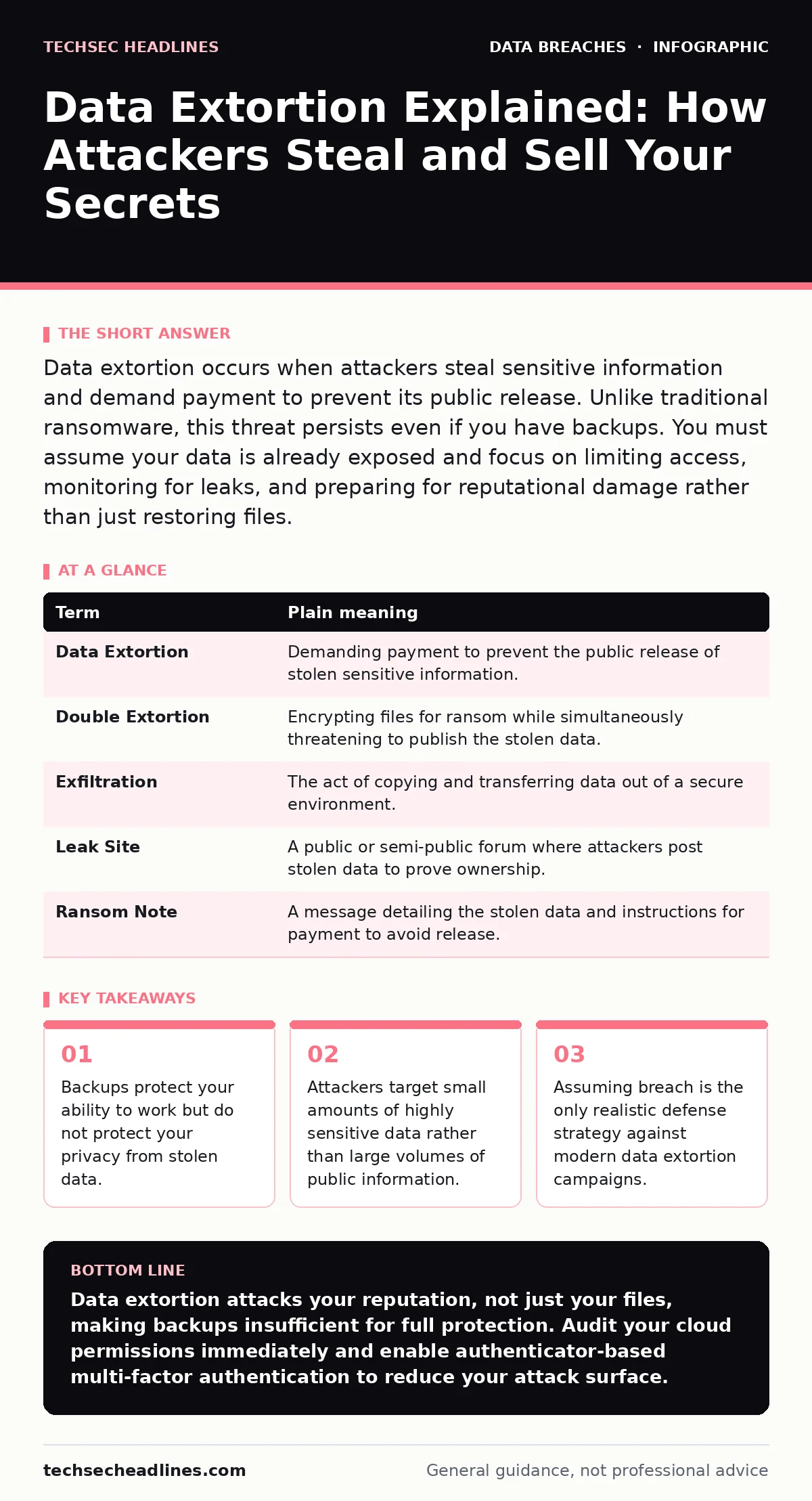
Data extortion occurs when attackers steal sensitive information and demand payment to prevent its public release. Unlike traditional ransomware, this threat persists even if you have backups. You must assume your data is already exposed and focus on limiting access, monitoring for leaks, and preparing for reputational damage rather than just restoring files.
The Burglar Who Keeps Your Photos
Imagine a burglar enters your home. Instead of stealing your television, he copies your private photo album. He leaves a note saying he will mail those photos to your employer and family unless you pay him. You can buy a new TV, but you cannot buy back your privacy. This scenario defines data extortion. The attacker holds your reputation hostage, not your hardware. The threat is not losing access to your files. The threat is losing control over who sees them. This dynamic changes how you must protect your digital life.
Key Terms for Data Extortion
| Term | Plain meaning |
|---|---|
| Data Extortion | Demanding payment to prevent the public release of stolen sensitive information. |
| Double Extortion | Encrypting files for ransom while simultaneously threatening to publish the stolen data. |
| Exfiltration | The act of copying and transferring data out of a secure environment. |
| Leak Site | A public or semi-public forum where attackers post stolen data to prove ownership. |
| Ransom Note | A message detailing the stolen data and instructions for payment to avoid release. |
Why Backups Fail Here
Most users believe backups solve ransomware problems. This belief is dangerous in data extortion. If an attacker steals your customer list before encrypting it, restoring your files from a backup does not stop the leak. The attacker already has the data. You pay to stop the publication, not to get your files back. This creates a hidden cost. You face both the operational cost of recovery and the reputational cost of exposure. Standard disaster recovery plans do not account for privacy loss. You must treat data theft as a separate event from data encryption.
What This Means for Ordinary Users
You might think only large corporations face this risk. This is incorrect. Attackers target individuals who hold sensitive data. This includes doctors, lawyers, and small business owners. They also target active users on social media. Attackers scrape your public profiles to build a profile. They then look for weak points in your digital hygiene. Imagine you use the same password for your email and a cloud storage account. An attacker breaches the cloud account. They now have your photos and your email access. They can impersonate you to your contacts. This is where SIM swap fraud becomes a critical vector for bypassing two-factor authentication.
The Cost of Public Exposure
Attackers prefer small, high-value data sets. They do not want terabytes of useless logs. They want passwords, financial records, or private messages. This mirrors the risk of public file share exposure. A single misconfigured folder can leak thousands of documents. Attackers scan for these errors constantly. Once they find sensitive data, they do not need to hack your entire network. They just need enough proof to convince you they can cause damage. The fear of embarrassment drives compliance. This is why protected health information is a primary target. The legal and social consequences of leaking medical records are severe.
See also: Facial Recognition Risks: Warning Signs You Miss · What Is Encryption: Meaning, Definition, and How It Works
Simple Safety Habits
You cannot stop every attacker. You can make yourself a poor target. Start by applying the principle of least privilege. Give accounts and applications only the access they strictly need. If a photo app does not need access to your contacts, deny it. This limits the damage if the app is compromised. Next, enable multi-factor authentication on every account that offers it. Use an authenticator app, not SMS text messages. This prevents attackers from stealing your login codes via phone network vulnerabilities. Finally, monitor your digital footprint. Check if your email address appears on known breach databases.
Try This Now
- Audit your cloud storage permissions. Set all personal folders to private. Remove any links that allow "anyone with the link" to view files. This closes the door to casual scammers.
- Update your passwords for email and financial accounts. Use a unique password for each. Use a password manager to generate complex strings. This stops one breach from spreading to other accounts.
- Enable alerts for new logins. Most email and banking services notify you of unusual activity. Check these alerts daily. This helps you detect tax identity theft or account takeovers early.
The Reality of Digital Privacy
Accept that your data is likely already somewhere on the dark web. Attackers hoard data to sell later. This is similar to synthetic identity fraud, where criminals combine real and fake data. You cannot un-ring the bell. You can only control future access. Focus on limiting what you share online. Be cautious with printed document leaks that might be scanned and digitized. Assume every piece of personal data you enter online is public. This mindset shift is your best defense. It reduces the value of your data to attackers.
Key takeaways
- Backups protect your ability to work but do not protect your privacy from stolen data.
- Attackers target small amounts of highly sensitive data rather than large volumes of public information.
- Assuming breach is the only realistic defense strategy against modern data extortion campaigns.
Data extortion attacks your reputation, not just your files, making backups insufficient for full protection. Audit your cloud permissions immediately and enable authenticator-based multi-factor authentication to reduce your attack surface.
Frequently asked questions
Can I remove my data if it is posted on a leak site?
No, you cannot reliably remove data from public leak sites. These sites are designed to be permanent and anonymous. Your goal must be prevention, not cleanup.
Does encryption protect me from data extortion?
Encryption protects data at rest and in transit, but not if the attacker accesses it while it is in use. If you are logged in, the attacker sees the decrypted data.
How do attackers find my private data?
Attackers use automated tools to scan for misconfigured servers, weak passwords, and unpatched software. They also use social engineering to trick users into revealing credentials.
Is data extortion different from standard ransomware?
Yes, standard ransomware locks your files. Data extortion steals your files and threatens to publish them. Many modern attacks use both tactics to maximize pressure.
How this guide was produced: written by the TechSec Headlines editorial team with AI assistance, checked against the public references listed below, and reviewed when the facts change. See our editorial policy or report an error.