
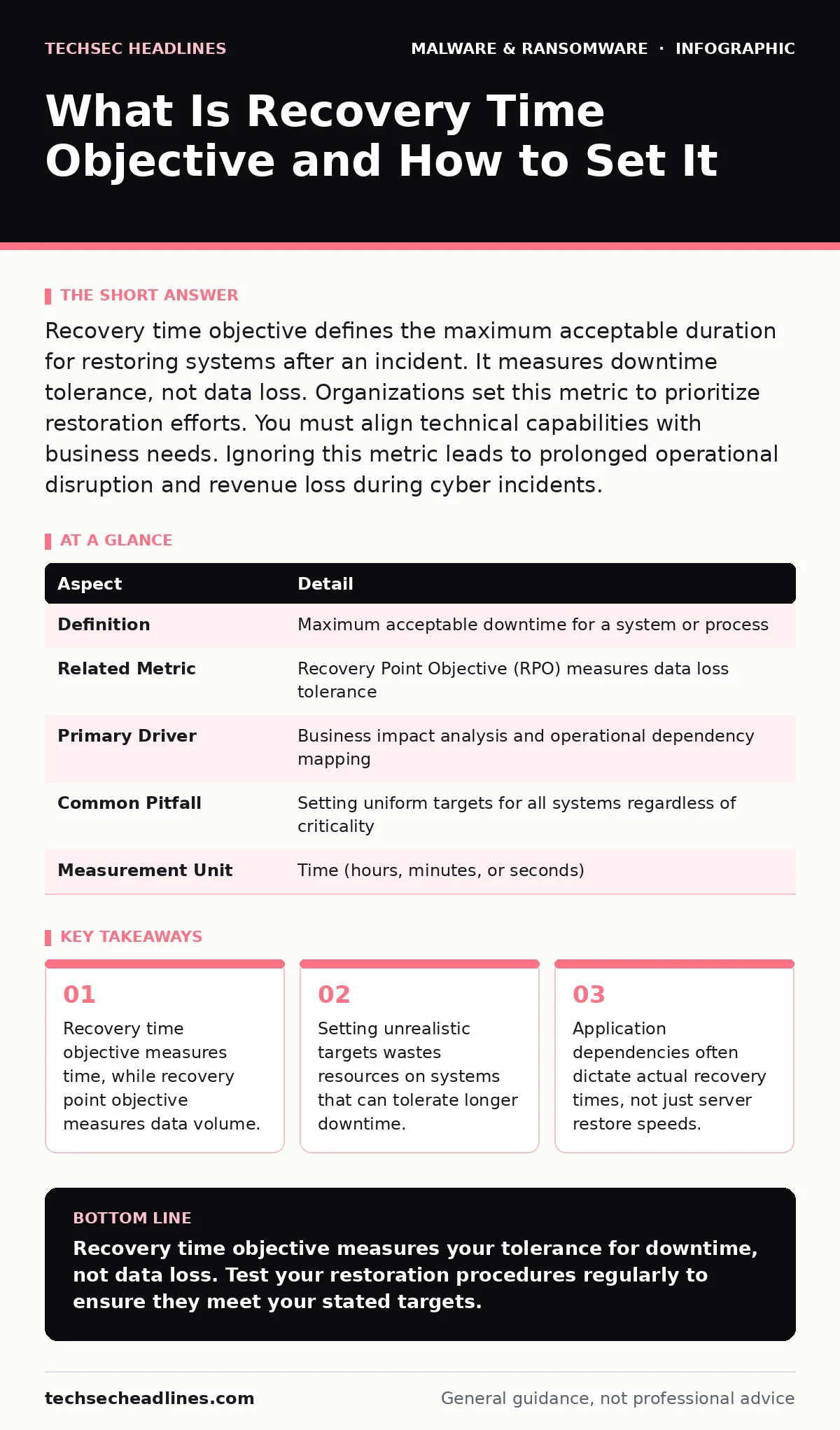
Recovery time objective defines the maximum acceptable duration for restoring systems after an incident. It measures downtime tolerance, not data loss. Organizations set this metric to prioritize restoration efforts. You must align technical capabilities with business needs. Ignoring this metric leads to prolonged operational disruption and revenue loss during cyber incidents.
What Is Recovery Time Objective
Recovery time objective (RTO) defines the maximum acceptable duration for restoring a system or process after an incident. It answers the question of how long your organization can operate without a specific function. This metric drives your incident response planning and resource allocation.
RTO differs from recovery point objective (RPO). RPO measures the maximum acceptable amount of data loss measured in time. RTO measures the maximum acceptable downtime. You can have a near-zero RPO with frequent backups but a long RTO if restoring those backups takes days. Understanding this distinction prevents wasted effort on backup frequency when restoration speed is the actual bottleneck.
| Aspect | Detail |
|---|---|
| Definition | Maximum acceptable downtime for a system or process |
| Related Metric | Recovery Point Objective (RPO) measures data loss tolerance |
| Primary Driver | Business impact analysis and operational dependency mapping |
| Common Pitfall | Setting uniform targets for all systems regardless of criticality |
| Measurement Unit | Time (hours, minutes, or seconds) |
How Recovery Time Objective Works
You determine RTO by identifying critical business processes and calculating the financial or operational cost of each minute of downtime. This process requires input from department heads, not just IT staff. IT knows how long a server takes to rebuild. Business units know how long they can wait for that server.
The calculation involves three steps. First, map the dependencies. A payroll system might depend on a database server and an authentication service. Second, estimate the restore time for each component. Third, add the time required for validation and user access restoration. The sum of these times must fall within the target RTO.
Imagine a retail platform where the payment gateway goes offline. If the RTO is 4 hours, but the database restore takes 6 hours, the target is missed. The business suffers lost sales and customer trust issues. The technical team failed to align storage performance with the business requirement.
Who Recovery Time Objective Affects
RTO affects every stakeholder in the organization, but the impact varies by role. Executives care about revenue loss and regulatory compliance. IT operations teams care about technical feasibility and tooling limitations. End users care about productivity and access to their work.
IT teams often bear the burden of unrealistic RTOs. If leadership demands a 15-minute RTO for a legacy application, the IT team must invest in high-availability clustering or live replication. These solutions cost significantly more than standard backups. Without clear business justification, IT may push back against these expensive requirements.
Users experience the consequences of missed RTOs directly. When a system is down longer than expected, workflow stops. Frustration mounts. In extreme cases, staff may resort to shadow IT solutions, such as personal cloud storage, to bypass the downtime. This introduces new security risks that were not part of the original incident.
What People Usually Get Wrong
Many organizations assume that backups equal recovery. This is a fundamental error. Backups provide data. Recovery provides functionality. You can have perfect backups but fail to meet RTO if the restoration process is manual, complex, or untested.
Another common mistake is setting a single RTO for the entire organization. Not all systems are equal. The email server might tolerate an 8-hour outage. The customer-facing API might not tolerate 5 minutes. Applying a uniform standard forces expensive high-availability solutions onto low-priority systems. This wastes budget and complicates the infrastructure.
A third error is ignoring the human element. Restoring a server is one task. Informing users, verifying data integrity, and reopening access are separate tasks. These steps add time. If your RTO calculation only includes the technical restore time, you will miss the target.
Setting Realistic Recovery Time Objectives
Start with a business impact analysis. Identify which processes generate revenue or maintain compliance. Assign a criticality level to each. Critical processes get short RTOs. Non-critical processes get longer RTOs. This prioritization ensures you spend money where it matters.
Next, test your assumptions. Run a tabletop exercise or a technical drill. Measure the actual time it takes to restore a system. Compare this to the target RTO. If the actual time exceeds the target, you must either adjust the target or improve the technical capability.
Document the dependencies. List every system, service, and third-party provider required for each critical process. If a third-party provider has a longer RTO than you, you cannot meet your target. You must negotiate service level agreements or build fallback options.
See also: Cyber Kill Chain vs MITRE ATT&CK: The Structural Difference
Integrating With Other Security Measures
Recovery time objective works in tandem with other security controls. For instance, malware persistence mechanisms can hide within restored systems if you do not clean the environment before recovery. Restoring infected data defeats the purpose of the backup.
You must also consider how malvertising or computer worms might compromise your backup infrastructure. If attackers can encrypt or delete your backups, your RTO becomes irrelevant because you have no data to restore. Isolating backups from the production network is a standard defense.
When dealing with mobile endpoints, malicious mobile apps can exfiltrate data or lock devices. Recovery here involves wiping and reimaging devices. The RTO for a mobile device is often shorter than for a server because the device is replaced rather than repaired.
If your environment includes macOS systems, removing malware from a Mac may require specific tools and procedures that differ from Windows. Your RTO planning must account for these platform-specific recovery paths. Similarly, removing malware from a Windows PC often involves booting into safe mode or using offline tools.
Practical Steps to Improve Recovery Speed
- Automate restoration scripts. Manual steps introduce errors and delays. Script the reconfiguration of applications, network settings, and user permissions.
- Test recovery regularly. A backup that has never been restored is unproven. Schedule quarterly drills to validate your RTO.
- Maintain an inventory of dependencies. Keep a current map of which systems rely on which others. Update this map whenever infrastructure changes.
- Define clear roles. Know who is responsible for declaring the incident, initiating the restore, and verifying the success. Ambiguity causes delays.
- Communicate with third parties. Understand the RTO of your cloud providers and SaaS vendors. Their downtime affects your timeline.
Improving RTO is an ongoing process. As technology evolves, so do the methods for recovery. Staying current with industry best practices ensures you are not relying on outdated assumptions.
Key takeaways
- Recovery time objective measures time, while recovery point objective measures data volume.
- Setting unrealistic targets wastes resources on systems that can tolerate longer downtime.
- Application dependencies often dictate actual recovery times, not just server restore speeds.
Recovery time objective measures your tolerance for downtime, not data loss. Test your restoration procedures regularly to ensure they meet your stated targets.
Frequently asked questions
How does RTO differ from RPO?
RTO measures the maximum acceptable downtime for a system. RPO measures the maximum acceptable amount of data loss. RTO is about time; RPO is about data volume.
Can I have a zero RTO?
Zero RTO requires active-active redundancy where two systems run simultaneously. If one fails, the other takes over instantly. This is expensive and complex, suitable only for the most critical systems.
Who sets the RTO?
Business leaders set the RTO based on operational impact. IT teams provide technical feasibility assessments. The final target is a compromise between business needs and technical reality.
What happens if I miss my RTO?
Missing your RTO means extended downtime. This results in lost revenue, damaged reputation, and potential regulatory penalties. It also indicates a failure in your incident response planning.
How this guide was produced: written by the TechSec Headlines editorial team with AI assistance, checked against the public references listed below, and reviewed when the facts change. See our editorial policy or report an error.