
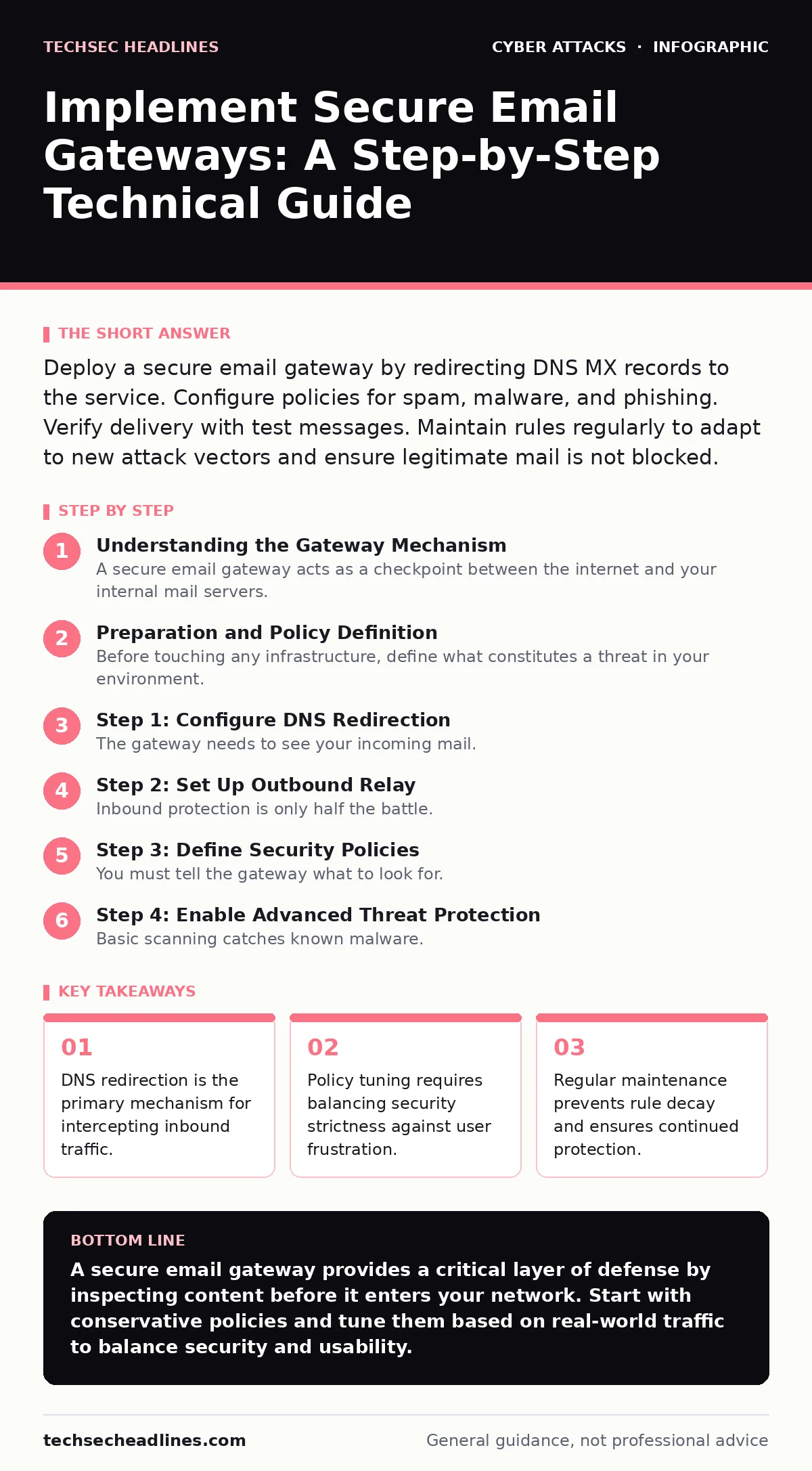
Deploy a secure email gateway by redirecting DNS MX records to the service. Configure policies for spam, malware, and phishing. Verify delivery with test messages. Maintain rules regularly to adapt to new attack vectors and ensure legitimate mail is not blocked.
Understanding the Gateway Mechanism
A secure email gateway acts as a checkpoint between the internet and your internal mail servers. It receives incoming messages, scans them for threats, and forwards clean mail to your organization. This device sits outside your perimeter, reducing the load on internal systems. It inspects headers, attachments, and body text before the data touches your infrastructure.
Traditional firewalls monitor network connections. They do not read the content of those connections. A gateway reads the content. It looks for malicious code, suspicious links, and social engineering patterns. This distinction matters because many attacks arrive via legitimate-looking emails.
Preparation and Policy Definition
Before touching any infrastructure, define what constitutes a threat in your environment. You must decide which file types are allowed. Executable files often carry malware, so blocking them is standard practice. However, some engineering teams may need to share code binaries. You must create exceptions for trusted senders or specific domains.
Consider the trade-off between security and usability. Strict filters block more threats but also block more legitimate mail. This is known as a false positive. Users will complain if their important invoices or partner communications are rejected. You need a clear escalation path for when this happens.
Step 1: Configure DNS Redirection
The gateway needs to see your incoming mail. You achieve this by changing your Domain Name System records. Specifically, you modify the MX record to point to the gateway’s servers. The gateway then forwards accepted mail to your original mail server.
Do not change your MX record yet. First, verify that the gateway can connect to your internal server. Test the connection from the gateway interface. Ensure that the internal server accepts mail from the gateway’s IP addresses. If it does not, you will create a mail outage.
Verification Checklist for Step 1
- Gateway can resolve your internal mail server hostname.
- Internal server accepts connections from gateway IPs.
- Test mail sent from the gateway arrives in your inbox.
Step 2: Set Up Outbound Relay
Inbound protection is only half the battle. Your users send mail too. That mail can be compromised if their devices are infected. Outbound relay ensures that all outgoing mail passes through the gateway. This allows the system to scan for data leaks and malware exfiltration.
Configure your internal mail server to route outbound traffic through the gateway. This is often called smart host configuration. The gateway checks outgoing attachments and links. It can block messages that contain sensitive data patterns, such as credit card numbers or social security numbers, if you enable data loss prevention features.
Step 3: Define Security Policies
You must tell the gateway what to look for. Start with default policies for spam and malware. These use known signatures and reputation lists. Then, add rules for phishing. Phishing detection often relies on machine learning models that analyze language and context.
Create a quarantine policy. Messages that are suspicious but not certain threats should go to quarantine, not the inbox. Users can review these messages and release them if they are legitimate. This reduces the noise in their primary inbox while keeping potential threats accessible.
See also: Domain Fronting Myths: What Is Actually True About This Technique · Romance Scams Prevention Checklist: Spot Emotional Manipulation
Step 4: Enable Advanced Threat Protection
Basic scanning catches known malware. Advanced threats use novel techniques. You need to enable sandboxing. Sandboxing runs attachments in an isolated environment to observe their behavior. If an attachment tries to modify system files or call home to a command server, the gateway blocks it.
Enable URL rewriting. This feature scans links in the email body. If a link points to a malicious site, the gateway rewrites it to a warning page. This protects users who click links after the email has already passed initial inspection. This is critical for links that are only dangerous after a certain time or from a certain location.
Step 5: Test and Validate
You must verify that the system works before full deployment. Send test emails with known malware samples. Verify that they are blocked. Send test emails with suspicious links. Verify that they are rewritten or blocked.
Check for false positives. Send legitimate emails with complex attachments. Ensure they arrive in the inbox. If they are blocked, adjust the policy. You may need to add specific file types or senders to a whitelist. This process takes time. Do not rush it.
Step 6: Go Live and Monitor
Once testing is complete, update your public MX records. Switch inbound mail to the gateway. Monitor the logs closely for the first few days. Look for errors, delays, or blocked legitimate mail.
Adjust policies based on real-world traffic. You will likely find edge cases that your initial configuration did not handle. Refine your rules to address these cases. This is an ongoing process.
Upkeep and Rule Maintenance
Security is not a one-time setup. Attackers change their tactics. You must update your gateway rules regularly. Review quarantine logs weekly. Look for patterns in blocked mail. If a legitimate sender is frequently blocked, add an exception.
Update your threat intelligence feeds. Most gateways connect to external databases of known bad actors. Ensure these connections are active. If the feeds stop updating, your gateway becomes less effective.
Integration with Other Controls
A gateway is a strong control, but it is not sufficient alone. Users can still fall for social engineering. They may click links that bypass technical controls. You need to combine this with security awareness training. This teaches users to recognize phishing attempts that slip through automated filters.
Consider the broader context of email security. Email filtering handles volume, but a gateway handles depth. For more on basic filtering techniques, see email filtering. For understanding how attackers target users directly, see MFA fatigue attacks. These controls work together to create a layered defense.
Troubleshooting Common Issues
Mail delays are common during initial setup. Check your DNS propagation time. It can take hours for changes to spread globally. If mail is delayed, check the gateway’s queue. If the queue is growing, your internal server may be rejecting mail from the gateway.
False positives are frustrating. If users report missing mail, check the quarantine. Release the mail and add an exception. Document the exception. This creates a record for future reference.
Final Verification Checklist
Before considering the implementation complete, verify the following:
- Inbound mail is routed through the gateway.
- Outbound mail is routed through the gateway.
- Malware samples are blocked.
- Phishing links are rewritten or blocked.
- Legitimate mail arrives without delay.
- Quarantine access is configured for users.
Key takeaways
- DNS redirection is the primary mechanism for intercepting inbound traffic.
- Policy tuning requires balancing security strictness against user frustration.
- Regular maintenance prevents rule decay and ensures continued protection.
A secure email gateway provides a critical layer of defense by inspecting content before it enters your network. Start with conservative policies and tune them based on real-world traffic to balance security and usability.
Frequently asked questions
How long does it take to implement a secure email gateway?
Basic deployment takes a few days. Full tuning and policy refinement can take weeks. DNS propagation may cause delays during the switch.
Can a gateway block all spam?
No. Spam evolves constantly. A gateway blocks most spam, but some will always slip through. Quarantine settings help catch the remainder.
Do I need a gateway if I have cloud email?
Yes. Cloud providers have basic protection, but a dedicated gateway offers more control, better logging, and advanced threat detection tailored to your organization.
How do I handle encrypted emails?
The gateway can decrypt and scan emails if you have the keys. This requires additional configuration and may impact privacy policies. Consult legal counsel before enabling this.
How this guide was produced: written by the TechSec Headlines editorial team with AI assistance, checked against the public references listed below, and reviewed when the facts change. See our editorial policy or report an error.