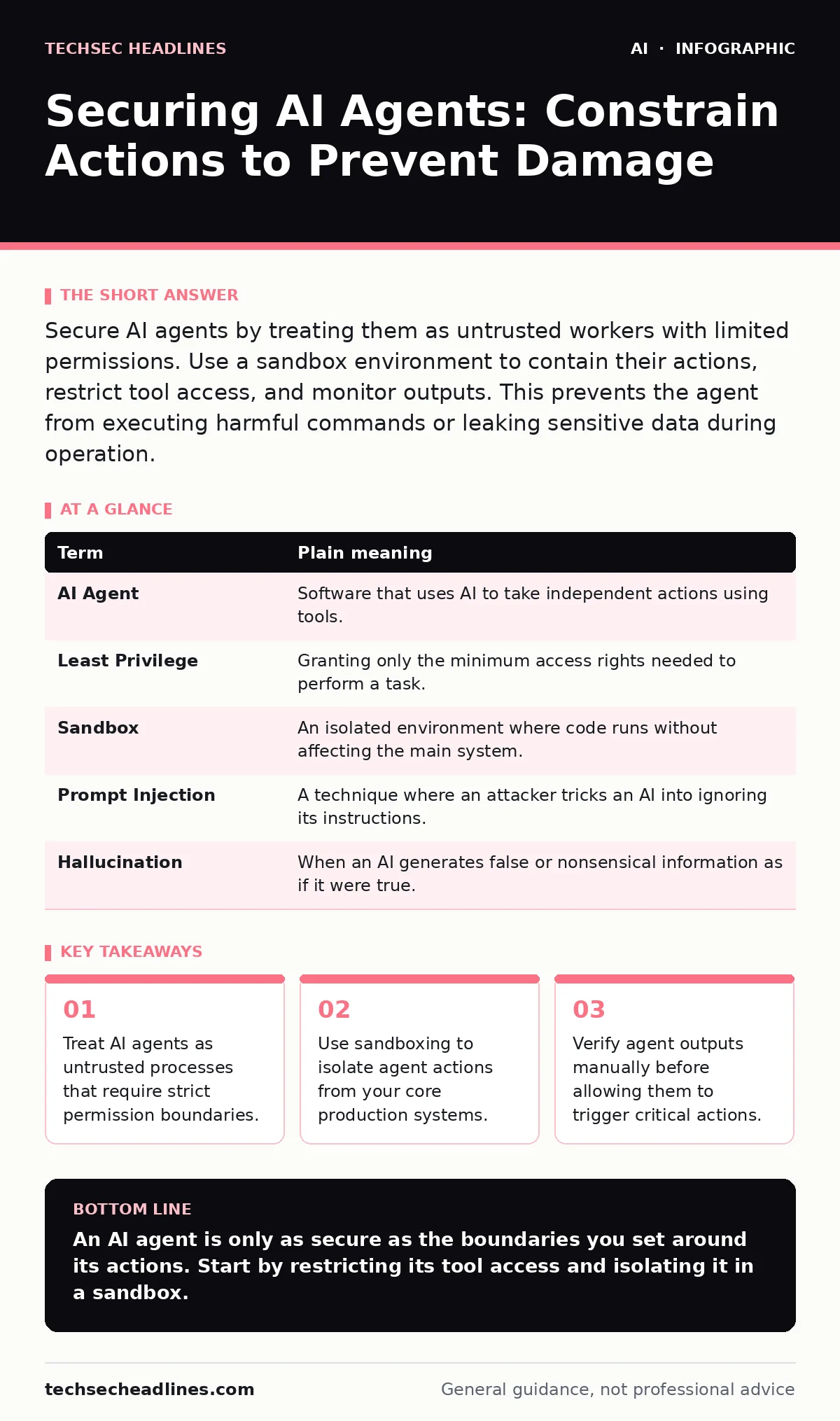
Secure AI agents by treating them as untrusted workers with limited permissions. Use a sandbox environment to contain their actions, restrict tool access, and monitor outputs. This prevents the agent from executing harmful commands or leaking sensitive data during operation.
The Intern Analogy
Imagine hiring a brilliant but inexperienced intern. You give them a complex task, like reorganizing the company filing system. You trust their intelligence, but you do not trust their judgment. You would not hand them the master key to the server room or the authority to fire employees. You would give them a temporary badge, limit their access to specific folders, and require a supervisor to approve any major changes. Securing AI agents works exactly the same way.
Defining the Agent
An AI agent is a software system that uses artificial intelligence to perceive its environment and take actions to achieve a goal. Unlike a chatbot that only generates text, an agent can use tools. These tools might include sending emails, querying databases, or running code. The agent decides which tool to use based on the input it receives. This autonomy is useful, but it introduces risk. If the agent misinterprets its goal or is tricked into doing so, it can cause real harm.
The Supply Chain Risk
You must consider where your agent gets its instructions. An AI supply chain risk occurs when a component upstream of your system is compromised. Suppose your agent uses a third-party plugin to fetch news articles. If that plugin is hacked, it can feed false information to your agent. The agent, trusting its source, might then act on that false information. You are not just securing the agent; you are securing the entire path of information and code that leads to it.
Constraining Tool Access
The most effective security measure is limiting what the agent can do. This is called least privilege. You should only give the agent the minimum permissions necessary to complete its task. If the agent needs to read emails but not send them, remove its ability to send. If it needs to query a database but not delete records, block deletion commands. This prevents the agent from causing damage even if it is tricked into making a bad decision.
| Term | Plain meaning |
|---|---|
| AI Agent | Software that uses AI to take independent actions using tools. |
| Least Privilege | Granting only the minimum access rights needed to perform a task. |
| Sandbox | An isolated environment where code runs without affecting the main system. |
| Prompt Injection | A technique where an attacker tricks an AI into ignoring its instructions. |
| Hallucination | When an AI generates false or nonsensical information as if it were true. |
The Sandbox Boundary
Even with limited permissions, you should run agents in a sandbox. A sandbox is an isolated computing environment. It separates the agent from your critical systems. If the agent crashes, deletes files, or downloads malware, the damage stays within the sandbox. Think of the sandbox as a glass box. The intern can work inside it, but they cannot touch anything outside. This is a standard practice in AI security testing to observe behavior safely.
Validating Outputs
You must verify what the agent plans to do before it does it. This is often called human-in-the-loop verification. The agent proposes an action, and a human or a separate automated check approves it. This catches AI hallucinations, where the agent confabulates facts. For example, an agent might claim a file exists when it does not. If you let it run automatically, it might try to process a non-existent file and crash. Manual review adds friction but prevents catastrophic errors.
Detecting Manipulation
Attackers may try to trick your agent. This is known as prompt injection. An attacker hides malicious instructions in the data the agent processes. If the agent reads an email containing hidden commands, it might follow those commands instead of its original task. You can mitigate this by separating user input from system instructions. However, this is difficult to perfect. You should also be aware of voice cloning scams if your agent interacts via audio, as attackers can mimic trusted voices to bypass verification.
Try This Now
- Inventory every tool and API your AI agent can access. Remove any that are not strictly necessary for its core function.
- Deploy your agent in a sandboxed environment that has no network access to your production databases or email servers.
- Implement a mandatory approval step for any action that modifies data or sends external communications. Do not allow automatic execution.
Key takeaways
- Treat AI agents as untrusted processes that require strict permission boundaries.
- Use sandboxing to isolate agent actions from your core production systems.
- Verify agent outputs manually before allowing them to trigger critical actions.
An AI agent is only as secure as the boundaries you set around its actions. Start by restricting its tool access and isolating it in a sandbox.
Frequently asked questions
Can I trust an AI agent to follow my security rules?
No. AI models can be tricked into ignoring rules through prompt injection. You must enforce security at the system level, not just in the instructions.
Is sandboxing enough to protect my data?
Sandboxing protects your infrastructure from execution errors, but it does not prevent data leakage if the agent is allowed to read sensitive information. You must also restrict data access.
How do I stop prompt injection attacks?
You cannot completely stop them, but you can reduce risk by separating user input from system prompts and validating all outputs before execution.
Should I use AI agents in production yet?
Only if you have strict constraints, monitoring, and human oversight. Untethered agents pose significant risks to data integrity and system stability.
How this guide was produced: written by the TechSec Headlines editorial team with AI assistance, checked against the public references listed below, and reviewed when the facts change. See our editorial policy or report an error.