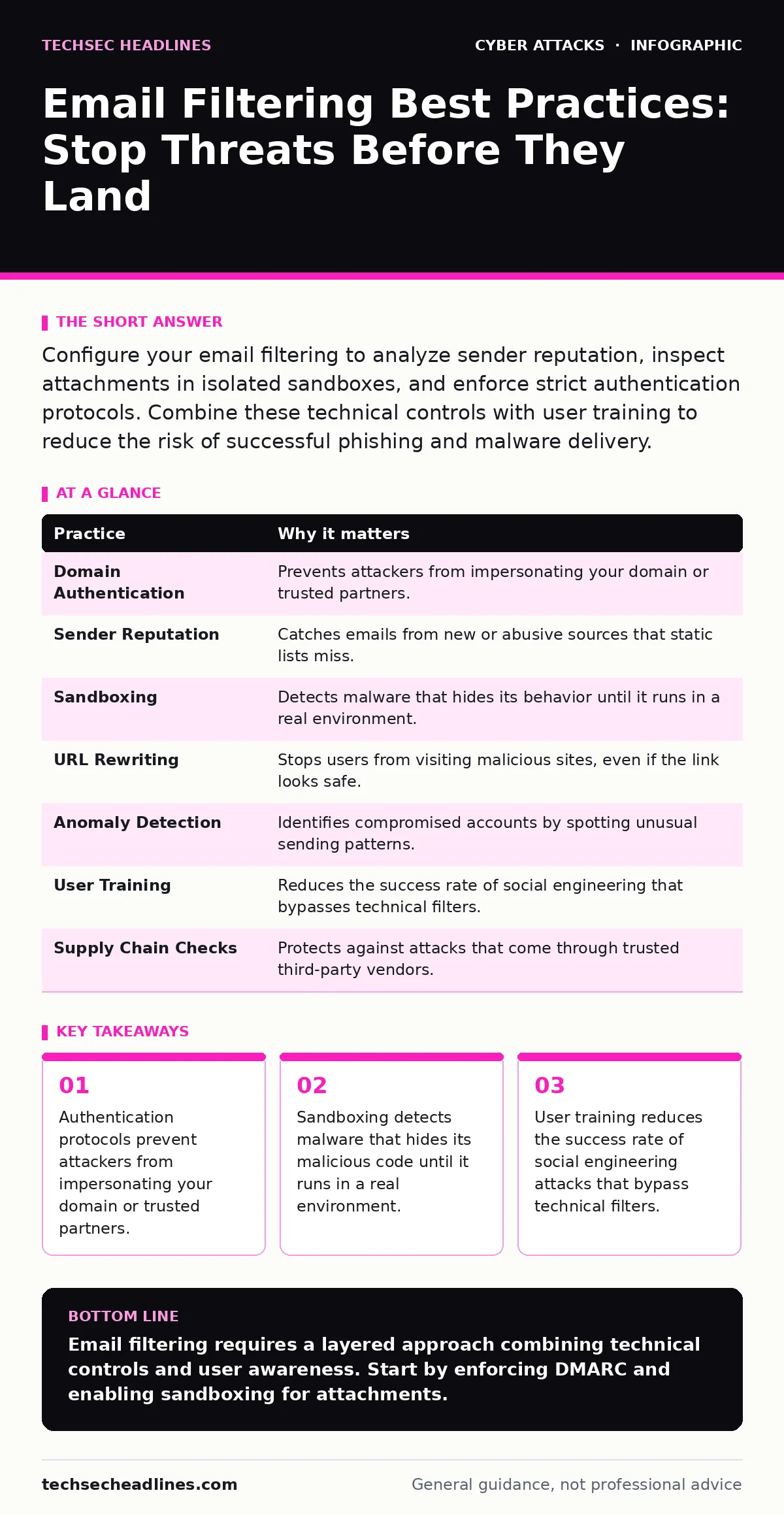
Configure your email filtering to analyze sender reputation, inspect attachments in isolated sandboxes, and enforce strict authentication protocols. Combine these technical controls with user training to reduce the risk of successful phishing and malware delivery.
1. Enforce Strict Domain Authentication
Email does not have built-in verification. Anyone can claim to be anyone else in the "From" field. You must implement Sender Policy Framework (SPF), DomainKeys Identified Mail (DKIM), and Domain-based Message Authentication, Reporting, and Conformance (DMARC). SPF lists the servers allowed to send email for your domain. DKIM adds a cryptographic signature to verify the message was not altered. DMARC tells receiving servers what to do if SPF or DKIM fails.
Without these, attackers can easily spoof your address. This makes their messages look legitimate to your users and to other organizations. It also prevents your legitimate emails from being marked as spam by others.
- Publish a DMARC policy that starts with "none" for reporting, then moves to "quarantine" or "reject" as you monitor results.
2. Analyze Sender Reputation Dynamically
Static blocklists are outdated the moment they are published. Attackers constantly rotate the IP addresses and domains they use. Your filtering system must check the reputation of the sending IP and domain in real time. This includes checking how long the domain has existed and whether it has been reported for abuse.
A brand new domain is a red flag. Legitimate businesses usually have domains that have existed for years. If a message comes from a domain created yesterday, it is likely malicious. The filter should assign a higher risk score to these messages.
- Configure your filter to automatically quarantine or reject emails from domains less than thirty days old.
3. Isolate Attachments in Sandboxes
Traditional antivirus scans look for known patterns of malware. Modern malware often changes its code to avoid these patterns. It may also remain dormant until it detects a human user. Sandboxing solves this by opening the attachment in a virtual, isolated environment. The system watches how the file behaves. If the file tries to connect to a command server or modify system files, the sandbox flags it.
This catches zero-day threats that have no known signature. It is slower than a simple scan, but it is far more effective against sophisticated attacks. It also protects your network from files that only become dangerous after execution.
- Enable sandboxing for all executable files, documents with macros, and compressed archives.
4. Scrutinize URL Behavior
Phishing emails often contain links that look legitimate. The text might say "Click here to reset your password," but the link goes to a fake site. Your filter should rewrite URLs in emails. When a user clicks the link, the system checks the destination first. If the site is malicious or new, the user sees a warning page instead of the site.
This protects users who click quickly. It also allows you to catch links that become malicious after the email was sent. Attackers sometimes use safe landing pages initially, then redirect to a bad site later. Dynamic URL checking stops this second stage.
- Use a filtering service that rewrites URLs and checks them at the time of click, not just at the time of send.
5. Detect Anomalous Sending Patterns
Spam filters often look at the content of the message. Advanced filters also look at how the message was sent. A sudden spike in volume from a single account is unusual. Sending large attachments to many external recipients is also unusual. These behaviors suggest a compromised account.
If an attacker steals credentials, they can send emails that pass all authentication checks. The content may look normal. But the pattern of sending will differ from the user's normal behavior. Detecting these anomalies allows you to stop the spread of malware or phishing from inside your organization.
- Set alerts for accounts that suddenly send emails to many external addresses or attach large files.
See also: Difference Between Spear Phishing and Smishing: Channel and Context · What Is Smishing Scam: Mechanics, Traps, and Defense
6. Integrate with User Training
Technical filters are not perfect. They generate false positives and false negatives. Users must understand what to look for. They need to know how to report suspicious emails. This feedback loop helps the filter learn. It also helps security teams investigate incidents faster.
Training should focus on real examples. Show users how to check the sender address and look for urgency cues. Discuss common tactics like MFA fatigue attacks, where attackers bombard users with approval requests. Understanding these tactics makes users less likely to fall for them.
- Implement a one-click reporting button for users to flag suspicious emails for analysis.
7. Monitor for Supply Chain Indicators
Attackers often target vendors to reach you. If a vendor is compromised, their emails will pass your authentication checks. The sender is legitimate. The content may look normal. The malware may come from a trusted source. This is a supply chain attack.
Your filter should treat emails from vendors with extra scrutiny. Look for unexpected invoices or software updates. Check if the attachment is expected. If a vendor sends an executable file, it is likely malicious. Vendors usually send PDFs or links to download portals, not direct executables.
- Configure rules to quarantine executable files sent from external vendors, even if they are authenticated.
| Practice | Why it matters |
|---|---|
| Domain Authentication | Prevents attackers from impersonating your domain or trusted partners. |
| Sender Reputation | Catches emails from new or abusive sources that static lists miss. |
| Sandboxing | Detects malware that hides its behavior until it runs in a real environment. |
| URL Rewriting | Stops users from visiting malicious sites, even if the link looks safe. |
| Anomaly Detection | Identifies compromised accounts by spotting unusual sending patterns. |
| User Training | Reduces the success rate of social engineering that bypasses technical filters. |
| Supply Chain Checks | Protects against attacks that come through trusted third-party vendors. |
8. Review Filter Logs Regularly
Setting up filters is not enough. You must review their performance. Look for false positives where legitimate emails are blocked. Look for false negatives where malicious emails get through. Adjust rules based on these findings.
This is an ongoing process. Attackers change their tactics. Your filters must adapt. Regular reviews ensure your defenses stay effective. They also help you spot trends in attack methods targeting your industry.
- Schedule a weekly review of quarantined emails and user reports to refine filtering rules.
Key takeaways
- Authentication protocols prevent attackers from impersonating your domain or trusted partners.
- Sandboxing detects malware that hides its malicious code until it runs in a real environment.
- User training reduces the success rate of social engineering attacks that bypass technical filters.
Email filtering requires a layered approach combining technical controls and user awareness. Start by enforcing DMARC and enabling sandboxing for attachments.
Frequently asked questions
Does email filtering stop all phishing attempts?
No. Filters reduce the volume of threats, but determined attackers can still bypass them. Users must remain cautious.
How do I handle false positives?
Create a process for users to report blocked emails. Review these reports quickly and adjust your rules to allow legitimate traffic.
Is sandboxing slow?
It adds a slight delay, but modern systems handle it efficiently. The security benefit outweighs the minor performance cost.
Can I filter emails without a dedicated gateway?
Basic filtering is possible with standard email servers, but advanced features like sandboxing and reputation checks usually require specialized tools.
How this guide was produced: written by the TechSec Headlines editorial team with AI assistance, checked against the public references listed below, and reviewed when the facts change. See our editorial policy or report an error.