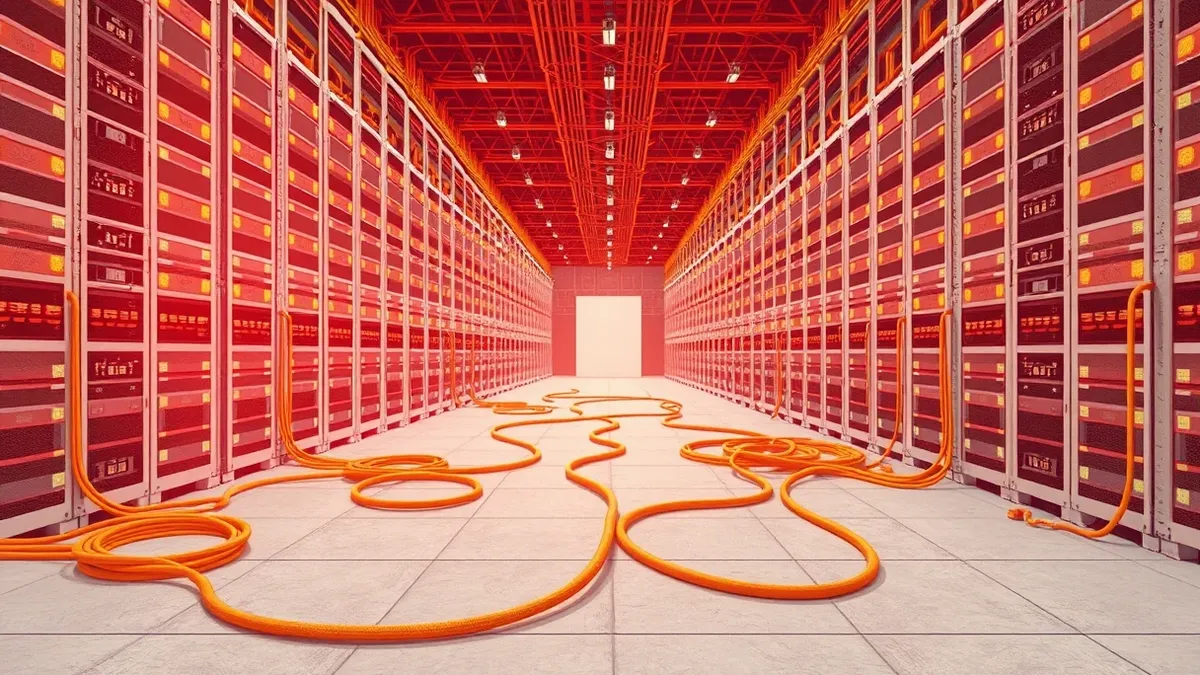
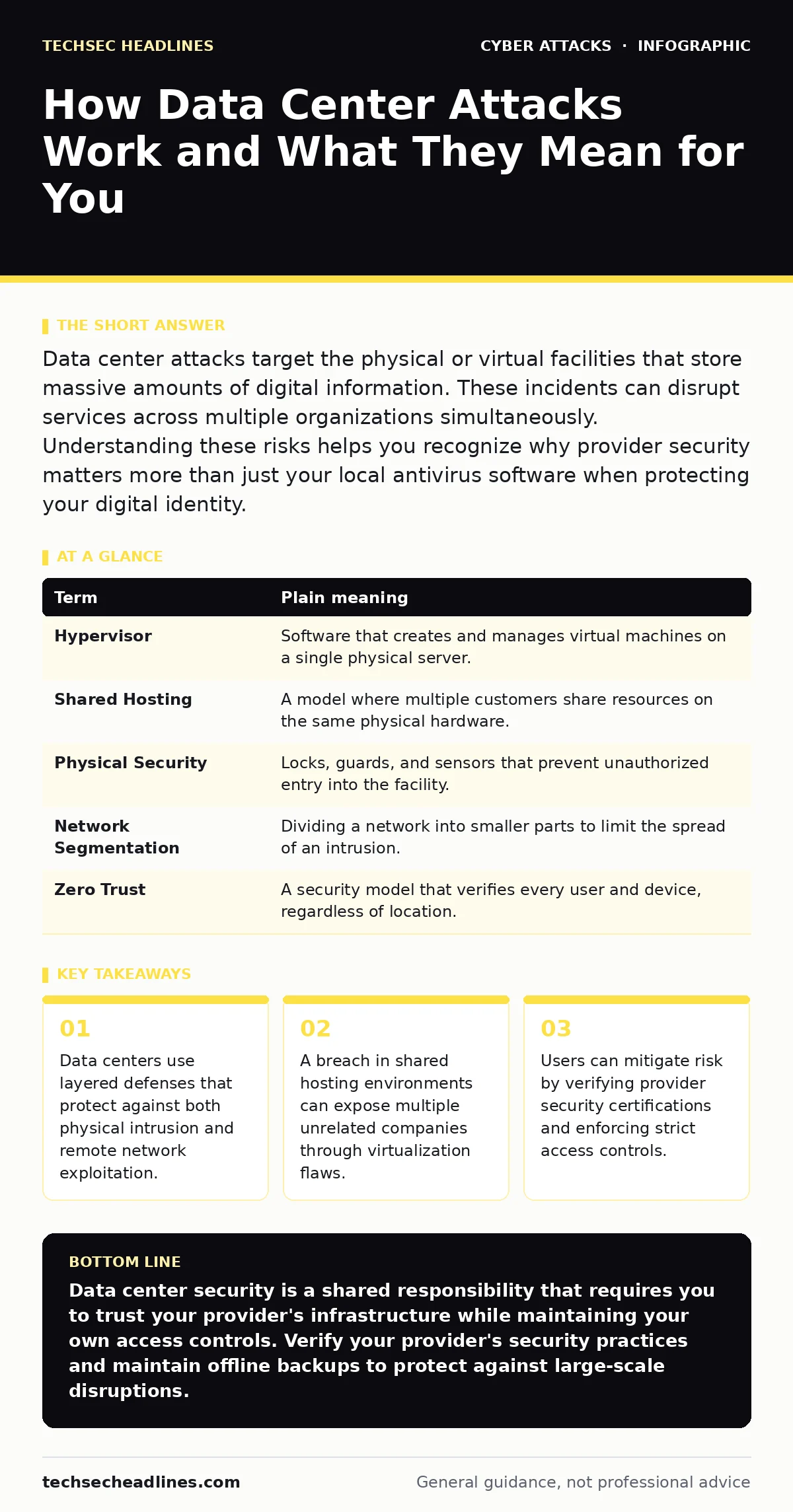
Data center attacks target the physical or virtual facilities that store massive amounts of digital information. These incidents can disrupt services across multiple organizations simultaneously. Understanding these risks helps you recognize why provider security matters more than just your local antivirus software when protecting your digital identity.
The Library Analogy for Digital Storage
Imagine a massive public library that stores millions of books. Each book represents a specific dataset, such as your email history or a company's customer records. The library building is the data center. The shelves are servers. The librarians are administrators who control who can check out which books. When attackers strike a data center, they are not trying to steal a single book from your pocket. They are trying to break into the library, disable the lights, or rewrite the catalog system so they can access thousands of books at once.
This analogy clarifies why data center security differs from personal device security. Your laptop is a single book in your home. A data center is the entire building. If someone breaks into your home, only your book is at risk. If someone breaks into the library, every patron suffers.
Key Terms in Data Center Security
Understanding the mechanics requires defining the specific components involved in these facilities. These terms describe the physical and virtual layers that protect data.
| Term | Plain meaning |
|---|---|
| Hypervisor | Software that creates and manages virtual machines on a single physical server. |
| Shared Hosting | A model where multiple customers share resources on the same physical hardware. |
| Physical Security | Locks, guards, and sensors that prevent unauthorized entry into the facility. |
| Network Segmentation | Dividing a network into smaller parts to limit the spread of an intrusion. |
| Zero Trust | A security model that verifies every user and device, regardless of location. |
Physical Intrusion and Environmental Threats
Attackers often overlook physical access because the internet is invisible. However, a data center is a physical building with doors, power lines, and cooling systems. An attacker might cut power lines to cause a blackout. They might introduce water into cooling systems to destroy servers. These are not cyberattacks in the digital sense, but they achieve the same goal: rendering data inaccessible.
Suppose a malicious actor gains physical access to a server room. They can plug a device directly into a network port. This bypasses many remote firewalls. Physical security measures include biometric scanners, mantraps, and 24-hour surveillance. These controls ensure that only authorized personnel enter the facility. Without them, digital defenses become irrelevant because the attacker is already inside the perimeter.
Virtualization Vulnerabilities and Escape
Most data centers use virtualization to host many customers on one physical machine. The hypervisor sits between the hardware and the virtual machines. If the hypervisor has a flaw, an attacker in one virtual machine can "escape" to the host system. This is called a hypervisor escape. Once inside the host, the attacker can see all other virtual machines running on that server.
This creates a hidden cost for shared hosting. You might secure your own virtual machine perfectly, but a neighbor on the same physical server might not. If their machine is compromised and the hypervisor is vulnerable, your data is exposed. This is why providers must patch hypervisors regularly. It also explains why isolated cloud instances are safer than shared hosting for sensitive data.
What This Means for Ordinary Users
You do not manage the data center, but you depend on it. When a provider suffers an outage or breach, your access to services stops. You might not see the attack, but you will see the consequence. Your emails become inaccessible. Your cloud storage disappears. This disruption affects productivity and trust.
Imagine you rely on a cloud service for your work documents. If that service's data center is compromised, you cannot retrieve your files. The provider may restore backups, but the process takes time. During that window, you are locked out. This highlights the need for redundancy. You should not store all your critical data in one provider's ecosystem. Diversification reduces the impact of a single point of failure.
See also: Open Security Groups: Risks and Protection for Small Businesses
Simple Safety Habits for Protection
You can reduce your exposure to data center risks by adopting specific habits. These steps focus on verification and access control.
- Verify provider security certifications. Look for independent audits that confirm their physical and virtual security measures.
- Enforce multi-factor authentication on all accounts hosted in the cloud. This prevents attackers from using stolen credentials to access your data even if the perimeter is breached.
- Maintain offline backups of critical files. If the cloud service goes down or is corrupted, you can restore your data from a local drive.
Supply Chain and Third-Party Risks
Data centers often rely on third-party vendors for maintenance and software updates. A breach in a vendor's system can provide attackers with access to the data center. This is a supply chain attack. The attacker does not break into the library directly. They bribe the delivery person who has keys to the back door.
This risk extends to software updates. If a provider uses a flawed library or tool in their management console, an attacker can exploit that tool to gain control. You cannot fix this yourself. You must choose providers who vet their supply chain rigorously. Providers who undergo regular security awareness training for their staff are less likely to fall for spear phishing attempts that target their employees.
Incident Response and Recovery
When an attack occurs, the provider must contain the breach. They isolate affected systems to prevent spread. They then investigate the root cause. Finally, they restore services from clean backups. This process can take days or weeks.
You should have a plan for this downtime. Know which services are affected. Have alternative communication methods ready. If your business relies on a specific platform, understand the provider's incident response timeline. This preparation reduces panic and confusion when the inevitable disruption occurs.
Key takeaways
- Data centers use layered defenses that protect against both physical intrusion and remote network exploitation.
- A breach in shared hosting environments can expose multiple unrelated companies through virtualization flaws.
- Users can mitigate risk by verifying provider security certifications and enforcing strict access controls.
Data center security is a shared responsibility that requires you to trust your provider's infrastructure while maintaining your own access controls. Verify your provider's security practices and maintain offline backups to protect against large-scale disruptions.
Frequently asked questions
Can hackers steal data from a data center remotely?
Yes, remote attackers exploit vulnerabilities in network firewalls, virtualization software, or employee credentials to access data without physical entry.
How does BGP hijacking affect data centers?
BGP hijacking redirects internet traffic to malicious servers, potentially intercepting data before it reaches the legitimate data center infrastructure.
Are eavesdropping attacks common in data centers?
Eavesdropping is rare on internal data center networks due to encryption, but it remains a risk if traffic is not encrypted in transit.
What is website defacement in this context?
Website defacement occurs when attackers alter the content of a hosted website, signaling a breach and damaging the provider's reputation.
How this guide was produced: written by the TechSec Headlines editorial team with AI assistance, checked against the public references listed below, and reviewed when the facts change. See our editorial policy or report an error.