
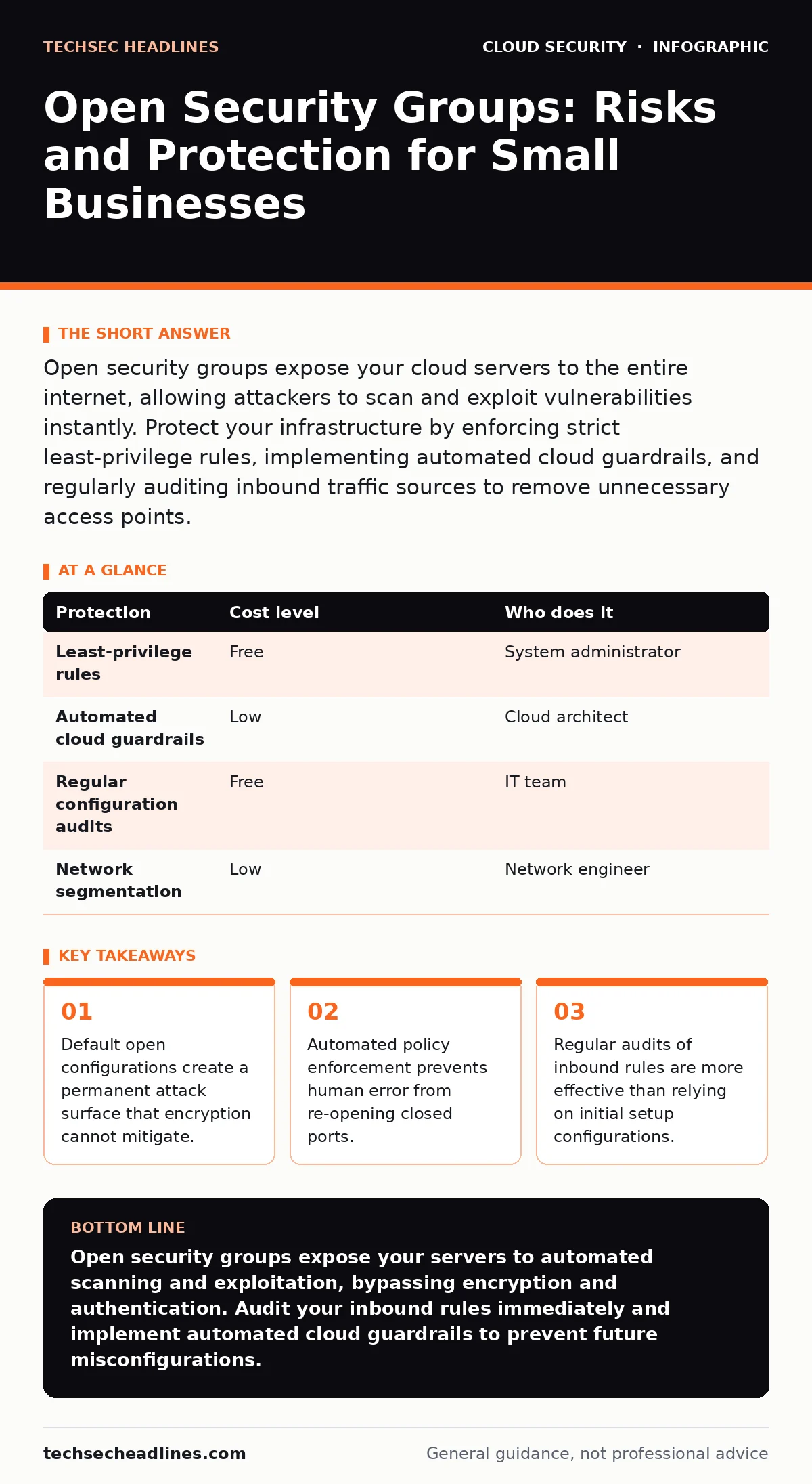
Open security groups expose your cloud servers to the entire internet, allowing attackers to scan and exploit vulnerabilities instantly. Protect your infrastructure by enforcing strict least-privilege rules, implementing automated cloud guardrails, and regularly auditing inbound traffic sources to remove unnecessary access points.
The Illusion of Perimeter Security
Security groups act as virtual firewalls for your cloud resources. They control which traffic can reach your servers based on specific rules. When these groups are open, they allow any device on the internet to initiate a connection to your server. This is different from a traditional office network where physical walls and locked doors provide a baseline of security.
In the cloud, your server sits directly on the public internet. There is no physical barrier. If you configure a security group to allow all inbound traffic, you are effectively placing your server in a public square with no doors. Attackers do not need to guess your password if they can already talk to your system. They can scan for known vulnerabilities in the software running on that server.
This exposure is particularly dangerous because it bypasses authentication. You might have strong passwords and multi-factor authentication enabled. These controls only matter after a connection is established. An open security group allows the connection to happen in the first place. The attacker never needs to prove who they are. They simply need to find a flaw in the service exposed to them.
Why Small Organizations Are Vulnerable
Small teams often prioritize speed over security. When launching a new service, the immediate goal is to make it work. Allowing all traffic is the fastest way to ensure connectivity issues do not block progress. This creates a technical debt that accumulates silently. The server works, so the configuration is not revisited.
Another factor is the lack of dedicated security staff. In larger organizations, a security operations center monitors network traffic. Small businesses often rely on a single IT person or an external provider. This person wears many hats. They handle payroll, email, and hardware repairs. Security audits fall to the bottom of the list.
There is also a misconception that small targets are ignored. Automated scanning tools do not discriminate based on company size. They scan entire blocks of IP addresses. If your server is open, it appears in the scan results just like a large enterprise server. The attacker’s script sends the same exploit to every open port it finds. Your small size does not hide you from these automated processes.
The Hidden Cost of Open Access
Leaving security groups open increases your operational costs in ways that are not immediately visible. Every unauthorized connection attempt consumes server resources. While a single scan is negligible, millions of scans can degrade performance. This is a form of denial-of-wallet attacks where the attacker uses your compute resources against you.
You may also face higher egress costs. If an attacker compromises your server and uses it to exfiltrate data or launch attacks against other systems, your cloud provider charges for the data leaving your network. This traffic is billed to you. The attack becomes a financial burden beyond just the cost of remediation.
Furthermore, an open posture complicates incident response. When a breach occurs, determining the source of the attack is difficult if any IP address could have initiated it. You cannot filter out noise because all traffic was allowed. This slows down the investigation and extends the time your systems remain compromised.
Low-Cost Protections for Tight Budgets
You do not need expensive software to secure your security groups. The most effective control is a strict least-privilege policy. This means allowing only the specific traffic required for your application to function. If your web server only needs to receive HTTP and HTTPS traffic, block everything else.
Implementing cloud guardrails helps enforce this policy automatically. These are pre-defined rules that prevent security groups from being created with open access. If an administrator tries to create a rule that allows all traffic, the system blocks the action. This prevents accidental misconfigurations before they happen. It turns security into a default state rather than an afterthought.
Regular audits are also low-cost but high-value. You can use built-in cloud tools to list all security groups and their rules. Look for rules that allow inbound traffic from 0.0.0.0/0, which represents all possible IP addresses. Unless you are hosting a public DNS server or a global CDN edge node, this is rarely necessary. Remove these rules immediately.
| Protection | Cost level | Who does it |
|---|---|---|
| Least-privilege rules | Free | System administrator |
| Automated cloud guardrails | Low | Cloud architect |
| Regular configuration audits | Free | IT team |
| Network segmentation | Low | Network engineer |
What to Ask Your IT Provider
If you outsource your IT, you must verify their security practices. Do not assume that "cloud hosting" implies "cloud security." Ask specific questions about how they manage network access. Your provider should be able to explain their process for reviewing and restricting inbound traffic.
- How do you ensure that security groups only allow necessary traffic?
- Do you use automated tools to detect and block open security groups?
- How often do you audit our cloud network configurations?
- What is your process for responding to detected unauthorized access attempts?
- Do you implement network segmentation to isolate sensitive data?
These questions reveal whether your provider treats security as a dynamic process or a one-time setup. A provider who cannot answer these questions clearly is likely not monitoring your environment effectively. You need a partner who actively manages your attack surface.
See also: How Data Center Attacks Work and What They Mean for You
Integrating Security into Development
Security should be part of your deployment process, not an add-on. When developers write code, they should also define the network rules required for that code. This is often called infrastructure as code. By defining security groups in code, you can review them before they are applied.
This approach allows you to catch mistakes early. A peer reviewer can spot an overly permissive rule before it reaches production. It also creates a record of why certain rules were added. If a rule needs to be changed later, you have a history of the decision. This reduces the risk of unauthorized changes going unnoticed.
Refer to our guide on cloud migration security for more details on integrating these practices during infrastructure changes. Proper planning during migration prevents the accumulation of open ports and unused access rules.
Maintaining Secure Configurations
Security is not a one-time task. It requires ongoing maintenance. Applications change, and so do their network requirements. A rule that was necessary for a beta feature might no longer be needed after launch. Failing to remove these rules leaves unnecessary holes in your defense.
Schedule regular reviews of your security groups. Remove any rules that are no longer in use. Combine this with access key rotation to ensure that compromised credentials do not persist. See our guide on access key rotation for best practices on managing long-term credentials.
Also, be aware of SaaS account takeover risks. If an attacker gains access to your cloud console, they can modify your security groups to open them up. Ensure that your administrative accounts are protected with strong authentication. This prevents the attacker from changing the rules from the inside.
Key takeaways
- Default open configurations create a permanent attack surface that encryption cannot mitigate.
- Automated policy enforcement prevents human error from re-opening closed ports.
- Regular audits of inbound rules are more effective than relying on initial setup configurations.
Open security groups expose your servers to automated scanning and exploitation, bypassing encryption and authentication. Audit your inbound rules immediately and implement automated cloud guardrails to prevent future misconfigurations.
Frequently asked questions
Can encryption protect me if my security group is open?
No, encryption protects data in transit and at rest, but it does not prevent an attacker from connecting to your server and exploiting vulnerabilities in the running software.
How do I know if my security group is open?
Check for inbound rules that allow traffic from 0.0.0.0/0 or ::/0. These CIDR blocks represent all possible IPv4 and IPv6 addresses, respectively.
Is it safe to open ports for SSH or RDP?
Only if you restrict access to specific, trusted IP addresses. Opening these ports to the entire internet invites brute-force attacks and unauthorized access.
What is the difference between a security group and a network ACL?
Security groups are stateful and attached to instances, while network ACLs are stateless and attached to subnets. Security groups are the primary control for application-level access.
How this guide was produced: written by the TechSec Headlines editorial team with AI assistance, checked against the public references listed below, and reviewed when the facts change. See our editorial policy or report an error.