
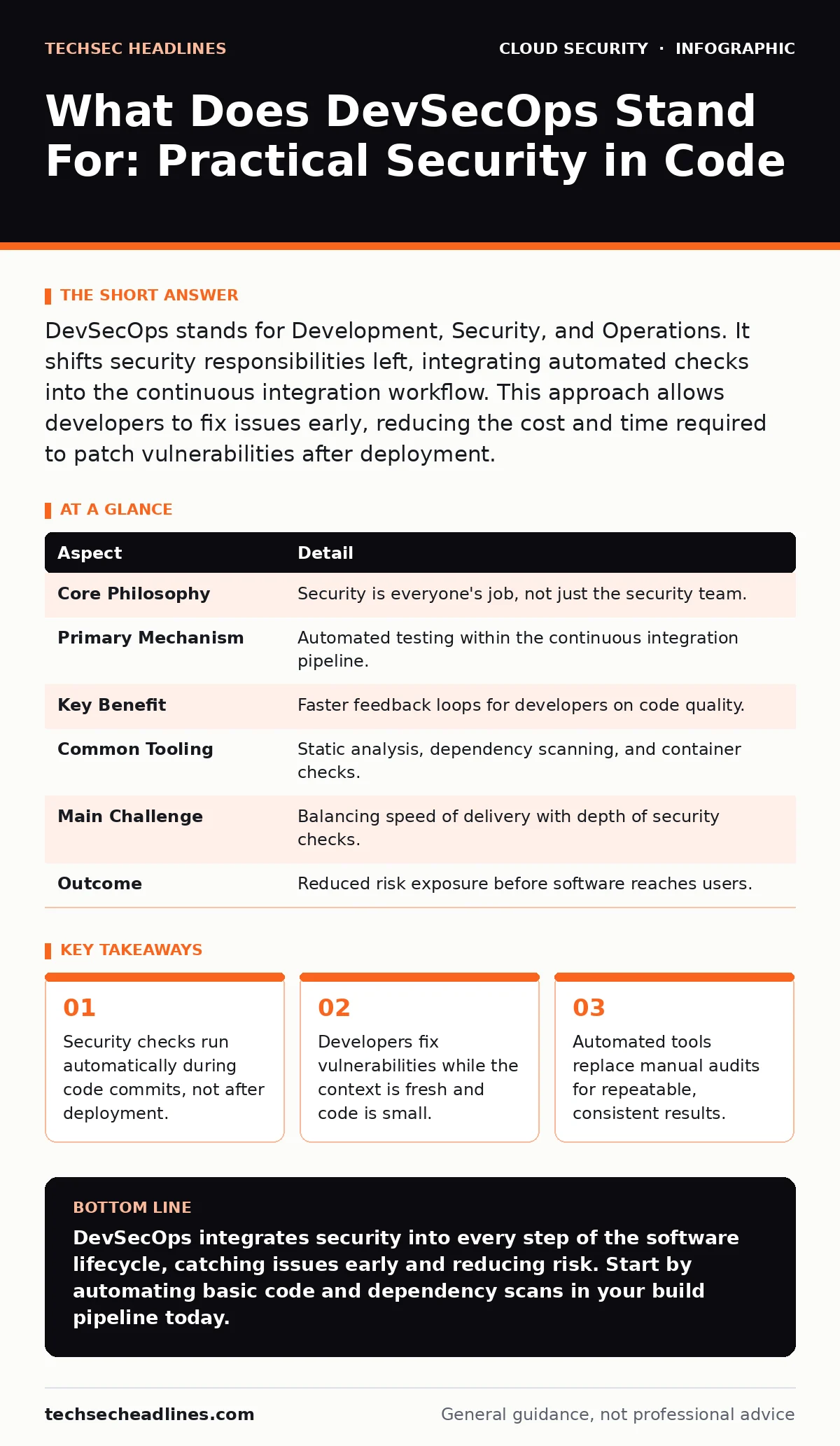
DevSecOps stands for Development, Security, and Operations. It shifts security responsibilities left, integrating automated checks into the continuous integration workflow. This approach allows developers to fix issues early, reducing the cost and time required to patch vulnerabilities after deployment.
What Does DevSecOps Stand For
DevSecOps stands for Development, Security, and Operations. It is a methodology that integrates security practices within the DevOps process. The goal is to make security a shared responsibility rather than a final gate. You treat security as code, applying the same automation and version control principles. This shifts the mindset from prevention at the end to detection throughout the lifecycle.
The term breaks down into three pillars. Development writes the code. Operations deploys and maintains it. Security ensures the code is safe from threats. Traditional models treated these as separate silos. DevSecOps merges them into a single, continuous flow. You do not wait for a security team to audit your work. You build checks that run every time you save your work.
| Aspect | Detail |
|---|---|
| Core Philosophy | Security is everyone's job, not just the security team. |
| Primary Mechanism | Automated testing within the continuous integration pipeline. |
| Key Benefit | Faster feedback loops for developers on code quality. |
| Common Tooling | Static analysis, dependency scanning, and container checks. |
| Main Challenge | Balancing speed of delivery with depth of security checks. |
| Outcome | Reduced risk exposure before software reaches users. |
How the Pipeline Works
The workflow begins when you commit code to a repository. A continuous integration server detects the change and triggers a build. This is where security automation enters the process. Tools scan the source code for known vulnerability patterns. They also check third-party libraries for known flaws. If a check fails, the build stops. You receive immediate notification.
Imagine a developer adds a new feature that uses an outdated library. The pipeline runs a dependency scan. The scan flags the library as having a known remote code execution flaw. The build fails immediately. The developer sees the error in their terminal. They update the library version and push again. The pipeline runs the scan once more. The check passes. The code proceeds to testing. You caught a critical flaw before it ever ran on a server.
This process repeats for every change. You add more checks for container images. You verify that the infrastructure configuration follows best practices. You test the running application for runtime anomalies. Each step provides a safety net. The system ensures that insecure code never reaches the production environment. You automate the tedious parts of security. This frees humans to focus on complex logic and architecture.
Who It Affects in Your Organization
DevSecOps changes the daily routine for several roles. Developers write code with security constraints in mind. They learn to read security reports and fix issues quickly. They no longer wait weeks for feedback. Operations engineers manage the deployment environment. They ensure the pipeline tools are updated and configured correctly. They handle the infrastructure as code that defines the secure baseline.
Security engineers shift from manual auditing to tool configuration. They define the rules that the automated scanners use. They tune alerts to reduce noise and false positives. They focus on high-risk areas that automation cannot fully cover. Leadership sets the culture and provides resources. They accept that initial speed may drop as checks are added. They recognize that long-term stability improves significantly.
You must align incentives across these groups. If developers are penalized for slowing down the pipeline, they will bypass checks. If security teams are blamed for every bug, trust erodes. You need a shared goal of shipping secure software quickly. Communication bridges the gap between technical teams. Regular reviews of pipeline performance help identify bottlenecks. You measure success by the time to fix, not just the number of bugs found.
What People Usually Get Wrong
Many organizations mistake tooling for culture. Buying a scanner does not make you practice DevSecOps. You must integrate the tool into the workflow. If developers ignore the results, the tool is useless. You need to make fixing issues easier than bypassing them. Provide clear remediation guidance in the error messages. Make the fix a few clicks away.
Another common error is treating security as a single phase. You might add a scan at the end of the build. This is still too late for efficient fixes. You should scan as early as possible. Check code before it is even committed to the main branch. Use pre-commit hooks to catch obvious errors. This reduces the load on the central build server. It also gives the developer instant feedback while their mind is on the task.
You also often overlook the operational side. Securing the code is only half the battle. You must secure the environment where it runs. This includes managing secrets and permissions. Exposed storage buckets remain a risk even if the code is clean. You must apply the same rigor to infrastructure configuration. Use policies that enforce least privilege access. Monitor for drift in your cloud settings.
Handling the Trade-Offs
Speed and security often feel like opposing forces. Adding checks increases build time. Developers may complain about waiting. You must optimize the pipeline for efficiency. Run lightweight checks in parallel. Reserve heavy scans for specific triggers. Use incremental analysis to only check changed files. This keeps the feedback loop tight.
Cost is another factor. Automated tools require maintenance and licensing. You must justify the investment with risk reduction. Fewer breaches mean lower incident response costs. Faster releases mean better market response. You calculate the total cost of ownership. This includes the time spent fixing bugs in production. Preventing a bug is cheaper than patching it later.
You face the challenge of alert fatigue. Too many warnings cause teams to ignore them. You must tune the tools carefully. Suppress low-risk findings that are not actionable. Focus on critical and high-severity issues. Provide context for each finding. Explain why it matters and how to fix it. Clear communication reduces noise and increases trust in the system.
See also: Prevent Exposed Storage Buckets: The Cloud Security Checklist · Data Residency Laws: How to Keep Data in the Right Jurisdiction
Building Your Foundation
Start with a baseline of automated checks. Integrate static application security testing into your build. This scans source code for vulnerabilities. Add software composition analysis to check dependencies. These two tools cover most common code-level risks. Configure them to fail the build on critical issues. This enforces compliance without manual intervention.
Expand to infrastructure as code scanning. Check your cloud configuration files for misconfigurations. Look for open ports and excessive permissions. Integrate these checks into the same pipeline. This ensures that the environment is secure before deployment. Use policy engines to enforce organizational standards. Define what secure looks like for your specific context.
Consider how you manage secrets. Never store passwords or keys in code. Use a dedicated secrets management solution. Integrate it into your pipeline so applications can retrieve credentials at runtime. This prevents accidental exposure of sensitive data. Review access logs regularly to detect unusual activity.
Connecting to Broader Security
DevSecOps is not an isolated practice. It connects to other security domains. You must consider data residency requirements when deploying code. Ensure your infrastructure respects legal boundaries. Check for open security groups that might expose your services. Verify that exposed storage buckets are properly secured.
You should also evaluate your encryption strategy. Consider bring your own key encryption for sensitive data. This gives you control over the cryptographic keys. Protect your orchestration layers from exposed Kubernetes dashboards. Secure your identity providers against OAuth token abuse. These measures complement your code-level security.
As you plan cloud migration security, include DevSecOps principles. Do not lift and shift insecure practices. Re-architect for security from the start. Use cloud guardrails to enforce standards across accounts. This ensures consistency and reduces risk. Your security posture improves when all layers work together.
Key takeaways
- Security checks run automatically during code commits, not after deployment.
- Developers fix vulnerabilities while the context is fresh and code is small.
- Automated tools replace manual audits for repeatable, consistent results.
DevSecOps integrates security into every step of the software lifecycle, catching issues early and reducing risk. Start by automating basic code and dependency scans in your build pipeline today.
Frequently asked questions
Does DevSecOps replace the security team?
No, it changes their role. Security engineers focus on tool configuration, policy definition, and complex threat modeling rather than manual code reviews.
How do I measure the success of DevSecOps?
Track metrics like time to remediate vulnerabilities, number of critical bugs in production, and pipeline build times. Improvement in these areas indicates success.
Can small teams implement DevSecOps?
Yes, small teams benefit most from automation. Start with open-source tools and integrate them into your existing workflow. Scale as your needs grow.
Is DevSecOps only for cloud environments?
No, it applies to any software development lifecycle. However, it is particularly effective in cloud-native environments due to the speed of deployment.
How this guide was produced: written by the TechSec Headlines editorial team with AI assistance, checked against the public references listed below, and reviewed when the facts change. See our editorial policy or report an error.