
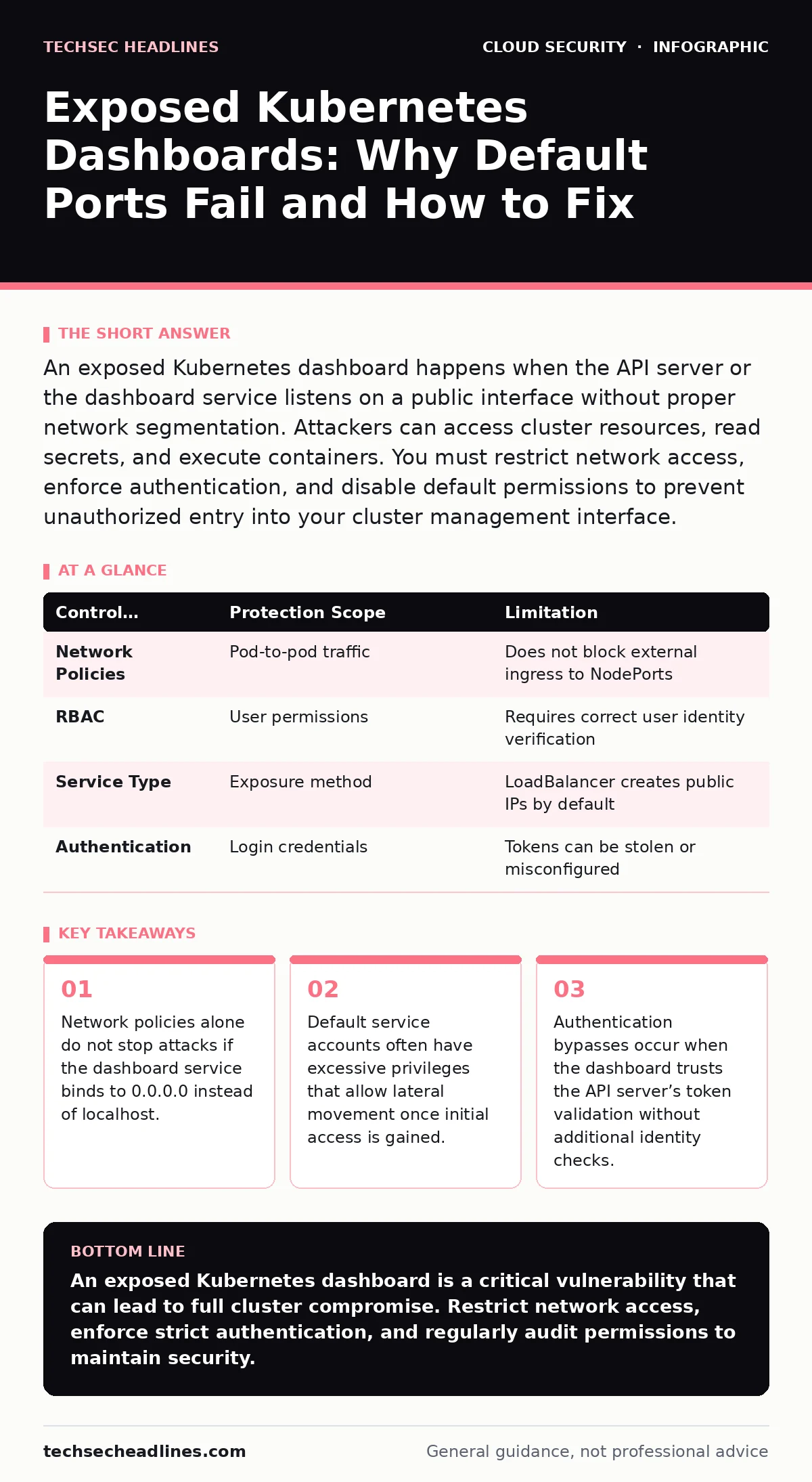
An exposed Kubernetes dashboard happens when the API server or the dashboard service listens on a public interface without proper network segmentation. Attackers can access cluster resources, read secrets, and execute containers. You must restrict network access, enforce authentication, and disable default permissions to prevent unauthorized entry into your cluster management interface.
What is an exposed Kubernetes dashboard?
An exposed Kubernetes dashboard is the web-based user interface for managing your cluster that is accessible from unauthorized networks. By default, the dashboard runs as a service within the cluster and may be reachable via NodePort or LoadBalancer configurations. If you do not restrict these services, anyone with network access can attempt to log in or exploit known vulnerabilities in the interface.
Why is the default configuration insecure?
The default installation often skips strict authentication requirements and binds the dashboard to all available network interfaces. This means the service listens on every IP address assigned to the node, including public-facing ones. Without explicit configuration, the dashboard may accept anonymous requests or use weak token validation methods. This setup invites scanning tools to discover the service and attempt brute-force or credential-reuse attacks.
How do attackers find exposed dashboards?
Attackers use automated scanners that probe common ports associated with Kubernetes services, such as 8080 or 6443. They look for the specific HTTP headers and response patterns that identify the Kubernetes dashboard. Once identified, they attempt to access the login page or exploit known CVEs in older versions of the dashboard software. This process is automated and can scan thousands of IP addresses in minutes, making visibility a constant threat.
What happens after an attacker gains access?
An attacker with dashboard access can view all pods, services, and secrets stored in your cluster. They can also execute new containers with elevated privileges, allowing them to move laterally across your infrastructure. This access often leads to data exfiltration or the deployment of malicious workloads that mine cryptocurrency or scan other internal services. The dashboard provides a graphical interface to the full power of the Kubernetes API, making it a high-value target.
How do network policies help or fail?
Network policies control traffic flow between pods but do not automatically protect services exposed via NodePorts or LoadBalancers. If you only apply network policies to internal pods, external traffic reaching the dashboard service remains unrestricted. You must combine network policies with service-level restrictions to ensure that only trusted IPs can reach the dashboard port. This layered approach prevents direct internet access while allowing internal management traffic.
| Control Mechanism | Protection Scope | Limitation |
|---|---|---|
| Network Policies | Pod-to-pod traffic | Does not block external ingress to NodePorts |
| RBAC | User permissions | Requires correct user identity verification |
| Service Type | Exposure method | LoadBalancer creates public IPs by default |
| Authentication | Login credentials | Tokens can be stolen or misconfigured |
See also: Prevent Exposed Storage Buckets: The Cloud Security Checklist · Data Residency Laws: How to Keep Data in the Right Jurisdiction
Why does authentication often fail?
Authentication failures occur when the dashboard relies on static tokens or when the API server accepts unsecured tokens. If you do not configure the dashboard to use a secure identity provider, attackers can reuse stolen tokens or generate their own. The dashboard also fails to enforce multi-factor authentication by default, leaving accounts vulnerable to credential stuffing. Proper configuration requires integrating with an external identity provider and disabling anonymous access.
How do you secure the dashboard effectively?
You secure the dashboard by restricting its network exposure, enforcing strict authentication, and applying the principle of least privilege. Change the service type from LoadBalancer to ClusterIP and use an ingress controller with TLS termination for external access. Configure the dashboard to use certificate-based authentication or integrate with an identity provider like LDAP or OAuth. Regularly audit service accounts and remove unnecessary permissions to reduce the impact of any potential breach.
What is the hidden cost of convenience?
The hidden cost of convenience is the increased attack surface created by leaving management interfaces accessible. While a public dashboard makes administration easier, it introduces a single point of failure that can compromise the entire cluster. The effort to configure secure access is higher initially, but it prevents the catastrophic downtime and data loss associated with unauthorized access. Balancing ease of use with security requires accepting that some administrative tasks will be more complex but significantly safer.
How do you detect exposure early?
You detect exposure by regularly scanning your external IP ranges for common Kubernetes ports and services. Use automated tools to check for open NodePorts and verify that load balancers are not pointing to management interfaces. Monitor your cluster logs for unusual authentication attempts or access from unexpected IP addresses. Early detection allows you to remediate misconfigurations before an attacker exploits them.
What role do admission controllers play?
Admission controllers can enforce policies that prevent the creation of insecure services or the binding of dashboards to public interfaces. They act as a gatekeeper, rejecting requests that violate your security standards before they are applied to the cluster. While they do not fix existing exposures, they prevent new ones from being created by developers or automated tools. Integrating admission controllers with your deployment pipeline ensures that security constraints are applied consistently.
Key takeaways
- Network policies alone do not stop attacks if the dashboard service binds to 0.0.0.0 instead of localhost.
- Default service accounts often have excessive privileges that allow lateral movement once initial access is gained.
- Authentication bypasses occur when the dashboard trusts the API server’s token validation without additional identity checks.
An exposed Kubernetes dashboard is a critical vulnerability that can lead to full cluster compromise. Restrict network access, enforce strict authentication, and regularly audit permissions to maintain security.
Frequently asked questions
Can I use a firewall to protect the dashboard?
A firewall can block external traffic, but it does not fix internal misconfigurations or insecure service bindings. You must also secure the service itself and restrict access via network policies.
Is the Kubernetes dashboard deprecated?
The dashboard is still supported but requires careful configuration to be secure. Many teams prefer command-line tools for security reasons, but the dashboard remains viable if properly hardened.
How do I know if my dashboard is exposed?
You can check by attempting to access the dashboard URL from an external network or using port scanning tools. If you can reach the login page from the internet, it is exposed.
Does using HTTPS fix exposure?
HTTPS encrypts traffic but does not prevent unauthorized access. You must still restrict network access and enforce authentication to protect the dashboard from exposure.
How this guide was produced: written by the TechSec Headlines editorial team with AI assistance, checked against the public references listed below, and reviewed when the facts change. See our editorial policy or report an error.