
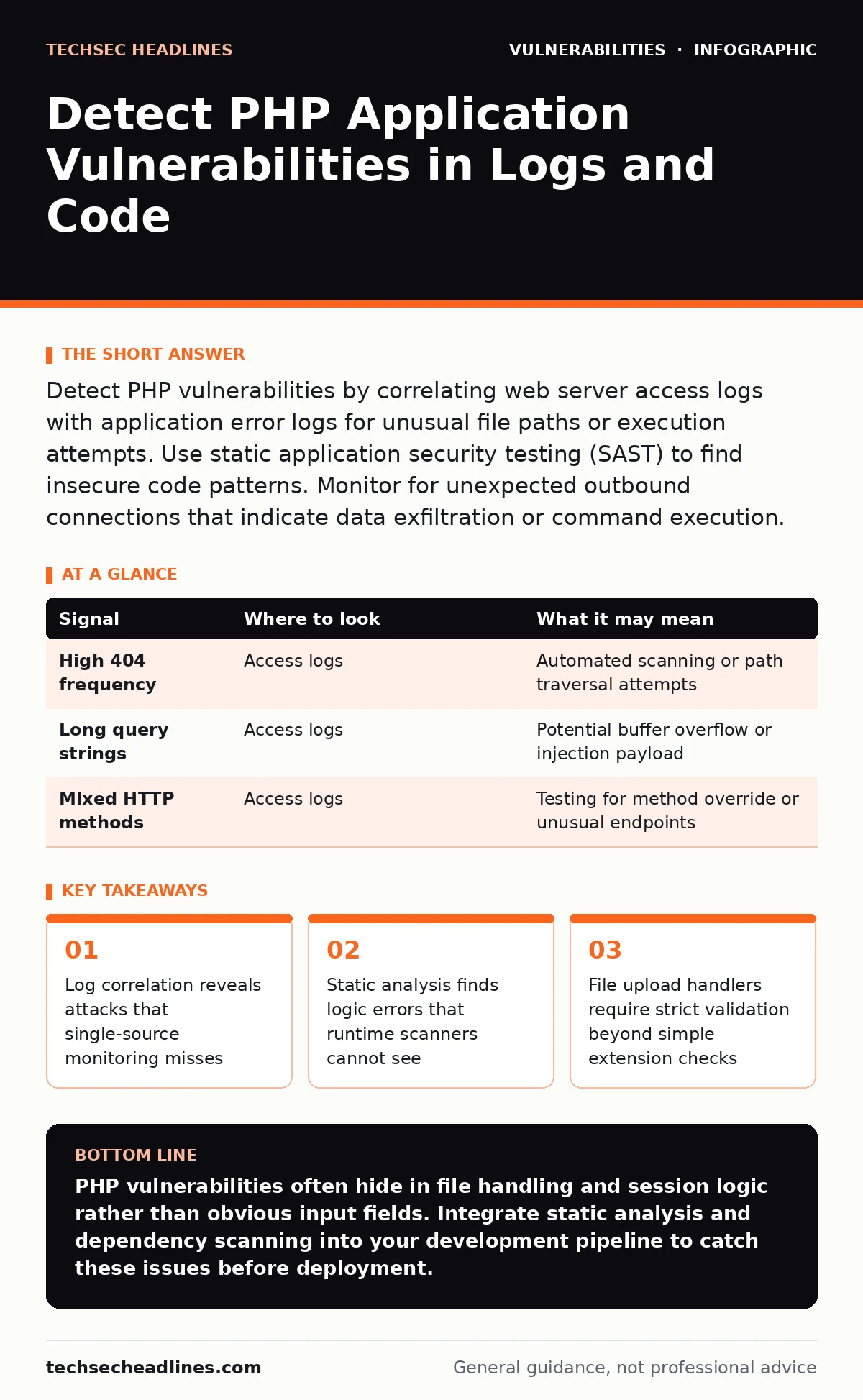
Detect PHP vulnerabilities by correlating web server access logs with application error logs for unusual file paths or execution attempts. Use static application security testing (SAST) to find insecure code patterns. Monitor for unexpected outbound connections that indicate data exfiltration or command execution.
Server Access Logs Reveal Attack Surface
Web server logs show every request your application receives. You must look for patterns that indicate automated scanning or manual probing. Attackers often test for known vulnerabilities before launching an exploit. Look for repeated 404 errors on sensitive file paths. These requests target configuration files or backup archives that may contain credentials.
Check for unusual query string lengths. A normal search query has a predictable length. A payload attempting to overflow a buffer or inject code often exceeds standard limits. These long strings may contain encoded characters. Decode these characters to see the raw input. This step reveals the true intent of the request.
| Signal | Where to look | What it may mean |
|---|---|---|
| High 404 frequency | Access logs | Automated scanning or path traversal attempts |
| Long query strings | Access logs | Potential buffer overflow or injection payload |
| Mixed HTTP methods | Access logs | Testing for method override or unusual endpoints |
Application Error Logs Expose Logic Flaws
Application logs record internal errors and warnings. These logs often contain details that server logs hide. A successful attack may not return an error to the user. It may still generate a warning in the application log. Look for notices about undefined variables. These notices often indicate improper initialization of state.
Search for database connection errors. These errors may reveal SQL injection attempts. The application tries to execute malformed queries. The database rejects them. The log records the rejection. Analyze the query structure in the log. Compare it to expected input formats. Deviations suggest an attacker is manipulating the query logic.
File Upload Handlers Require Strict Validation
File uploads are a common entry point for attackers. They allow users to store data on the server. Attackers exploit this to store executable scripts. You must validate files on the server side. Client-side checks are easily bypassed. Check the file extension against a whitelist. Do not use a blacklist. New extensions appear constantly.
Verify the file content using magic numbers. The extension may lie. The file header tells the truth. Rename the uploaded file to remove any user-controlled naming. Store uploads outside the web root. This prevents direct execution via URL. Configure the server to deny execution of scripts in the upload directory. This adds a layer of defense.
Session Management and State Issues
PHP sessions manage user state across requests. Weak session handling allows session hijacking. Attackers steal session IDs to impersonate users. Check if session IDs are exposed in URLs. This practice allows logs and referrers to leak the ID. Use cookies for session storage. Set the HttpOnly flag. This prevents JavaScript access to the cookie.
Regenerate session IDs after login. This prevents session fixation attacks. An attacker sets a known session ID. The user logs in. The attacker uses the same ID to access the account. Regeneration breaks this link. Validate the user agent or IP address if possible. This adds context to the session. It is not perfect but raises the bar for attackers.
Dependency Scanning Finds Hidden Risks
Modern PHP applications use many third-party libraries. These libraries may contain known vulnerabilities. You are responsible for these flaws. Use dependency scanning tools to check your library versions. These tools compare your versions against public databases. They flag outdated components. Update these components promptly.
Static Analysis Catches Code Patterns
Static application security testing (SAST) analyzes code without running it. It finds patterns that match known vulnerability classes. It identifies unescaped output in HTML. This leads to cross-site scripting. It finds unsanitized input in database queries. This leads to injection flaws. Run SAST tools in your build pipeline. This catches issues early.
SAST tools may produce false positives. They flag code that looks suspicious but is safe. Review these findings manually. Suppress false positives to reduce noise. Focus on high-confidence alerts. Integrate SAST with your version control system. This ensures every change is checked. It prevents new vulnerabilities from entering the codebase.
Common Blind Spots in Detection
Many teams miss vulnerabilities in edge cases. They focus on obvious inputs. They ignore internal logic flows. Consider LDAP injection. It is less common than SQL injection. Many teams do not check for it. If your application uses LDAP for authentication, validate all inputs. Escape special characters specific to LDAP syntax.
Another blind spot is cross-site WebSocket hijacking. If your application uses WebSockets, ensure proper authentication. WebSocket connections may not send standard cookies. Attackers can hijack these connections if the origin check is weak. Validate the origin header. Use tokens for authentication. Do not rely solely on cookies for WebSocket security.
Behavioral Monitoring for Anomalies
Behavioral monitoring looks for unusual activity. It does not rely on known signatures. It establishes a baseline of normal behavior. Deviations from this baseline trigger alerts. Look for unusual outbound connections. Your application should not connect to external servers unexpectedly. This may indicate data exfiltration.
Monitor for rapid state changes. A user should not jump from login to admin settings instantly. This may indicate an automated script. Check for impossible travel. A user should not log in from two distant locations in minutes. This suggests session hijacking. Combine behavioral monitoring with log analysis. This provides a complete picture of application health.
Key takeaways
- Log correlation reveals attacks that single-source monitoring misses
- Static analysis finds logic errors that runtime scanners cannot see
- File upload handlers require strict validation beyond simple extension checks
PHP vulnerabilities often hide in file handling and session logic rather than obvious input fields. Integrate static analysis and dependency scanning into your development pipeline to catch these issues before deployment.
Frequently asked questions
How do I detect SQL injection in PHP applications?
Monitor database logs for syntax errors and unusual query structures. Use static analysis tools to find unsanitized input in database calls. Validate all user input against expected formats.
What is the best way to secure file uploads in PHP?
Validate file content using magic numbers, not just extensions. Store files outside the web root. Rename files to remove user control. Deny script execution in upload directories.
Can static analysis replace manual code review?
No. Static analysis finds pattern-based flaws. Manual review catches logic errors and business rule violations. Use both methods for comprehensive security.
How often should I run dependency scans?
Run scans every time you update dependencies. Also schedule regular scans to catch newly disclosed vulnerabilities in existing libraries. Integrate scans into your build process.
How this guide was produced: written by the TechSec Headlines editorial team with AI assistance, checked against the public references listed below, and reviewed when the facts change. See our editorial policy or report an error.