
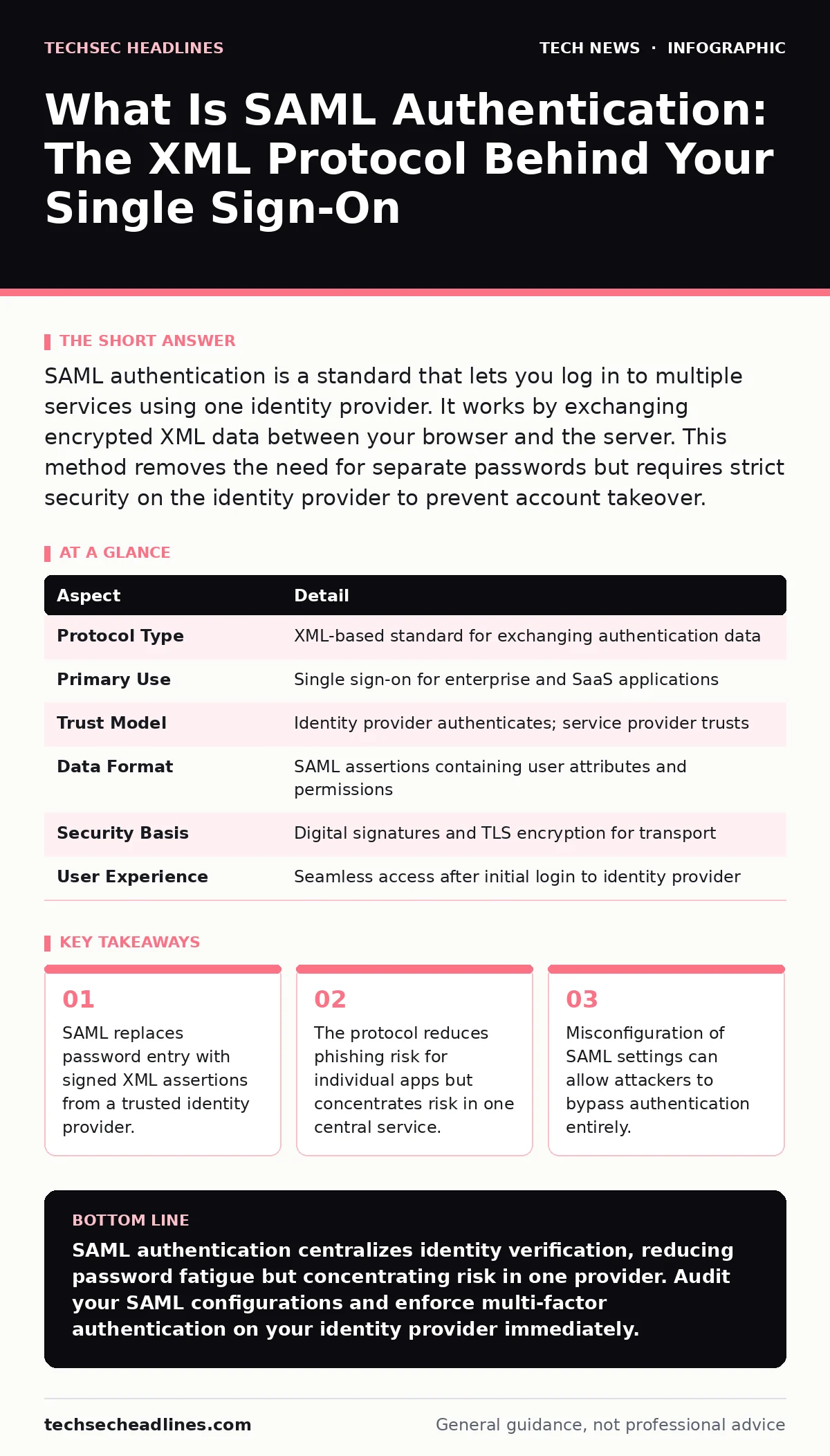
SAML authentication is a standard that lets you log in to multiple services using one identity provider. It works by exchanging encrypted XML data between your browser and the server. This method removes the need for separate passwords but requires strict security on the identity provider to prevent account takeover.
What Is SAML Authentication?
SAML authentication is an open standard that enables secure exchange of authentication and authorization data between parties, specifically between an identity provider and a service provider. You use it every time you click "Log in with your company account" or "Sign in with Google" for a business application. The system relies on XML-based security tokens called assertions. These assertions contain your identity information and permissions. The service provider trusts the identity provider to verify who you are. This trust model eliminates the need for you to manage separate credentials for every application you access.
The protocol operates over HTTP and uses TLS to protect the data in transit. You do not see the XML data directly. Your browser handles the exchange automatically. The identity provider signs the assertion with a digital certificate. The service provider verifies this signature before granting access. This process ensures that the identity information has not been tampered with during transit. It also confirms that the assertion comes from a trusted source. This mechanism is the backbone of enterprise single sign-on systems.
| Aspect | Detail |
|---|---|
| Protocol Type | XML-based standard for exchanging authentication data |
| Primary Use | Single sign-on for enterprise and SaaS applications |
| Trust Model | Identity provider authenticates; service provider trusts |
| Data Format | SAML assertions containing user attributes and permissions |
| Security Basis | Digital signatures and TLS encryption for transport |
| User Experience | Seamless access after initial login to identity provider |
How SAML Works Step by Step
The process begins when you attempt to access a protected resource. The service provider detects that you are not authenticated. It redirects your browser to the identity provider’s login page. You enter your credentials on this page. The identity provider verifies these credentials against its database. If the credentials are valid, the identity provider creates a SAML assertion. This assertion is signed digitally and sent back to your browser. Your browser posts this data to the service provider. The service provider validates the signature and checks the expiration time. It then grants you access to the requested resource.
This flow removes the service provider from the authentication loop. The service provider never sees your password. It only receives a statement that you are who you claim to be. This separation of duties reduces the attack surface for each individual application. If a service provider is compromised, attackers cannot harvest passwords for other services. They only gain access to the specific application they breached. This isolation is a key security benefit of the SAML architecture.
Who Uses SAML and Why
Enterprise organizations rely on SAML for internal tool access. Employees log in once to their corporate directory. They then access email, project management tools, and financial systems without re-entering credentials. This reduces help desk calls for password resets. It also enforces consistent security policies across all applications. Service providers use SAML to attract enterprise customers. Large companies refuse to use services that do not support single sign-on. SAML allows these vendors to integrate with corporate security infrastructure. It shifts the responsibility of user management to the customer. This model is standard in the business-to-business software market.
Educational institutions also use SAML extensively. Students and staff access library resources, learning platforms, and administrative portals through a single login. This simplifies the user experience for large populations. It also allows institutions to revoke access immediately when a student graduates or an employee leaves. The central control over identity makes lifecycle management efficient. This efficiency is critical in environments with high turnover rates.
Common Misconfigurations and Risks
SAML implementation is complex. Many security incidents stem from poor configuration rather than protocol flaws. One common error is allowing unsigned assertions. If a service provider accepts assertions without verifying the digital signature, an attacker can forge valid login requests. This bypasses authentication entirely. Another risk is trusting too many identity providers. A service provider might accept assertions from any provider. This allows attackers to use compromised accounts from unrelated services to gain access.
Session fixation is another danger. Attackers can manipulate session tokens to hijack user sessions. This happens when the service provider does not properly manage session state after SAML login. Certificate management is also critical. Identity providers use certificates to sign assertions. If these certificates expire or are stolen, authentication fails or becomes insecure. Organizations must rotate certificates regularly. They must also monitor for unauthorized changes to trust relationships. Neglecting these operational tasks undermines the security benefits of SAML.
What People Usually Get Wrong
Many users believe SAML eliminates the need for strong passwords. This is incorrect. SAML centralizes authentication. If your password for the identity provider is weak, all connected services are at risk. The identity provider becomes a single point of failure. Attacking it yields access to every linked application. Users also misunderstand the scope of SAML. It handles authentication, not authorization. The service provider still decides what you can do. SAML tells the application who you are. It does not tell the application what you are allowed to access. This distinction matters for least-privilege security.
Another misconception is that SAML is only for large corporations. Small businesses use it too. Cloud-based tools often support SAML for basic identity management. Even solo professionals use it when accessing client portals. The complexity of setup varies. Some identity providers offer simple configuration wizards. Others require manual XML editing. The security benefits apply regardless of organization size. Centralized identity control improves security posture for everyone.
Related Security Concepts
SAML works alongside other security standards to protect your data. The TLS handshake establishes the encrypted channel that carries SAML data. Without TLS, the XML assertions could be intercepted and modified. HTTPS ensures that the entire communication path is secure. You should always verify that SAML endpoints use HTTPS. DNS security prevents attackers from redirecting you to fake identity providers. If you are sent to a malicious login page, SAML cannot protect you.
Network address translation hides your internal network structure from external attackers. This adds a layer of obscurity to your infrastructure. Wi-Fi security protects your device when you access SAML services remotely. Weak wireless encryption can expose your session tokens. macOS security settings may restrict browser behavior to prevent SAML token theft. Understanding these dependencies helps you build a complete defense strategy.
What To Do About It
If you are a user, treat your identity provider password as your master key. Use a unique, complex password for this account. Enable multi-factor authentication on the identity provider. This adds a second layer of verification. Check the URL before entering credentials. Phishing attacks often mimic SAML login pages. Verify that the domain matches your organization’s official address. Do not click login links in unsolicited emails. Navigate to the application directly. This reduces the risk of being redirected to a fake site.
If you are an administrator, enforce strict validation rules. Require signed assertions from trusted identity providers. Validate the audience restriction in the assertion. This ensures the assertion is intended for your service. Monitor logs for unusual authentication patterns. Look for logins from unexpected locations or times. Implement certificate rotation schedules. Test your SAML configuration regularly. Use tools to detect misconfigurations. Keep your software updated. Patches often address security vulnerabilities in identity management components. Regular audits ensure that trust relationships remain secure.
Key takeaways
- SAML replaces password entry with signed XML assertions from a trusted identity provider.
- The protocol reduces phishing risk for individual apps but concentrates risk in one central service.
- Misconfiguration of SAML settings can allow attackers to bypass authentication entirely.
SAML authentication centralizes identity verification, reducing password fatigue but concentrating risk in one provider. Audit your SAML configurations and enforce multi-factor authentication on your identity provider immediately.
Frequently asked questions
Is SAML authentication secure enough for banking?
SAML provides strong authentication when configured correctly, but banks often use additional protocols like OpenID Connect for better mobile support and token management.
Can I use SAML for personal email accounts?
Most personal email providers do not support SAML for individual users. They use OAuth or standard username-password logins. SAML is primarily for enterprise applications.
What happens if my SAML token expires?
The service provider rejects the expired token. You must re-authenticate with the identity provider. The system will issue a new token with a fresh expiration time.
Does SAML work with mobile apps?
SAML works with mobile apps, but it can be clunky on small screens. Many modern apps prefer OpenID Connect, which uses JSON and is easier to implement on mobile devices.
How this guide was produced: written by the TechSec Headlines editorial team with AI assistance, checked against the public references listed below, and reviewed when the facts change. See our editorial policy or report an error.