
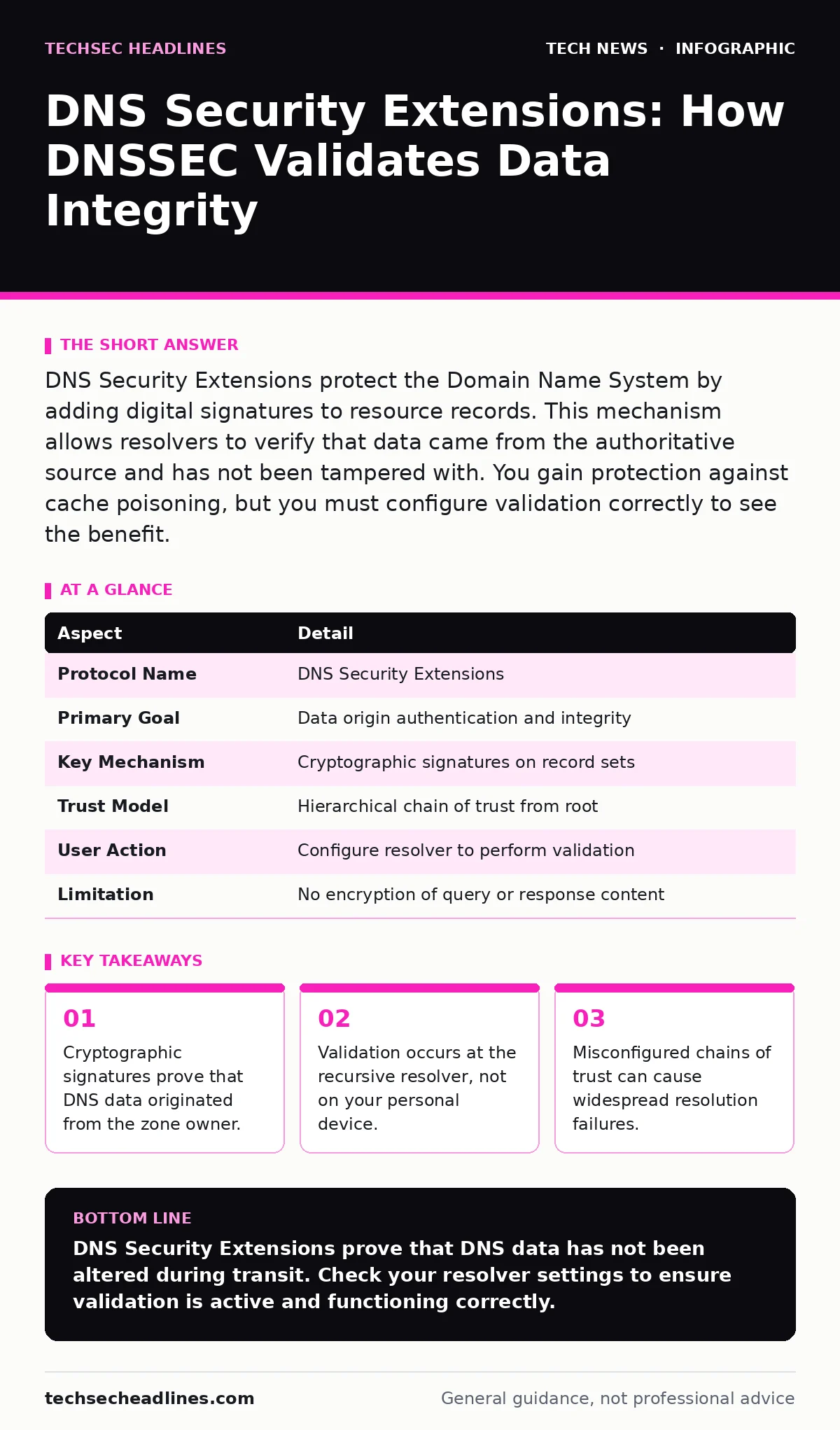
DNS Security Extensions protect the Domain Name System by adding digital signatures to resource records. This mechanism allows resolvers to verify that data came from the authoritative source and has not been tampered with. You gain protection against cache poisoning, but you must configure validation correctly to see the benefit.
How DNS Security Extensions Validate Identity
DNS Security Extensions provide a way to authenticate the origin of DNS data. The Domain Name System translates human-readable names into machine-readable IP addresses. Without security, any party on the internet can inject false answers into the system. DNS Security Extensions attach a cryptographic signature to each record set. This signature allows the recipient to verify the data without trusting intermediate servers.
Imagine you receive a sealed letter. The wax seal proves the sender who wrote it. If the seal is broken, you know someone interfered. DNS Security Extensions act as that digital wax seal for internet addresses. The system uses public-key cryptography to sign records. The zone owner holds the private key. Anyone can verify the signature using the public key.
The process relies on a chain of trust. The root zone signs the top-level domains. Those domains sign the second-level domains. Each level validates the next. Your resolver checks this chain from the bottom up. If any link fails, the response is rejected. This prevents an attacker from substituting a fake IP address. The user never sees the fake address. The browser simply reports that the site cannot be found.
The Mechanics of Signing and Verification
Signing involves hashing the record set and encrypting the hash with a private key. The system uses algorithms like RSASHA256 or ECDSAP256SHA256. These algorithms create a unique fingerprint for the data. Changing even one bit alters the fingerprint completely. The signature travels with the record. The resolver recalculates the hash and compares it to the decrypted signature.
Verification requires the resolver to fetch the public key. It looks for a DNSKEY record in the zone. It checks the signature against this key. If the key itself is new, the resolver checks a DS record in the parent zone. This DS record contains a hash of the child zone's key. The parent signs this hash. This creates a secure path back to the root.
The resolver maintains a trust anchor. This is a known good key for the root zone. The chain of trust starts here. If the chain is complete and valid, the data is considered "secure". If the chain is broken or missing, the data is "insecure" or "bogus". Secure data is accepted. Bogus data is discarded. Insecure data is used as usual, without cryptographic guarantee.
| Aspect | Detail |
|---|---|
| Protocol Name | DNS Security Extensions |
| Primary Goal | Data origin authentication and integrity |
| Key Mechanism | Cryptographic signatures on record sets |
| Trust Model | Hierarchical chain of trust from root |
| User Action | Configure resolver to perform validation |
| Limitation | No encryption of query or response content |
Who Needs This Protection
Every user of the internet benefits from DNS Security Extensions. Malware often uses DNS hijacking to redirect victims. A compromised router can send fake IP addresses. An attacker on a public Wi-Fi network can spoof DNS replies. DNS Security Extensions stop these attacks at the protocol level. The attacker cannot forge a valid signature.
Domain owners also have a role. They must sign their zones. This requires managing keys and updating signatures. Large organizations often use automated tools. Small sites may rely on their registrar. If a zone is not signed, users cannot validate it. The chain of trust stops at the parent. Validation fails for that specific name.
Resolvers are the enforcement point. Major public resolvers enable validation by default. Private corporate resolvers may not. You must check your network configuration. If your resolver does not validate, you are vulnerable. The protection exists in the infrastructure, not in your browser. This is a common misunderstanding.
Common Misconceptions About DNS Security
People often confuse DNS Security Extensions with encryption. The data is not hidden. Anyone can see the IP address you request. The signature only proves the data has not changed. It does not hide your activity. If you need privacy, you must use additional measures. Think of this protocol as ensuring the letter arrived intact. It does not ensure the post office does not read it.
Another error is assuming client-side software provides protection. Your operating system does not sign DNS queries. Your browser does not verify DNS signatures directly. The recursive resolver does the work. If the resolver is misconfigured, you get no protection. You cannot fix this by installing an extension. You must change your DNS server settings.
Some believe that signing a zone guarantees security for all subdomains. This is not true. Each zone must be signed independently. A parent zone can delegate trust to a child zone. But the child must still sign its own records. If the child fails to sign, the parent cannot validate it. The chain breaks. Users get insecure data.
Configuration Challenges and Trade-offs
Implementing DNS Security Extensions adds operational complexity. Key management is critical. You must rotate keys regularly. Old keys must be archived. New keys must be distributed. If you lose the private key, you cannot sign new records. Recovery requires out-of-band verification. This can take days.
Signing large zones requires resources. The system must sign every record set. This increases CPU and storage needs. For high-traffic sites, this is manageable. For small servers, it may be a burden. Some registrars offer managed signing services. They handle the heavy lifting. You pay a fee or accept their terms.
Validation adds latency. The resolver must fetch additional records. It must perform cryptographic operations. This takes milliseconds. For most users, this delay is imperceptible. For high-frequency trading or gaming, it matters. You may choose to disable validation for specific zones. This reduces risk but also reduces security.
See also: What Is Encryption: Meaning, Definition, and How It Works
Integration with Other Security Layers
DNS Security Extensions work best with other protections. They do not replace TLS handshake procedures. They do not encrypt the connection. They ensure you connect to the right server. Then TLS secures the conversation. Both layers are needed. One protects identity. The other protects confidentiality.
Consider home router security. Many routers allow DNS settings to be changed. An attacker with physical access can change these. DNS Security Extensions prevent the attacker from redirecting traffic to a fake site. But the attacker can still block traffic. You need strong router passwords. You need to disable remote management.
Network address translation hides your internal IP. It does not protect DNS queries. The queries leave your network in plain text. DNS Security Extensions validate the answers. They do not hide the questions. If you want to hide queries, use encrypted DNS protocols. These are separate from DNS Security Extensions. They serve different goals.
What People Usually Get Wrong
The biggest error is ignoring validation status. Browsers do not always show when DNS validation failed. They may simply show a connection error. You must monitor your resolver logs. Look for "bogus" responses. These indicate tampering or misconfiguration. Ignore them, and you leave a blind spot.
Another mistake is relying on a single resolver. If that resolver fails, you are blind. Use multiple resolvers. Configure your system to fall back. This improves reliability. It also helps detect anomalies. If one resolver returns bogus data and others do not, you have a problem.
Finally, do not assume that all TLDs support signing. Most do. Some do not. Check before you sign. If the parent does not support DS records, you cannot establish trust. You can sign the zone, but users cannot validate it. The signatures are useless. Verify support before investing time in configuration.
Key takeaways
- Cryptographic signatures prove that DNS data originated from the zone owner.
- Validation occurs at the recursive resolver, not on your personal device.
- Misconfigured chains of trust can cause widespread resolution failures.
- The protocol protects data integrity but does not encrypt the query content.
DNS Security Extensions prove that DNS data has not been altered during transit. Check your resolver settings to ensure validation is active and functioning correctly.
Frequently asked questions
Does DNS Security Extensions encrypt my DNS queries?
No, the protocol only signs the data to prove its integrity. It does not hide the content of the query or response from observers on the network.
Do I need to install software to use DNS Security Extensions?
No, the validation happens at the recursive DNS resolver level. You only need to ensure your device is configured to use a validating resolver.
Can DNS Security Extensions prevent phishing attacks?
It prevents DNS hijacking but not phishing. An attacker can still host a fake site with a valid IP address. You must still verify the URL and certificates.
What happens if a zone key is compromised?
The zone owner must revoke the compromised key and issue a new one. During this transition, validation may fail for users until the new key is propagated.
How this guide was produced: written by the TechSec Headlines editorial team with AI assistance, checked against the public references listed below, and reviewed when the facts change. See our editorial policy or report an error.