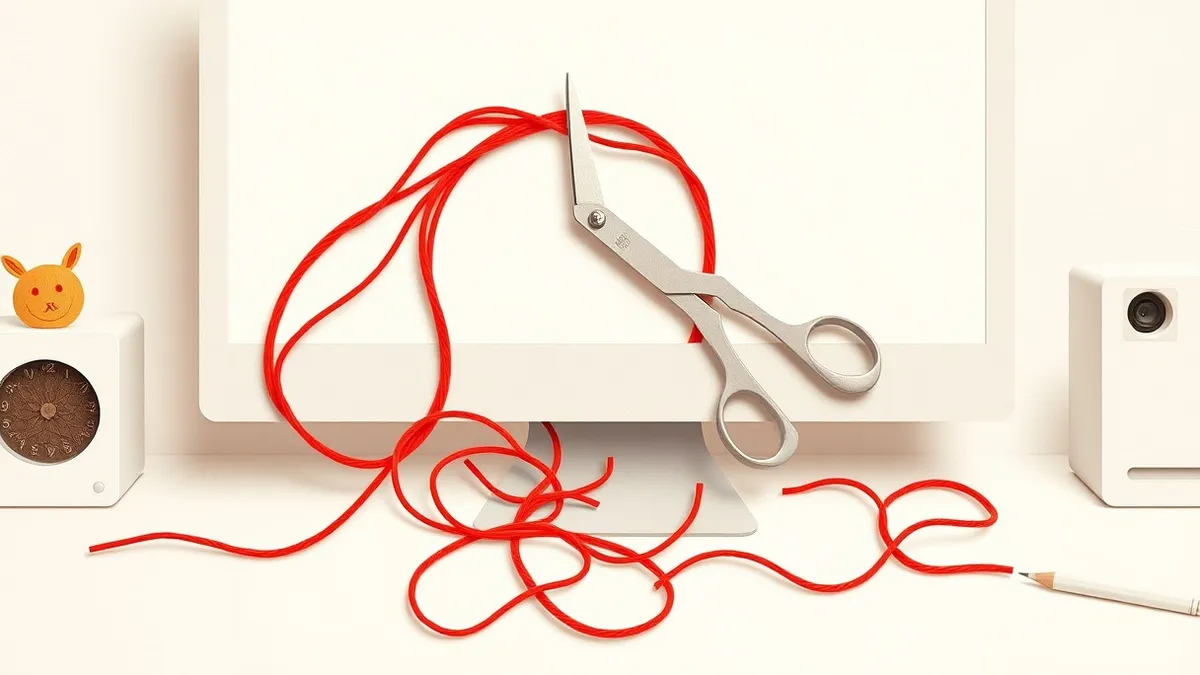
You cannot simply delete malware files. You must disconnect from the network, identify the infection vector, and remove both the executable and its persistence mechanisms using safe mode and specialized tools before restoring system trust.
The House Infestation Analogy
Imagine your computer is a house that has been invaded by squatters. You notice a mess in the living room, so you sweep it up. The floor looks clean for an hour. Then, the mess returns. Why? Because you only removed the visible trash. You did not find the people hiding in the attic who are throwing the garbage out the window.
In cybersecurity, deleting the main virus file is like sweeping the living room. The "squatters" are the persistence mechanisms. These are hidden instructions that tell the computer to reload the malicious software every time it starts. If you do not find and remove these instructions, the infection will return.
Understanding the Hidden Structure
To clean the house effectively, you need to know how the squatters got in and where they are hiding. Malware is rarely just one file. It is often a system of components working together.
The first component is the dropper. This is a small program that places the larger malicious payload onto your system. The dropper might come from a malicious document you opened or a download you trusted. Once the payload is on your disk, the dropper’s job is done. It might even delete itself to avoid detection.
The second component is the payload. This is the part that steals data, displays ads, or encrypts files. It is the noisy mess in the living room. It is easy to see but difficult to keep away if you do not address the root cause.
| Term | Plain meaning |
|---|---|
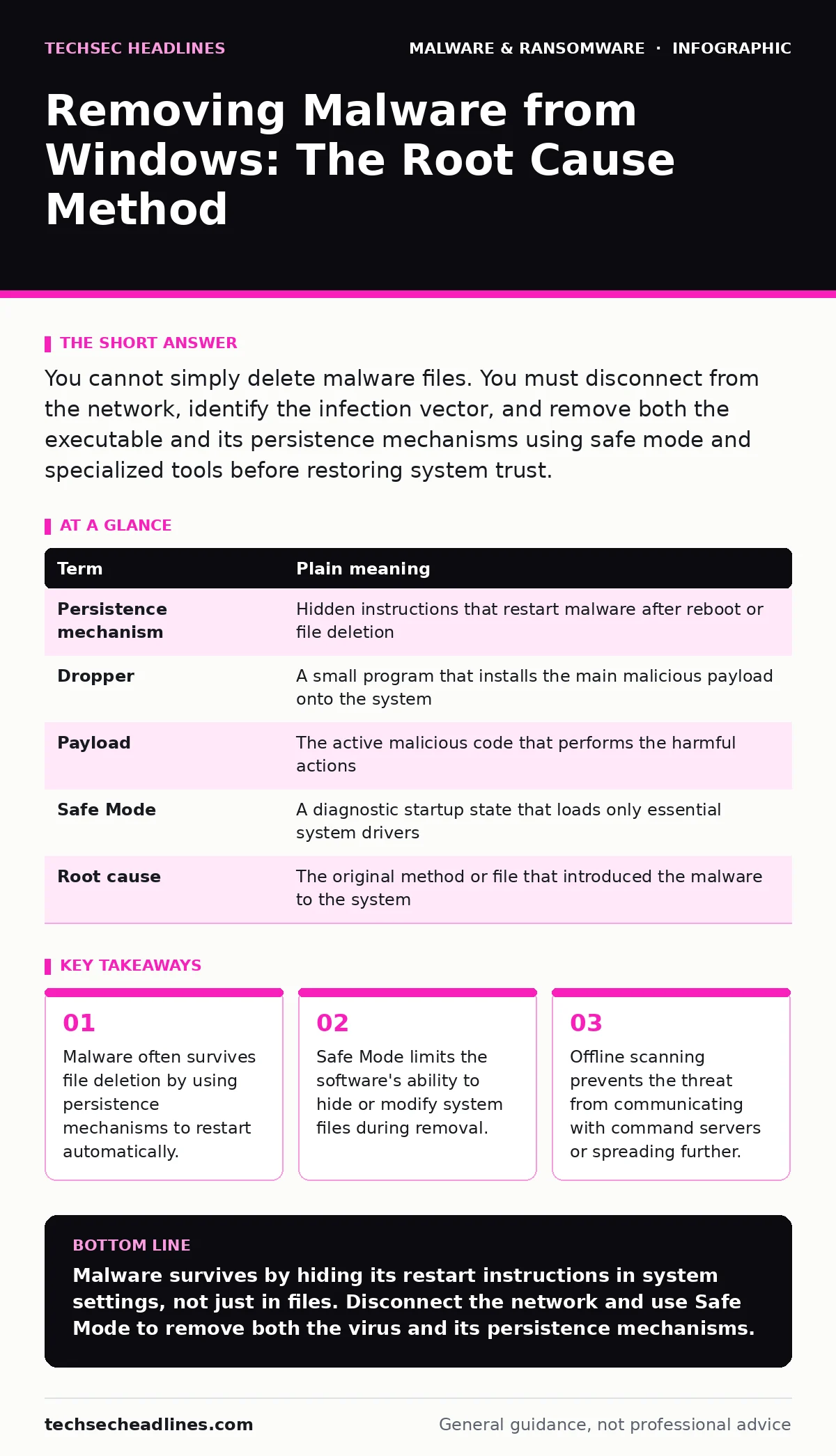
| Persistence mechanism | Hidden instructions that restart malware after reboot or file deletion |
| Dropper | A small program that installs the main malicious payload onto the system |
| Payload | The active malicious code that performs the harmful actions |
| Safe Mode | A diagnostic startup state that loads only essential system drivers |
| Root cause | The original method or file that introduced the malware to the system |
The First Practical Step
Your first action must be isolation. Imagine cutting the phone lines to the house so the squatters cannot call for reinforcements. In technical terms, you disconnect the computer from the network.
Unplug the Ethernet cable or disable Wi-Fi. This stops the malware from sending your data to attackers. It also prevents the malware from downloading additional tools or spreading to other devices on your home network. Do not attempt to browse the web or check email on the infected machine during this process.
Entering Safe Mode
Now you need to clear out the attic. You cannot do this while the house is fully occupied. You must enter Safe Mode. This is a special startup state for Windows. It loads only the minimum drivers and services needed to run the operating system.
Most malware requires standard drivers or specific services to run. In Safe Mode, these are not available. The malware is effectively blind and paralyzed. This gives you a window to find and remove the files without the software fighting back or hiding its tracks.
To enter Safe Mode, you usually need to interrupt the startup process or use the recovery options in the Windows settings. Once in Safe Mode, the desktop will look sparse. This is normal. It means the non-essential software, including most malware, is inactive.
Removing the Persistence
This is the hardest part. You are looking for the instructions that tell the malware to restart. These are often hidden in the Windows Registry or in startup folders. The Registry is a database that stores configuration settings for Windows. Malware adds keys here to launch itself when you log in.
You can use a reputable next-generation antivirus scanner in offline mode to find these hidden entries. Standard antivirus software often runs in real-time, which means it is active while the malware is active. An offline scanner runs from a separate environment, giving it a clearer view of the system.
If you are comfortable with system tools, you can manually check the startup apps and the Registry for unknown entries. However, deleting the wrong Registry key can break your operating system. For most users, relying on a dedicated removal tool is safer and more effective.
See also: What is Malvertising: How Ads Infect Your Browser Without Clicks · Offline Backups Explained: How to Keep Data Safe From Ransomware
Verifying the Cleanup
After you have removed the files and the persistence mechanisms, you must verify that the house is truly empty. Reboot the computer normally. Watch the startup process closely. Does the system run smoothly? Are there any unexpected pop-ups or slow performance?
Run a full system scan with your security software. Then, monitor the computer for a few days. Check the network activity. If the malware is truly gone, there should be no outbound connections to unknown servers. If the problem returns, the root cause was not fully addressed. You may need to repeat the process or consider a full system reset.
Related Security Practices
Removing malware is only one part of security. You must also understand how it got there to prevent it from happening again. For instance, many infections start with malicious documents that contain hidden macros. Always verify the source of any document you open.
Another common vector is USB device control. Plugging in an unknown drive can automatically run scripts that install malware. Restrict which USB devices can execute code on your system.
If you find that your system is repeatedly compromised, you may be dealing with malware droppers and loaders that are more advanced than standard viruses. These require deeper analysis. In severe cases, where the system integrity is unknown, a full reinstall is the only sure way to guarantee a clean state.
Key takeaways
- Malware often survives file deletion by using persistence mechanisms to restart automatically.
- Safe Mode limits the software's ability to hide or modify system files during removal.
- Offline scanning prevents the threat from communicating with command servers or spreading further.
Malware survives by hiding its restart instructions in system settings, not just in files. Disconnect the network and use Safe Mode to remove both the virus and its persistence mechanisms.
Frequently asked questions
Can I remove malware by just deleting the file?
No. Deleting the file usually leaves behind startup commands that will reinstall the malware when the computer restarts.
Do I need to reinstall Windows to be safe?
Not always. If you remove all persistence mechanisms and verify the system with a deep scan, the OS can remain safe. Reinstalling is the final option if the infection is deep.
Does Safe Mode protect me from all malware?
Safe Mode disables most malware drivers, making removal easier. It does not protect you from malware that is already installed and waiting to be triggered.
Why disconnect the internet before scanning?
Disconnecting prevents the malware from stealing data, receiving new instructions, or spreading to other devices on your network while you are trying to remove it.
How this guide was produced: written by the TechSec Headlines editorial team with AI assistance, checked against the public references listed below, and reviewed when the facts change. See our editorial policy or report an error.