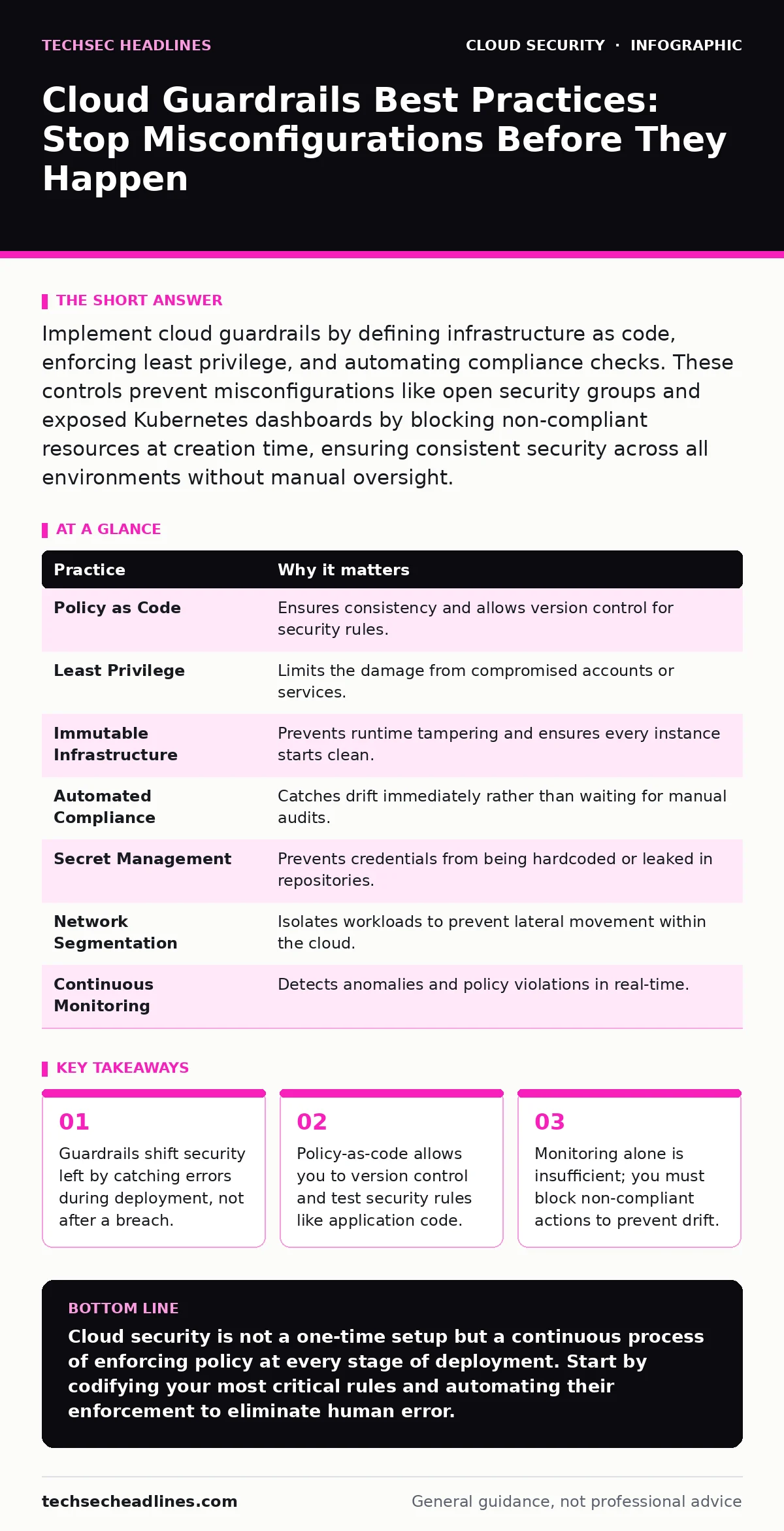
Implement cloud guardrails by defining infrastructure as code, enforcing least privilege, and automating compliance checks. These controls prevent misconfigurations like open security groups and exposed Kubernetes dashboards by blocking non-compliant resources at creation time, ensuring consistent security across all environments without manual oversight.
Define Policy as Code, Not Documentation
Security rules written in a wiki or PDF are easy to ignore. When policy exists in code, it becomes executable and enforceable. You define what is allowed and what is forbidden using a structured language that the cloud platform understands. This approach removes ambiguity. A human reading a document might interpret "secure storage" differently than the automation engine. Code leaves no room for interpretation.
The trade-off is the initial learning curve. You must choose a policy language and learn its syntax. However, this investment pays off by allowing you to version control your security posture. You can review changes to security rules with the same rigor as application code.
Tip: Start by codifying one critical rule, such as "all storage buckets must be private," and integrate it into your deployment pipeline immediately.
Enforce Least Privilege at Scale
Broad access permissions are the most common entry point for attackers. If a service account has full administrative rights, a single compromise grants total control. Least privilege means granting only the permissions necessary to perform a specific task. This limits the blast radius of any potential breach.
Imagine a developer needs to read logs. Giving them admin access works, but it is dangerous. Instead, assign a role that only allows reading from the specific log group. This restriction prevents them from accidentally or maliciously deleting data or changing configurations.
Tip: Use identity-based policies that explicitly deny all actions except those strictly required for the role. Review these permissions quarterly to remove stale access.
| Practice | Why it matters |
|---|---|
| Policy as Code | Ensures consistency and allows version control for security rules. |
| Least Privilege | Limits the damage from compromised accounts or services. |
| Immutable Infrastructure | Prevents runtime tampering and ensures every instance starts clean. |
| Automated Compliance | Catches drift immediately rather than waiting for manual audits. |
| Secret Management | Prevents credentials from being hardcoded or leaked in repositories. |
| Network Segmentation | Isolates workloads to prevent lateral movement within the cloud. |
| Continuous Monitoring | Detects anomalies and policy violations in real-time. |
Treat Infrastructure as Immutable
Mutable infrastructure allows changes to running systems. This creates "configuration drift," where the actual state differs from the intended state. Over time, these small, untracked changes accumulate security holes. Immutable infrastructure means you never change a running server or container. Instead, you update the template and deploy a new instance.
This approach ensures that every deployment starts from a known, secure baseline. You cannot accidentally leave a debug port open on a production server because you never modify the server directly. If it is not in the template, it is not on the server.
Tip: Configure your deployment pipeline to terminate old instances automatically when new ones are deployed. Never allow SSH or direct access to production servers.
Automate Compliance Checks
Manual audits are slow and error-prone. By the time you check if a resource complies with your rules, the environment may have changed. Automated compliance checks run continuously in the background. They compare the current state of your cloud resources against your defined policies.
If a resource violates a rule, the system can automatically remediate it or alert you. This is far more effective than waiting for a monthly report. For example, if someone creates an open security group, the automation can close it within minutes. This speed is critical in preventing exposure.
Tip: Set your automation to "block" mode for critical violations. Do not just alert; prevent the non-compliant resource from becoming active.
Manage Secrets Outside of Code
Hardcoding credentials in source code is a common mistake. When code is shared or leaked, those secrets are exposed. You must use a dedicated secret management service. These services store credentials securely and provide them to applications at runtime.
This separation ensures that your code repository contains no sensitive data. Even if the code is public, the secrets remain protected. The application retrieves the secret dynamically, and the secret is never stored on the disk in plain text.
Tip: Integrate your secret manager with your identity provider. This allows applications to request secrets using their own identity, eliminating the need for static API keys. See our guide on access key rotation for details on maintaining credential hygiene.
See also: How Data Center Attacks Work and What They Mean for You
Segment Networks Strictly
Flat networks allow any resource to talk to any other resource. This is dangerous. If one server is compromised, the attacker can move laterally to others. Network segmentation divides your cloud environment into smaller, isolated zones.
Each zone has strict rules about what traffic is allowed. A web server should not be able to talk directly to a database. This isolation limits the spread of malware or unauthorized access. It forces attackers to break through multiple layers of defense.
Tip: Use private subnets for sensitive workloads and restrict inbound traffic to only trusted sources. Avoid using open security groups that allow access from any IP address.
Monitor for Anomalies and Drift
Even with strict controls, issues can arise. Human error, software bugs, or new attack vectors can bypass your initial defenses. Continuous monitoring detects unusual activity. It looks for patterns that deviate from the norm.
For instance, a sudden spike in data egress from a database server might indicate an exfiltration attempt. Monitoring tools can alert you to these anomalies in real-time. This allows you to respond quickly before significant damage occurs.
Tip: Set up alerts for high-risk actions, such as deleting security groups or modifying root accounts. Ensure these alerts are routed to a team that can act immediately.
Integrate with Admission Controllers
For containerized workloads, standard cloud policies are not enough. You need to enforce rules at the container level. Admission controllers intercept requests to create or update containers before they are scheduled.
They check the container image, resource limits, and security contexts. If a container tries to run as root or with privileged access, the controller blocks it. This adds a layer of security specific to the container orchestration platform.
Tip: Use Kubernetes admission controllers to enforce security standards across all clusters. Ensure that only signed and verified images are allowed to run.
Key takeaways
- Guardrails shift security left by catching errors during deployment, not after a breach.
- Policy-as-code allows you to version control and test security rules like application code.
- Monitoring alone is insufficient; you must block non-compliant actions to prevent drift.
Cloud security is not a one-time setup but a continuous process of enforcing policy at every stage of deployment. Start by codifying your most critical rules and automating their enforcement to eliminate human error.
Frequently asked questions
How do guardrails differ from traditional firewalls?
Firewalls control network traffic based on ports and IPs. Guardrails enforce policy on resource creation and configuration, preventing insecure resources from existing in the first place.
Can guardrails prevent all security breaches?
No. Guardrails reduce the risk of misconfigurations and known policy violations. They do not protect against zero-day exploits or application-level vulnerabilities like SQL injection.
What happens if a guardrail blocks a legitimate deployment?
You must update the policy to allow the specific required action. This ensures that security does not hinder business operations while maintaining strict control.
Do I need guardrails for SaaS applications?
Yes, but they look different. For SaaS, guardrails often involve identity policies and configuration standards to prevent **SaaS account takeover** and data leakage.
How this guide was produced: written by the TechSec Headlines editorial team with AI assistance, checked against the public references listed below, and reviewed when the facts change. See our editorial policy or report an error.