
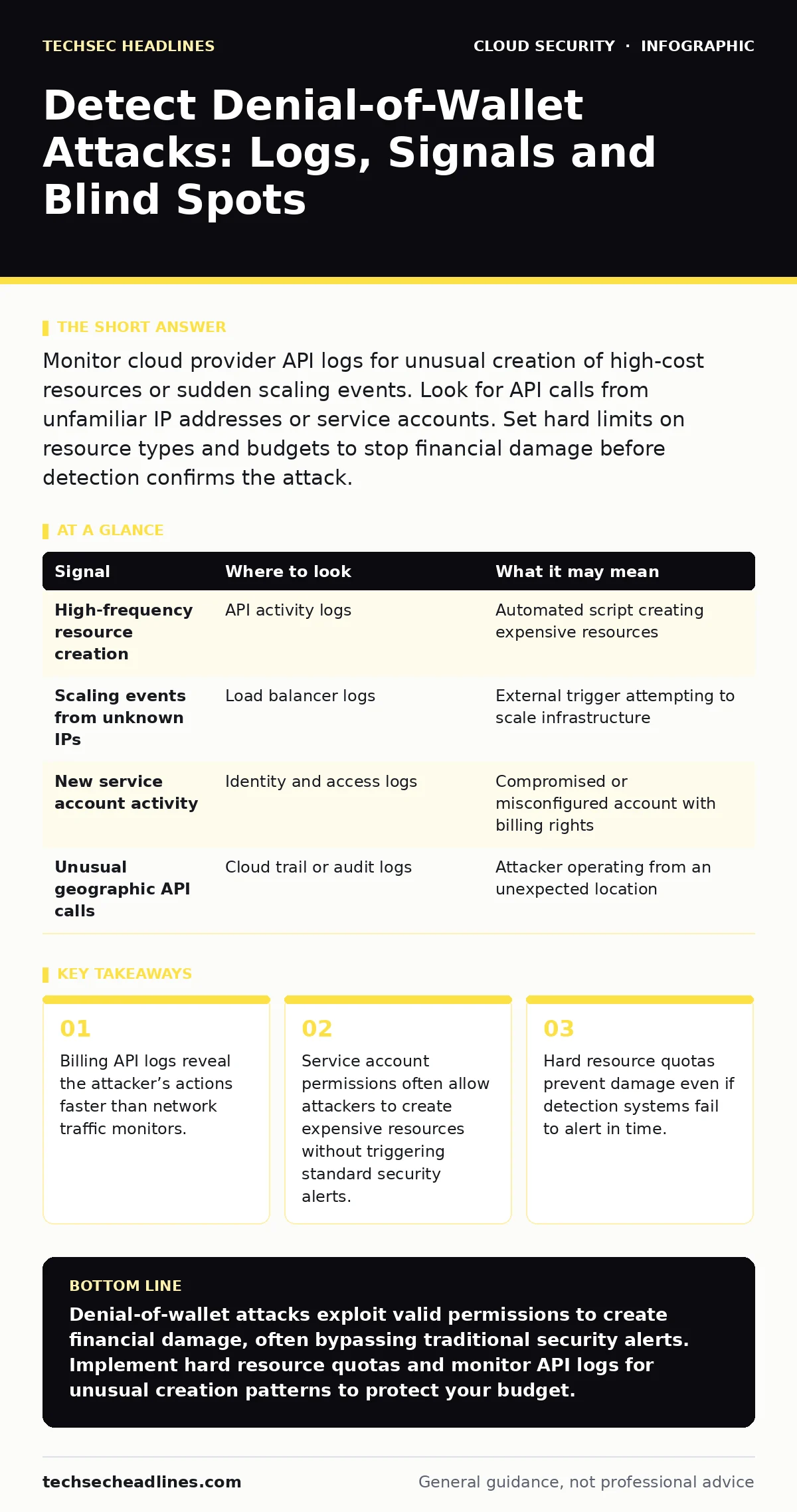
Monitor cloud provider API logs for unusual creation of high-cost resources or sudden scaling events. Look for API calls from unfamiliar IP addresses or service accounts. Set hard limits on resource types and budgets to stop financial damage before detection confirms the attack.
The Mechanics of Financial Drain
A denial-of-wallet attack targets the economic viability of your cloud environment. Unlike a traditional denial-of-service attack that aims to make a service unavailable, this variant aims to exhaust your financial resources. Attackers exploit valid credentials to provision expensive resources, such as high-performance compute instances or large storage blocks. They do not need to break into your data. They only need permission to spend money.
The attack vector is often legitimate access gone wrong. An attacker might compromise a service account with broad permissions. They might exploit a misconfiguration that allows unauthenticated users to trigger scaling events. The goal is simple: create costs that outpace your ability to detect and stop them.
Signals in the API Logs
Your primary source of truth is the cloud provider’s API activity log. These logs record every call made to the cloud infrastructure. They show who made the call, what resource was affected, and the outcome. You must look for patterns that indicate resource creation rather than data access.
Look for a sudden spike in calls to create instances, storage volumes, or databases. These calls often come from service accounts rather than human users. If a service account that usually manages a small web server suddenly requests high-memory compute nodes, that is a red flag. The logs will show the specific API endpoint called, such as the endpoint for launching virtual machines.
| Signal | Where to look | What it may mean |
|---|---|---|
| High-frequency resource creation | API activity logs | Automated script creating expensive resources |
| Scaling events from unknown IPs | Load balancer logs | External trigger attempting to scale infrastructure |
| New service account activity | Identity and access logs | Compromised or misconfigured account with billing rights |
| Unusual geographic API calls | Cloud trail or audit logs | Attacker operating from an unexpected location |
Network and Infrastructure Anomalies
Network logs provide secondary evidence. While API logs show the intent, network logs show the traffic generated by the newly created resources. If you see a sudden increase in outbound traffic from new instances, the attacker might be using your infrastructure for cryptocurrency mining or as a botnet node. This generates both bandwidth costs and potential reputational risk.
Monitor your load balancers for unusual scaling triggers. Some cloud platforms allow external events to trigger auto-scaling policies. If an attacker can send requests that mimic high load, they can force your infrastructure to scale up. This creates costs without necessarily disrupting your actual services. The traffic pattern will look like legitimate high-volume requests, but the source might be distributed across many small IP ranges.
Identity and Access Red Flags
Identity logs are critical for understanding how the attacker gained the ability to spend money. Review the authentication logs for your cloud environment. Look for logins from unusual locations or at unusual times. More importantly, look for privilege escalation. Did a user gain administrative rights shortly before the expensive resources were created?
Check your service accounts. These accounts often have long-lived credentials and broad permissions. They are attractive targets because they do not require multi-factor authentication in many configurations. If a service account starts performing actions outside its normal scope, assume it is compromised. Rotate the credentials immediately and review the permissions granted to that account.
Automated Detection Tools
You cannot manually review every API call in a large environment. You need automated tools to flag anomalies. Use your cloud provider’s native monitoring services to set up alerts for specific API calls. Configure alerts for the creation of high-cost resource types. Set thresholds for the number of resources created within a short time window.
Integrate these logs into your security information and event management system. This allows you to correlate billing events with other security alerts. If an API log shows resource creation and a network log shows unusual outbound traffic, the correlation increases the confidence of the alert. Machine learning-based anomaly detection can also help identify subtle patterns that rule-based alerts might miss.
See also: How Data Center Attacks Work and What They Mean for You
Common Blind Spots
Many teams focus on data exfiltration and miss financial attacks. Your security information and event management system might be tuned to detect data theft, not resource creation. This is a dangerous blind spot. Another common issue is the separation of billing and security teams. Security teams often lack visibility into billing data, and billing teams lack visibility into security logs.
Access key rotation is often neglected for service accounts. Old keys remain active, providing attackers with persistent access. Ensure that you rotate keys regularly and revoke unused credentials. See our guide on access key rotation for best practices on managing credential lifecycles.
Prevention Through Constraints
Detection is reactive. Prevention is proactive. The most effective way to stop a denial-of-wallet attack is to limit what can be created. Implement resource quotas for each project or account. Set limits on the number of instances, the size of storage, and the type of hardware that can be provisioned. This ensures that even if an attacker gains access, they cannot create unlimited expensive resources.
Use cloud guardrails to enforce these limits. These policies prevent users from creating resources that violate your security and cost standards. For example, you can prevent the creation of instances with more than a certain amount of memory. This stops the attacker from provisioning high-cost compute nodes. See our guide on cloud guardrails for details on implementing policy-based security.
Incident Response Steps
When you detect a potential denial-of-wallet attack, act quickly. First, stop the bleeding. Suspend the compromised service accounts or users. Delete the newly created resources if possible. If you cannot delete them, change the configuration to stop incurring costs. For example, shut down the instances or reduce the storage size.
Second, investigate the scope. Review the API logs to see what else the attacker might have done. Check for other compromised accounts. Rotate all credentials that might have been exposed. Finally, update your policies. Adjust your resource quotas and alerts to prevent a similar attack in the future. Document the incident and share the findings with your team.
Key takeaways
- Billing API logs reveal the attacker’s actions faster than network traffic monitors.
- Service account permissions often allow attackers to create expensive resources without triggering standard security alerts.
- Hard resource quotas prevent damage even if detection systems fail to alert in time.
Denial-of-wallet attacks exploit valid permissions to create financial damage, often bypassing traditional security alerts. Implement hard resource quotas and monitor API logs for unusual creation patterns to protect your budget.
Frequently asked questions
How do I distinguish between a denial-of-wallet attack and a legitimate scaling event?
Legitimate scaling events usually correlate with increased application traffic and known user activity. Attacks often show resource creation without corresponding application traffic or from unfamiliar service accounts.
Can I use network firewalls to stop denial-of-wallet attacks?
Network firewalls control traffic flow, not resource provisioning. They cannot stop API calls that create new resources. You must use identity and access management controls and resource quotas.
What is the first step in responding to a suspected attack?
Immediately suspend the credentials or service accounts that created the resources. This stops further unauthorized provisioning while you investigate the logs.
Do cloud providers offer automatic protection against these attacks?
Cloud providers offer tools for monitoring and alerting, but they do not automatically stop resource creation. You must configure quotas, budgets, and alerts to protect your account.
How this guide was produced: written by the TechSec Headlines editorial team with AI assistance, checked against the public references listed below, and reviewed when the facts change. See our editorial policy or report an error.