
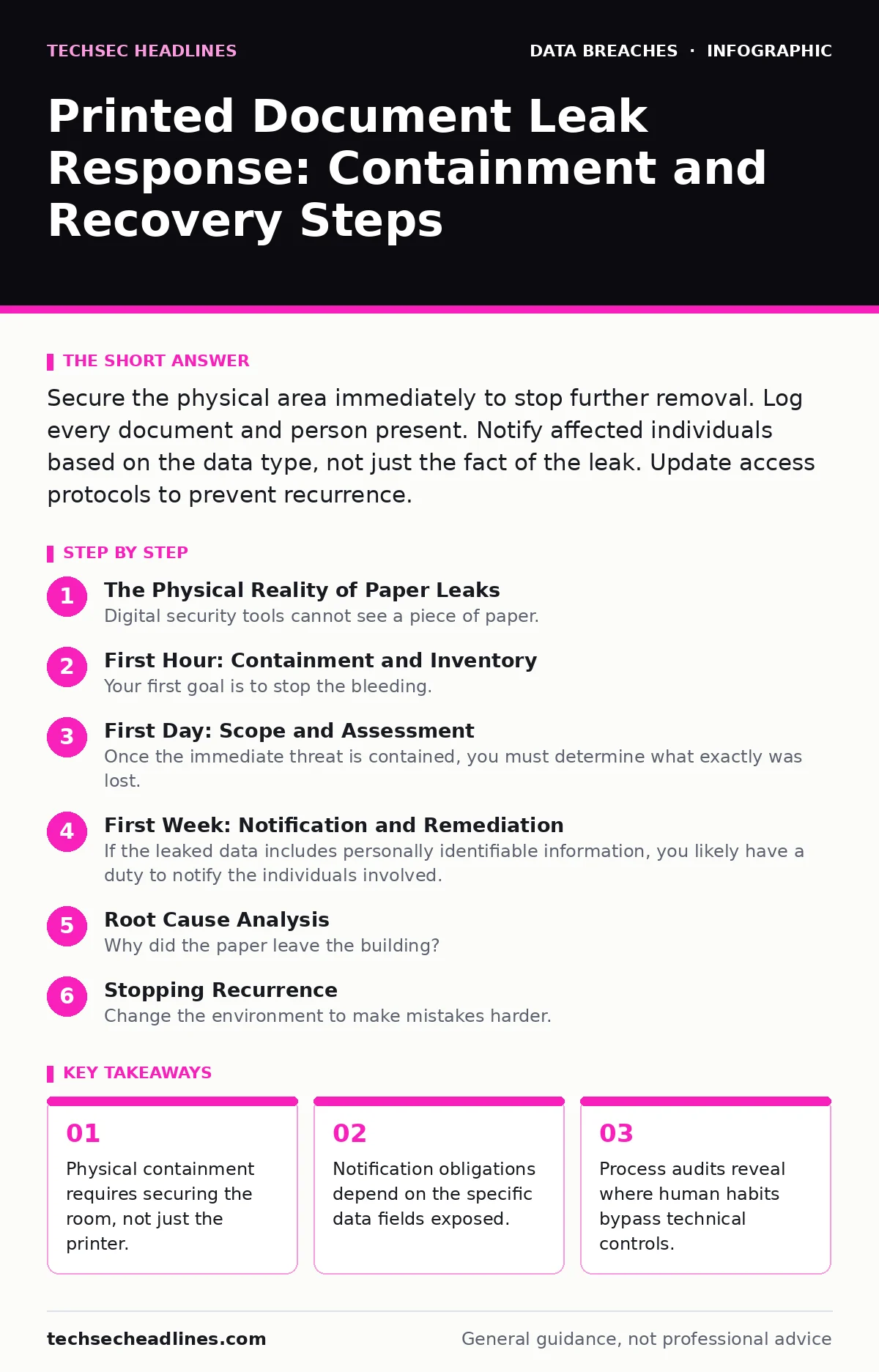
Secure the physical area immediately to stop further removal. Log every document and person present. Notify affected individuals based on the data type, not just the fact of the leak. Update access protocols to prevent recurrence.
The Physical Reality of Paper Leaks
Digital security tools cannot see a piece of paper. When sensitive information leaves the network in hard copy, your SIEM (Security Information and Event Management) system will likely remain silent. This creates a blind spot that attackers or careless employees exploit. You must treat the physical environment as the primary boundary.
Paper records often contain more data than necessary. A printed invoice might include full addresses, phone numbers, and internal account codes that a digital view would hide. This over-disclosure increases the damage potential. You need to account for every sheet that left the machine.
First Hour: Containment and Inventory
Your first goal is to stop the bleeding. If the leak is ongoing, you must halt it before you understand it. Send a silent alert to your team. Avoid mass emails that might alert a malicious insider to the investigation.
Walk to the printer or file room. Physically secure the location. Lock the door if possible. Restrict access to authorized personnel only. Count the missing documents if you know what was printed. Check the output tray for any remaining copies.
- Secure the physical location of the printer or file cabinet.
- Identify who had access to the room during the leak window.
- Retrieve any remaining copies of the documents.
- Preserve print server logs and access badge records.
First Day: Scope and Assessment
Once the immediate threat is contained, you must determine what exactly was lost. Not all paper is equal. A marketing flyer is low risk. A patient record or tax form is high risk. You need to categorize the data to understand your obligations.
Review the print logs to see who requested the documents. Cross-reference this with badge swipe data to see who entered the room. This helps you distinguish between a theft and a simple mistake. If an employee left a report on a desk, the risk profile changes.
Imagine a scenario where a manager prints a salary report and leaves it on a shared printer. The data is sensitive, but the exposure was brief and limited to the office. This differs from a courier package lost in transit. The response must match the context.
First Week: Notification and Remediation
If the leaked data includes personally identifiable information, you likely have a duty to notify the individuals involved. Check your local regulations for specific timeframes. Do not wait for a lawyer to tell you the basics. Transparency builds trust, even when the news is bad.
Send clear notifications to the affected parties. Explain what happened, what data was involved, and what they should do. Offer credit monitoring if financial data was exposed. Do not apologize profusely in a way that admits legal liability, but do not be evasive.
You must also look for signs of misuse. Monitor accounts for unusual activity. This is where understanding tax identity theft or synthetic identity fraud becomes relevant. Attackers often use small data leaks to build profiles for larger crimes. Watch for new credit inquiries or address changes.
Root Cause Analysis
Why did the paper leave the building? It is rarely just "human error." It is usually a failure of process. Did the printer sit in a high-traffic area? Was there no policy for secure printing? Did the employee feel pressured to save time?
Conduct a threat modeling exercise on your document workflow. Identify where data moves from digital to physical. Look for choke points where controls are weak. Ask why the current setup allows sensitive data to be printed at all.
Consider if the data needs to be in physical form. Many processes can remain digital. If a signature is required, use electronic signatures that meet legal standards. Reducing the amount of paper reduces the attack surface.
Stopping Recurrence
Change the environment to make mistakes harder. Install printers in secure rooms. Require badge access for every print job. Implement secure print release, where documents hold on the server until the user authenticates at the device.
Train staff on the value of physical data. Show them real examples of how paper leaks lead to digital compromises. People ignore abstract warnings. They remember stories.
Legal and Compliance Review
Document every step you took. Write down what you found, who you told, and when. This record protects you if regulators or courts question your response. Be honest about gaps in your process.
Review your insurance policies. Some cyber policies cover notification costs and credit monitoring. Others exclude physical theft. Know your coverage before you pay out of pocket.
Ensure your response aligns with public frameworks like NIST or ISO standards. These provide a baseline for acceptable practice. Following a known framework shows diligence.
Long-Term Process Improvements
Update your incident response plan to include physical scenarios. Most plans focus on servers and networks. Add sections for document handling. Include steps for physical containment and evidence preservation.
Re-evaluate your data classification policy. Not all data needs to be printed. Label documents clearly. Use watermarks to trace leaks back to specific users. This creates accountability.
Regularly test your physical security. Run drills where you simulate a lost package or an unattended printer. See how your team reacts. Fix the weaknesses before a real leak occurs.
Conclusion of Physical Security
Paper is a persistent threat. It does not expire when a password is changed. It does not update when a patch is applied. You must manage it with the same rigor as your digital assets.
Treat every sheet of paper as a potential breach vector. Control who prints, where it prints, and who picks it up. Monitor the physical flow of information. Secure the edges of your network, even the ones made of paper.
Key takeaways
- Physical containment requires securing the room, not just the printer.
- Notification obligations depend on the specific data fields exposed.
- Process audits reveal where human habits bypass technical controls.
Frequently asked questions
Do I need to notify the media about a paper leak?
Only if the leak affects a large number of people or involves critical infrastructure. Most small leaks require direct notification to affected individuals and regulatory bodies, not public press releases.
How long should I keep print logs after a leak?
Keep them until the investigation is fully closed and any legal statutes of limitation have passed. This often means retaining them for several years. Store them securely to prevent tampering.
Can I use a shredder to fix a paper leak?
Shredding existing copies helps, but it does not erase the fact that the data was exposed. You still must notify affected parties if sensitive data was compromised. Shredding is part of containment, not a solution.
Does cyber insurance cover paper theft?
Coverage varies by policy. Some include physical theft of records, while others exclude it. Review your specific policy language before assuming coverage. Do not assume standard cyber policies cover physical loss.
How this guide was produced: written by the TechSec Headlines editorial team with AI assistance, checked against the public references listed below, and reviewed when the facts change. See our editorial policy or report an error.