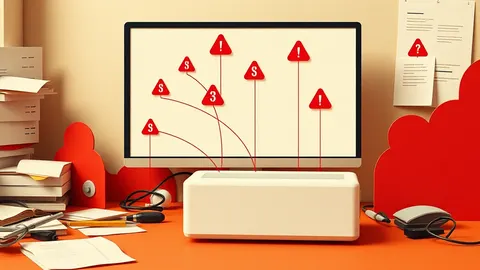
Focus your SIEM on high-fidelity signals rather than volume. Correlate events across multiple sources to reduce false positives. Tune detection rules regularly to match your specific environment. Integrate automated response for low-risk tasks. Review logs from the perspective of an attacker moving through the cyber kill chain.
1. Correlate Events Across Multiple Sources
A Security Information and Event Management system collects logs from firewalls, servers, and applications. A single log entry rarely tells the whole story. You must link disparate events to reveal patterns that indicate malicious activity.
Suppose a user fails to log in five times from a foreign country. This might be a typo. If that same user then successfully logs in from the same location and accesses sensitive files, the context changes. The correlation engine connects these dots to show a potential breach.
Tip: Map your data sources to the cyber kill chain stages. Ensure you have logs for initial access, execution, and lateral movement. If you only monitor perimeter devices, you will miss activity that happens inside your network.
2. Tune Detection Rules Aggressively
Out-of-the-box detection rules are generic. They are designed to catch common threats but often trigger on normal business activity. This creates noise that distracts your security team.
You must adjust thresholds and filters to match your specific environment. A rule that triggers on every file download might be useful for a small office but useless for a large software company. Tuning reduces false positives, which are alerts that indicate no real threat.
Tip: Review your top ten most frequent alerts every week. Disable or modify rules that consistently trigger on benign activity. If an alert has not indicated a real threat in months, it is likely broken.
3. Normalize Data for Consistent Analysis
Different vendors format their logs differently. One firewall might use "src_ip" while another uses "sourceAddress". Without standardization, your SIEM cannot compare events across these sources.
Normalization converts these varied formats into a common schema. This allows you to write a single query that searches for suspicious activity across all your devices. It saves time and ensures you do not miss threats because of formatting differences.
Tip: Use a standard schema like ECS (Elastic Common Schema) or CEF (Common Event Format). Map all incoming logs to this structure during ingestion. This makes future reporting and hunting much easier.
4. Prioritize Context Over Volume
Collecting every possible log is expensive and counterproductive. Storage costs rise, and search times slow down. More data does not mean better security if you cannot analyze it quickly.
Focus on high-value logs that provide context about user behavior and system changes. Authentication logs, process creation events, and network connection logs are usually more valuable than verbose application debug logs. You want to answer "who did what" rather than "what did the application print".
Tip: Implement data retention policies that keep high-value logs longer and discard low-value logs sooner. Align this with your legal and compliance requirements, but do not keep everything forever.
5. Automate Response for Low-Risk Alerts
Your analysts have limited attention. Spending hours on routine tasks like blocking a known malicious IP address is a waste of talent. Automation frees them to focus on complex investigations.
Security Orchestration, Automation, and Response tools can trigger actions based on SIEM alerts. For example, if the SIEM detects a login from a blacklisted IP, it can automatically block that IP on the firewall. This reduces the time between detection and containment.
Tip: Start with simple, low-risk automations. Do not automate account disabling or system shutdowns, as these can cause significant business disruption if triggered incorrectly. Test every automation in a sandbox environment first.
See also: What Is Cyber Espionage: How State Actors Steal Data
6. Monitor for Lateral Movement
Attackers rarely stay in one place. After gaining initial access, they move laterally to find valuable data. This movement involves connecting to other systems, transferring files, or using stolen credentials.
Your SIEM must detect these internal connections. Look for unusual login patterns, such as a service account logging in from a workstation. Also monitor for large data transfers to unexpected destinations. These are strong indicators of data exfiltration or privilege escalation.
Tip: Create rules that flag connections between systems that rarely interact. If the HR server suddenly connects to the engineering database, it warrants investigation. This helps detect pass-the-ticket attacks where attackers reuse stolen authentication tokens.
7. Validate Detections with Adversary Simulation
You cannot trust your SIEM until you know it catches simulated attacks. Theory is not enough. You must test your detection rules against real-world techniques.
Use adversary simulation tools to mimic attacker behavior. These tools generate traffic and actions that look like real breaches. If your SIEM does not alert on these simulations, your rules are ineffective. This process is known as purple teaming.
Tip: Run simulations regularly, not just during initial setup. As you update your infrastructure or change your rules, run the simulations again. Ensure you are still detecting techniques like golden ticket attacks where attackers forge authentication tickets.
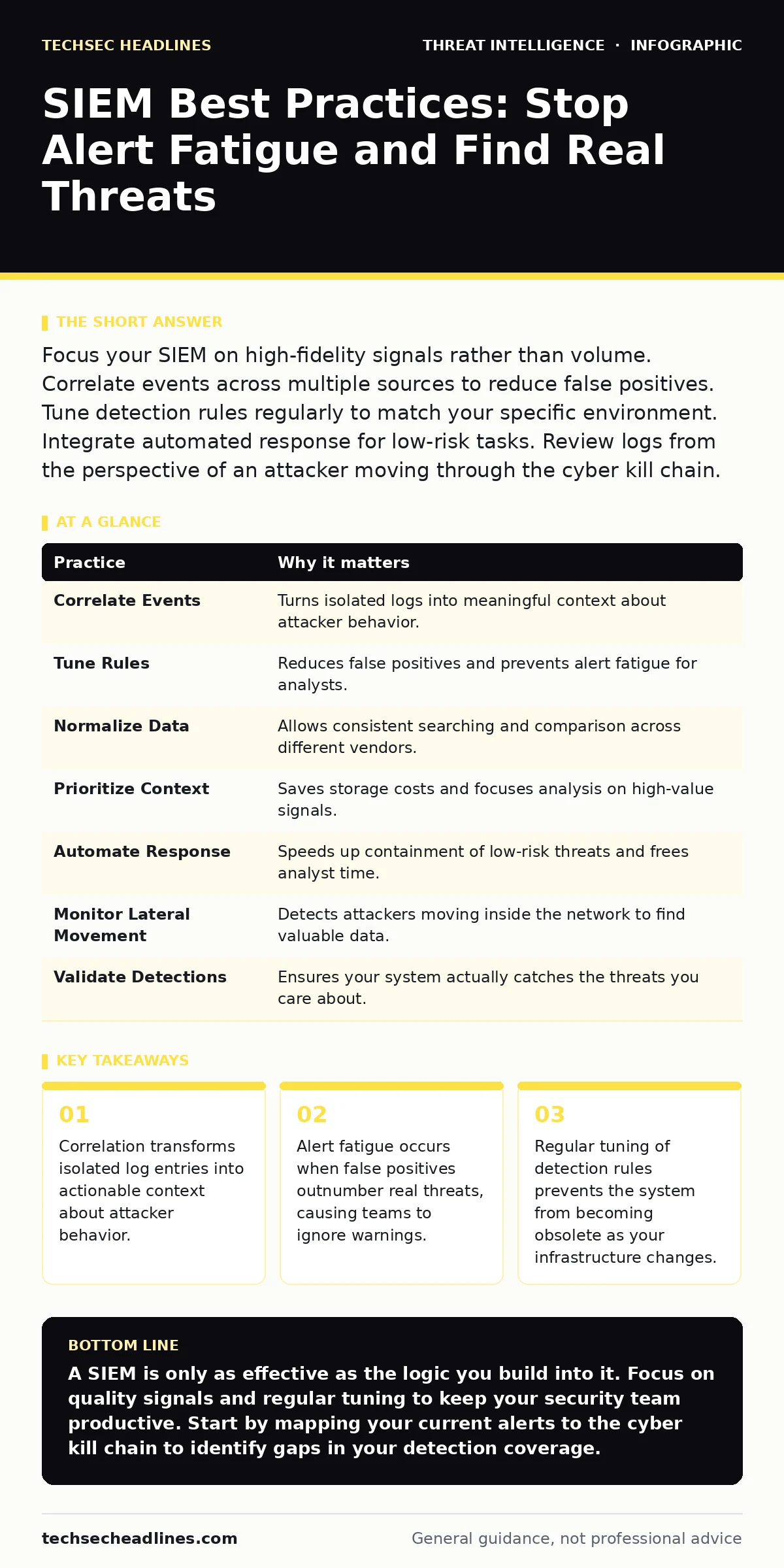
| Practice | Why it matters |
|---|---|
| Correlate Events | Turns isolated logs into meaningful context about attacker behavior. |
| Tune Rules | Reduces false positives and prevents alert fatigue for analysts. |
| Normalize Data | Allows consistent searching and comparison across different vendors. |
| Prioritize Context | Saves storage costs and focuses analysis on high-value signals. |
| Automate Response | Speeds up containment of low-risk threats and frees analyst time. |
| Monitor Lateral Movement | Detects attackers moving inside the network to find valuable data. |
| Validate Detections | Ensures your system actually catches the threats you care about. |
8. Integrate Threat Intelligence Feeds
Internal logs tell you what happened inside your network. External threat intelligence tells you what is happening in the wild. Combining these sources provides a complete picture.
Feed indicators of compromise, such as malicious IP addresses or file hashes, into your SIEM. This allows you to correlate internal activity with known bad actors. If your system communicates with a known command-and-control server, you can detect the breach early.
Tip: Use reputable threat intelligence sources. Not all feeds are equal. Some contain high volumes of false positives. Evaluate feeds based on their relevance to your industry and infrastructure. Consider threat intelligence sharing platforms to exchange data with peers, but verify the quality of shared data.
9. Review and Update Regularly
Threats evolve, and so does your environment. A detection rule that worked last year may be obsolete today. New applications, new users, and new attack techniques require constant adjustment.
Schedule regular reviews of your SIEM configuration. Check for unused rules, outdated data connectors, and missed detections. Involve different teams in these reviews to gain fresh perspectives. This ensures your SIEM remains a powerful tool rather than a static archive.
Tip: Document every change to your detection rules. Keep a log of why a rule was modified or disabled. This helps new team members understand the logic behind your security posture. It also aids in incident triage when you need to explain why an alert was or was not generated.
Key takeaways
- Correlation transforms isolated log entries into actionable context about attacker behavior.
- Alert fatigue occurs when false positives outnumber real threats, causing teams to ignore warnings.
- Regular tuning of detection rules prevents the system from becoming obsolete as your infrastructure changes.
A SIEM is only as effective as the logic you build into it. Focus on quality signals and regular tuning to keep your security team productive. Start by mapping your current alerts to the cyber kill chain to identify gaps in your detection coverage.
Frequently asked questions
How do I reduce alert fatigue in my SIEM?
Reduce alert fatigue by tuning your detection rules to eliminate false positives. Focus on high-fidelity alerts that require immediate action and automate responses for routine issues.
What is the difference between SIEM and SOAR?
SIEM collects and analyzes log data to detect threats. SOAR automates the response to those threats. They work together, with SIEM providing the intelligence and SOAR executing the containment actions.
Do I need a SIEM if I have a firewall?
Yes. A firewall monitors network traffic at the perimeter. A SIEM analyzes logs from multiple sources, including internal servers and applications, to detect threats that bypass the firewall.
How often should I review my SIEM rules?
Review your SIEM rules at least monthly. More frequent reviews are recommended if you are making significant changes to your infrastructure or if you are experiencing a high volume of false positives.
How this guide was produced: written by the TechSec Headlines editorial team with AI assistance, checked against the public references listed below, and reviewed when the facts change. See our editorial policy or report an error.