
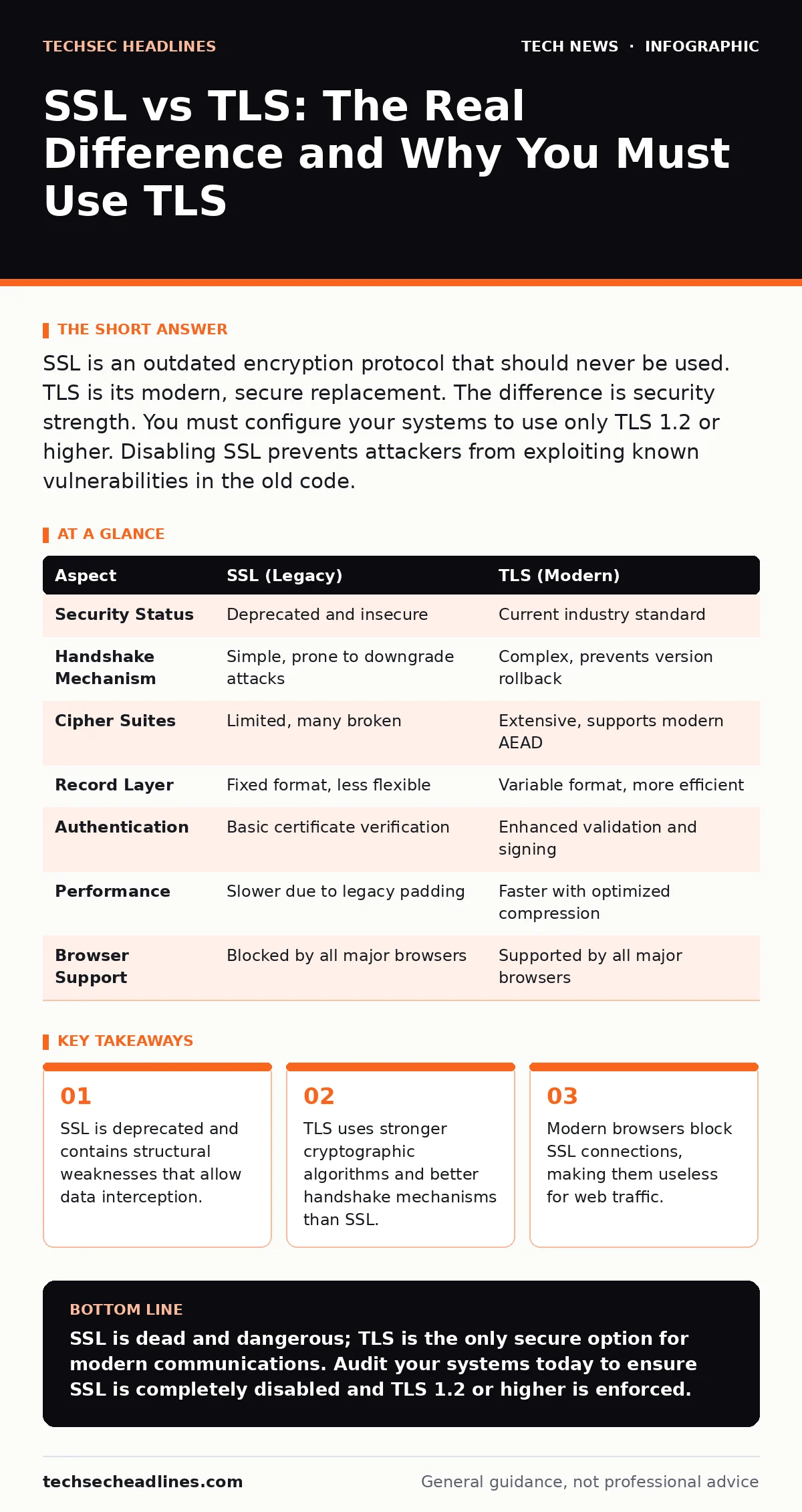
SSL is an outdated encryption protocol that should never be used. TLS is its modern, secure replacement. The difference is security strength. You must configure your systems to use only TLS 1.2 or higher. Disabling SSL prevents attackers from exploiting known vulnerabilities in the old code.
The Short Answer on Protocols
Secure Sockets Layer (SSL) and Transport Layer Security (TLS) are cryptographic protocols designed to secure communications over a computer network. They are often used interchangeably in casual conversation, but they are distinct technologies with different security profiles. SSL is the older generation, now considered obsolete and insecure. TLS is the modern standard that replaced it. When you see "SSL" in software settings, it usually refers to the general concept of encrypted connections, but the actual protocol running in the background is almost always TLS. Using actual SSL today exposes you to known attacks that can decrypt your traffic.
What SSL Actually Is
SSL was originally developed to provide privacy and data integrity between two communicating applications. It was the first widely adopted protocol for securing web traffic. These flaws allowed attackers to decrypt data or inject malicious content into connections. Because the protocol was built into the core of many systems, fixing it was difficult. Eventually, the industry agreed to stop supporting it. SSL versions 2.0 and 3.0 are no longer accepted by any major browser or server. They remain in codebases only as legacy artifacts.
What TLS Brings to the Table
Transport Layer Security (TLS) was created to fix the weaknesses found in SSL. It is not just an update; it is a redesign of the underlying security mechanisms. TLS uses more secure cipher suites, which are sets of algorithms that encrypt data. It also changes how the initial handshake, the process of establishing a secure connection, works. This makes it much harder for an attacker to interfere with the setup phase. TLS 1.2 and 1.3 are the current standards. They support modern encryption methods that resist current computing power. You should always aim for the highest version available on your system.
Comparing the Two Protocols
The differences between SSL and TLS go beyond just version numbers. They affect how data is packed, how keys are exchanged, and how errors are handled. Understanding these differences helps you configure your systems correctly. The table below outlines the key technical distinctions.
| Aspect | SSL (Legacy) | TLS (Modern) |
|---|---|---|
| Security Status | Deprecated and insecure | Current industry standard |
| Handshake Mechanism | Simple, prone to downgrade attacks | Complex, prevents version rollback |
| Cipher Suites | Limited, many broken | Extensive, supports modern AEAD |
| Record Layer | Fixed format, less flexible | Variable format, more efficient |
| Authentication | Basic certificate verification | Enhanced validation and signing |
| Performance | Slower due to legacy padding | Faster with optimized compression |
| Browser Support | Blocked by all major browsers | Supported by all major browsers |
Where They Overlap in Practice
Despite their technical differences, SSL and TLS serve the same fundamental purpose. Both establish a secure channel between a client and a server. Both use digital certificates to verify identity. Both rely on public-key infrastructure to exchange encryption keys. This is why the terms are confused. The underlying architecture is similar enough that the transition was seamless for users. You still see padlocks in your browser, indicating a secure connection, regardless of which protocol is running. This overlap allows for smooth upgrades without breaking existing applications. However, the security guarantees are not the same.
Choosing the Right Protocol
You should never choose SSL for any new project or configuration. It exists only for backward compatibility with extremely old systems that cannot be updated. If you must support such a system, isolate it from the public internet. For all other cases, TLS is the only valid choice.
Choose TLS when:
- You are setting up a web server or API.
- You are configuring secure email transmission.
- You are building a mobile application that communicates with a backend.
- You want to comply with modern security standards like PCI DSS.
Choose SSL when:
- You are maintaining a legacy system that cannot be upgraded.
- You are testing for vulnerabilities in an isolated lab environment.
- You are studying the history of cryptographic protocols.
The Hidden Cost of Legacy Support
Keeping SSL enabled seems harmless if you think no one uses it. This is a dangerous assumption. Attackers actively scan for servers that accept SSL connections. They use this to launch downgrade attacks. These attacks force a modern client to use an older, weaker protocol. This happens even if the client prefers TLS. By disabling SSL completely, you remove this attack surface. You also reduce the complexity of your configuration. This makes it easier to audit and maintain your security posture. The effort to disable SSL is minimal. The risk of leaving it on is significant.
Integration with Other Security Measures
TLS does not work in isolation. It is part of a broader security strategy. It works closely with encryption at rest to protect data stored on disks. It relies on the Domain Name System to resolve hostnames securely. It complements end-of-life hardware policies by ensuring that old devices cannot connect securely. When you update your macOS security settings, you are often tightening TLS requirements. Understanding how TLS interacts with these other areas helps you build a stronger defense. It is not just about the protocol itself. It is about how it fits into your overall security model.
Key takeaways
- SSL is deprecated and contains structural weaknesses that allow data interception.
- TLS uses stronger cryptographic algorithms and better handshake mechanisms than SSL.
- Modern browsers block SSL connections, making them useless for web traffic.
SSL is dead and dangerous; TLS is the only secure option for modern communications. Audit your systems today to ensure SSL is completely disabled and TLS 1.2 or higher is enforced.
Frequently asked questions
Can I use SSL for internal company networks?
No. Internal networks are often less secure than external ones. Attackers inside the network can easily exploit SSL vulnerabilities. Use TLS everywhere.
Does TLS slow down my website?
Modern TLS versions are highly optimized. The performance impact is negligible compared to the security benefits. Faster protocols like TLS 1.3 improve speed.
How do I know if my site uses TLS?
Look for the padlock icon in your browser address bar. Click it to see the connection details. It will state the protocol version, such as TLS 1.2 or 1.3.
Is SHA-256 related to SSL or TLS?
SHA-256 is a hashing algorithm used within TLS for digital signatures. It is not a protocol itself. TLS uses it to ensure data has not been tampered with.
How this guide was produced: written by the TechSec Headlines editorial team with AI assistance, checked against the public references listed below, and reviewed when the facts change. See our editorial policy or report an error.