
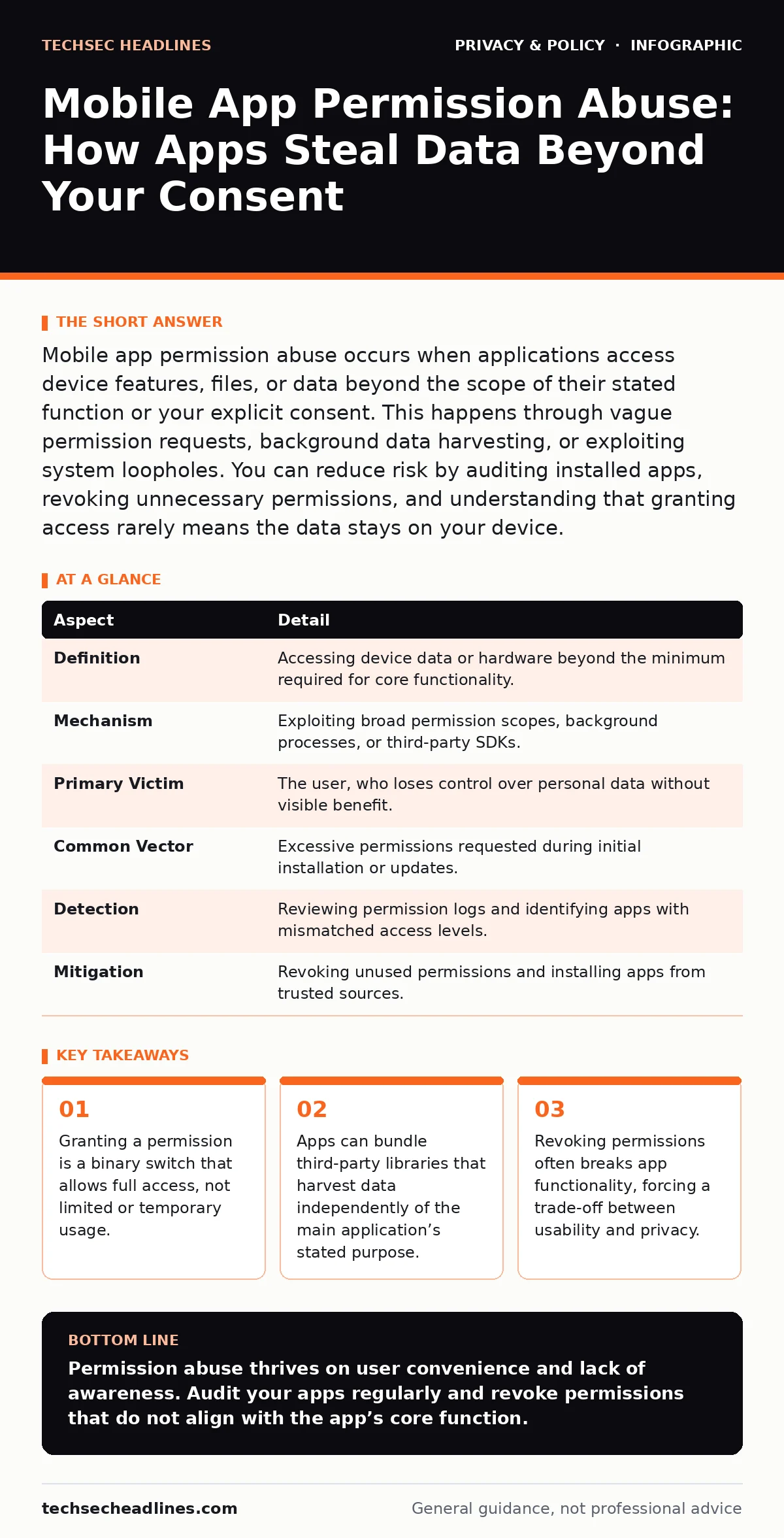
Mobile app permission abuse occurs when applications access device features, files, or data beyond the scope of their stated function or your explicit consent. This happens through vague permission requests, background data harvesting, or exploiting system loopholes. You can reduce risk by auditing installed apps, revoking unnecessary permissions, and understanding that granting access rarely means the data stays on your device.
The House Key Analogy
Imagine you invite a plumber into your home to fix a leaky faucet. You hand them a key so they can enter the front door. You do not expect them to open your bedroom closet, read your mail, or copy your family photos. Yet, this is how many mobile applications operate. When you install an app, you are handing it a master key to specific parts of your digital house. The app asks for permission to use the camera, but it may also request access to your contacts, location history, and file storage. Once you click "Allow," the app has legal and technical standing to access those areas whenever it chooses, even if the feature is not currently in use.
| Aspect | Detail |
|---|---|
| Definition | Accessing device data or hardware beyond the minimum required for core functionality. |
| Mechanism | Exploiting broad permission scopes, background processes, or third-party SDKs. |
| Primary Victim | The user, who loses control over personal data without visible benefit. |
| Common Vector | Excessive permissions requested during initial installation or updates. |
| Detection | Reviewing permission logs and identifying apps with mismatched access levels. |
| Mitigation | Revoking unused permissions and installing apps from trusted sources. |
How Permission Abuse Occurs
Mobile operating systems use a permission model to protect user data. This model requires apps to ask for access before they can read sensitive information. However, the model has structural weaknesses. First, permissions are often too broad. An app might ask for "Storage" access, which grants it the ability to read every file on your device, not just the photos you choose to upload. Second, apps can operate in the background.
Even when you close the app, it may continue to run processes that collect data if the operating system allows it. Third, many apps include third-party software development kits, or SDKs. These are pieces of code provided by external companies to add features like analytics or advertising. The SDKs often have their own data collection routines that run independently of the main app. You may trust the app developer, but you rarely vet the dozens of third-party libraries embedded within it.
Common Forms of Data Harvesting
Not all permission abuse is malicious in the criminal sense. Many apps collect data to build detailed profiles for advertising or to improve user experience. This is still a form of abuse because it violates the principle of data minimization, which states that you should only collect what is strictly necessary. One common form is sensor abuse. A flashlight app does not need to know your precise GPS location or read your SMS messages. Yet, many such apps request these permissions.
Another form is contact scraping. Social or utility apps may request access to your entire address book to "find friends." In reality, they map your social graph to sell that connection data to advertisers. A third form is file indexing. Apps that require access to photos may scan all files, including documents and financial records, looking for metadata or text content. This happens silently in the background, consuming battery and bandwidth while exposing sensitive information.
Who Is Affected and Why It Matters
Every smartphone user is affected by permission abuse, but the impact varies. Casual users who install apps from official stores often assume that review processes catch abusive behavior. They are not always right. App stores scan for known malware, but they rarely audit every line of code for excessive data collection. Power users who customize their devices face different risks. They may install apps from outside official stores, known as sideloading, which bypasses many safety checks.
Businesses are also affected. Employees using personal devices for work, a practice known as bring your own device, may install apps that leak corporate data. If an app with access to your email and files is compromised or abusive, it can expose sensitive company information. The consequence is not just privacy loss. It can lead to identity theft, targeted phishing attacks, and physical stalking if location data is leaked.
What People Usually Get Wrong
Many users believe that revoking permissions stops an app from accessing data. This is true, but it comes with a hidden cost. When you revoke a permission, the app may crash or fail to function. Users often restore the permission to make the app work again, effectively surrendering their privacy for convenience. Another misconception is that "denying" a permission keeps the app from trying to access it.
Some apps will repeatedly prompt you for permission, hoping you will get tired and click "Allow." This is known as permission fatigue. Users also assume that deleting an app removes all its data. While the app is gone, the data it sent to third-party servers remains. Those servers may retain your location history or contact list for years. You cannot delete data that you no longer control. This is why understanding data subject access requests is valuable for reclaiming your digital footprint.
How to Reduce the Risk
You can reduce the risk of permission abuse by adopting a strict audit routine. Start by reviewing the permissions of every installed app. Look for mismatches. If a calculator app wants access to your camera, uninstall it. If a game wants access to your contacts, deny it. Most mobile operating systems allow you to change permissions after installation. Go into your settings and adjust them. Turn off location access for apps that do not need it.
Set location permission to "While Using" rather than "Always" for apps that need it occasionally. This prevents background tracking. Next, limit the data available to apps. Use privacy-focused browsers to prevent cross-site tracking. Consider using email aliases for app sign-ups to protect your primary inbox. For sensitive photos, use a secure vault app that is locked with its own password, separate from the main device unlock. This ensures that even if an app gains storage access, it cannot read your vaulted files.
The Trade-Off Between Usability and Privacy
Reducing permission abuse requires accepting friction. The most secure state is one where apps have minimal access. This often means apps are less convenient. They may not auto-fill forms, suggest friends, or provide personalized recommendations. You must decide what you are willing to trade. For some, the convenience of a highly integrated app ecosystem is worth the data cost. For others, privacy is paramount. There is no perfect solution.
The operating system designers built these permissions to balance security with functionality. You hold the balance. By regularly auditing your apps and understanding the scope of each permission, you regain control. You do not need to be a technical expert. You only need to be intentional. Check your settings every few months. Uninstall apps you no longer use. Deny requests that do not make sense. This routine protects you better than any single tool or setting.
Key takeaways
- Granting a permission is a binary switch that allows full access, not limited or temporary usage.
- Apps can bundle third-party libraries that harvest data independently of the main application’s stated purpose.
- Revoking permissions often breaks app functionality, forcing a trade-off between usability and privacy.
Permission abuse thrives on user convenience and lack of awareness. Audit your apps regularly and revoke permissions that do not align with the app’s core function.
Frequently asked questions
Can I see what data an app is actually collecting?
Most operating systems provide privacy dashboards that show how often apps access sensitive data like location, camera, or microphone. Review these logs to identify suspicious activity.
Does turning off location services stop all tracking?
No. Apps can still estimate your location using Wi-Fi networks, cell towers, and IP addresses. Disabling precise location helps, but it does not make you invisible.
Are open-source apps safer from permission abuse?
Open-source apps allow anyone to review the code, which increases transparency. However, the app you install may still include closed-source libraries that collect data. Verify the entire package.
What happens if I deny a permission an app says it needs?
The app may limit its features or refuse to run. If the app is essential, you may need to find an alternative that respects privacy boundaries or accept the risk.
How this guide was produced: written by the TechSec Headlines editorial team with AI assistance, checked against the public references listed below, and reviewed when the facts change. See our editorial policy or report an error.