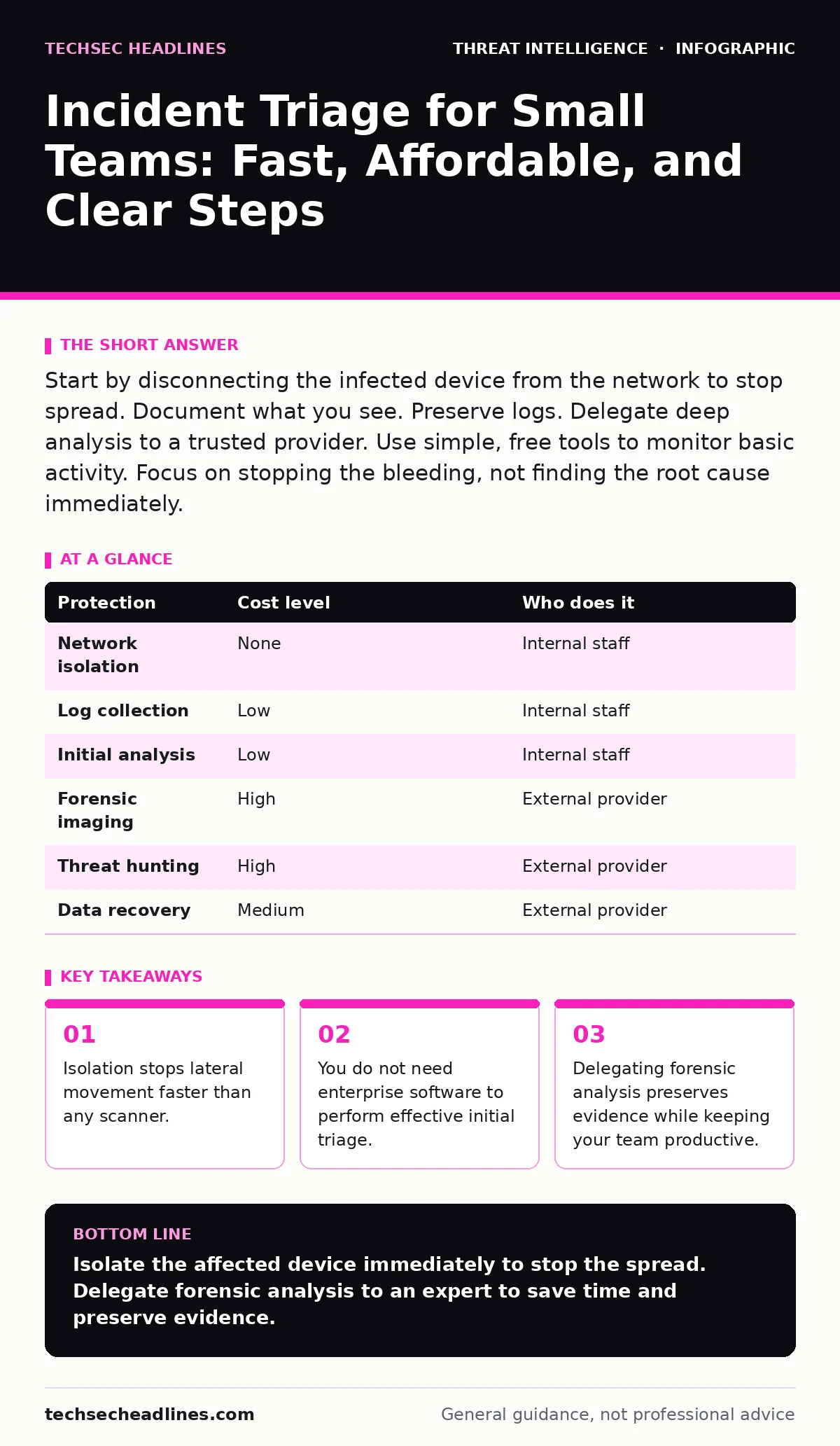
Start by disconnecting the infected device from the network to stop spread. Document what you see. Preserve logs. Delegate deep analysis to a trusted provider. Use simple, free tools to monitor basic activity. Focus on stopping the bleeding, not finding the root cause immediately.
The First Minute Determines the Outcome
In a small organization, you rarely have a dedicated security operations center. You have one person who handles email, Wi-Fi, and printer issues. When an alert triggers, that person is often overwhelmed. The instinct is to investigate immediately. This instinct is wrong. Investigation takes time. Time allows the threat to move.
Your first goal is containment. Containment means stopping the threat from moving to other systems. It does not mean fixing the problem. It means creating a boundary. If you see a device behaving strangely, disconnect it from the network. Pull the plug. Turn off Wi-Fi. Do not shut it down if you can avoid it, as this may erase evidence in memory. Just cut the connection.
This step is simple, but it requires a pre-written plan. If your team spends ten minutes deciding who has the authority to pull the plug, the attack has already succeeded. Decide this before the incident happens.
What You Can Do with Zero Budget
You do not need expensive software to start triage. You need visibility. Most operating systems keep logs that tell you what happened. Windows Event Logs record logins, process starts, and service changes. Linux syslog records similar events. These logs are free. They are already on your devices.
You need a tool to read them. Many open-source tools can collect and display these logs. You do not need to install agents on every machine. Start with your most critical server. Configure it to send logs to a central place. This central place can be a simple file on another computer. It does not need to be a complex database.
The cost here is time. You must spend time learning to read the logs. You must spend time setting up the collection. But the financial cost is zero. This approach gives you enough data to answer the question: "Is this device infected?"
The Hidden Cost of Doing It All Yourself
Small teams often try to do everything in-house to save money. This is a dangerous trade-off. When an incident occurs, your staff stops working on their real jobs. They start investigating. This investigation distracts them. It slows down the business.
If your IT person spends three days investigating a malware infection, three days of IT support stop. Password resets wait. Software updates wait. New hires wait. The business loses revenue. The staff gets frustrated. This hidden cost is often higher than the fee you would pay a consultant.
Delegation is not a sign of weakness. It is a financial decision. You pay an expert to handle the crisis so your team can keep working. The expert has the tools and the experience to move faster. They know what to look for. They do not have to learn on the job.
| Protection | Cost level | Who does it |
|---|---|---|
| Network isolation | None | Internal staff |
| Log collection | Low | Internal staff |
| Initial analysis | Low | Internal staff |
| Forensic imaging | High | External provider |
| Threat hunting | High | External provider |
| Data recovery | Medium | External provider |
What to Delegate to a Provider
You should delegate the deep technical work. Forensic imaging requires specific skills. It involves creating a bit-by-bit copy of a hard drive without altering the original data. This process is delicate. If done wrong, the evidence is useless.
Threat hunting is another candidate for delegation. Threat hunting means actively searching for signs of compromise that automated tools missed. It requires deep knowledge of the cyber kill chain, which describes the steps an attacker takes from reconnaissance to action. A small team rarely has the bandwidth to hunt.
When you hire a provider, you are buying speed and expertise. They can analyze the malware. They can determine the scope of the breach. They can tell you exactly what data was accessed. This clarity allows you to make informed decisions about notification and recovery.
Questions to Ask Your IT Provider
Not all providers are equal. Some focus on fixing the immediate problem. Others focus on understanding the attack. You need the latter. Ask these questions before you hire them.
- Do you preserve evidence for legal purposes?
- How quickly can you start work?
- Do you use open standards for reporting?
- Can you explain your findings in plain language?
- Do you provide recommendations for preventing recurrence?
Avoid providers who promise complete protection. No one can promise that. Look for providers who are honest about limitations. They should tell you what they can and cannot do. They should communicate clearly during the crisis.
See also: Cyber Kill Chain vs MITRE ATT&CK: The Structural Difference
Integrating Intelligence into Your Process
Triage is not just about reacting. It is about learning. After the incident, you should update your knowledge. This is part of the intelligence cycle, which involves collecting, processing, and using information to make better decisions.
You do not need to join a formal sharing group. You can learn from public sources. Read reports about common attacks. Look for patterns that match your industry. If you see a new tactic, check your logs for it. This proactive step helps you spot the next attack faster.
Understanding pass-the-ticket attacks helps you secure your authentication systems. These attacks steal credentials to move around the network. If you know how they work, you can look for signs of stolen tickets in your logs. This knowledge turns passive logs into active defense.
Building a Simple Playbook
A playbook is a set of instructions for common scenarios. You do not need a hundred pages. You need a few pages that cover the basics. Start with the most likely incident. For many small businesses, this is ransomware or credential theft.
Write down the steps. Who calls whom? Who pulls the plug? Who contacts the provider? Keep this document in a place that is accessible even if the network is down. Print a copy. Store it in a physical folder.
Test the playbook. Run a simulation. See where it breaks. Fix the breaks. This practice is more valuable than any tool. It ensures that when the real incident happens, your team knows what to do. The stress of the moment will make you forget details. The playbook reminds you.
The Role of Monitoring Tools
You do not need a full SIEM, which is a system that aggregates and analyzes security data in real time. These tools are complex and expensive. They require constant tuning. For a small team, they often generate too much noise.
Instead, use simple monitoring. Set up alerts for critical events. If a user account is created, alert. If a system file is changed, alert. If a process starts that should not be there, alert. These alerts are fewer in number. They are easier to investigate.
You can use free tools to set these alerts. Configure your operating system to send an email when these events occur. Check the email daily. If you see an alert, investigate. This simple routine catches many attacks before they become incidents.
Key takeaways
- Isolation stops lateral movement faster than any scanner.
- You do not need enterprise software to perform effective initial triage.
- Delegating forensic analysis preserves evidence while keeping your team productive.
Isolate the affected device immediately to stop the spread. Delegate forensic analysis to an expert to save time and preserve evidence.
Frequently asked questions
How do I know if an incident is real?
Look for multiple signs. A single alert might be a mistake. Multiple alerts pointing to the same device or user suggest a real problem. Trust your instincts if something feels wrong.
Can I use cloud services for triage?
Yes. Cloud providers often have built-in logging. Use these logs to monitor activity. They can help you spot unusual behavior without installing extra software.
What if I have no logs?
Start collecting logs immediately. Enable basic logging on all devices. You cannot investigate what you do not record. Past incidents may be lost, but future ones will be visible.
How long should I keep logs?
Keep them for at least a year. Attacks can be discovered months later. Long-term logs help you understand the full scope of a breach. They also help with compliance requirements.
How this guide was produced: written by the TechSec Headlines editorial team with AI assistance, checked against the public references listed below, and reviewed when the facts change. See our editorial policy or report an error.