Key points
- Zotac Magnus One Ultra features a desktop RTX 5080 GPU and Intel Core Ultra 7 265 CPU.
- The 11.46-liter chassis supports up to six displays and includes an 850W power supply.
- Pricing starts at $2,647 in Japan, but the system arrives without RAM, SSD or OS.
The short version
- Zotac released a compact desktop PC featuring a full desktop RTX 5080 graphics card.
- The system uses an Intel Core Ultra 7 265 processor with 20 cores and boost speeds of 5.3 GHz.
- Buyers must purchase their own memory, storage and operating system to complete the build.
The details
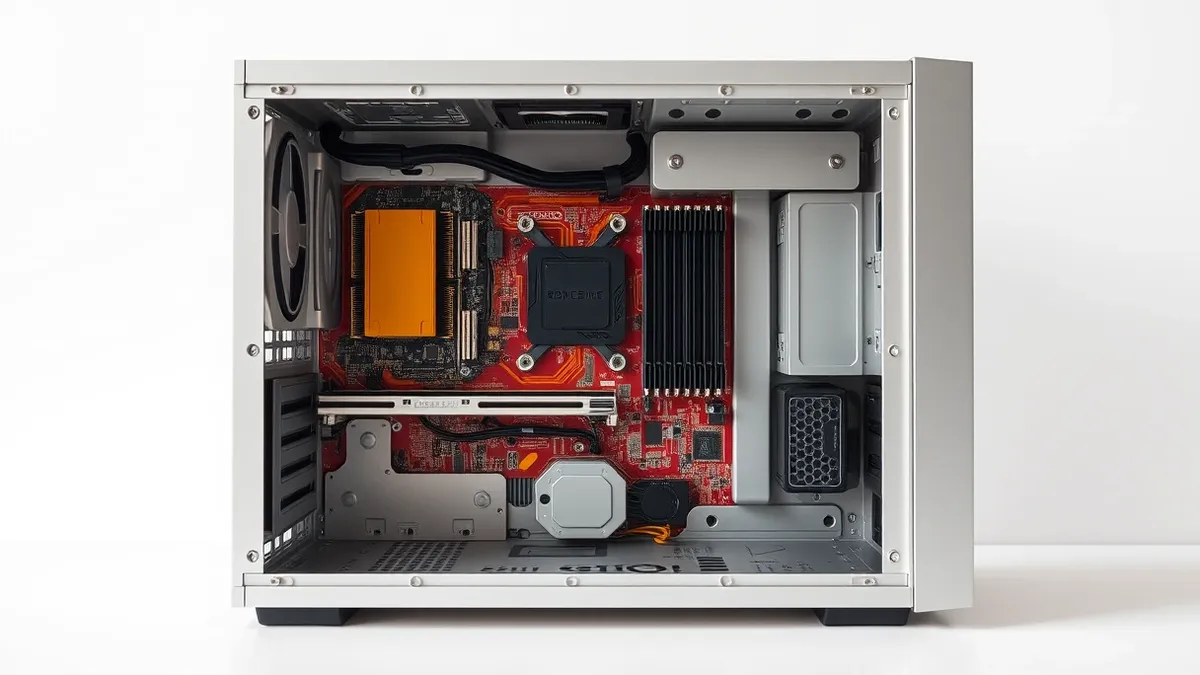
Zotac has introduced the Magnus One Ultra, a compact desktop computer that houses a desktop-class Nvidia GeForce RTX 5080 graphics card. According to TechRadar, the system pairs this GPU with an Intel Core Ultra 7 265 processor inside an 11.46-liter enclosure. The processor features 20 cores and operates at a base speed of 2.4GHz, boosting up to 5.3GHz. Zotac describes the device as one of the smallest PCs to combine a desktop RTX 5080 with a desktop Intel Core Ultra chip.
The graphics card utilizes Nvidia’s Blackwell architecture and includes 16GB of GDDR7 memory. It features 10,752 CUDA cores, 336 Tensor cores and 84 RT cores. The memory runs on a 256-bit bus with 960GB/s of bandwidth. Nvidia rates the GPU at 1,801 AI TOPS for artificial intelligence workloads. The company states the hardware is approximately 33% faster than the RTX 4080 in gaming scenarios.
The chassis measures 126 x 365.5 x 249 mm and weighs about 6.34 kg. An 850W power supply supports the configuration. The GPU’s 360W rating consumes roughly 42% of that power budget. The system offers two memory slots for DDR5 modules, supporting a maximum capacity of 96GB. Memory speeds are rated at DDR5-6400 for CSODIMM and 5600 for SODIMM.
Storage expansion is available through two M.2 slots. One slot supports PCIe 5.0 x4 connections, while the other supports PCIe 4.0 x4. Connectivity options include Thunderbolt 4, Wi-Fi 7 and Bluetooth 5.4. The system provides eight USB connections, split between four USB 3.2 Gen 2 and four USB 3.2 Gen 1 ports for peripherals.
Display outputs include three DisplayPort 2.1b connectors, one HDMI 2.1b port, one HDMI 2.0 connection and a DisplayPort-compatible Thunderbolt 4 port. These connectors support up to six total displays. The dedicated graphics card can drive four simultaneous 4K displays directly.
The context
This release distinguishes itself from compact computers that rely on integrated graphics or mobile GPUs. Nvidia also sells laptop RTX 5080 hardware, but those mobile components are not equivalent to the desktop version found in this system. The Magnus One Ultra EU275080C model combines the desktop graphics card with the Intel processor in the small enclosure.
Pricing starts at approximately $2,647 in Japan. This figure reflects a barebones configuration. Buyers will need to source their own solid-state drive, RAM and operating system separately. The system supports DLSS 4.5 with Multi-Frame Generation, ray tracing and local artificial intelligence workloads.
What to watch
- Monitor availability outside Japan, as initial pricing and release details are specific to that market.
- Track thermal performance reports, given the high power density of the 360W GPU in a small chassis.
- Watch for third-party reviews comparing the desktop RTX 5080 performance to mobile variants in similar form factors.
What it means for organisations
IT procurement teams should evaluate whether compact, high-performance workstations fit their space and thermal constraints. Departments handling AI or graphics-intensive tasks may benefit from desktop-class GPUs in small footprints. However, the barebones nature requires additional budget and effort for component sourcing. Security teams must verify that the operating system and firmware are properly configured during the build process. Procurement should confirm warranty terms for user-installed components.
What to do and how to stay safe: Zotac
- Verify that the chosen DDR5 memory modules are compatible with the specific CSODIMM or SODIMM slots before purchasing.
- Ensure the selected solid-state drive fits the available M.2 slots and supports the required PCIe generation for optimal speed.
- Install a licensed operating system and apply all available firmware updates for the motherboard and BIOS immediately after assembly.
- Configure power management settings to ensure the 850W supply handles peak loads from the 360W GPU and processor efficiently.
Step-by-step guide: Secure Home Routers for Small Business Networks
General security guidance from the TechSec Headlines newsroom. It is not confirmed advice from the organisations named in this story.
Frequently asked questions
Does the Zotac Magnus One Ultra come with an operating system?
No, the system is sold as a barebones kit, meaning buyers must purchase their own operating system, RAM and SSD separately.
How many displays can the Zotac Magnus One Ultra support?
The system supports up to six total displays, with the dedicated graphics card capable of driving four simultaneous 4K displays.
Is the GPU in this system the same as the laptop RTX 5080?
No, the system uses a desktop RTX 5080 graphics card, which is not equivalent to the mobile components sold for laptops.