
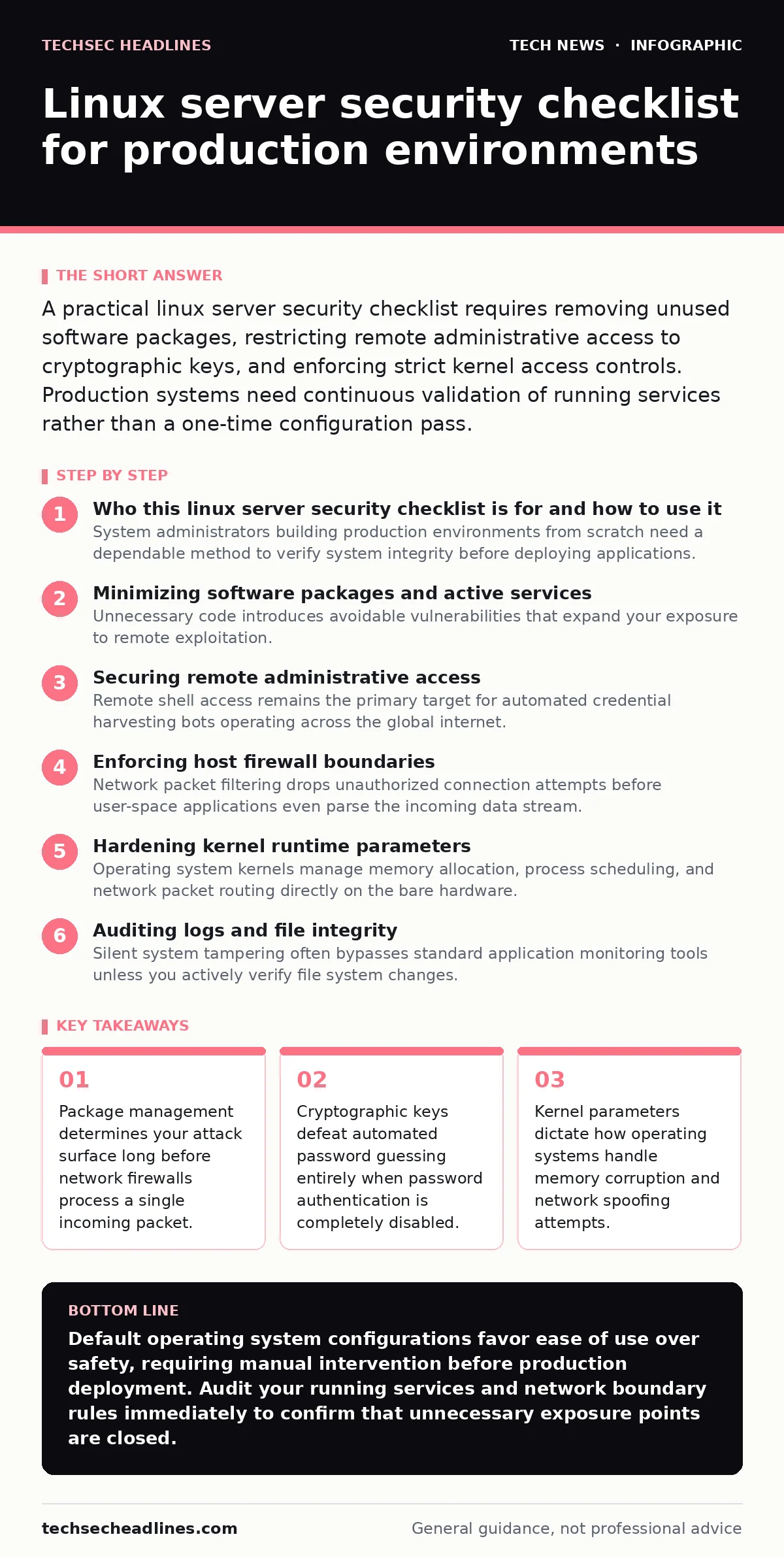
A practical linux server security checklist requires removing unused software packages, restricting remote administrative access to cryptographic keys, and enforcing strict kernel access controls. Production systems need continuous validation of running services rather than a one-time configuration pass.
Who this linux server security checklist is for and how to use it
System administrators building production environments from scratch need a dependable method to verify system integrity before deploying applications. Every item on this checklist addresses a specific failure mode observed in real-world hosting scenarios. Apply these checks in sequence during the initial provisioning phase, because retrofitting security controls onto a running machine often breaks active dependencies.
Minimizing software packages and active services
Unnecessary code introduces avoidable vulnerabilities that expand your exposure to remote exploitation. Operating system installers routinely include developer tools and network utilities that have no business running on a dedicated hosting node.
- base installation: remove all desktop environments, compilers, and legacy network diagnostic tools from production nodes
- service audit: disable background daemons that listen on local loopback addresses without explicit business requirements
- package manager: configure automatic security updates for core libraries while holding major kernel upgrades for manual testing
- source validation: verify cryptographic hashes of external repositories before adding third-party software channels to the system
Securing remote administrative access
Remote shell access remains the primary target for automated credential harvesting bots operating across the global internet. Traditional password authentication creates a permanent liability because human operators choose memorable strings that brute-force scripts eventually guess.
- authentication methods: disable password logins entirely and force the exclusive use of asymmetric cryptographic keys
- port binding: move the secure shell daemon to a non-standard network port to reduce log noise from automated scanners
- session limits: configure idle timeouts that automatically terminate disconnected terminal sessions after a set duration
- root login: block direct administrative logins over the network and require privilege escalation through standard user accounts
Enforcing host firewall boundaries
Network packet filtering drops unauthorized connection attempts before user-space applications even parse the incoming data stream. Default firewall policies should reject all inbound traffic implicitly and require explicit rules for legitimate application ports.
- default policy: set incoming and forwarded packet rules to drop while allowing all outbound traffic by default
- interface binding: restrict database and cache daemons to local network interfaces instead of public IP addresses
- rate limiting: apply connection thresholds to public-facing ports to mitigate denial-of-service attempts
- stateful tracking: ensure packet filters drop invalid connection states and malformed TCP headers instantly
| Inspection Layer | Target Component | Default Risk | Mitigation Strategy |
|---|---|---|---|
| Network | Firewall Rules | Open ports | Drop inbound by default |
| Transport | Secure Shell | Password guessing | Key-only authentication |
| Application | Web Server | Outdated code | Minimal package footprint |
Hardening kernel runtime parameters
Operating system kernels manage memory allocation, process scheduling, and network packet routing directly on the bare hardware. Default kernel settings often prioritize compatibility with older software over modern threat mitigation standards.
- address space layout: enable complete memory randomization to make buffer overflow exploitation statistically unreliable
- core dumps: disable application crash dumps to prevent sensitive memory contents from resting unencrypted on disk
- packet routing: disable source routing and ICMP redirects to prevent network topology manipulation
- filesystem protection: restrict access to kernel symbol tables and debugging interfaces for unprivileged users
Auditing logs and file integrity
Silent system tampering often bypasses standard application monitoring tools unless you actively verify file system changes. Centralized log shipping ensures that successful intruders cannot simply erase local evidence of their presence.
- log forwarding: transmit authentication and kernel logs to an external append-only storage collector immediately
- file monitoring: schedule periodic cryptographic checksum scans of system binaries to detect unauthorized file modifications
- time synchronization: enforce strict clock synchronization across all nodes to ensure accurate forensic timeline reconstruction
- permission audits: scan the filesystem for world-writable files and directories that could allow privilege escalation
Managing file permissions and user privileges
Principle of least privilege dictates that applications and users operate with only the exact permissions required for their specific tasks. Unrestricted service accounts frequently allow compromised web applications to read sensitive configuration secrets.
- account isolation: assign unique, unprivileged service accounts to every independent daemon running on the system
- suid binaries: audit and remove dangerous setuid permissions from binaries that do not require root execution rights
- sudo rules: restrict administrative command execution to specific validated scripts rather than granting full shell access
- home directories: enforce strict file permission masks so user folders remain invisible to neighboring accounts
Key takeaways
- Package management determines your attack surface long before network firewalls process a single incoming packet.
- Cryptographic keys defeat automated password guessing entirely when password authentication is completely disabled.
- Kernel parameters dictate how operating systems handle memory corruption and network spoofing attempts.
Default operating system configurations favor ease of use over safety, requiring manual intervention before production deployment. Audit your running services and network boundary rules immediately to confirm that unnecessary exposure points are closed.
Frequently asked questions
How often should I run a Linux server security checklist on production systems?
Run initial checks during system provisioning and repeat automated compliance scans continuously as part of your deployment pipeline.
Is disabling password authentication for the secure shell safe if I travel frequently?
Yes, as long as you carry your private cryptographic key securely on a dedicated hardware token or trusted encrypted storage volume.
What happens if I restrict kernel parameters too aggressively on a legacy application?
Overly strict memory protection or system call filtering can cause older software binaries to crash immediately upon startup.
Can a firewall replace the need for software package minimization on my server?
No, because network filters cannot protect against local privilege escalation vulnerabilities or misconfigured application services running on allowed ports.
How this guide was produced: written by the TechSec Headlines editorial team with AI assistance, checked against the public references listed below, and reviewed when the facts change. See our editorial policy or report an error.