Key points
- Android's Doze mode deferred background data refreshes for Weather Pal, leading to outdated forecasts on home screen widgets.
- The developer notes that operating system battery optimizations can stop data updates without generating visible error codes or crash reports.
- Unauthorised scripts also drained API quotas in a separate incident, highlighting risks in data pipeline management for mobile applications.
The short version
- Weather Pal, an Android application built with Kotlin and Jetpack Compose, experienced silent data staleness due to system-level battery restrictions.
- Android’s App Standby and Doze modes placed the app in a restrictive bucket, delaying background work by approximately fourteen hours.
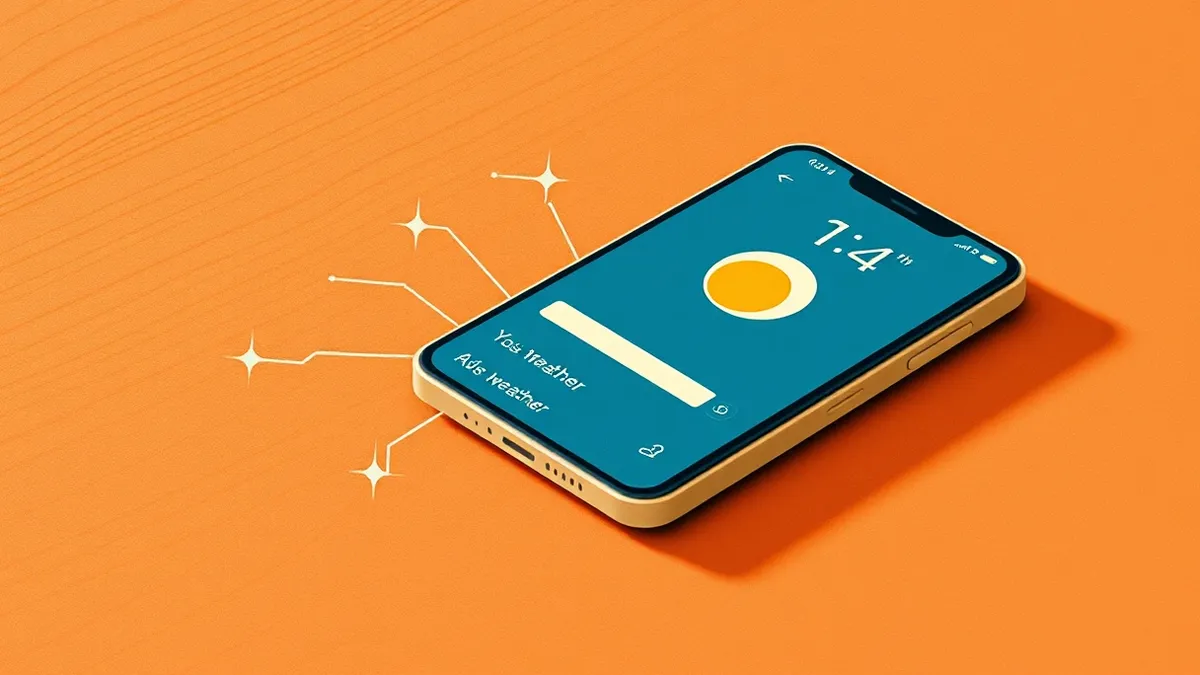
- The widget displayed old temperature and AQI data because the periodic refresh job was deferred, not because the server failed or the app crashed.
The details
According to InfoWorld, the developer of Weather Pal encountered reliability issues that were not caused by backend failures. The application uses Open-Meteo and MET Norway for forecast data, relaying requests through a gateway rather than direct device calls. Despite successful server responses and clean crash logs, a beta tester reported significant discrepancies between the widget display and actual weather conditions. The widget showed clear skies and a specific temperature while heavy rain was occurring.
The root cause was identified as Android’s battery management system. The operating system placed the application into a restrictive App Standby bucket. Consequently, Doze mode deferred the WorkManager job responsible for periodic background updates. This deferral lasted for roughly fourteen hours. The widget continued to render the last successfully fetched data, unaware that the information was from the previous evening. The developer noted that neither incident produced an error signal, making the issue difficult to detect through standard monitoring tools.
The context
The developer spent thirteen years building Android applications before creating Weather Pal. Previously, backend reliability was often treated as a separate concern. This project highlighted that mobile reliability depends heavily on data handling between fetch and display. The application includes hourly and daily forecasts, air quality index data, radar, and weather alerts. It also features on-device insights generated using TensorFlow Lite.
Privacy measures were implemented deliberately. Coordinates are rounded to city-block precision before leaving the device. The application does not require user accounts. Favorites and search history remain on the device and never reach the server. The developer emphasized that obtaining a forecast inherently requires sharing location data, but the goal was to minimize the granularity of that data. The second incident involved unauthorised scripts draining API quotas, further complicating data refresh capabilities.
What to watch
- Monitor for silent data staleness in applications that rely on background services for critical information.
- Review how Android’s App Standby and Doze modes affect your application’s background work scheduling.
- Check API quota usage for anomalies that might indicate unauthorised access or script abuse.
- Ensure that error logging captures system-level deferrals, not just application crashes or server failures.
What it means for organisations
Organisations relying on mobile applications for operational data must verify that background processes are not silently suppressed by device power management. Teams should assess whether stale data poses a safety or compliance risk. Internal communications should clarify that standard error logs may not reflect OS-level throttling. Product owners need to coordinate with engineering to implement explicit staleness indicators. Support teams must be trained to recognize that "working" apps may still deliver outdated information due to system constraints.
What to do and how to stay safe: Android
- Verify that critical data displays include a last-updated timestamp to alert users of potential staleness.
- Configure background work managers to request higher priority or exempt status if data freshness is safety-critical.
- Monitor API quota consumption patterns to detect unauthorised usage that could disrupt service availability.
- Implement client-side checks that compare current time against data age before rendering critical information.
Step-by-step guide: Secure Home Routers for Small Business Networks
General security guidance from the TechSec Headlines newsroom. It is not confirmed advice from the organisations named in this story.
Frequently asked questions
Did the Weather Pal app crash or fail to connect to the server?
No, the server returned successful responses and crash logs were clean, but the operating system blocked the background refresh.
What caused the weather widget to show incorrect data?
Android’s Doze mode and App Standby bucket deferred the background update job for approximately fourteen hours, leaving old data displayed.
Are there other issues affecting data reliability in this app?
Yes, the developer also reported that unauthorised scripts drained API quotas, which prevented data from refreshing even when the app was active.