Key points
- Smudged lenses are a primary cause of blurry images on iPhones.
- Low light conditions force slower shutter speeds that reduce sharpness.
- Camera settings like resolution and frame rate impact final image quality.
The short version
- Physical lens cleanliness is the first step in troubleshooting blurry photos.
- Environmental lighting affects camera focus reliability and image noise levels.
- Adjusting resolution and frame rate settings can improve visual clarity.
The details
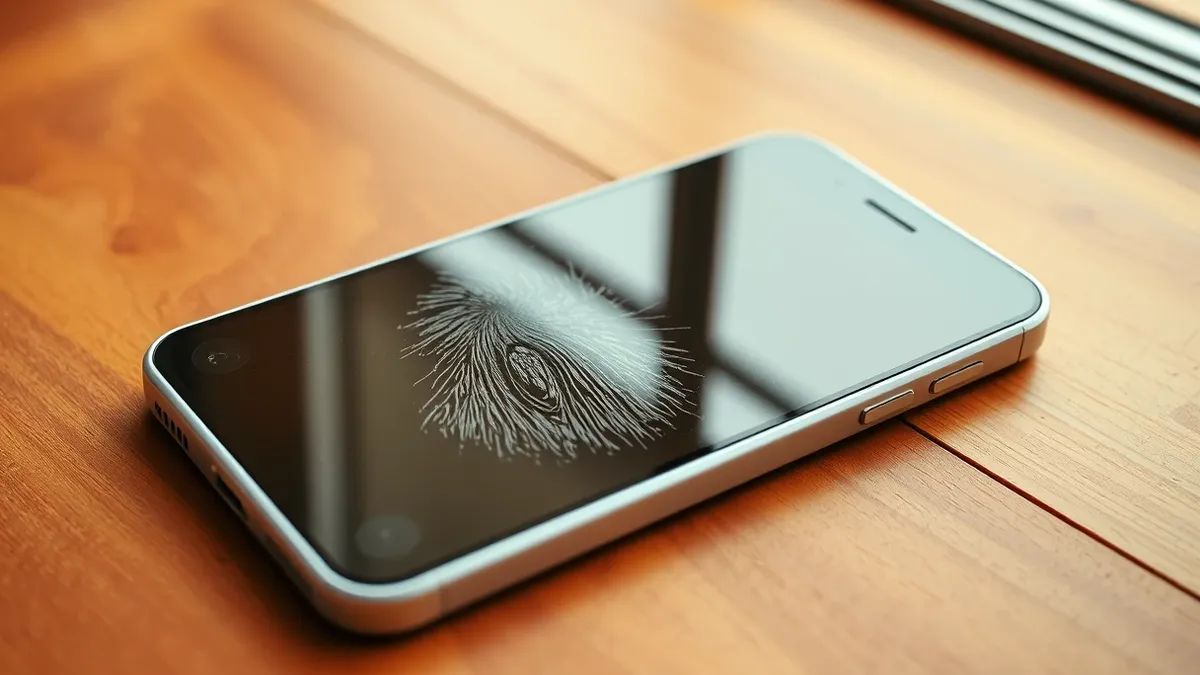
Blurry images on iPhones often stem from simple physical issues rather than complex software bugs. According to Engadget, a common culprit is a dirty camera lens. Users frequently attempt to clean lenses with tissues or shirt tails, which can spread grease further. The outlet advises removing the phone case and using a microfiber cloth for proper cleaning. If smudges persist, a small amount of distilled water on the cloth can help.
Lighting conditions significantly impact image quality on smartphone cameras. Engadget notes that low light makes it difficult for cameras to focus reliably. This environment often forces slower shutter speeds, which can introduce motion blur. Additionally, low light increases image noise. When these images are compressed, they can appear blocky or grainy. This is a common issue for casual photographers using lightweight devices.
Camera settings play a crucial role in final image output. Users can adjust resolution and frame rate in the Settings app under Camera. Engadget suggests that any resolution above 720p generally produces crisper images. These adjustments do not require advanced AI tools or future iOS versions. Simple toggles and manual checks can resolve most clarity issues without professional equipment.
The context
Smartphone cameras have made photography accessible to millions of users. While these devices do not replace dedicated cameras, they offer powerful features for casual use. The proliferation of iPhones has led to widespread complaints about image quality. Many users assume hardware defects when the issue is often user error. Understanding camera mechanics helps users avoid frustration.
The source material emphasizes that iPhone users have numerous settings to control image quality. These tools allow users to fine-tune their shots for different environments. Engadget highlights that users do not need upcoming AI features to achieve good results. Basic maintenance and setting adjustments are sufficient for most photography needs. This approach saves users from unnecessary repairs or device replacements.
What to watch
Users should monitor their lens cleanliness before blaming software issues. Regular cleaning prevents grease buildup that obscures the camera. Lighting conditions should be assessed before taking important photos. Low light environments require careful handling to avoid blur. Users should also check their resolution settings to ensure they match their needs.
What to do and how to stay safe: iPhone
- Clean camera lenses with a microfiber cloth and distilled water if needed.
- Check lighting conditions before taking photos to avoid motion blur.
- Adjust camera resolution settings to at least 720p for better clarity.
- Review frame rate settings to ensure they match your photography needs.
Step-by-step guide: Secure Home Routers for Small Business Networks
General security guidance from the TechSec Headlines newsroom. It is not confirmed advice from the organisations named in this story.
Frequently asked questions
Why are my iPhone photos blurry?
Blurry photos can result from smudged lenses, low light conditions, or incorrect camera settings.
How should I clean my iPhone lens?
Use a microfiber cloth and remove the case. Avoid tissues and shirt tails.
Do I need AI tools to fix blurry photos?
No, basic cleaning and setting adjustments can improve image quality without AI tools.