Key points
- Android Auto now includes a native setting to stop automatic audio resumption upon connection.
- The feature addresses user complaints about sudden volume spikes and unwanted content playback.
- Some users report that disabling the toggle does not fully stop playback if Bluetooth issues persist.
The short version
- Users can disable the "Start music automatically" toggle in Android Auto settings.
- This prevents the system from resuming the last played playlist or podcast upon connection.
- The setting is located under Connected devices, then Android Auto, within the Startup section.
The details
According to Engadget, Android Auto’s autoplay feature is designed for convenience but often causes unexpected volume spikes when a phone connects to a car. When a device connects via USB or wireless link, the system resumes the last media session at its previous volume level. This behavior can be startling during morning commutes or distracting for drivers who prefer a quiet start. The sudden noise may also expose passengers, such as children, to content they should not hear.
Previously, stopping this behavior required complex workarounds, extra applications, or difficult configuration changes. Engadget reports that users no longer need to jump through hoops to manage playback. A simple toggle switch now resolves the issue for many drivers. This change simplifies the user experience and reduces the need for third-party tools to manage basic connectivity behaviors.
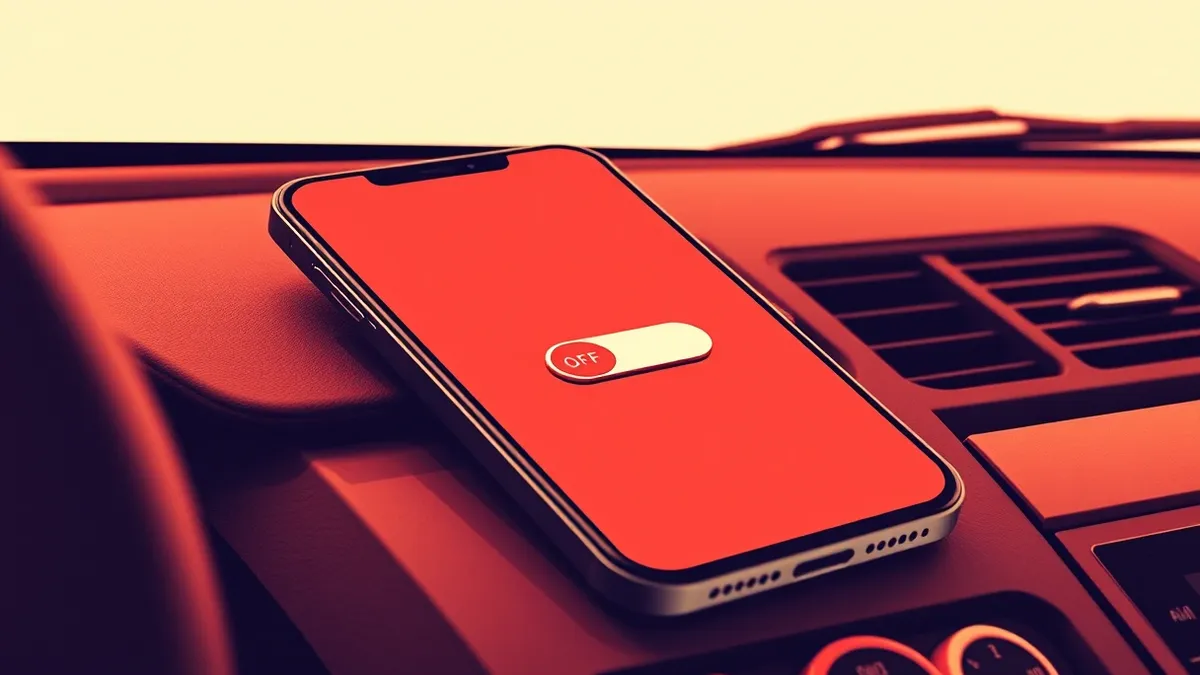
To disable the feature, users navigate to their phone settings, select Connected devices, and choose Android Auto. Under the Startup section, they can switch off the "Start music automatically" option. Engadget notes that searching for Android Auto in the settings menu can help users locate this feature quickly. Turning off this switch instructs the system not to resume playback the moment the connection is established.
The context
Engadget states that even after disabling the Android Auto toggle, some users experience continued auto-playback, particularly with Spotify. Community forums dating back to 2022 contain active threads discussing this persistent issue. The problem may stem from Bluetooth interactions rather than Android Auto settings alone. The system uses Bluetooth for initial handshakes and call routing, which can trigger playback independently of the USB or wireless Android Auto session.
Engadget suggests that removing the phone from the car’s Bluetooth memory and reconnecting via USB only may reduce unwanted triggers. This workaround depends on the vehicle’s capabilities and the specific connection type used. Results vary significantly across different car models, phone versions, and Bluetooth implementations. Any Bluetooth device paired with the phone, including headphones or external speakers, can influence autoplay behavior.
What to watch
- Monitor for updates to Android Auto that address Bluetooth-level playback triggers.
- Observe whether vehicle manufacturers update infotainment systems to respect the new toggle.
- Watch for reports from users about persistent issues with specific streaming applications.
What it means for organisations
Organisations managing fleet vehicles or providing mobile device support should review how media playback is handled on connected devices. Teams usually need to verify that default settings align with safety and productivity standards. Check whether current device management policies address automatic audio resumption, which can distract drivers or compromise privacy. IT support staff should be informed about the new toggle location to assist users efficiently. Departments responsible for vehicle maintenance should assess if Bluetooth configurations require standardisation across the fleet to ensure consistent user experience and minimize distractions.
What to do and how to stay safe: Android Auto
- Open Android Auto settings on your phone and disable the "Start music automatically" toggle.
- Remove your phone from the car’s Bluetooth memory if playback continues despite the toggle.
- Reconnect your phone using a USB cable instead of wireless connection to test for changes.
- Monitor app-specific behaviors, as some streaming services may trigger playback independently.
Step-by-step guide: Secure Home Routers for Small Business Networks
General security guidance from the TechSec Headlines newsroom. It is not confirmed advice from the organisations named in this story.
Frequently asked questions
Where is the toggle to stop Android Auto from playing music automatically?
It is located in Settings, under Connected devices, then Android Auto, within the Startup section.
Why does my music still play automatically after turning off the toggle?
The issue may be caused by Bluetooth interactions or specific applications like Spotify, not just Android Auto settings.
Can removing Bluetooth pairings help stop unwanted audio playback?
Yes, removing the phone from the car’s Bluetooth memory and reconnecting via USB may reduce triggers.