Key points
- The Alexa Tablet 12 Pro runs standard Android with full Google Play Store access for enterprise and consumer users.
- Amazon introduced a new Nanomatte anti-glare display technology on the 12-inch model to reduce reflections without blurring image sharpness.
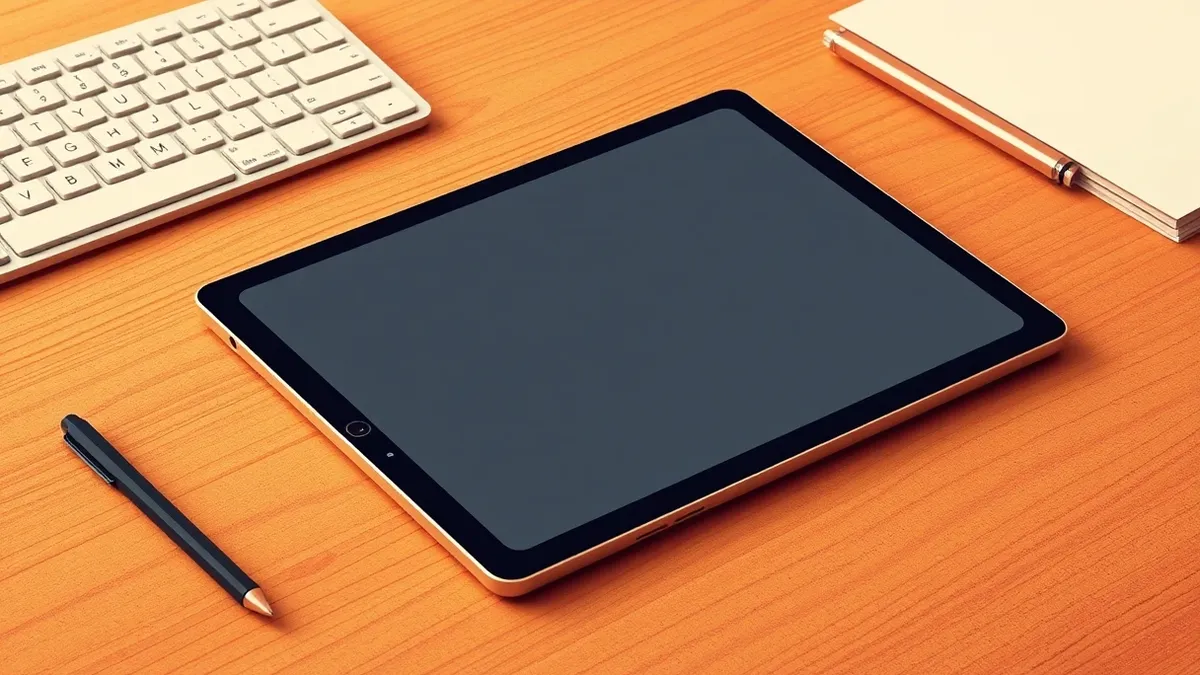
- The device lineup includes 8-inch, 11-inch, and 12-inch models, with the Pro version featuring an aluminum body and optional keyboard and stylus.
The short version
- Amazon released four new Alexa tablets, including the 12 Pro, which all run standard Android and include the Google Play Store.
- The 12 Pro model features a 12-inch display with a resolution of 2800 x 1840 and a new Nanomatte coating developed with Corning.
- The device is priced at $549.99 for the specific model tested, with the Pro tier starting at $499, according to Engadget.
The details
Amazon launched a new series of Alexa tablets that run standard Android, adding the Google Play Store for enterprise and consumers, as TechSec Headlines reported on October 11, 2026. The lineup includes an 8-inch model starting at $229.99, an 11-inch option, and the 12 Pro model. The specific 12 Pro device tested by The Verge was priced at $549.99, while Engadget notes a starting price of $499 for the Pro tier. All models provide access to the full universe of Android apps through the Play Store, marking a shift from previous Fire tablets that lacked Play Store support.
The Alexa Tablet 12 Pro features a 12-inch panel with a resolution of 2800 x 1840 pixels. Amazon partnered with Corning to create a sub-pixel etching technology called Nanomatte, which reduces glare without causing the rainbow-shimmering effect common on other matte screens, according to The Verge. The display maintains sharpness and offers wide viewing angles, though The Verge notes the anti-glare texture can cause slight shimmer on light text against black backgrounds. The LCD panel does not achieve the deep blacks of OLED competitors, with letterboxes remaining slightly lit during video playback.
The hardware design of the 12 Pro includes an aluminum unibody that is 6.5mm thick and weighs 1.21 pounds, according to Engadget. The device features a power button with an integrated fingerprint sensor for unlocking, and a single USB-C port for charging and data transfer. Engadget reports that the USB-C port successfully recognized an SD card reader and a flash drive. The top edge houses volume buttons and a magnetic groove for the optional Alexa Tablet Pro Pen, which charges and stores in that slot.
The context
Previous Amazon Fire tablets were limited to Amazon’s own app store, missing crucial applications like WhatsApp and YouTube, according to Engadget. This new strategy positions the Alexa tablets as full-fledged Android devices with plenty of Google's own apps and access to the Play Store, according to Engadget. The 12 Pro is designed to compete with the iPad Air and Pro, offering optional keyboard and stylus accessories for productivity tasks, according to Engadget. While the hardware is well-made, The Verge notes that the device comes with significant Amazon bloatware that users may not want.
What to watch
- Amazon is emphasizing its services and assistant on these devices, which may affect how enterprise IT teams manage app permissions and data flow.
- The Verge notes that while the screen is high-quality, the overall brightness could be improved, which may impact usability in high-glare environments.
- Engadget points out that Android apps are still not optimized for large screens, which could limit the productivity benefits of the 12-inch display.
What it means for organisations
IT leaders should evaluate whether the inclusion of the Google Play Store simplifies application management or introduces new security complexities. Teams usually need to verify if the device supports existing Mobile Device Management policies and how Amazon’s proprietary software interacts with standard Android security features. Procurement departments should check whether the optional accessories meet durability requirements for field use. Security staff must determine if the fingerprint sensor and USB-C data transfer capabilities align with organizational data loss prevention standards.
What to do and how to stay safe
- Review the device’s Android version and security patch level to ensure it meets your organization’s minimum compliance standards before deployment.
- Test the optional keyboard and stylus with your core productivity applications to verify compatibility and functionality in your specific workflow.
- Assess the impact of Amazon’s pre-installed applications on device performance and security, and determine if they can be disabled or removed.
- Verify that the USB-C port’s data transfer capabilities can be restricted or monitored according to your organization’s data handling policies.
Step-by-step guide: Secure Home Routers for Small Business Networks
General security guidance from the TechSec Headlines newsroom. It is not confirmed advice from the organisations named in this story.